










Quick Verdict
AIvideocreator.com excels at providing ready-made video templates that teams can quickly customize with AI assistance, saving significant production time. The main limitation is its paid-only pricing, which excludes budget-conscious users. This tool is best for teams and businesses that need consistent video output without building templates from scratch. Consider it if you have recurring video needs and can justify the subscription cost.
AIvideocreator.com – Video Template Generator
- Category: Video Editing, Video Enhancer, Video Generators
- Pricing: Paid
- Best for: Teams and businesses needing AI video editing capabilities
Background Check on AIvideocreator.com – Video Template Generator
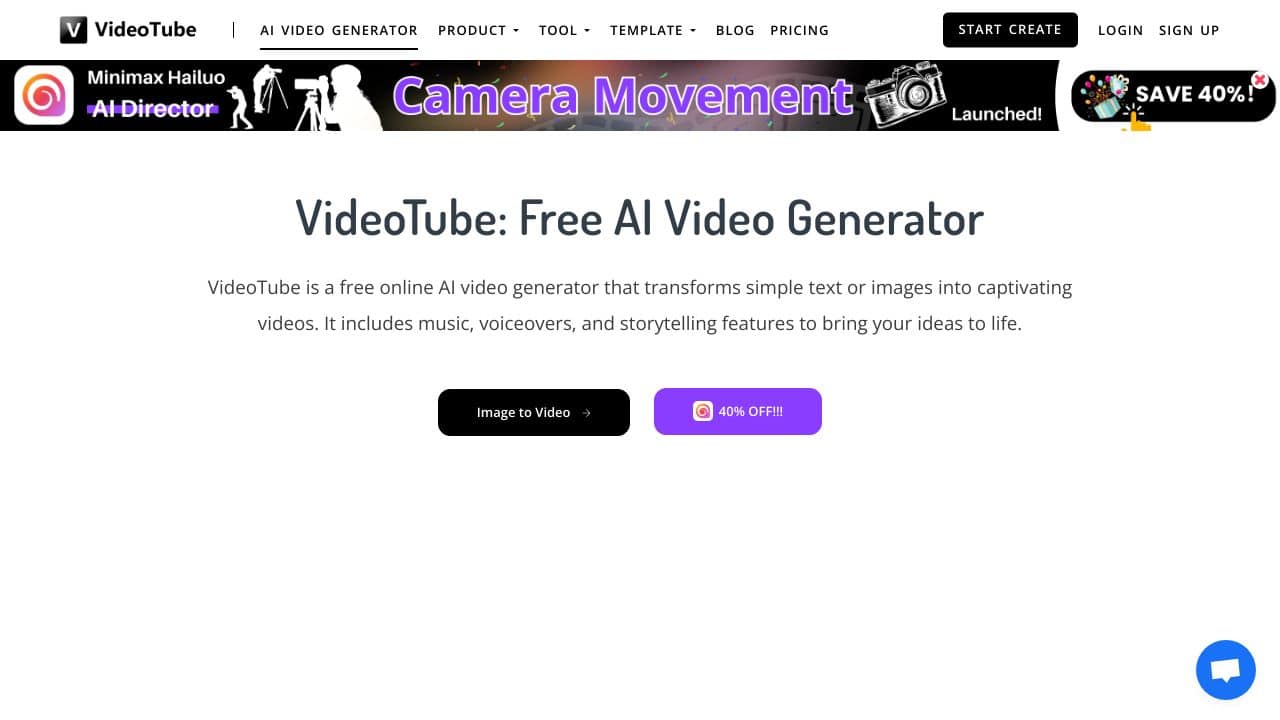
We ran a background check on videotube.AI to verify its safety, security posture, hosting infrastructure, and web history. Here are the results as of April 18, 2026.
✓ Cross Origin Resource Sharing (CORS), Strict Transport Security (HSTS)
✗ Content Security Policy (CSP), Cookies, Redirection, Subresource Integrity
Source: Mozilla Observatory report
What is it?
AI Video Creator is an advanced software crafted to transform the video production process. It delivers an all-encompassing solution for generating captivating, high-quality videos with an emphasis on ease and effectiveness.
AI Video Creator Features
This software boasts a variety of features designed to simplify the video creation experience.
Feature 1
The application functions through four simple steps, ensuring that even novices can navigate it easily. Users begin by personalizing their video selections from a range of royalty-free soundtracks, background visuals, and typographies.
Feature 2
In the next stage, they can choose from 15 different template packs tAIlored for specific niches and styles. This diverse selection streamlines the creative process, allowing users to select designs that align with their content goals.
Feature 3
The third step involves picking from a collection of 500 pre-written scripts, enhancing the content creation workflow. This vast array of options ensures users can find scripts that suit their needs while reducing the time spent on writing.
Feature 4
Lastly, users can enrich their videos with high-quality voice-overs from a library of 1,500 pre-recorded professional options. These voice-overs, delivered by a skilled UK voice artist, add a refined and authentic touch to the final output.
AI Video Creator FAQ
What types of users can benefit from AI Video Creator?
This software is ideal for a wide range of users, including YouTubers, affiliates, eCommerce sites, and digital marketers, all seeking to produce high-quality videos without needing extensive technical know-how.
Is it easy to use for beginners?
Yes, the software is designed with a user-friendly interface that accommodates both new and seasoned users. It provides video trAIning to help beginners get acquAInted with the features quickly.
What platforms does it support?
AI Video Creator is compatible with both Windows and macOS systems, allowing for maximum accessibility. It supports various video formats suitable for distribution across platforms like YouTube, Facebook, Vimeo, and personal blogs.
Can I customize my videos?
Absolutely! Users can customize their videos by selecting from an extensive library of templates, images, and music tracks, ensuring each video aligns with their individual style and branding.
How AIvideocreator.com – Video Template Generator Compares to Alternatives
When evaluating AI video tools, key factors include pricing structure, specific capabilities like template generation versus raw creation, and target audience fit. AIvideocreator.com focuses on template-based workflows rather than open-ended generation, which affects its suitability for different use cases.
| Tool | Best For | Pricing |
|---|---|---|
| AIvideocreator.com | Teams needing pre-built video templates with AI customization for consistent brand content | Paid subscription required |
| Pykaso | Creating viral influencer-style content with AI-generated personas and trending formats | Paid plans available |
| FraimeBot | Generating memes quickly with AI for social media engagement and humor content | Free to use |
| ByteCap | Adding and optimizing captions to existing videos using AI transcription tools | Paid service |
Best For
- Marketing teams producing weekly promotional videos with brand consistency
- Small businesses creating tutorial or explainer videos without video editing expertise
- Content agencies managing multiple client video projects with template reuse
- Internal communications teams developing training or announcement videos regularly
Not Ideal For
- Solo creators needing completely original, non-template video generation
- Users with zero budget who require free AI video tools
- Projects requiring advanced video effects beyond template customization
Getting Started
Begin by browsing the template categories to find ones matching your content type, such as promotions or tutorials. Upload your brand assets like logos and color palettes first to ensure consistent application across templates. Test 2-3 templates with your actual content before committing to a production workflow.
Key Limitations to Consider
- Template dependency means limited flexibility for completely unique video structures
- Paid pricing excludes individual users or startups with minimal video budgets
- May require additional editing tools for fine-tuning beyond template parameters
- AI customization likely works within template constraints rather than open-ended creation
Related Workflows and Tool Pairings
AIvideocreator.com fits into content production workflows where speed and consistency matter more than unique artistry. Teams typically use it after planning video concepts but before final distribution. It pairs well with scriptwriting tools that provide the narrative structure for template slots, and with analytics platforms that measure video performance to inform template selection. For teams using multiple content formats, this tool complements graphic design software for matching visual styles, and social media schedulers for timed template-based video releases. The workflow advantage comes from reducing repetitive production tasks while maintaining brand coherence across video series.
Related tools to explore: 2short.AI – Shorts Clip Generator, AI Face Swap – Seamless Face Swapper, AI Facefy – Face Swap Creator, AI Storyboard Generator – AI Easy Storyboard Creation, AISaver – Video Downloader & Face Swap, Animoto – Video Creation Tool, Video Editing tools, Video Enhancer tools
Conclusion
In summary, AI Video Creator offers an efficient and user-friendly approach to video creation, ideal for marketers and content creators AIming for high-quality output without the complexities of traditional video editing. However, it may not be suitable for those seeking highly specialized or advanced video production features.
Pricing
AIvideocreator.com – Video Template Generator is apaid AI video editing tool. Visit the official website for current pricing plans and details.
Last verified: April 2026
Explore more: Browse all AI Video Editing tools | Browse all AI Video Enhancer tools
