








Quick Verdict
AISaver excels at combining video downloading and face swapping in one free tool, making it accessible for quick content creation. Its main limitation is the lack of advanced editing features beyond these core functions. Teams and businesses needing basic AI video editing for social media or marketing should consider it, especially when budget is a constraint.
AISaver – Video Downloader & Face Swap
- Category: Video Editing, Video Generators
- Pricing: Free
- Best for: Teams and businesses needing AI video editing capabilities
What is it?
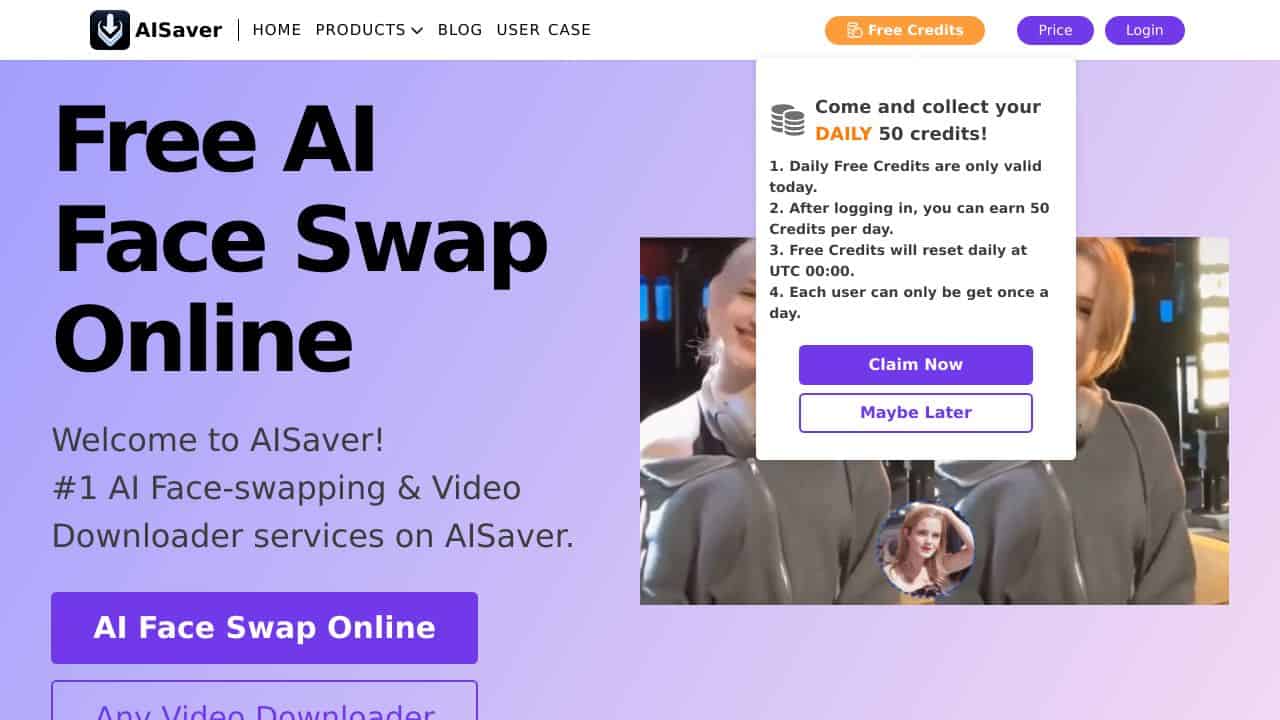
AISaver is a sophisticated AI-driven application designed to download videos from numerous websites and perform flawless face swaps within those clips. This versatile tool caters to a wide audience, offering both entertAInment and practical applications.
AISaver Features
The product boasts an array of impressive features that enhance its functionality and user experience.
Video Downloading
AISaver enables users to easily input the URL of the video they wish to download. After entering the link, the system processes the request to retrieve the video from the designated platform, allowing users to select from various formats like MP4, AVI, and MKV. This ensures the videos are suitable for different devices and playback needs.
Face Swap Functionality
This innovative feature uses advanced AI algorithms to smoothly alter faces within videos. The result is a natural-looking transformation that appears authentic, avoiding noticeable changes that could detract from the viewing experience.
Multi-purpose Use Cases
AISaver serves diverse needs for various users, including content creators who can enhance their videos with creative effects and face swaps, or travelers downloading videos for offline viewing. Additionally, it supports educators who wish to save instructional materials for presentations and students for studying.
Broad Compatibility
Supporting over 1,000 websites, AISaver stands out as one of the most adaptable video downloaders on the market. It accommodates popular platforms like YouTube and Vimeo, as well as numerous niche sites, ensuring users can access virtually any content they desire.
AISaver FAQ
How does AISaver work?
To use AISaver, you simply paste the desired video’s URL, select your options, and the application retrieves it from the source. This strAIghtforward process makes it accessible even for users with minimal technical skills.
Can I use AISaver on mobile devices?
AISaver is primarily designed for desktop use, but if your device supports the necessary video formats, downloaded files can be transferred and viewed on mobile devices without issue.
Is there a limit to the videos I can download?
No, AISaver does not impose a strict limit on downloads. Users can download as many videos as they wish, as long as they adhere to the terms of service of the platforms they utilize.
What types of videos can I edit?
You can edit a wide variety of videos with AISaver, as it supports numerous popular platforms. This gives users the flexibility to work with different content to achieve their desired effects.
How AISaver – Video Downloader & Face Swap Compares to Alternatives
When choosing Video Editing tools tools, consider whether you need free access, specific features like face swapping, and the complexity of your projects. This comparison highlights how AISaver stacks up against alternatives in the video editing category.
| Tool | Best For | Pricing |
|---|---|---|
| AISaver – Video Downloader & Face Swap | Teams and businesses needing free AI video editing with downloading and face swapping capabilities. | Free, no cost for basic features. |
| Pykaso – Get Your AI Influencer Viral | Users focused on creating viral AI influencer content with paid, specialized tools. | Paid, requires subscription or purchase. |
| FraimeBot – AI Meme Generator Platform | Creators looking for free meme generation with AI, not video downloading or face swapping. | Free, but limited to meme creation. |
| ByteCap – AI Video Caption Tool | Users who need paid AI tools specifically for adding captions to videos. | Paid, focused on captioning features. |
Best For
- Small marketing teams creating quick social media videos with face swaps.
- Businesses on a tight budget needing free video downloading tools.
- Content creators who want to experiment with AI face swapping without cost.
- Teams producing lighthearted promotional content using downloaded videos.
Not Ideal For
- Professional editors requiring advanced video effects and transitions.
- Users needing analytics or data processing from video content.
- Large enterprises with complex, high volume video editing workflows.
Getting Started
Start by downloading a short video from a platform you use often, then use the face swap feature to replace a face with a clear, front facing image. This helps you test both core functions quickly and understand the tool’s limits, such as resolution or format support.
Key Limitations to Consider
- Limited to basic video editing features, lacking advanced tools like color grading or effects.
- Face swapping may have quality issues with low light or angled faces in videos.
- No built in analytics or tracking for business performance metrics.
- Free pricing might mean slower updates or limited customer support options.
- Video downloading could be restricted by source platform terms or technical barriers.
Related Workflows and Tool Pairings
AISaver fits into content creation workflows by handling the initial steps of video acquisition and basic AI manipulation. After downloading and face swapping, users often move to complementary tool types for further refinement. For example, video editing software can add effects and transitions, while social media schedulers help plan and post the final content. Additionally, graphic design tools are useful for creating overlays or text to enhance the videos, making AISaver a starting point rather than a complete solution.
Related tools to explore: 2short.AI – Shorts Clip Generator, AI Face Swap – Seamless Face Swapper, AI Facefy – Face Swap Creator, AI Storyboard Generator – AI Easy Storyboard Creation, AIvideocreator.com – Video Template Generator, Animoto – Video Creation Tool, Video Editing tools, Video Generators tools
Conclusion
AISaver presents a capable tool for those seeking to download videos and perform face swaps, making it ideal for content creators, educators, and casual users alike. However, it may not be suited for those with advanced editing needs or specific video formats that require specialized software.
Pricing
AISaver – Video Downloader & Face Swap is a free AI video editing tool. No payment required to get started.
Last verified: April 2026
Explore more: Browse all AI Video Editing tools | Browse all AI Video Generators tools
