


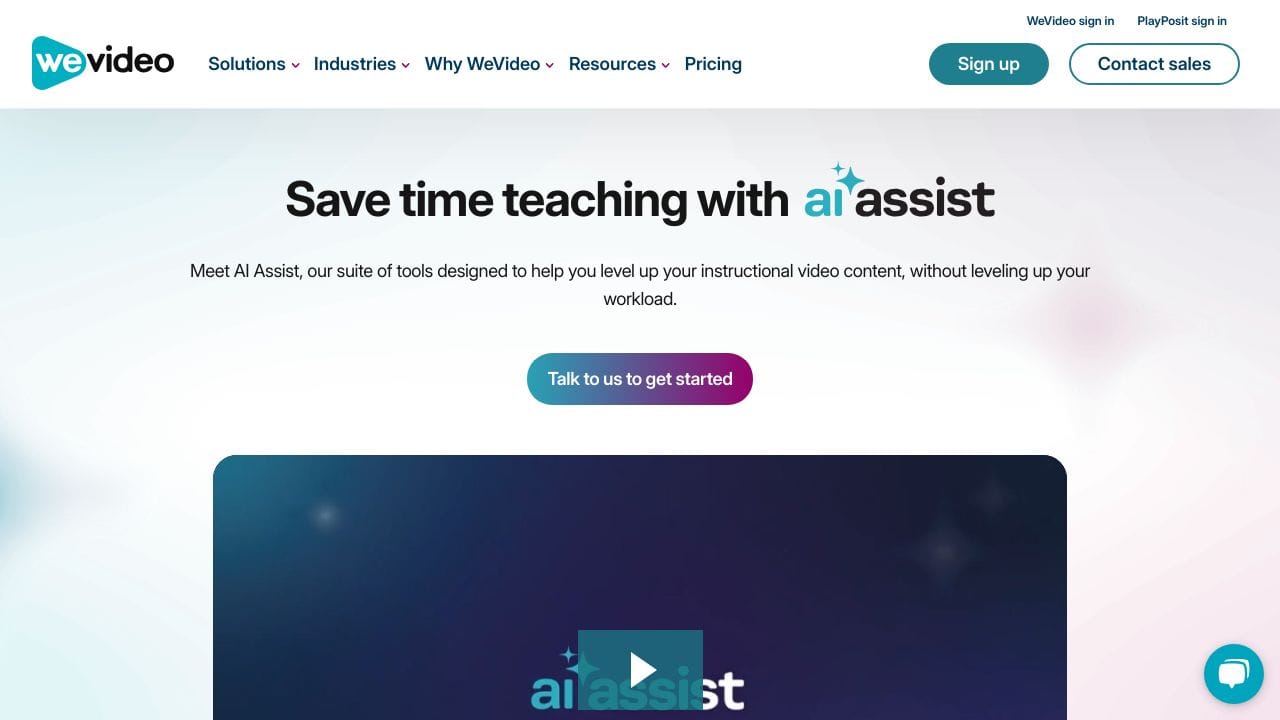





Quick Verdict
WeVideo excels as a cloud-based video editor with strong AI features for teams and businesses. Its main limitation is the paid pricing model, which may deter individual users or those on tight budgets. Marketers and business teams needing collaborative AI video editing should consider it. It’s particularly valuable for creating professional content without deep technical expertise.
WeVideo – Cloud Video Editor
- Category: Video Editing, Video Enhancer, Video Generators
- Pricing: Paid
- Best for: Teams and businesses needing AI video editing capabilities
Background Check on WeVideo – Cloud Video Editor
We ran a background check on www.wevideo.com to verify its safety, security posture, hosting infrastructure, and web history. Here are the results as of April 20, 2026.
- Domain Age: ~12 years (4,741 days)
Source: urlscan.io scan report
✓ Cross Origin Resource Sharing (CORS), Redirection, Strict Transport Security (HSTS), X-Frame-Options
✗ Content Security Policy (CSP), Cookies, Referrer Policy, Subresource Integrity
Source: Mozilla Observatory report
What is it?
This product is a solid online video editing platform tAIlored for diverse users such as educators, students, small to medium-sized enterprises (SMEs), and content creators.
Product Features
This tool boasts an array of features that helps users to produce outstanding videos with remarkable ease. Below are some of the key characteristics.
Comprehensive Online Video Editor
The platform’s primary video editor is packed with intuitive editing tools, a vast library of over a million stock resources, and high-definition effects. This enables users to create professional-quality videos effortlessly.
Cross-Platform Accessibility
It offers the advantage of video creation on an assortment of devices, including Chromebooks, Windows, Mac, and mobile devices. With its cloud-based system, users benefit from unlimited storage without needing to install any software.
Integration with Learning Management Systems (LMS)
This solution easily integrates with popular LMS platforms such as Canvas, Schoology, and ClassLink, making it convenient for educational implementations.
Interactive Video Creation
The platform facilitates the development of interactive videos incorporating features like polls, multiple-choice queries, and fill-in-the-blank sections, which significantly boosts viewer engagement and information retention.
Advanced Video Analytics
Users are provided with timely performance metrics and behavior-based video insights, assisting educators and businesses in forming effective strategies and addressing learner or audience challenges.
Real-Time Collaboration
This allows users to share projects and media libraries, control permissions, and use customized templates throughout their organization. It also enables real-time feedback, permitting comments on timelines during the editing process.
Product FAQ
What types of users can benefit from this platform?
This platform serves a wide range of users, including educators looking to enhance student learning, higher education institutions AIming to create engaging course materials, and SMEs focused on boosting brand awareness.
Is it easy to use for beginners?
Yes, the platform is designed with user-friendliness in mind, making it accessible for beginners while still offering powerful tools for more advanced users.
Can I create videos on different devices?
Absolutely! The product allows video creation across multiple devices, so users can work smoothly whether they are on a laptop, desktop, or mobile device.
What support is available for users?
There is a range of support options, including tutorials, customer service, and a community forum, ensuring users have assistance as needed.
How WeVideo – Cloud Video Editor Compares to Alternatives
When choosing a Video Editing tools tool, consider whether you need AI capabilities, collaboration features, and cloud access. Pricing and target audience also matter significantly. WeVideo stands out for team-oriented AI video editing compared to more specialized alternatives.
| Tool | Best For | Pricing |
|---|---|---|
| WeVideo – Cloud Video Editor | Teams and businesses needing collaborative AI video editing in the cloud. | Paid subscription required. |
| Pykaso – Get Your AI Influencer Viral | Creating viral influencer content with AI-generated personalities. | Paid, focused on influencer marketing. |
| FraimeBot – AI Meme Generator Platform | Generating memes quickly with AI, ideal for social media engagement. | Free, limited to meme creation. |
| ByteCap – AI Video Caption Tool | Adding captions to videos automatically using AI technology. | Paid, specialized for captioning. |
Best For
- Marketing teams creating video ads with AI-enhanced editing.
- Businesses needing cloud-based collaboration on video projects.
- Content creators who want AI tools without complex software.
- Educators or trainers producing instructional videos with AI features.
Not Ideal For
- Solo creators on a zero-budget needing free tools.
- Users requiring advanced offline video editing capabilities.
- Projects focused solely on meme generation or basic captions.
Getting Started
Start by exploring the AI video enhancer and generator features to automate basic edits. Upload a short test video to practice with cloud collaboration tools. Check the pricing tiers to ensure you select the right plan for your team size.
Key Limitations to Consider
- Requires a paid subscription, which may not suit budget-conscious users.
- Cloud dependency means internet access is essential for full functionality.
- May lack some advanced features found in professional desktop editors.
- AI tools might have learning curves for non-technical team members.
Related Workflows and Tool Pairings
WeVideo fits into video production workflows by handling the editing phase with AI assistance. After filming raw footage, use WeVideo for cloud-based editing, enhancing visuals with AI tools, and generating video variations. It pairs well with video recording tools for capturing content and social media schedulers for distributing finished videos. For analytics, integrate with performance tracking tools to measure video engagement. This creates a seamless process from creation to publication, leveraging AI to save time and improve quality.
Related tools to explore: 2short.AI – Shorts Clip Generator, AI Face Swap – Seamless Face Swapper, AI Facefy – Face Swap Creator, AI Storyboard Generator – AI Easy Storyboard Creation, AISaver – Video Downloader & Face Swap, AIvideocreator.com – Video Template Generator, Video Editing tools, Video Enhancer tools
Conclusion
In summary, this online video editing platform stands out for its versatility and intuitive design, catering to a variety of users such as educators, SMEs, and content creators. It is particularly well-suited for those seeking an efficient and flexible solution for both educational and commercial video projects, while it may not be suitable for users requiring extremely advanced editing capabilities or those on very tight budgets.
Pricing
WeVideo – Cloud Video Editor is apaid AI video editing tool. Visit the official website for current pricing plans and details.
Last verified: April 2026
Explore more: Browse all AI Video Editing tools | Browse all AI Video Enhancer tools
