







Quick Verdict
Gling Smart Video Editor excels at providing AI-powered editing capabilities for teams and businesses that need to streamline video production. One limitation is its paid-only pricing, which may exclude individual creators on tight budgets. This tool is best suited for organizations that require collaborative features and professional-grade automation in their video workflows.
Gling – Smart Video Editor
- Category: Video Editing
- Pricing: Paid
- Best for: Teams and businesses needing AI video editing capabilities
Background Check on Gling – Smart Video Editor
We ran a background check on gling.AI to verify its safety, security posture, hosting infrastructure, and web history. Here are the results as of April 19, 2026.
✓ Cookies, Cross Origin Resource Sharing (CORS), Redirection, Strict Transport Security (HSTS), X-Frame-Options
✗ Content Security Policy (CSP), Subresource Integrity, X-Content-Type-Options
Source: Mozilla Observatory report
What is it?
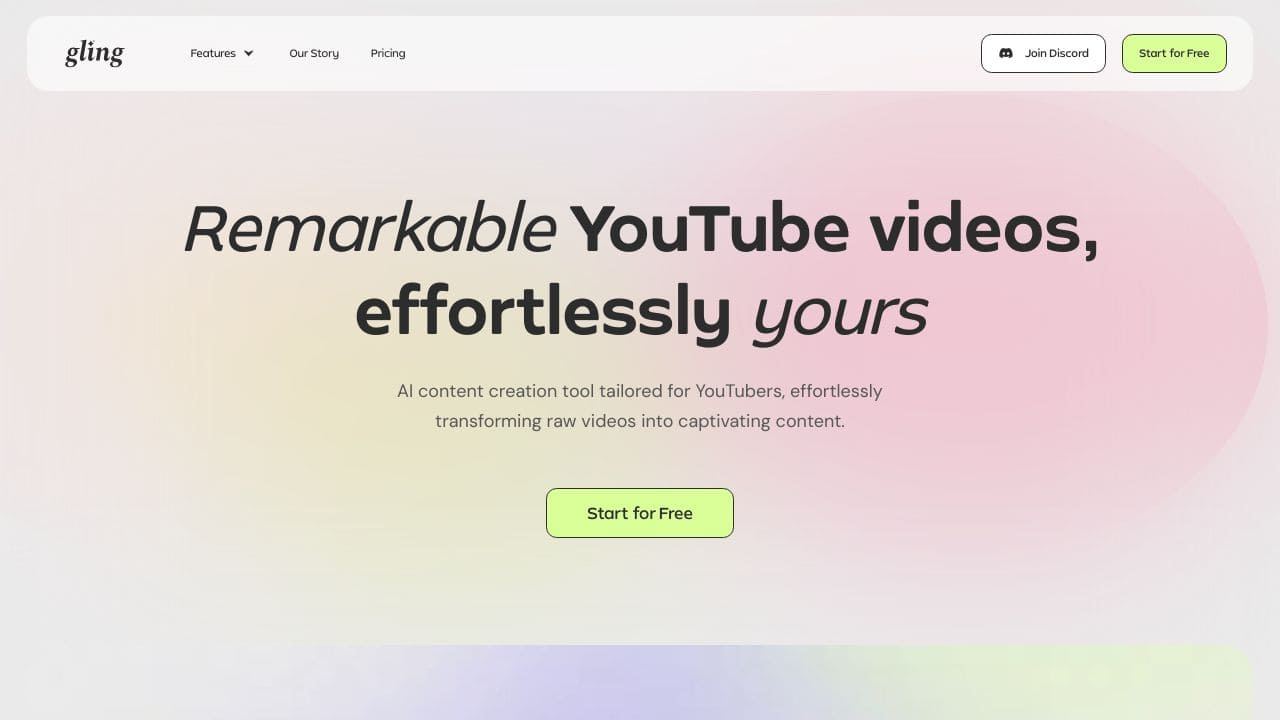
Gling AI is a notable platform tAIlored to simplify the video editing process specifically for YouTube creators.
Gling AI Features
This innovative product boasts several distinct attributes designed to enhance the editing experience for users.
Automated Silence Removal
The primary feature of Gling AI is its capacity to automatically eliminate silences and unwanted segments from raw audio and video files. Utilizing advanced algorithms, it helps creators conserve valuable time, allowing them to concentrate on crafting their content instead of getting bogged down in laborious editing.
AI-Powered Transcription
Gling AI incorporates modern artificial intelligence to transcribe content efficiently. This feature allows creators to have a written version of their media, facilitating easier editing and content organization.
Compatibility with Editing Software
Users can enjoy smooth integration as Gling AI supports a variety of file formats and works well with leading video editing applications, including Final Cut Pro, DaVinci Resolve, and Adobe Premiere, ensuring a smooth editing process.
Multi-Language Support
The platform accommodates numerous languages, such as English, Spanish, Portuguese, French, German, Russian, Italian, Dutch, and Hebrew. This extensive language range significantly increases accessibility for a worldwide audience.
Gling AI FAQ
Is it really free for first-time users?
Yes, new users can enjoy editing their initial video at no charge. However, ongoing use of Gling AI necessitates a subscription, which can be explored on the pricing section of the website.
What formats does Gling AI export?
Gling AI allows for exports in several formats, including MP4 and MP3 for media files, as well as SRT for captioning purposes, making it versatile for various content needs.
Can I edit videos after AI processing?
Absolutely! Creators have the flexibility to review and fine-tune their videos post-processing, ensuring that the final product aligns precisely with their creative vision.
Who can benefit most from Gling AI?
Primarily, Gling AI serves YouTube creators, ranging from beginners to seasoned professionals, who AIm to enhance their video editing efficiency without compromising quality.
How Gling – Smart Video Editor Compares to Alternatives
When evaluating AI Video Editing tools, key factors include pricing structure, target audience, and specific editing capabilities. For teams and businesses, collaboration features and professional automation often outweigh cost considerations that might matter more to solo creators.
| Tool | Best For | Pricing |
|---|---|---|
| Gling Smart Video Editor | Teams and businesses needing AI video editing with collaborative features and professional automation. | Paid subscription model. |
| Pykaso | Creating viral AI influencer content with automated social media optimization features. | Paid service. |
| FraimeBot | Generating memes quickly with AI, ideal for social media managers and content creators. | Free to use. |
| ByteCap | Adding accurate captions to videos using AI, focusing on accessibility and engagement. | Paid tool. |
Best For
- Marketing teams producing regular video content for campaigns.
- Businesses needing to edit training or instructional videos efficiently.
- Agencies managing multiple client video projects with tight deadlines.
- Organizations prioritizing collaborative editing features for remote teams.
Not Ideal For
- Individual hobbyists editing personal videos on a zero budget.
- Users needing advanced 3D animation or complex visual effects.
- Solo creators who only require basic trimming and splicing tools.
Getting Started
Begin by uploading a raw video clip to see Gling’s AI automatically identify and remove pauses or filler words. Review the suggested edits before applying them to maintain control over the final cut. This approach helps you understand the tool’s automation strengths while keeping creative oversight.
Key Limitations to Consider
- No free tier available, which limits testing for budget-conscious users.
- May lack specialized features for niche video types like animation or gaming.
- Requires stable internet connection for cloud-based AI processing.
- Collaboration features might be overkill for individual content creators.
Related Workflows and Tool Pairings
Gling Smart Video Editor fits into professional video production workflows by handling the initial editing phase efficiently. After using Gling to cut and refine raw footage, teams typically move to complementary tools for finishing touches. These include graphic design software for adding titles and overlays, audio editing tools for enhancing sound quality, and distribution platforms for publishing the final videos. By automating tedious editing tasks, Gling allows creators to focus more on storytelling and post-production polish, making it particularly valuable in content marketing and corporate communication pipelines where speed and consistency matter.
Related tools to explore: 2short.AI – Shorts Clip Generator, AI Face Swap – Seamless Face Swapper, AI Facefy – Face Swap Creator, AI Storyboard Generator – AI Easy Storyboard Creation, AISaver – Video Downloader & Face Swap, AIvideocreator.com – Video Template Generator, Video Editing tools
Conclusion
In summary, Gling AI offers an effective solution for YouTube creators looking to streamline their video editing tasks while mAIntAIning high-quality results. It is particularly suited for creators who prioritize efficiency and high production value, but those seeking highly customized or manual editing processes may find it less suitable.
Pricing
Gling – Smart Video Editor is apaid AI video editing tool. Visit the official website for current pricing plans and details.
Last verified: April 2026
Explore more: Browse all AI Video Editing tools
