







Quick Verdict
Visla excels at providing AI-powered video editing capabilities specifically designed for team collaboration and business use cases. One limitation is its paid-only pricing model, which may exclude budget-conscious solopreneurs or hobbyists. Teams and businesses needing efficient, AI-enhanced video production workflows should strongly consider this tool.
Visla – AI Video Creator
- Category: Video Editing
- Pricing: Paid
- Best for: Teams and businesses needing AI video editing capabilities
Background Check on Visla – AI Video Creator
We ran a background check on www.visla.us to verify its safety, security posture, hosting infrastructure, and web history. Here are the results as of April 20, 2026.
- Server: nginx
- Hosting: AMAZON-02 – Amazon.com, Inc., US (US)
- SSL Certificate: Amazon RSA 2048 M04 (certificate age: 163 days)
- Domain Age: ~5 years (1,837 days)
Source: urlscan.io scan report
✓ Cross Origin Resource Sharing (CORS), Redirection, Referrer Policy, Strict Transport Security (HSTS), X-Content-Type-Options, X-Frame-Options
✗ Content Security Policy (CSP), Subresource Integrity
Source: Mozilla Observatory report
What is it?
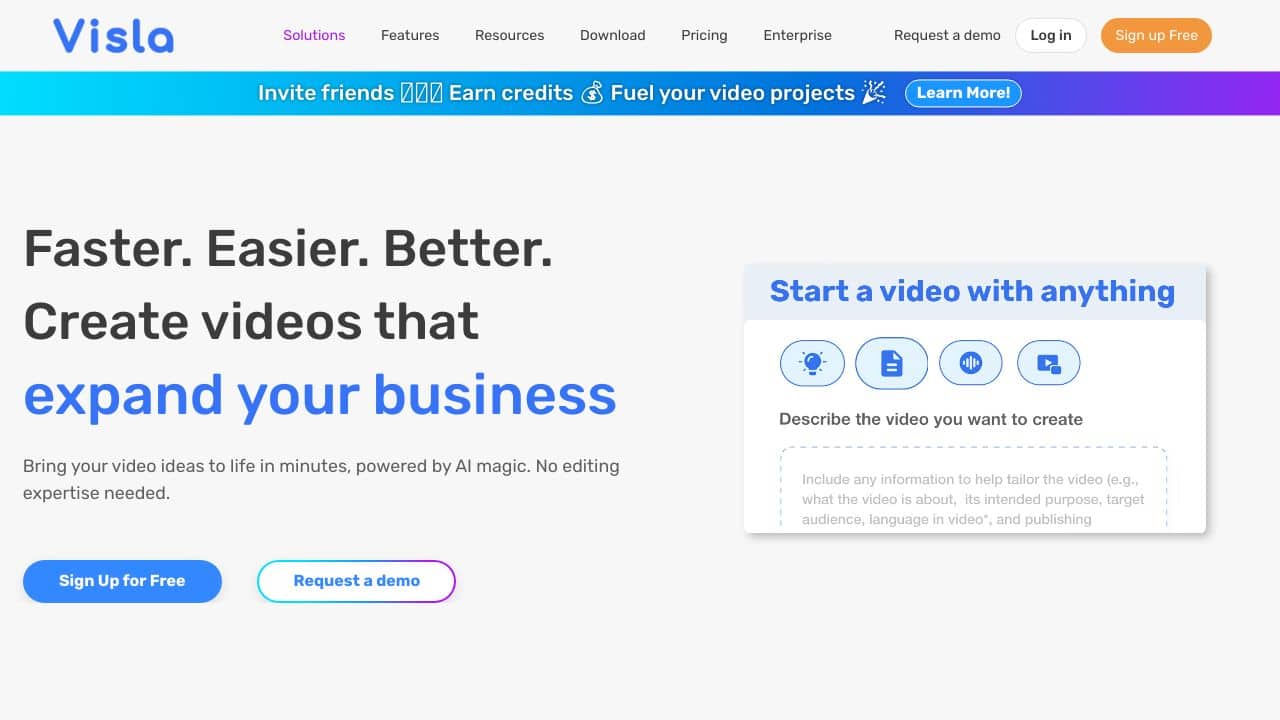
Visla is a modern AI application designed to assist users in recording or generating high-quality videos. It enables screen recording without the need for cumbersome software, while also functioning as a sophisticated teleprompter and video editing tool.
Visla Features
This product offers a range of features that enhance video production and streamline the recording process.
AI Video Generator
With the AI Video Generator, users simply input a story concept, select a tone, enable captions, and choose a soundtrack. Videos are created swiftly and can be exported or shared within minutes, making it ideal for visualizing ideas without significant time investment.
Remove Filler Words
Eliminating repetitive phrases and unnecessary filler words can elevate your presentation quality. This exceptional feature filters out such language, transforming a mediocre speaker into a confident presenter effortlessly.
AI Summary
This tool allows you to process your text, extract essential points, and identify keywords. It can even distill transcripts and minimize lengthy content, providing clarity and brevity in communication.
Teleprompter Mode
The teleprompter mode integrates flawlessly with video recording, enabling you to mAIntAIn eye contact while delivering your message. It enhances presentations by keeping you focused and engaged with your audience.
Visla FAQ
How can I use Visla on different devices?
You can download dedicated applications for Visla on Windows, macOS, iOS, and Android, ensuring compatibility across multiple platforms.
Is there an option for API integration?
Currently, Visla does not offer any API options for developers looking to integrate functionalities within their applications.
Can I use Visla with my existing tools?
Yes, Visla easily integrates with popular platforms such as Zoom, Slack, and ChatGPT, allowing for smooth collaboration and sharing.
Where can I find support and community?
You can engage with the Visla community through platforms like Twitter, LinkedIn, and Discord, with Discord providing a particularly interactive space for discussions and support.
How Visla – AI Video Creator Compares to Alternatives
When evaluating AI Video Editing tools, key factors include collaboration features, AI capabilities, and pricing structure. For business users, team functionality and professional output quality often outweigh cost considerations.
| Tool | Best For | Pricing |
|---|---|---|
| Visla – AI Video Creator | Teams and businesses needing collaborative AI video editing with professional features. | Paid subscription model only. |
| Pykaso – Get Your AI Influencer Viral | Creating viral social media content with AI-generated influencer personas. | Paid service for influencer content. |
| FraimeBot – AI Meme Generator Platform | Quick meme creation and lighthearted social media content generation. | Free platform available. |
| ByteCap – AI Video Caption Tool | Adding accurate captions and subtitles to existing video content. | Paid captioning service. |
Best For
- Marketing teams creating promotional videos with AI assistance
- Businesses needing collaborative video editing across departments
- Content teams producing regular video content with consistent branding
- Organizations requiring professional video output without extensive editing expertise
Not Ideal For
- Individual hobbyists creating personal videos on a tight budget
- Users needing advanced 3D animation or complex visual effects
- Projects requiring completely free, no-subscription video editing tools
Getting Started
Begin by exploring Visla’s team collaboration features first, as this is where it differs most from individual-focused tools. Set up your project templates and brand assets before inviting team members to ensure consistent workflows. Test the AI editing capabilities with a short sample project to understand its automation strengths.
Key Limitations to Consider
- No free tier available, requiring financial commitment before testing
- May lack advanced individual editing features found in professional standalone software
- Team-focused design could be overwhelming for solo users
- AI capabilities likely optimized for business content rather than creative experimentation
Related Workflows and Tool Pairings
Visla fits naturally into business content production pipelines where video needs to move from concept to publication efficiently. After script development in writing tools, teams can use Visla for the editing phase, leveraging its AI to speed up rough cuts and basic enhancements. This pairs well with project management platforms for tracking video production timelines and digital asset management systems for organizing source materials. For distribution, social media scheduling tools complement Visla’s output, while analytics platforms help measure the performance of finished videos. The tool serves as the central editing hub in a workflow that begins with planning and ends with performance analysis.
Related tools to explore: 2short.AI – Shorts Clip Generator, AI Face Swap – Seamless Face Swapper, AI Facefy – Face Swap Creator, AI Storyboard Generator – AI Easy Storyboard Creation, AISaver – Video Downloader & Face Swap, AIvideocreator.com – Video Template Generator, Video Editing tools
Conclusion
In summary, Visla offers an innovative array of features tAIlored for anyone looking to enhance their video presentation skills, from corporate professionals to content creators. However, it may not suit users seeking extensive customization or API integration.
Pricing
Visla – AI Video Creator is apaid AI video editing tool. Visit the official website for current pricing plans and details.
Last verified: April 2026
Explore more: Browse all AI Video Editing tools
