













Quick Verdict
Talonic excels at automating complex spreadsheet workflows for teams that need AI-powered data processing. Its paid pricing model means no free tier, which could deter small-scale users. This tool is best for businesses with established spreadsheet processes looking to add AI automation without switching platforms.
Talonic – Spreadsheet Workflow Automation
- Category: Spreadsheets, Workflows
- Pricing: Paid
- Best for: Teams and businesses needing AI spreadsheets capabilities
Background Check on Talonic – Spreadsheet Workflow Automation
We ran a background check on www.talonic.AI to verify its safety, security posture, hosting infrastructure, and web history. Here are the results as of April 19, 2026.
✓ Cookies, Cross Origin Resource Sharing (CORS), Redirection, Strict Transport Security (HSTS), X-Frame-Options
✗ Content Security Policy (CSP), Subresource Integrity, X-Content-Type-Options
Source: Mozilla Observatory report
What is it?
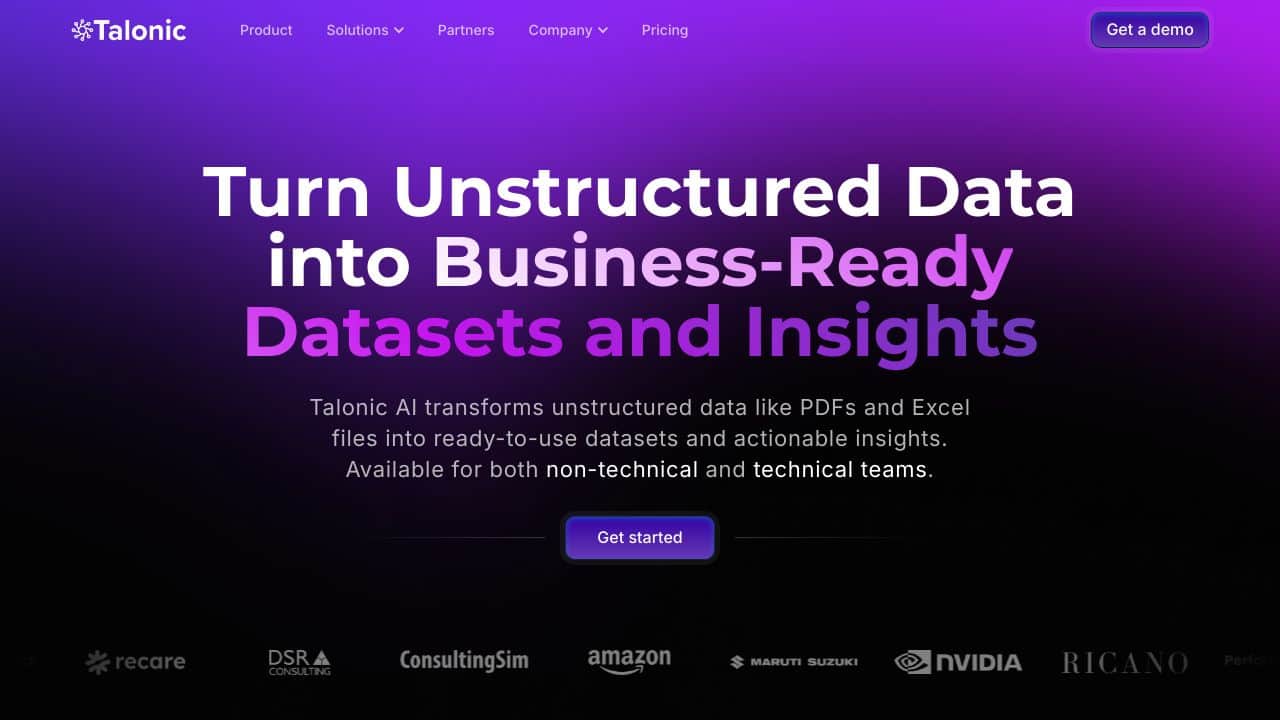
This product is an AI-enabled platform developed by a startup in Berlin, AIming to transform how data management and analytics are conducted in the corporate sphere. The platform is designed to streamline and automate spreadsheet tasks for both individuals and teams.
Features
Below are some key attributes of this innovative product that enhance its usability and efficiency.
Feature 1: Intelligent Data Processing
At the heart of this platform is a sophisticated AI system that excels at handling a variety of data types, such as Excel sheets and CSV files. This capability allows it to do more than just organize information; it also generates insights and creates tAIlored spreadsheets based on user requests via an intuitive chat interface.
Feature 2: Error Reduction Through Automation
This platform substantially minimizes the need for manual data manipulation, which significantly decreases error rates. By automating data entry and analytical tasks, users can save valuable time and focus on more strategic activities.
Feature 3: Accessibility for All Users
The platform is designed to be accessible, removing the necessity for specialized programming knowledge. This feature realizes a wider reach within organizations, enabling anyone – regardless of their technical expertise – to take advantage of advanced data analytics.
FAQ
What types of users can benefit from this product?
This platform is ideal for a broad spectrum of users, from solo professionals to large corporate teams, who require efficient data management and analytics. Its automation capabilities make it particularly beneficial for those looking to enhance productivity.
Is this platform suitable for businesses of all sizes?
Yes, the product is designed to cater to businesses of varying sizes, helping them manage and analyze large data sets effectively. Its flexible functionalities can adapt to the demands of both small startups and established enterprises.
Will I need technical skills to use it?
No, one of the product’s mAIn features is its user-friendly interface, which allows individuals without a technical background to utilize its functionalities. This promotes inclusivity and ensures that everyone can benefit from its capabilities.
How Talonic – Spreadsheet Workflow Automation Compares to Alternatives
When choosing spreadsheet automation tools, consider whether you need AI features, integration with existing platforms like Google Sheets or Excel, and budget constraints. Talonic focuses specifically on workflow automation within Spreadsheets tools rather than broader data analysis or financial close management.
| Tool | Best For | Pricing |
|---|---|---|
| Talonic | Teams needing AI-powered spreadsheet workflow automation within existing spreadsheet platforms. | Paid subscription with no free tier. |
| SheetXAI | Google Sheets users who want AI capabilities directly integrated into their spreadsheets. | Paid model with tiered pricing. |
| Numra | Finance teams requiring AI automation specifically for financial processes and reporting. | Contact for custom enterprise pricing. |
| FloQast | Accounting departments focused on AI-driven financial close and reconciliation workflows. | Enterprise pricing upon request. |
| Gigasheet | Users who need AI data analysis on large datasets with a freemium entry point. | Freemium model with paid upgrades. |
Best For
- Business teams automating repetitive spreadsheet tasks with AI assistance
- Companies with established Excel or Google Sheets workflows needing enhancement
- Operations managers streamlining data entry and processing across departments
- Organizations that want AI spreadsheet capabilities without platform migration
Not Ideal For
- Individual users or solopreneurs needing free spreadsheet tools
- Teams requiring specialized financial close automation like FloQast
- Users who primarily need raw data analysis rather than workflow automation
Getting Started
Identify one repetitive spreadsheet task your team currently does manually, like data cleaning or report generation. Use Talonic’s workflow builder to automate just that process first before expanding to more complex automations. This focused approach helps you learn the tool while delivering immediate value.
Key Limitations to Consider
- No free tier available, requiring immediate financial commitment to test the tool
- Focuses specifically on workflow automation rather than broader AI data analysis features
- May not integrate with all spreadsheet platforms beyond major ones like Excel and Google Sheets
- Requires existing spreadsheet workflows to automate rather than creating new processes from scratch
Related Workflows and Tool Pairings
Talonic fits into business workflows where spreadsheets serve as central data hubs. It automates the repetitive processing that happens between data collection and final reporting. This tool pairs well with data collection tools that feed information into spreadsheets, such as form builders or database connectors. It also complements visualization tools that take processed spreadsheet data and create dashboards or presentations. For complete automation chains, Talonic works alongside notification systems that alert team members when spreadsheet workflows are complete or require attention.
Related tools to explore: 2Slash – Universal AI Assistant, AI Excel Bot – Formula Generator Tool, Arcwise – AI Spreadsheet Task Streamlining, Bettersheets – Formula Generator Tool, Booke AI – AI Bookkeeping Automation Accuracy, Botsheets – AI Chat Automation, Spreadsheets tools, Workflows tools
Conclusion
In summary, this innovative platform makes data management and analytics more accessible and efficient for a diverse user base. It is particularly suited for those looking to automate their data workflows but may not be ideal for users seeking highly customized or niche analytical solutions. Overall, it helps users to shift from routine data tasks to strategic decision-making, promoting growth and productivity in various organizational settings.
Pricing
Talonic – Spreadsheet Workflow Automation is apaid AI spreadsheets tool. Visit the official website for current pricing plans and details.
Last verified: April 2026
Explore more: Browse all AI Spreadsheets tools | Browse all AI Workflows tools
