









Quick Verdict
SheetXAI excels at letting users control Google Sheets operations through simple English commands, eliminating the need for complex formulas. One limitation is its paid pricing model, which may deter casual users. Marketers and founders who regularly work with spreadsheets but lack advanced formula knowledge should consider this tool. It transforms data manipulation from a technical chore into an intuitive process.
SheetXAI – AI for Google Sheets
- Category: Spreadsheets
- Pricing: Paid
- Best for: Control every google sheets operation with simple, clean, transform, and structure data across
Background Check on SheetXAI – AI for Google Sheets
We ran a background check on www.sheetxai.com to verify its safety, security posture, hosting infrastructure, and web history. Here are the results as of April 20, 2026.
✓ Cross Origin Resource Sharing (CORS), Redirection, Strict Transport Security (HSTS)
✗ Content Security Policy (CSP), X-Content-Type-Options, X-Frame-Options
Source: Mozilla Observatory report
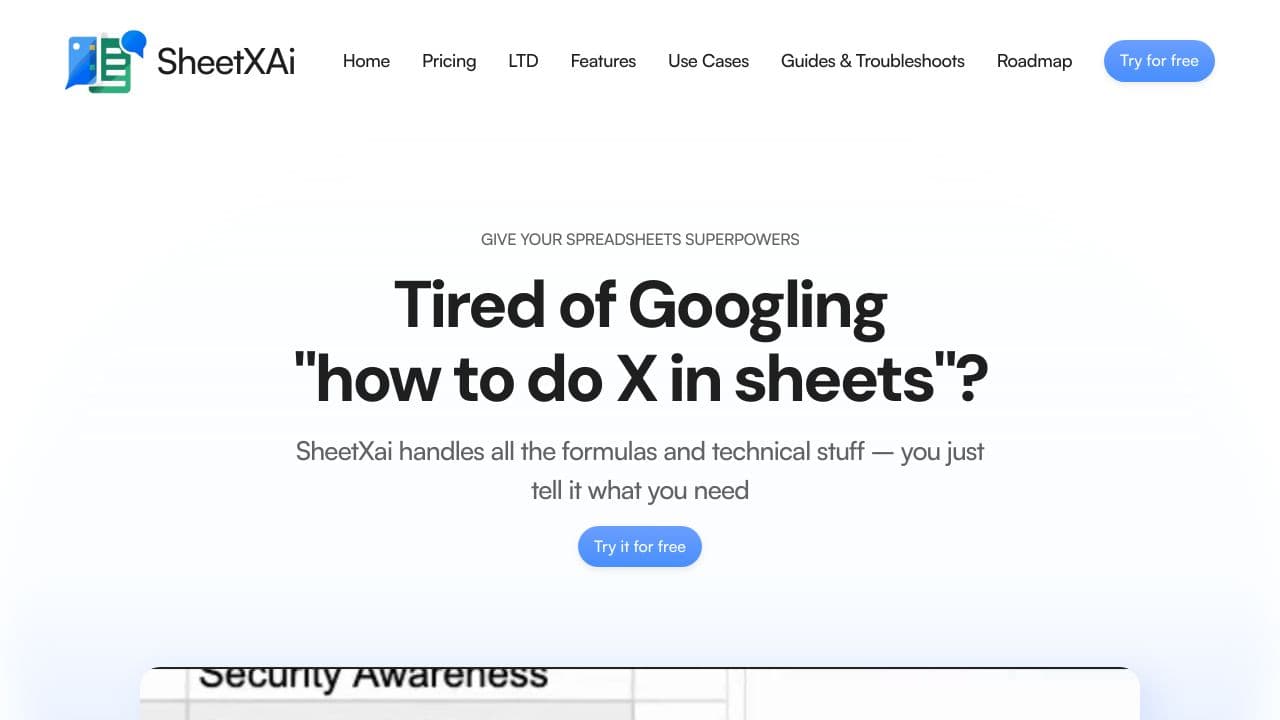
Tired of fighting with spreadsheet formulas? SheetXAItransforms Google Sheets by letting you control everything using plain English. Instead of memorizing complex functions or watching endless tutorials, simply tell your spreadsheet what you need. From data cleaning and analysis to content generation and automation – just ask, and watch it happen.
SheetXAI is designed for everyone who uses Google Sheets but hates the learning curve. Whether you’re comparing data across multiple sheets, setting up complex calculations, or trying to find patterns in your information, SheetXAI handles it all through natural language. It doesn’t just analyze your sheets – it actually makes changes directly within them, saving you countless hours of manual work.
Unlike other tools that only focus on specific spreadsheet functions, SheetXAI gives you complete control over every aspect of your sheets. With your own API key for privacy and unlimited operations at your fingertips, you can finally make spreadsheets work for you, not against you.
Highlights
- Control every Google Sheets operation with simple English commands – no formulas needed
- Clean, transform, and structure data across multiple sheets instantly
- Generate content, emails, and reports directly from your spreadsheet data
- Set up automations and notifications without coding
- Find patterns, duplicates, and inconsistencies with natural language requests
- Keep your data private with your own API key
SheetXAI Features
Complete Spreadsheet Control: SheetXAI handles everything you’d normally do in Google Sheets, but through natural language. Need to find duplicates? Compare information across multiple sheets? Format inconsistent data? Just ask. SheetXAI understands what you need and makes changes directly in your spreadsheet – no more copying and pasting or switching between tools. From simple cell formatting to complex multi-sheet operations, everything is just a plain English request away.
Beyond Basic Spreadsheets: While spreadsheet operations are our bread and butter, SheetXAI goes beyond the basics. Generate professional emails based on your data, create product descriptions in bulk, or analyze sales trends – all without leaving Google Sheets. Set up automations to update information on a schedule, get notified when conditions are met, or transform data automatically. SheetXAI combines the power of spreadsheets with AI assistance to handle your most complex data needs.
How SheetXAI – AI for Google Sheets Compares to Alternatives
When choosing spreadsheet AI tools, key factors include pricing transparency, ease of use for non-technical users, and specific functionality like data transformation. SheetXAI stands out for its direct Google Sheets integration and command-based approach, while competitors may focus on finance automation or broader data analysis.
| Tool | Best For | Pricing |
|---|---|---|
| SheetXAI | Controlling Google Sheets with English commands to clean and structure data without formulas. | Paid pricing, no free tier available. |
| Numra | Finance automation tasks like budgeting and reporting within spreadsheets. | Contact for pricing, likely enterprise-focused. |
| FloQast | Financial close processes and audit workflows in accounting departments. | Contact for pricing, specialized for finance teams. |
| Gigasheet | Analyzing large datasets with AI-powered insights and visualization tools. | Freemium model with paid upgrades. |
| TalktoData | General data analysis through conversational AI queries across various platforms. | Contact for pricing, potentially flexible plans. |
Best For
- Marketers cleaning campaign data in Google Sheets without coding skills.
- Founders managing operational metrics through simple English commands.
- Solopreneurs structuring customer data for reports without formula expertise.
- Teams needing quick data transformations in shared Google Sheets.
Not Ideal For
- Users requiring advanced financial modeling with complex calculations.
- Organizations needing free AI tools for occasional spreadsheet tasks.
- Teams working primarily in Excel or other spreadsheet platforms.
Getting Started
Start by installing the SheetXAI add-on from the Google Workspace Marketplace. Open a Google Sheet with sample data and try basic commands like ‘sort this column alphabetically’ or ‘remove duplicates from this range’. Practice with non-critical data to build confidence before applying it to important workflows.
Key Limitations to Consider
- Requires paid subscription with no free trial mentioned in the tool info.
- Limited to Google Sheets, not compatible with Excel or other spreadsheet software.
- May struggle with highly complex data operations that need custom formulas.
- Depends on internet connectivity since it integrates with Google Sheets online.
Conclusion
SheetXAI represents a fundamental shift in how we interact with spreadsheets. By bridging the gap between what you want to do and how to actually do it, SheetXAI eliminates the biggest barrier to productivity – the spreadsheet learning curve.
No more late nights googling formulas. No more tutorial rabbit holes. No more copy-paste marathons. Just tell SheetXAI what you need, in your own words, and watch as your spreadsheet transforms before your eyes.
Whether you’re a spreadsheet novice or a data professional looking to save time, SheetXAI fits smoothly into your workflow. Start using the power of AI to handle your spreadsheet tasks today, and reclaim the hours you’ve been losing to manual data work.
With SheetXAI, your spreadsheet finally understands what you’re asking for.
Pricing
SheetXAI – AI for Google Sheets is apaid AI spreadsheets tool. Visit the official website for current pricing plans and details.
Related Workflows and Tool Pairings
SheetXAI fits into data preparation and reporting workflows where Google Sheets serves as a central hub. Users typically collect raw data from sources like CRM systems or marketing platforms, then use SheetXAI to clean and structure it through English commands. This prepared data can then be visualized in tools like dashboard builders or presentation software. Complementary tool types include data connectors for importing information into Sheets, and BI tools for creating charts from the cleaned data. For teams, collaboration features in Google Workspace pair well with SheetXAI’s command-based approach, enabling non-technical members to contribute to data tasks efficiently.
Related tools to explore: 2Slash – Universal AI Assistant, AI Excel Bot – Formula Generator Tool, Arcwise – AI Spreadsheet Task Streamlining, Bettersheets – Formula Generator Tool, Booke AI – AI Bookkeeping Automation Accuracy, Botsheets – AI Chat Automation, Spreadsheets tools
Frequently Asked Questions
What is SheetXAI – AI for Google Sheets?
Tired of fighting with spreadsheet formulas? SheetXAI transforms Google Sheets by letting you control everything using plain English. Instead of memorizing complex functions or watching endless tutorials, simply tell your spreadsheet what you need..
Is SheetXAI – AI for Google Sheets free?
No, SheetXAI – AI for Google Sheets is a paid tool. Visit the official website for current pricing and plan options.
What are the best SheetXAI – AI for Google Sheets alternatives?
There are many AI spreadsheets tools available. Browse our AI Spreadsheets tools directory to compare features, pricing, and reviews for the best alternatives.
Last verified: April 2026
Explore more: Browse all AI Spreadsheets tools
