







Quick Verdict
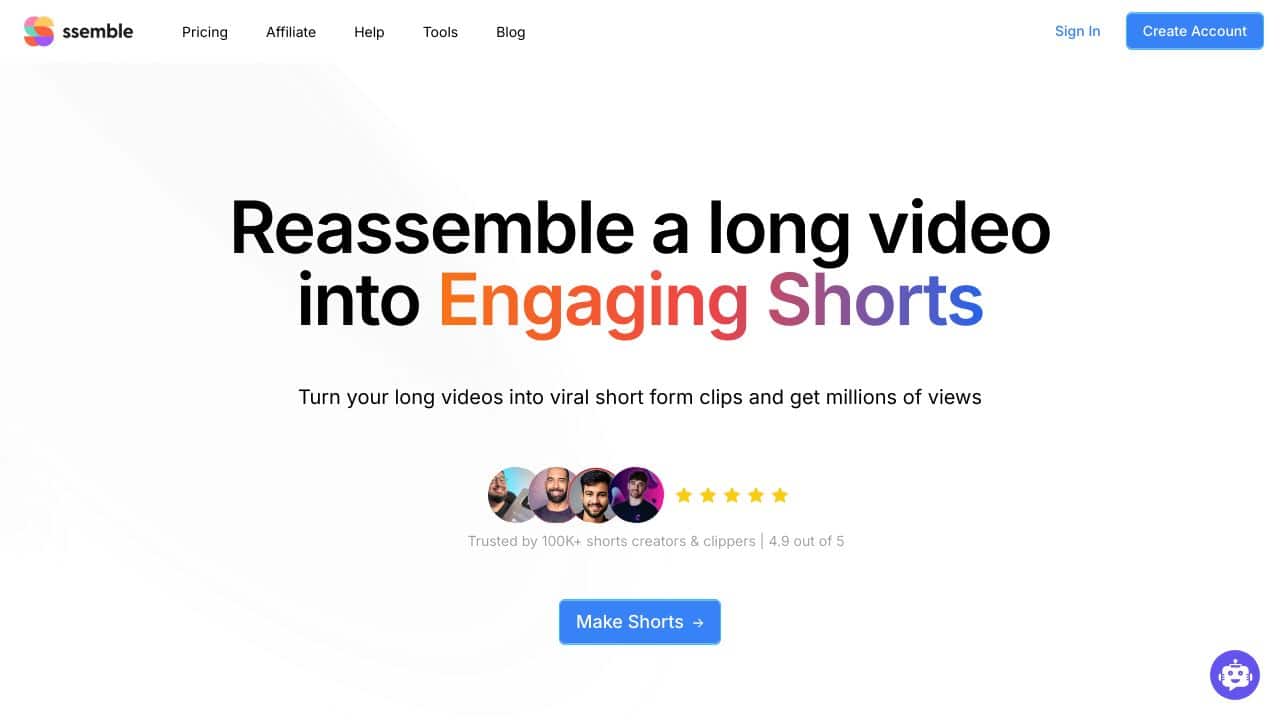
Ssemble excels at collaborative video editing with AI-powered features that save time. Its auto subtitle tool automatically transcribes audio to captions, and the ChatGPT script writer uses GPT-3.5 technology to generate content. One limitation is its paid pricing, which may deter budget-conscious users. Marketers, content teams, and solopreneurs who need efficient collaboration and automated captioning should consider this tool.
Ssemble – Collaborative Video Editing
- Category: Video Editing
- Pricing: Paid
- Best for: Teams collaborating on video projects
Background Check on Ssemble – Collaborative Video Editing
We ran a background check on www.ssemble.com to verify its safety, security posture, hosting infrastructure, and web history. Here are the results as of April 19, 2026.
✓ Cross Origin Resource Sharing (CORS), Redirection, Strict Transport Security (HSTS)
✗ Content Security Policy (CSP), X-Content-Type-Options, X-Frame-Options
Source: Mozilla Observatory report
What is it?
This product serves as a solid online video editor designed to simplify the video editing journey by incorporating advanced AI tools and features.
Features
Discover a range of remarkable features that enhance the editing process and create high-quality content effortlessly.
Effortless Background Removal
This feature eliminates the tedious task of manual background removal, enabling users to concentrate on the artistic elements of video creation.
Natural Voice Dubbing with Voice Creator
The innovative Voice Creator plugin allows users to input text and automatically generates voiceovers for videos, significantly saving time and resources.
smooth Cloud Integration
With just a single click, this tool connects smoothly with cloud storage services, ensuring a frictionless creative workflow.
Specially-Designed Plugins
Ssemble introduces a variety of plugins tAIlored to meet diverse needs:
- Auto Subtitle: Automatically transcribes audio to subtitles, removing the hassle of manual captioning.
- ChatGPT Script Writer: uses GPT-3.5 technology to assist in swiftly crafting video scripts from user prompts.
- Epidemic Sound: Offers a wide selection of royalty-free music to elevate audio quality.
- Freesound and Google Drive: Provide easy access to sound effects and cloud-stored resources.
- Intro Maker and Script to Video: Facilitate the creation of engaging video intros and converting scripts into polished videos.
- Image Resources: Integrate high-quality images from platforms like Pexels, Pixabay, and Unsplash for added creativity.
- Voice Creator by Various Companies: Presents AI voice variations from Clova, Eleven Labs, and Microsoft for users seeking alternatives to their own voice.
- YouTube Importer: Simplifies adding YouTube videos into projects without needing external download tools.
Instant Feedback Mechanism
One of the standout attributes of this platform is its quick rendering capability, which minimizes the wAIt time associated with lengthy encoding processes, providing immediate feedback for timely adjustments.
FAQ
What types of projects can I create?
This tool is versatile and is suitable for a wide range of projects including marketing videos, educational content, and social media clips.
Is it user-friendly for beginners?
Yes, its intuitive interface and guided features make it accessible for users of all skill levels, from novices to experienced editors.
Can I collaborate with my team on projects?
Absolutely, the platform supports business collaboration, making it easy to work with team members on video editing tasks regardless of location.
What formats can I export my videos to?
This editor supports various export formats, ensuring compatibility across different platforms and devices, which is essential for distribution and sharing.
How Ssemble – Collaborative Video Editing Compares to Alternatives
When choosing collaborative Video Editing tools, key factors include pricing, automation features, and collaboration capabilities. Ssemble stands out with its AI-driven subtitle generation and script writing, but alternatives may offer different strengths like meme generation or viral content creation.
| Tool | Best For | Pricing |
|---|---|---|
| Ssemble – Collaborative Video Editing | Teams needing AI-powered auto subtitles and collaborative editing with GPT-3.5 script writing. | Paid pricing model. |
| Pykaso – Get Your AI Influencer Viral | Creating viral influencer content with AI assistance for social media campaigns. | Paid pricing model. |
| FraimeBot – AI Meme Generator Platform | Generating memes quickly using AI, ideal for humor-based marketing content. | Free to use. |
| ByteCap – AI Video Caption Tool | Adding captions to videos automatically without full editing features. | Paid pricing model. |
Best For
- Marketing teams collaborating on video projects with remote members.
- Content creators who need automated subtitles to save editing time.
- Solopreneurs using GPT-3.5 for script writing in video production.
- Businesses producing training videos requiring accurate captions.
Not Ideal For
- Users on a tight budget who need free video editing tools.
- Projects focused solely on meme generation without editing needs.
- Teams requiring advanced analytics or edge computing features.
Getting Started
Begin by uploading a video to test the auto subtitle feature, which transcribes audio automatically. Then, use the ChatGPT script writer to generate or refine your video scripts with GPT-3.5. Invite team members to collaborate in real-time to streamline edits.
Key Limitations to Consider
- Paid pricing may not suit users with limited budgets or one-off projects.
- Lacks meme generation or viral content features compared to some competitors.
- No free tier available, unlike tools like FraimeBot for basic needs.
- Focus on collaboration may be overkill for solo editors without team needs.
Related Workflows and Tool Pairings
Ssemble fits into video production workflows by handling collaborative editing and AI-driven tasks like subtitle generation and script writing. It pairs well with complementary tool types such as video hosting platforms for distribution and social media schedulers for posting content. For enhanced visuals, graphic design tools can create assets, while analytics tools help track video performance post-production. This integration streamlines from creation to publication, making it efficient for teams focused on quality and speed.
Related tools to explore: 2short.AI – Shorts Clip Generator, AI Face Swap – Seamless Face Swapper, AI Facefy – Face Swap Creator, AI Storyboard Generator – AI Easy Storyboard Creation, AISaver – Video Downloader & Face Swap, AIvideocreator.com – Video Template Generator, Video Editing tools
Conclusion
In summary, this product integrates a plethora of powerful features AImed at making video editing more efficient and enjoyable. It is particularly well-suited for content creators, marketers, and video producers who seek a comprehensive solution with AI enhancements. However, it might not meet the needs of those seeking basic editing capabilities without the incorporation of advanced tools.
Pricing
Ssemble – Collaborative Video Editing is apaid AI video editing tool. Visit the official website for current pricing plans and details.
Last verified: April 2026
Explore more: Browse all AI Video Editing tools
