













Quick Verdict
Wondershare Filmora excels as an all-in-one video editing solution with integrated AI features, particularly its AI Music Generator that automatically creates background music tailored to your content. The free trial makes it accessible for testing, but the audio editing capabilities are more basic compared to dedicated audio tools. This tool is best for content creators and marketers who need straightforward video editing with AI-assisted music generation and real-time editing help.
Wondershare Filmora – AI Video Editing Software
- Category: Audio Editing, Transcriber, Video Editing
- Pricing: Free Trial
- Best for: Beginners wanting professional video edits
Background Check on Wondershare Filmora – AI Video Editing Software
We ran a background check on filmora.wondershare.com to verify its safety, security posture, hosting infrastructure, and web history. Here are the results as of April 20, 2026.
- Server: nginx
- Hosting: AKAMAI-ASN1 Akamai International B.V., NL (DE)
- SSL Certificate: DigiCert Global G3 TLS ECC SHA384 2020 CA1 (certificate age: 20 days)
- Domain Age: ~12 years (4,738 days)
Source: urlscan.io scan report
✓ Cross Origin Resource Sharing (CORS), Redirection
✗ Content Security Policy (CSP), Referrer Policy, Strict Transport Security (HSTS), Subresource Integrity
Source: Mozilla Observatory report
What is Filmora?
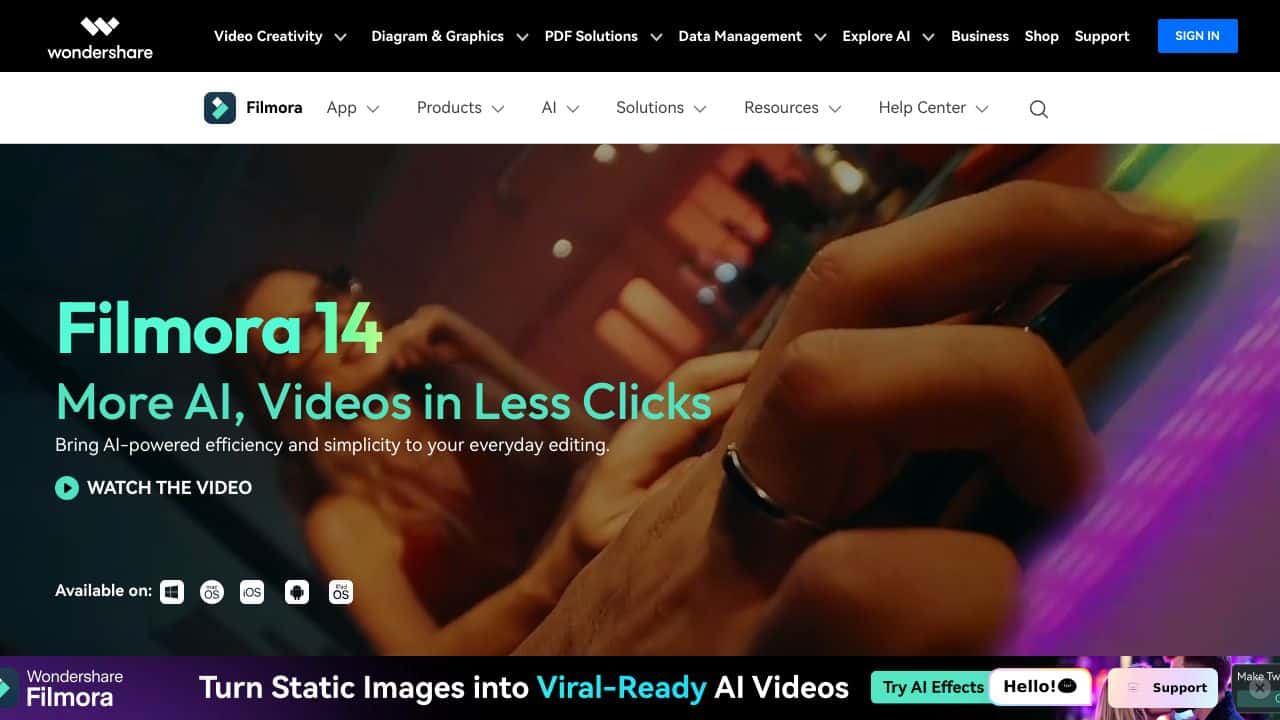
Filmora is an AI-powered video editing software designed to make video creation accessible and enjoyable for everyone. Whether you’re a beginner or a seasoned creator, Filmora simplifies the editing process with its intuitive interface and a wide range of features. From adding stunning effects to adjusting playback speed, this tool lets you polish your videos with ease. It supports both Windows and Mac, offering a free version for new users and affordable premium plans for professionals. With Filmora, you can transform text into videos, enhance visuals, and create professional-quality content in just a few clicks.
Filmora Features
Filmora is packed with features that cater to all your video editing needs. Here’s what makes it stand out:
- AI Music Generator: Automatically creates background music tAIlored to your video.
- AI Copilot Editing: Assists you in real-time with smart editing suggestions.
- AI Text-to-Video Conversion: Turns your written content into engaging videos.
- AI Smart Masking: Easily isolate and edit specific parts of your video.
- Drag-and-Drop Editing: Simplifies the editing process for beginners.
- 800+ Effects and Filters: Enhance your videos with a vast library of creative assets.
- 4K Editing Support: Produce high-resolution videos for professional results.
- Audio Editing Tools: Includes a royalty-free music library for smooth soundtracks.
Filmora Use Cases
Filmora is versatile and can be used in a variety of scenarios. Here’s how different users can benefit from it:
- Content Creators: Perfect for crafting engaging social media posts or YouTube videos.
- Small Business Owners: Create professional marketing videos to promote products or services.
- Educators and Students: Use it for academic presentations or online course content.
- Amateur Filmmakers: Ideal for editing short films or creative projects.
- Podcasters: Add visuals to your podcasts for a more immersive experience.
- Event Organizers: Create promotional videos for events or conferences.
- Family Historians: Preserve and share family memories with beautifully edited videos.
For example, a small business owner can use Filmora’s AI Text-to-Video feature to quickly turn a product description into a captivating ad. Similarly, a student can use the Auto Caption tool to make their presentation more accessible.
How Wondershare Filmora – AI Video Editing Software Compares to Alternatives
When choosing AI audio and video editing tools, consider whether you need specialized audio capabilities or integrated video workflows. Factors like pricing models, AI feature focus, and ease of use for non-experts matter most for practical implementation.
| Tool | Best For | Pricing |
|---|---|---|
| Wondershare Filmora | Integrated video editing with AI music generation and real-time editing assistance | Free trial available |
| Staccato | Dedicated AI music generation with more advanced composition controls | Freemium model with paid tiers |
| Krisp | AI noise cancellation and audio enhancement for meetings and recordings | Freemium model available |
| Uberduck | AI voice creation and text-to-speech with custom voice options | Free tier with limitations |
Best For
- Content creators needing background music automatically matched to video mood
- Solo marketers producing social media videos with limited editing experience
- Small business owners creating promotional videos without hiring composers
- Educators making instructional videos who want AI-assisted editing guidance
Not Ideal For
- Audio professionals needing advanced mixing and mastering capabilities
- Teams requiring real-time collaborative editing features
- Users who only need voice synthesis without video editing
Getting Started
Begin by importing your raw footage and using the AI Copilot feature for initial editing suggestions. Then try the AI Music Generator with a short clip to see how it matches music to your video’s pacing and mood. The free trial gives you enough time to test both core AI features before committing.
Key Limitations to Consider
- Audio editing features are basic compared to dedicated DAW software
- AI music generation may lack the customization options professional composers need
- Real-time AI assistance focuses more on video than advanced audio processing
- Free trial has limitations that require upgrade for full feature access
Related Workflows and Tool Pairings
Wondershare Filmora fits into content creation workflows where video production is the primary goal with audio as a supporting element. Start with raw footage editing, use the AI Music Generator for background scores, then refine with the AI Copilot’s suggestions. This tool pairs well with screen recording software for tutorial creation and basic graphic design tools for adding text overlays. For more advanced audio needs, users might export to dedicated audio editing software, but Filmora handles the integrated video-audio workflow efficiently for most marketing content. The AI features reduce time spent on music selection and basic editing decisions, streamlining production for time-constrained creators.
Related tools to explore: Audie – Text-to-Speech Audiobook Generator, Audio Enhancer – Audio Quality Optimizer, Audio-bot.com – Text-to-Speech Generator, AudioShake – AI Visual Workflow Automation, Audyo – Text to Audio Converter, AutoPod – Smart Podcast Editor, Audio Editing tools, Transcriber tools
Conclusion
Filmora is a strong option in the world of video editing. Its blend of simplicity and advanced features makes it a go-to tool for creators of all levels. Whether you’re a beginner looking to dip your toes into video editing or a professional seeking an efficient solution, Filmora has you covered. With its AI-powered tools, extensive library of effects, and user-friendly interface, it’s no wonder Filmora is trusted by top-tier media sites worldwide. Ready to elevate your video content? Download Filmora today and start creating like a pro!
Pricing
Wondershare Filmora – AI Video Editing Software offers afree trial so you can test it before committing. Visit the official website for full pricing details.
Frequently Asked Questions
What is Wondershare Filmora – AI Video Editing Software?
Filmora is an AI-powered video editing software designed to make video creation accessible and enjoyable for everyone. Whether you’re a beginner or a seasoned creator, Filmora simplifies the editing process with its intuitive interface and a.
Is Wondershare Filmora – AI Video Editing Software free?
Wondershare Filmora – AI Video Editing Software offers a free trial period. After the trial, a paid subscription is required for continued access.
What are the best Wondershare Filmora – AI Video Editing Software alternatives?
There are many AI audio editing tools available. Browse our AI Audio Editing tools directory to compare features, pricing, and reviews for the best alternatives.
Last verified: April 2026
Explore more: Browse all AI Audio Editing tools | Browse all AI Transcriber tools
