












Quick Verdict
Audyo excels at converting text to audio with AI-powered editing capabilities that sound professional and polished. Its paid model means no free tier, which limits casual testing. Teams and businesses needing reliable, high-quality audio for presentations or content should consider it, as it delivers consistent results without the variability of free tools.
Audyo – Text to Audio Converter
- Category: Audio Editing, Presentations, Text To Speech
- Pricing: Paid
- Best for: Teams and businesses needing AI audio editing capabilities
Background Check on Audyo – Text to Audio Converter
We ran a background check on audyo.AI to verify its safety, security posture, hosting infrastructure, and web history. Here are the results as of April 18, 2026.
✓ Cross Origin Resource Sharing (CORS), Redirection, Strict Transport Security (HSTS), X-Content-Type-Options
✗ Content Security Policy (CSP), Subresource Integrity, X-Frame-Options
Source: Mozilla Observatory report
What is it?
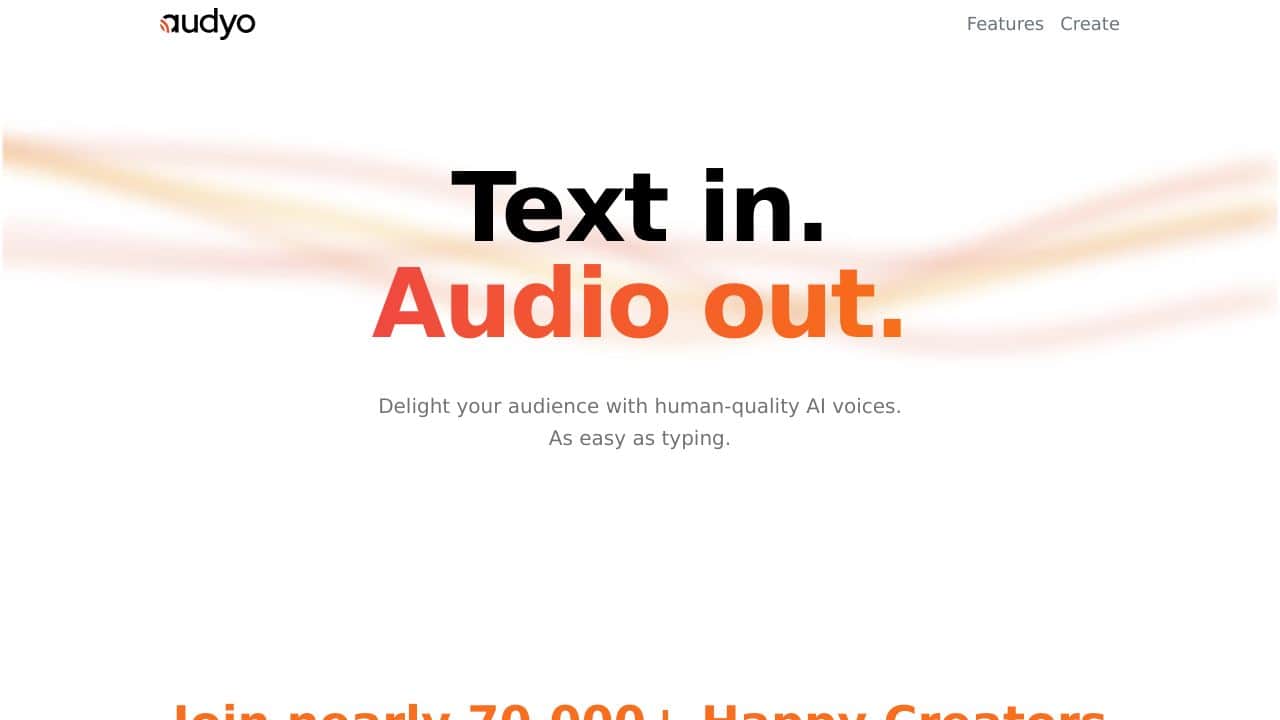
This product is an advanced AI voice generator that transforms text into high-quality audio output, enabling users to create engaging voiceovers effortlessly.
Product Features
Here are some standout attributes of this AI voice solution that make it user-friendly and effective.
Human-Quality Voices
The AI voice generator produces voices that sound remarkably natural, ensuring that the audio output captivates the audience and enhances the overall experience.
Simple Input Process
Users can easily generate audio by simply typing in their desired text. The intuitive design streamlines the process, making it accessible for everyone.
Multiple Voice Options
This product offers a diverse range of voice styles and accents, allowing users to select the perfect match for their specific content needs and audience preferences.
Product FAQ
How does the text-to-audio conversion work?
The conversion is done swiftly by analyzing the input text and applying advanced algorithms to generate an audio rendition that mimics human speech.
Can I customize the voice tone?
Yes, users can adjust various parameters, such as pitch and speed, to achieve the desired tone for their audio output.
Is it suitable for commercial use?
Absolutely! The high-quality output and versatility make it an ideal choice for businesses looking to integrate audio content into their marketing strategies.
How Audyo – Text to Audio Converter Compares to Alternatives
When choosing an Audio Editing tools tool, consider whether you need voice creation, music generation, or speech translation alongside text-to-audio conversion. Pricing models and target use cases, like business presentations versus creative projects, are key factors that differentiate these tools.
| Tool | Best For | Pricing |
|---|---|---|
| Audyo – Text to Audio Converter | Teams and businesses needing AI audio editing for presentations and professional content. | Paid only, no free tier. |
| Staccato – AI Music Generation Platform | Users creating background music or soundtracks, not focused on text-to-speech conversion. | Freemium model available. |
| Krisp – AI Meeting Communication Platform | Improving audio quality in meetings with noise cancellation, not for text conversion. | Freemium model available. |
| Deepgram – AI Speech Translation Tool | Transcribing and translating spoken audio, rather than generating audio from text. | Freemium model available. |
| Uberduck – AI Voice Creation Tool | Creating custom voice clones or character voices, often for entertainment purposes. | Free model available. |
Best For
- Business teams producing audio for presentations or training materials.
- Marketers creating voiceovers for video ads or social media content.
- Solopreneurs needing polished audio for podcasts or online courses.
- Companies requiring consistent, professional audio across multiple projects.
Not Ideal For
- Casual users wanting to test text-to-audio for free before committing.
- Musicians or creators needing AI-generated music or sound effects.
- Individuals focused on real-time speech translation or transcription tasks.
Getting Started
Start by preparing a clean, well-formatted text script to ensure the AI generates smooth audio without errors. Experiment with different voice settings and pacing options in Audyo to match your brand tone. Export a short sample first to check quality before processing large batches.
Key Limitations to Consider
- No free tier available, which means upfront cost without trial options.
- Limited to text-to-audio conversion, lacking features like music generation or advanced editing.
- May not support highly specialized voices or languages compared to broader tools.
- Requires stable internet connection for cloud-based processing, limiting offline use.
Related Workflows and Tool Pairings
Audyo fits into content creation workflows by converting written scripts into audio for various media. For example, use it to generate voiceovers for video editing software, then pair with audio mixing tools to adjust levels and add effects. It complements presentation tools by embedding audio into slides, and works well with project management platforms for team collaboration on audio projects. Consider integrating it with transcription services if you need to convert existing audio back to text, though Audyo focuses solely on the text-to-audio direction.
Related tools to explore: Audie – Text-to-Speech Audiobook Generator, Audio Enhancer – Audio Quality Optimizer, Audio-bot.com – Text-to-Speech Generator, AudioShake – AI Visual Workflow Automation, AutoPod – Smart Podcast Editor, Beatoven.AI – AI Text To Music Generator, Audio Editing tools, Presentations tools
Conclusion
In summary, this AI voice generator offers a smooth solution for transforming text into engaging audio. It is particularly well-suited for content creators, marketers, and educators who need high-quality audio without the complexity involved in traditional voiceover methods. However, it may not be the best option for those seeking a fully customizable voice production process.
Pricing
Audyo – Text to Audio Converter is apaid AI audio editing tool. Visit the official website for current pricing plans and details.
Last verified: April 2026
Explore more: Browse all AI Audio Editing tools | Browse all AI Presentations tools
