












Quick Verdict
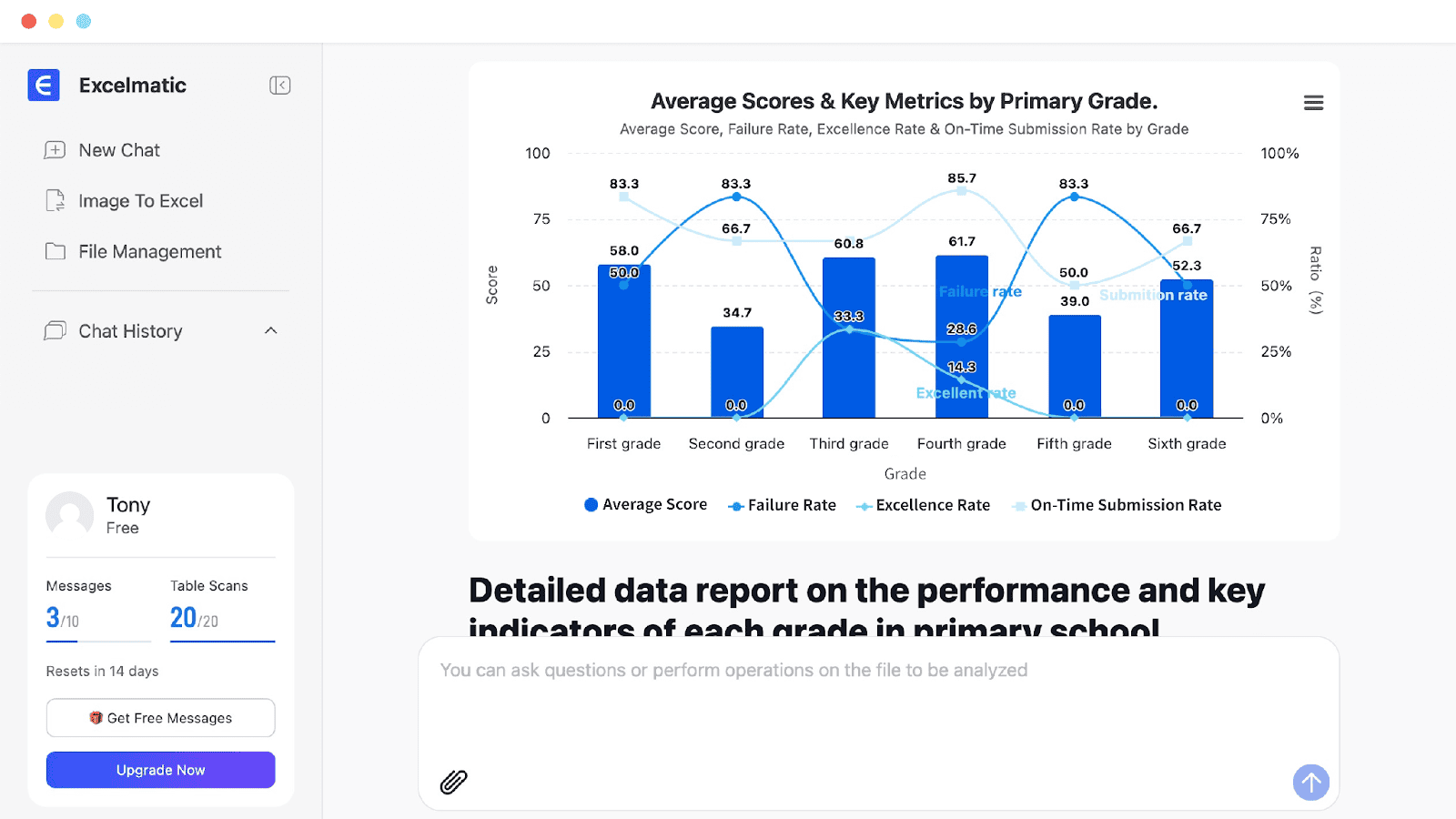
Excelmatic excels at making Excel data analysis accessible through natural language queries, eliminating the need for complex formulas. It generates professional charts like bar, line, and pie graphs quickly. However, its freemium model means advanced features may require payment. This tool is ideal for marketers and solopreneurs who need quick insights from spreadsheet data without technical expertise.
Excelmatic – AI-Powered Excel Data Analysis and Visualization
- Category: AI Productivity & Automation
- Pricing: Freemium
- Best for: Effortlessly analyze data with natural language, generate professional charts (bar, line, pie) and
Background Check on Excelmatic – AI-Powered Excel Data Analysis and Visualization
We ran a background check on excelmatic.ai to verify its safety, security posture, hosting infrastructure, and web history. Here are the results as of April 20, 2026.
✓ Cross Origin Resource Sharing (CORS)
✗ Content Security Policy (CSP), Redirection, Strict Transport Security (HSTS), X-Content-Type-Options
Source: Mozilla Observatory report
Excelmaticis a web-based AI-powered Excel assistant designed to transform how users interact with spreadsheets. Whether you’re a beginner struggling with complex formulas or a professional seeking efficient data analysis, Excelmatic simplifies the process with natural language commands. Upload your Excel or CSV files, ask questions like “calculate monthly sales” or “create a bar chart,” and get instant insights, visualizations, and reports – without needing advanced Excel skills. Built for accessibility and security, it caters to business analysts, marketers, and data enthusiasts worldwide, offering a smooth way to break down data barriers. With bank-level encryption and a user-friendly interface, Excelmatic helps you to focus on insights rather than manual work, saving time and effort.
Excelmatic Highlights
- Effortlessly analyze data with natural language queries, no formulas required.
- Generate professional charts (bar, line, pie) and reports in seconds.
- Automatically clean, process and merge multiple tables with customizable rules.
- Detect data anomalies and recommend suitable visualizations instantly.
- Ensure data security with bank-level encryption and private file access.
- Support real-time updates for dynamic business insights.
Key Features
Excelmatic’s core strength lies in its ability to interpret natural language inputs, allowing users to ask questions in plain English or their native language. For example, typing “summarize sales by region” triggers an instant pivot table or chart, eliminating the need to master VLOOKUP or pivot table setups. This feature is ideal for those overwhelmed by Excel’s complexity, offering a conversational interface that adapts to your data and delivers actionable results quickly. It also supports batch processing, enabling you to handle multiple sheets at once, which is a strong option for teams managing large datasets.
Another standout feature is its intelligent visualization and error detectioncapabilities. Excelmatic automatically suggests the best chart type based on your data – whether a pie chart for market share or a line graph for trends – and refreshes visuals in real-time as data updates. Additionally, it identifies outliers or formula errors, providing modification suggestions to ensure accuracy. This combination of automation and insight generation makes it a valuable tool for uncovering trends and risks, helping users make informed decisions without diving into manual analysis.
The platform’s security and accessibilityfurther enhance its appeal. Hosted on industry-leading cloud services with regular backups, Excelmatic uses bank-level encryption to protect your data, ensuring privacy and compliance with international standards. Its web-based nature means no installation is needed – just access it from any device with a browser. This flexibility, paired with a 7-day refund policy for new users, makes it a low-risk option for anyone looking to streamline their Excel workflow.
How Excelmatic – AI-Powered Excel Data Analysis and Visualization Compares to Alternatives
When choosing AI productivity tools for data analysis, consider whether you need natural language processing, visualization capabilities, and pricing structure. Excelmatic stands out for its direct Excel integration and no-formula approach, but alternatives may offer different strengths like team collaboration or specialized functions.
| Tool | Best For | Pricing |
|---|---|---|
| Excelmatic | Analyzing Excel data with natural language queries and generating charts without formulas. | Freemium model with basic features free. |
| LemTask Lifetime Deal | Users seeking a one-time payment for task management with AI assistance. | Paid lifetime access, no subscription. |
| The Secure Note | Storing sensitive data securely with zero-knowledge encryption for notes. | Freemium with encrypted features. |
| Qoris | Building AI agents that automate team workflows and collaboration tasks. | Paid plans for advanced features. |
Best For
- Marketers analyzing campaign data in Excel without learning formulas.
- Solopreneurs creating quick charts for reports or presentations.
- Founders needing fast insights from sales or financial spreadsheets.
- Teams with non-technical members who must interpret Excel data.
Not Ideal For
- Users requiring complex statistical analysis beyond basic charts.
- Businesses needing real-time data integration from multiple sources.
- Advanced data scientists who prefer coding over natural language.
Getting Started
Start by uploading a simple Excel file with clear column headers, then ask a basic question like ‘show sales by month’ to see how the AI interprets your data. Experiment with different chart types to understand visualization options before moving to more complex queries. This helps you learn the tool’s capabilities without overwhelming data.
Key Limitations to Consider
- Limited to Excel files, not compatible with other spreadsheet formats like Google Sheets.
- Natural language queries may struggle with ambiguous or poorly structured data.
- Freemium version likely restricts advanced features like custom chart designs.
- No real-time collaboration features for team-based data analysis projects.
- Basic chart types only, lacking advanced visualizations like heat maps or scatter plots.
Conclusion
Excelmatic is more than just an Excel tool – it’s a productivity partner that helps users to get the most out of their data. By automating tedious tasks like chart creation and data cleaning, it frees you to focus on strategic insights, whether you’re a small business owner or a data scientist. With its intuitive design and solid security, it’s perfect for anyone seeking to save time and enhance decision-making. Try Excelmatic today at https://excelmatic.ai and experience how it can transform your spreadsheet experience. Join thousands of professionals who’ve already simplified their Excel workflows with this innovative AI solution!
Pricing
Excelmatic – AI-Powered Excel Data Analysis and Visualization offers afreemium plan with optional paid upgrades. Get started for free and upgrade as needed.
Related Workflows and Tool Pairings
Excelmatic fits into data analysis workflows where users start with raw Excel data and need quick insights for decision-making. It pairs well with data collection tools that export to Excel, such as CRM or survey platforms, allowing you to import data directly for analysis. For reporting, complement it with presentation software to embed the generated charts into slides or documents. In team settings, use project management tools to track insights derived from Excelmatic, ensuring actionable follow-ups. This creates a seamless flow from data entry to visualization and implementation.
Related tools to explore: AffiliateFinder – Find High-Quality Affiliate Partners & Influencers, AviaryAI, BookPlotter – Discover Your Next Great Read, Box, Dataisland, Deci, AI Productivity & Automation tools
Frequently Asked Questions
What is Excelmatic – AI-Powered Excel Data Analysis and Visualization?
Excelmatic is a web-based AI-powered Excel assistant designed to transform how users interact with spreadsheets. Whether you’re a beginner struggling with complex formulas or a professional seeking efficient data analysis, Excelmatic.
Is Excelmatic – AI-Powered Excel Data Analysis and Visualization free?
Excelmatic – AI-Powered Excel Data Analysis and Visualization offers a free plan with limited features. Paid plans are available for additional capabilities.
What are the best Excelmatic – AI-Powered Excel Data Analysis and Visualization alternatives?
There are many AI ai productivity & automation tools available. Browse our AI AI Productivity & Automation tools directory to compare features, pricing, and reviews for the best alternatives.
Last verified: April 2026
Explore more: Browse all AI AI Productivity & Automation tools
