














Quick Verdict
Ocular AI excels at providing AI-powered data visualization specifically for customer support teams, helping them navigate complex datasets with authorized access controls. A key limitation is the lack of transparent pricing, requiring potential users to contact the company directly. This tool is best for customer support managers who need to visualize and search through large volumes of support data while maintaining strict information security protocols.
Ocular AI – AI Data Visualization Platform
- Category: Customer Support, Project Management, Workflows
- Pricing: Contact for Pricing
- Best for: Data analysts seeking instant visual insights
Background Check on Ocular AI – AI Data Visualization Platform
We ran a background check on www.useocular.com to verify its safety, security posture, hosting infrastructure, and web history. Here are the results as of April 20, 2026.
✓ Cross Origin Resource Sharing (CORS), Redirection, Strict Transport Security (HSTS)
✗ Content Security Policy (CSP), Subresource Integrity, X-Content-Type-Options, X-Frame-Options
Source: Mozilla Observatory report
What is Ocular AI
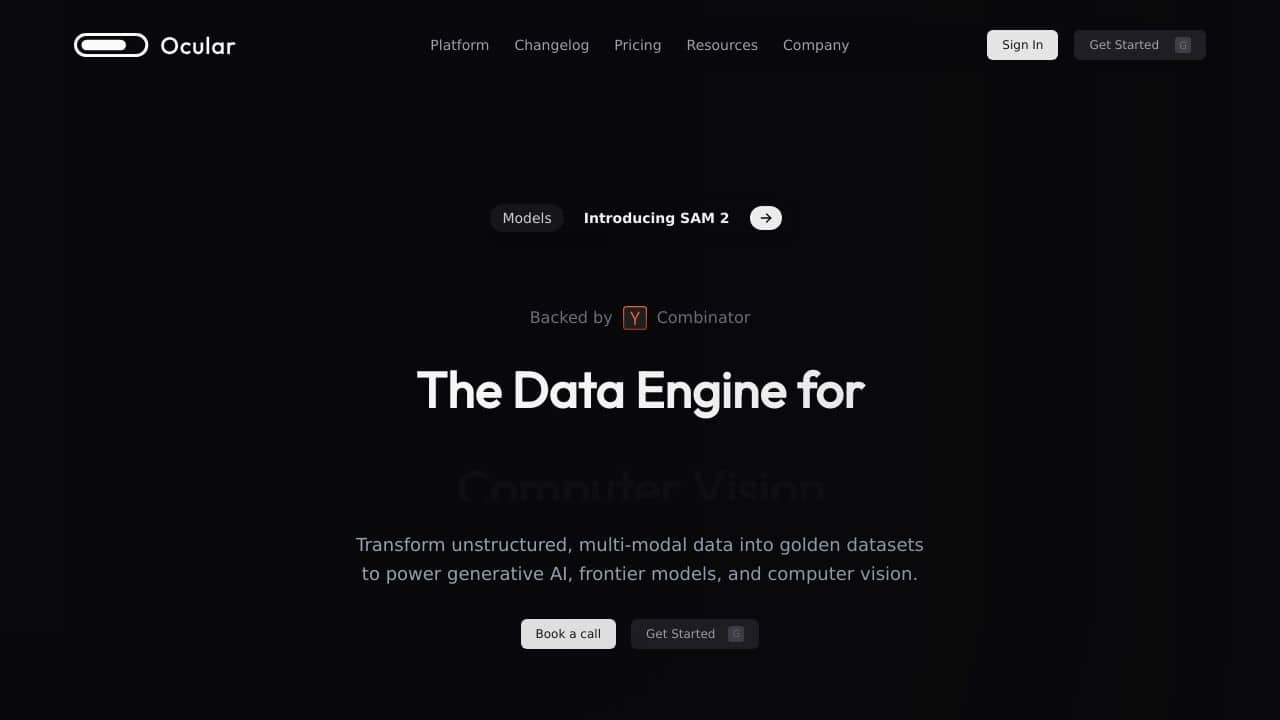
Ocular AI is a revolutionary platform designed to transform how businesses manage and interact with their data. By integrating various applications and data sources, it enables efficient, AI-powered organizational search while respecting team-level permissions. This tool is particularly beneficial for engineers and project managers, enhancing productivity and decision-making processes across enterprises.
Ocular AI Features
- AI-Powered Search: Navigate vast data smoothly, ensuring team members access only authorized information.
- Generative AI-Powered Copilot: Acts as an AI assistant for daily tasks like creating workspaces and uploading files.
- Flexible Deployment Options: Host data on-premise, on Ocular AI’s cloud, or a third-party cloud for maximum control.
- Advanced Admin Console: Manage users, permissions, and gain insights into app usage effortlessly.
- Custom Integrations: Supports integration with both third-party and in-house tools, enhancing adaptability.
Ocular AI Usecases
- Engineering Teams: Manage software development projects and large codebases efficiently.
- Project Managers: Oversee multiple project timelines and deliverables with ease.
- IT Support Teams: Handle IT requests and manage knowledge bases effectively.
- Customer Support Teams: Quickly access customer data to resolve queries.
- Academic Researchers: Manage large datasets and collaborations smoothly.
- Non-Profits: Utilize for donor management and campaign tracking.
How Ocular AI – AI Data Visualization Platform Compares to Alternatives
When evaluating Customer Support tools AI tools, key factors include pricing transparency, specific AI capabilities, and integration with existing workflows. Ocular AI focuses on data visualization and search, while alternatives may prioritize different aspects like live calling or chatbot functionality.
| Tool | Best For | Pricing |
|---|---|---|
| Ocular AI | Teams needing AI-powered data visualization and secure search through customer support datasets. | Contact for pricing, no public plans. |
| CloudTalk | Businesses requiring AI-enhanced calling software for customer support teams. | Paid plans with transparent pricing. |
| Hostcomm AI Agent | Organizations wanting dedicated AI agents for automated customer interactions. | Paid service, custom pricing likely. |
| Tidio Copilot | Small teams needing a free AI assistant for basic helpdesk support. | Free tier available. |
Best For
- Customer support teams managing large datasets requiring visual analysis
- Organizations needing AI-powered search with strict access controls
- Support managers who want generative AI assistance for data exploration
- Teams that prioritize data security in customer information access
Not Ideal For
- Small businesses needing transparent, predictable pricing upfront
- Teams wanting live chat or calling features for direct customer interaction
- Organizations that need freemium options for basic functionality testing
Getting Started
Begin by mapping your existing customer support data sources to understand what information Ocular AI will visualize. Prepare specific questions about pricing and implementation timelines before contacting their sales team, as this information isn’t publicly available. Identify which team members need what level of data access to configure the authorization settings effectively.
Key Limitations to Consider
- No transparent pricing requires contacting sales before understanding costs
- Limited to data visualization rather than direct customer interaction tools
- May require significant data preparation before implementation
- Focuses primarily on search and visualization rather than automated responses
Related Workflows and Tool Pairings
Ocular AI fits into customer support workflows by visualizing data from helpdesk systems and CRM platforms, helping teams identify patterns and access information quickly. It pairs well with ticketing systems that generate the data it visualizes, and with communication platforms where insights can be shared with team members. For complete support operations, you would typically use Ocular AI alongside live chat tools for customer interaction and knowledge base software for information storage. The AI-powered search complements human agents by helping them find relevant information faster during customer conversations, while the visualization capabilities help managers spot trends in support requests over time.
Related tools to explore: 123GPT.AI – Intelligent Support Chatbots, 247.AI – AI Omnichannel Customer Service, AI Phone – AI Call Efficiency Transcription, AIChatbot – Customer Support Assistant, AINIRO.IO – Custom AI Chatbot, AIPEX Virtual Concierge – Smart Hospitality Assistant, Customer Support tools, Project Management tools
Conclusion
In summary, Ocular AI stands out as a powerful tool for enterprises looking to enhance their data management and workflow efficiency. With its solid features, customizable framework, and strong security measures, it caters to the complex needs of modern businesses. Whether you’re an engineering team or a project manager, Ocular AI offers the tools necessary to streamline operations and drive productivity.
- https://twitter.com/OcularHQ
- https://www.linkedin.com/company/use-ocular
- https://www.youtube.com/@OcularAI
Pricing
Ocular AI – AI Data Visualization Platform uses custom pricing.Contact their sales team for a quote tailored to your needs.
Frequently Asked Questions
What is Ocular AI – AI Data Visualization Platform?
Ocular AI is a revolutionary platform designed to transform how businesses manage and interact with their data. By integrating various applications and data sources, it enables efficient, AI-powered organizational search while respecting team-level.
Is Ocular AI – AI Data Visualization Platform free?
Ocular AI – AI Data Visualization Platform uses custom pricing. Contact their sales team directly for a personalized quote.
What are the best Ocular AI – AI Data Visualization Platform alternatives?
There are many AI customer support tools available. Browse our AI Customer Support tools directory to compare features, pricing, and reviews for the best alternatives.
Last verified: April 2026
Explore more: Browse all AI Customer Support tools | Browse all AI Project Management tools
