

















Quick Verdict
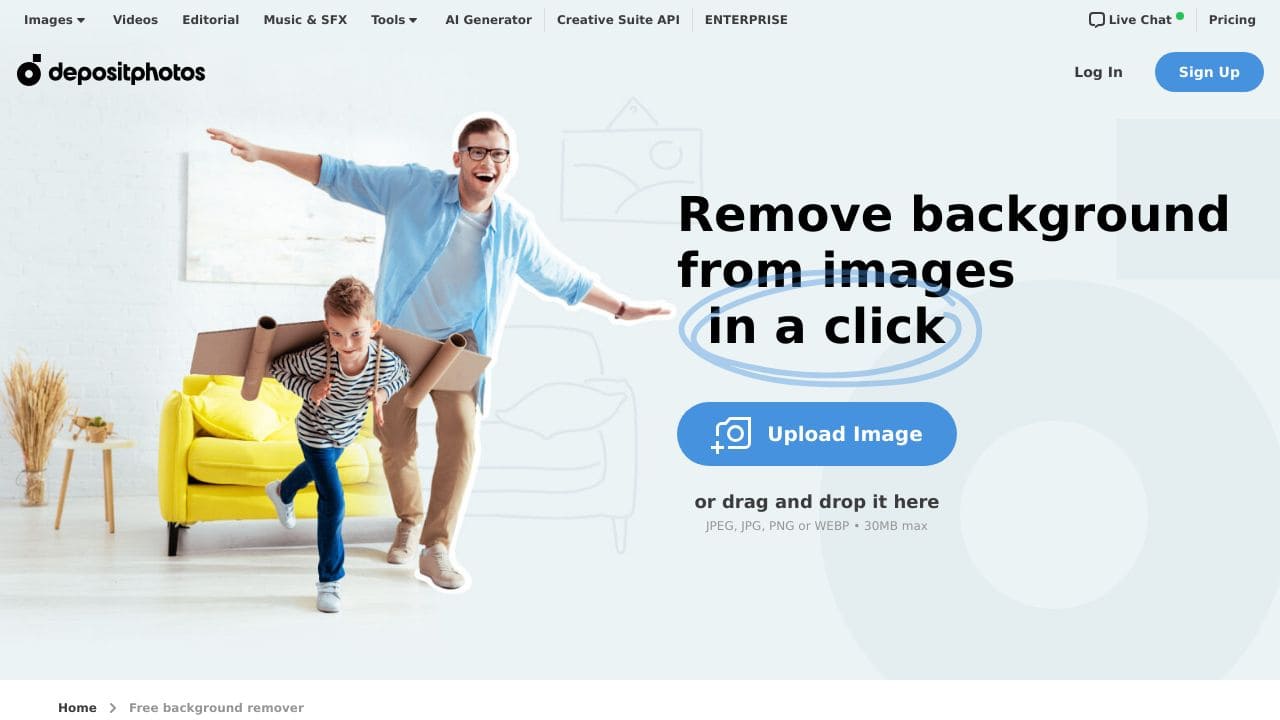
Depositphotos Background Remover delivers solid AI-powered background removal completely free, making it accessible for basic editing needs. Its main limitation is that it lacks advanced features like batch processing or fine edge refinement found in premium tools. Teams and businesses needing quick, no-cost background removal for marketing materials or product images should consider this tool, especially when budget constraints exist.
Depositphotos Background Remover – AI Background Eraser
- Category: Image Editing
- Pricing: Free
- Best for: Teams and businesses needing AI image editing capabilities
Background Check on Depositphotos Background Remover – AI Background Eraser
We ran a background check on depositphotos.com to verify its safety, security posture, hosting infrastructure, and web history. Here are the results as of April 19, 2026.
✓ Cookies, Cross Origin Resource Sharing (CORS), Redirection, Referrer Policy, Strict Transport Security (HSTS), X-Content-Type-Options
✗ Content Security Policy (CSP)
Source: Mozilla Observatory report
What is it?
The Background Remover is an online solution that streamlines the task of isolating objects from photos. It allows users to effortlessly eliminate backgrounds from images through a simple upload process, eliminating the requirement for complicated software or technical skills.
Background Remover Features
This tool offers various features AImed at enhancing user experience and efficiency.
Automatic Background Removal
This feature utilizes advanced AI technology to automatically detect and remove backgrounds from uploaded images, providing a smooth user experience.
High-Quality Output
Once the background is removed, users receive a PNG file with a transparent background, ensuring high-quality results ready for immediate use in various projects.
User-Friendly Interface
The intuitive design of the platform makes it incredibly easy for both amateurs and professionals to navigate, allowing anyone to achieve professional-looking images.
Affordable and Efficient Solution
This tool represents a cost-effective method of producing polished images, circumventing the need for expensive equipment or resources.
Background Remover FAQ
How does the background removal process work?
Users simply upload an image, and the AI processes the data, automatically selecting and removing the background within moments.
Can I use the tool for commercial projects?
Absolutely, this Background Remover is suitable for both personal and commercial applications, making it a versatile choice for various creative endeavors.
What file formats are supported for download?
The final output is delivered in PNG format, which retAIns the transparent background, making it ideal for integration into other design projects.
Is there an API for developers?
Yes, for businesses and developers, API access is available, enabling them to integrate the background removing functionality into their own applications and websites.
How Depositphotos Background Remover – AI Background Eraser Compares to Alternatives
When choosing an AI Image Editing tools tool, key factors include pricing structure, specific features like batch processing or edge refinement, and whether the tool specializes in certain image types. For background removal specifically, consider how many images you need to process and whether you require integration with other design workflows.
| Tool | Best For | Pricing |
|---|---|---|
| Depositphotos Background Remover | Teams and businesses needing free, straightforward AI background removal for marketing or product images | Completely free with no usage limits |
| Pykaso | Creating viral AI influencer content rather than general background removal tasks | Paid service with subscription model |
| HeadshotGenerator.io | Generating professional AI headshots specifically, not general image background removal | Freemium model with paid upgrades |
| Photoroom | Comprehensive AI photo editing including background removal with more advanced features | Freemium with premium features |
Best For
- Small businesses creating product listings on e-commerce platforms
- Marketing teams needing quick background removal for social media graphics
- Startups with limited budgets requiring basic image editing capabilities
- Content creators removing backgrounds from portrait photos for thumbnails
Not Ideal For
- Professional photographers needing batch processing for hundreds of images
- Designers requiring precise edge refinement for complex subjects like hair
- Users needing advanced editing features beyond basic background removal
Getting Started
Upload images with clear contrast between subject and background for best results. The AI works better with well-lit photos where the subject has defined edges. Save your processed images immediately since there’s no cloud storage or project saving feature.
Key Limitations to Consider
- No batch processing capability, requiring manual upload of each image individually
- Limited to basic background removal without advanced editing tools or filters
- No integration with design software or cloud storage platforms
- Lacks fine edge control for complex subjects like hair or transparent objects
- No option to adjust output resolution or file format preferences
Related Workflows and Tool Pairings
Depositphotos Background Remover fits naturally into content creation workflows where images need clean backgrounds before further processing. After removing backgrounds, users typically import images into graphic design software for adding new backgrounds, text overlays, or branding elements. This tool pairs well with stock photo libraries for sourcing replacement backgrounds, social media scheduling platforms for posting edited images, and e-commerce platforms for product listing creation. The free nature makes it ideal for early-stage workflows where budget is limited but professional-looking images are needed for marketing materials, website content, or social media posts. For more advanced workflows, users might combine it with color correction tools or layout software to create complete visual assets.
Related tools to explore: 1PX.AI – AI Image Editing Bulk, ACDSee – AI Photo Management, AI Character Generator – AI Storyboard Character Creation, AI Face Swap – Seamless Face Swapper, AI Facefy – Face Swap Creator, AI Filter – Photo Style Transformer, Image Editing tools
Conclusion
In summary, the Background Remover is an ideal tool for anyone needing to eliminate backgrounds quickly and efficiently, from hobbyists to professionals in various fields. However, it might not suit individuals looking for extensive manual editing features or those who prefer working with traditional image processing software.
Pricing
Depositphotos Background Remover – AI Background Eraser is afree AI image editing tool. No payment required to get started.
Last verified: April 2026
Explore more: Browse all AI Image Editing tools
