
















Quick Verdict
Fileconv’s Background Eraser Tool excels at providing a straightforward, free solution for removing backgrounds from images without requiring design expertise. Its main limitation is that it focuses solely on background removal rather than offering broader image editing features. This tool is best for teams and businesses that need to quickly process product photos, create clean visuals for marketing materials, or prepare images for presentations without budget constraints.
Fileconv – Background Eraser Tool
- Category: Design Generators, Image Editing, Workflows
- Pricing: Free
- Best for: Teams and businesses needing AI design generators capabilities
Background Check on Fileconv – Background Eraser Tool
We ran a background check on fileconv.online to verify its safety, security posture, hosting infrastructure, and web history. Here are the results as of April 19, 2026.
✓ Cross Origin Resource Sharing (CORS), Redirection, Subresource Integrity
✗ Content Security Policy (CSP), Cookies, Strict Transport Security (HSTS), X-Content-Type-Options
Source: Mozilla Observatory report
What is it?
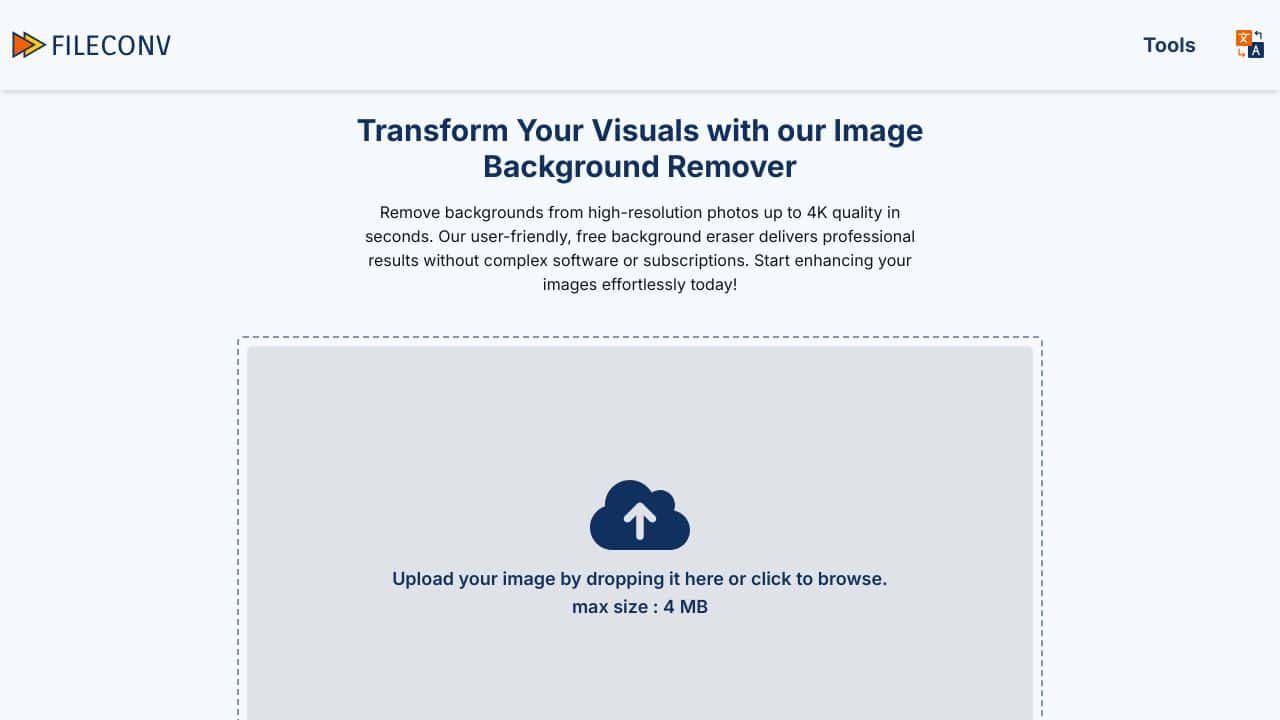
Fileconv BG Remover is a complimentary online service designed to efficiently eliminate backgrounds from images. This platform is suited for a diverse array of users looking to enhance their visuals by generating impressive, transparent PNG files.
Features
This tool offers a user-friendly experience with several notable functionalities.
Feature 1: Automatic Background Elimination
The software automatically identifies and removes backgrounds from images, allowing users to achieve a clean and professional appearance with minimal effort.
Feature 2: Support for Various Image Types
This service supports a range of image formats, making it versatile and accommodating different needs, from personal photos to product displays.
Feature 3: Quick and Hassle-Free Processing
Users can process images rapidly, with a maximum file size of 4MB, streamlining the workflow for those needing immediate results.
FAQ
Is there a cost associated with using this service?
No, this tool is entirely free to use, making it accessible for anyone needing quick background removal without incurring charges.
What types of images work best?
Images with clear and distinct subject edges tend to yield the best results when using this background remover, enhancing overall effectiveness.
Can I download the edited images?
After processing, users can easily download the modified images as transparent PNG files, ready for immediate use.
How Fileconv – Background Eraser Tool Compares to Alternatives
When evaluating AI Design Generators tools, key factors include the specific task focus, output quality, and whether the tool fits into existing workflows. For background removal specifically, consider how automated the process is, what file formats are supported, and whether the tool offers batch processing capabilities.
| Tool | Best For | Pricing |
|---|---|---|
| Fileconv – Background Eraser Tool | Teams and businesses needing quick, free background removal for product photos and marketing visuals. | Completely free with no usage limits. |
| BeYourCover – AI Book Cover Generator | Authors and publishers creating complete book covers with integrated background elements. | Freemium model with paid tiers for advanced features. |
| Wallpapers.fyi – AI Wallpaper Generation Platform | Users generating complete wallpaper designs from scratch, not just editing existing images. | Free platform for generating wallpapers. |
| ThumbnailAi – AI Thumbnail Rating Platform | Content creators analyzing and optimizing thumbnail performance rather than creating them. | Free tool for thumbnail analysis and rating. |
Best For
- E-commerce teams removing backgrounds from product photos for clean listings.
- Marketing departments creating presentation slides with transparent-background images.
- Small businesses preparing social media graphics without design software access.
- Teams needing batch background removal for multiple product images quickly.
Not Ideal For
- Designers needing advanced image editing beyond background removal.
- Users requiring AI-generated images from text prompts rather than editing.
- Projects needing high-resolution print-quality image manipulation.
Getting Started
Start with clear, well-lit images with distinct foreground subjects for best results. The tool works most effectively when there’s good contrast between your subject and the background. Test with a few sample images first to understand how the AI handles different types of edges and details.
Key Limitations to Consider
- Only performs background removal without additional image editing capabilities.
- May struggle with complex edges like hair or transparent objects.
- No indication of batch processing capabilities for multiple files.
- Limited to the specific task rather than broader design generation.
Related Workflows and Tool Pairings
Fileconv’s Background Eraser Tool typically serves as the first step in visual content creation workflows. After removing backgrounds, users often import cleaned images into graphic design software to create marketing materials, social media posts, or product catalogs. This tool pairs well with layout applications for assembling multiple elements, basic photo editors for color correction, and presentation software for creating slides. The transparent-background images created here become building blocks for more complex designs, saving time on manual editing while maintaining professional appearance standards. For complete design projects, users would combine this tool with typography applications and branding asset managers.
Related tools to explore: 3DFY – AI 3D Model Creator, AI Background Generator – AI Custom Backgrounds, AI Character Generator – AI Storyboard Character Creation, AI Home Design – AI Virtual Staging Renovations, AI Interior Design – Smart Space Designer, AI Logo Generator – AI Logo Creator, Design Generators tools, Image Editing tools
Conclusion
In summary, this online background removal service is an excellent tool for graphic designers, marketers, and social media managers who require efficient image editing solutions. It’s particularly beneficial for individuals working with product visuals and branding materials, but may not suit those needing intricate adjustments or complex editing options.
Pricing
Fileconv – Background Eraser Tool is afree AI design generators tool. No payment required to get started.
Last verified: April 2026
Explore more: Browse all AI Design Generators tools | Browse all AI Image Editing tools
