
















Quick Verdict
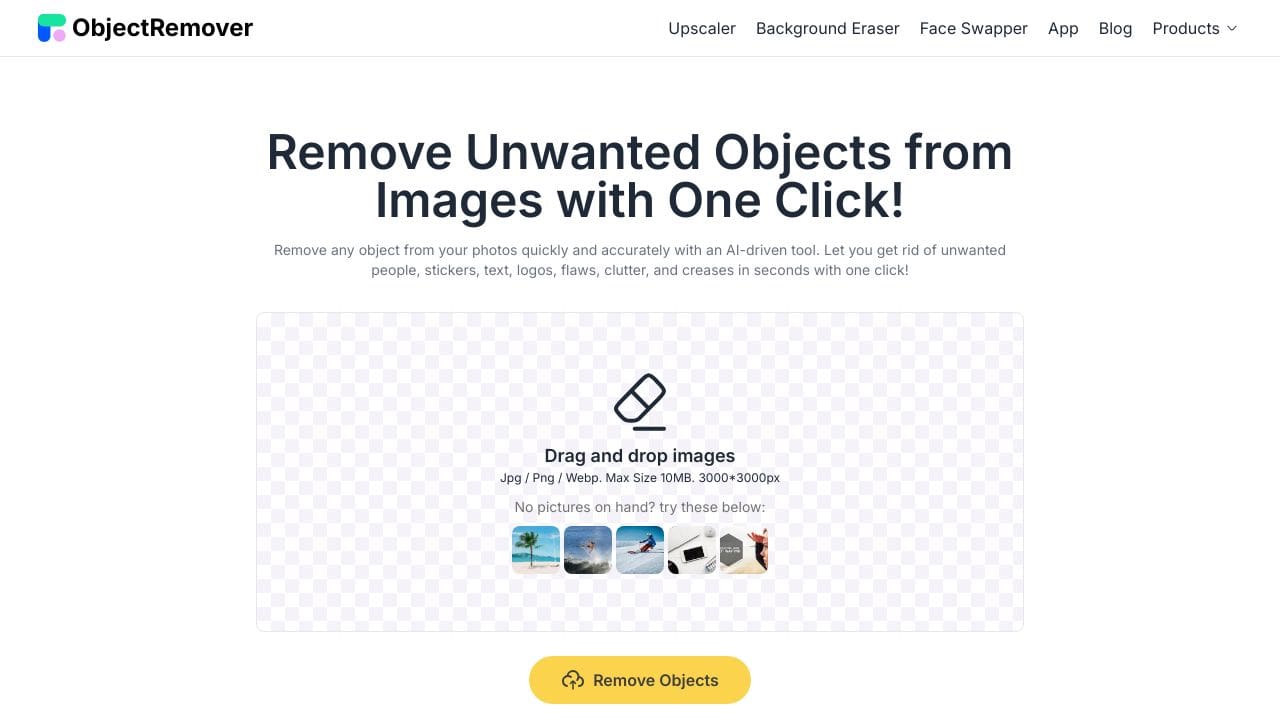
Object Remover excels at quickly cleaning up images by removing unwanted elements with AI precision, making it ideal for basic photo corrections. Its main limitation is the lack of advanced editing features beyond object removal. Teams and businesses needing straightforward, free image cleanup should consider this tool, especially for social media content or product photos where distractions need elimination.
Object Remover – AI Image Cleanup Tool
- Category: Image Editing
- Pricing: Free
- Best for: Teams and businesses needing AI image editing capabilities
Background Check on Object Remover – AI Image Cleanup Tool
We ran a background check on objectremover.com to verify its safety, security posture, hosting infrastructure, and web history. Here are the results as of April 19, 2026.
- Server: cloudflare
- Hosting: CLOUDFLARENET – Cloudflare, Inc., US
- SSL Certificate: WE1 (certificate age: 56 days)
- Domain Age: ~3 years (1,099 days)
Source: urlscan.io scan report
✓ Cross Origin Resource Sharing (CORS)
✗ Content Security Policy (CSP), Redirection, Strict Transport Security (HSTS), Subresource Integrity
Source: Mozilla Observatory report
What is it?
Object Remover is a solid online tool designed to eliminate unwanted elements from images. It integrates several popular features on a single platform, offering an ideal solution to refine your photographs.
Object Remover Features
This tool includes a variety of functionalities that cater to different editing needs.
Feature 1: People Remover
With the advanced People Remover tool, you can easily erase unwanted photobombers or distracting crowds from your favorite pictures. This allows you to transform chaotic images into serene and distraction-free works of art.
Feature 2: Text Remover
The Text Remover feature swiftly eliminates distracting elements like billboards or graffiti from your photos, enhancing their aesthetic appeal. This function works exceptionally well to restore your image’s original beauty, clearing away any unwanted textual distractions.
Feature 3: Clutter Remover
This feature assists users in getting rid of undesired items that clutter their images. Whether it’s stray branches or litter, this tool intelligently evaluates the picture and removes distractions, resulting in cleaner and more visually appealing compositions.
Feature 4: Skin Defects Remover
The Skin Defects Remover allows users to easily smooth out wrinkles, banish acne, and reduce other imperfections on their subjects’ skin. With just a single click, you can enhance the appearance of your portrAIts, making them look more polished and flawless.
Feature 5: Sticker and Emoji Remover
If your photos have become overcrowded with stickers and emojis, this tool can help restore them to a more natural state. The Sticker and Emoji Remover effectively cleans your photos, promoting a cleaner and visually harmonious presentation.
Feature 6: Image Cleaner
Our Image Cleaner tool elevates your photos by removing unnecessary clutter and refocusing attention on the primary subject. This feature ensures that your images look not only tidier but also more vibrant and sharp.
Object Remover FAQ
How does Object Remover work?
Object Remover employs advanced machine learning algorithms to detect and eliminate unwanted elements in images. Initially, the AI identifies the object using sophisticated image recognition techniques, followed by segmentation and filling the gap with realistic content.
Can I use Object Remover on my mobile device?
Yes, you can access Object Remover through most popular mobile browsers like Safari, Chrome, and Firefox. However, there is currently no dedicated mobile or desktop application available.
What types of images can I edit?
You can use Object Remover for a broad range of images, including e-commerce product photos, real estate images, wildlife photography, and landscapes. Its versatility makes it suitable for various editing tasks.
Is there any integration with third-party tools?
Currently, Object Remover does not offer integration with third-party platforms, although plans for this feature are slated for future updates.
How Object Remover – AI Image Cleanup Tool Compares to Alternatives
When evaluating AI Image Editing tools, key factors include pricing structure, specialized capabilities, and workflow integration. Object Remover stands out for its focused, free approach to object removal, while competitors may offer broader features at different price points.
| Tool | Best For | Pricing |
|---|---|---|
| Object Remover – AI Image Cleanup Tool | Teams and businesses needing free, straightforward AI object removal for image cleanup. | Completely free with no paid tiers. |
| Pykaso – Get Your AI Influencer Viral | Marketers creating viral social media content with AI generated influencer personas. | Paid service with subscription plans. |
| HeadshotGenerator.io – AI Headshot Generator Kit | Professionals needing polished AI generated headshots for LinkedIn or corporate use. | Freemium model with basic free features. |
| Photoroom – AI Photo Editing Platform | Users wanting comprehensive AI photo editing beyond just object removal. | Freemium with advanced paid features. |
Best For
- Marketing teams cleaning product photos by removing background clutter.
- Small businesses editing website images without budget for paid software.
- Social media managers quickly fixing user generated content for posts.
- E commerce sellers removing watermarks or defects from product shots.
Not Ideal For
- Professional photographers needing advanced color grading or layer editing.
- Users creating entirely new visual elements rather than removing existing ones.
- Teams requiring batch processing of hundreds of images simultaneously.
Getting Started
Upload a high resolution image with clear contrast between the object you want to remove and the background. Use the brush tool to precisely outline the unwanted element, then let the AI handle the cleanup. For best results, start with simple backgrounds before tackling complex scenes.
Key Limitations to Consider
- Only handles object removal without additional editing features like filters or adjustments.
- May struggle with complex backgrounds where removed objects leave noticeable artifacts.
- No batch processing capability for editing multiple images at once.
- Free version likely has usage limits or watermarks on exported images.
- Limited to static images without video or animation support.
Related Workflows and Tool Pairings
Object Remover fits naturally into content creation and asset preparation workflows. After using it to clean up images, marketers typically pair it with graphic design tools like Canva or Adobe Express for adding text and branding elements. The cleaned images then flow into social media schedulers like Buffer or Hootsuite for posting. For e commerce teams, the tool works well alongside product information management systems where cleaned product photos get cataloged. Since Object Remover focuses solely on removal, it complements rather than replaces more comprehensive editing platforms, serving as a specialized first step in the visual content pipeline.
Related tools to explore: 1PX.AI – AI Image Editing Bulk, ACDSee – AI Photo Management, AI Character Generator – AI Storyboard Character Creation, AI Face Swap – Seamless Face Swapper, AI Facefy – Face Swap Creator, AI Filter – Photo Style Transformer, Image Editing tools
Conclusion
In summary, Object Remover provides a comprehensive set of tools designed to refine and perfect your images, catering to both casual users and professional photographers. However, it may not be suitable for those looking for extensive third-party integrations or dedicated applications at this time.
Pricing
Object Remover – AI Image Cleanup Tool is afree AI image editing tool. No payment required to get started.
Last verified: April 2026
Explore more: Browse all AI Image Editing tools
