


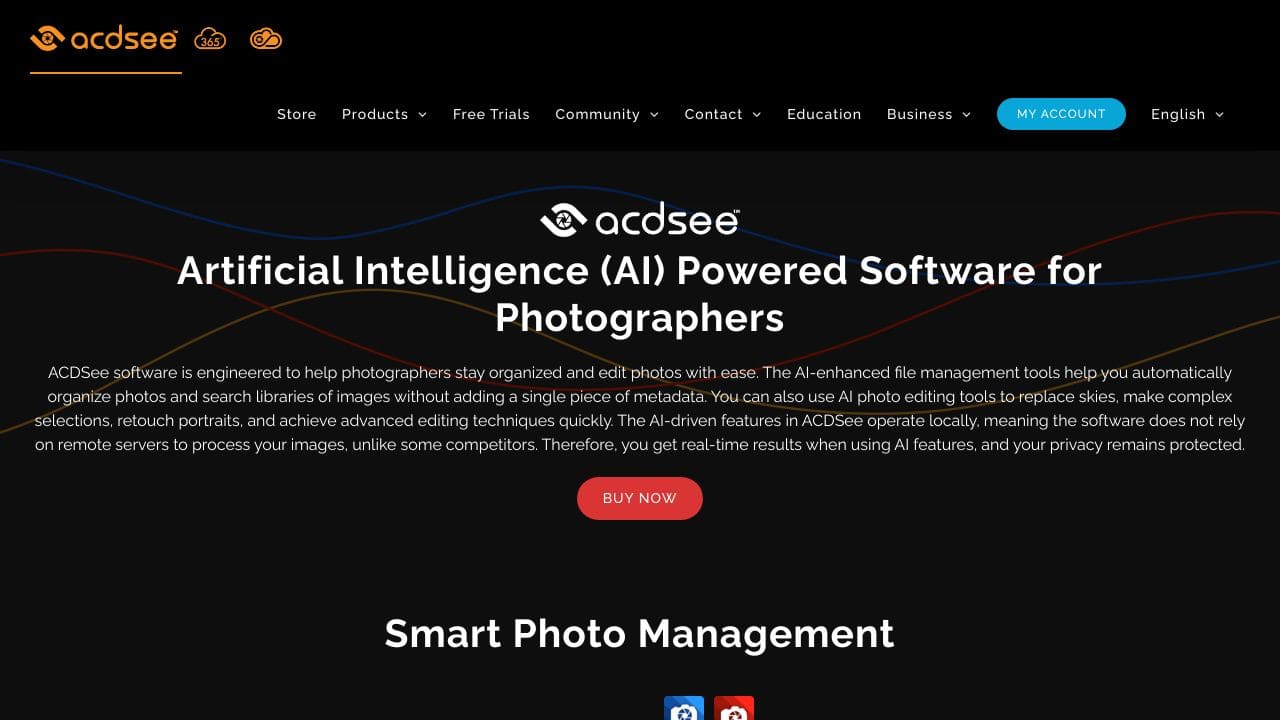








Quick Verdict
ACDSee AI Photo Management excels at providing AI-powered image editing capabilities specifically designed for teams and businesses. Its paid model ensures dedicated support and advanced features, but the lack of a free tier makes it less accessible for individual users or small startups. This tool is best suited for professional teams that need reliable, business-focused AI editing tools and have the budget for paid software.
ACDSee – AI Photo Management
- Category: Image Editing
- Pricing: Paid
- Best for: Teams and businesses needing AI image editing capabilities
Background Check on ACDSee – AI Photo Management
We ran a background check on www.acdsee.com to verify its safety, security posture, hosting infrastructure, and web history. Here are the results as of April 18, 2026.
✓ Cross Origin Resource Sharing (CORS), Cookies, Redirection, X-Content-Type-Options, X-Frame-Options
✗ Content Security Policy (CSP), Referrer Policy, Strict Transport Security (HSTS), Subresource Integrity
Source: Mozilla Observatory report
What is it?
ACDSee Photo Studio Ultimate 2024 is an all-encompassing software package tAIlored for photographers and creatives of varying experience levels.
ACDSee Photo Studio Features
This software integrates advanced functionalities, particularly focusing on AI to enhance and streamline photo editing and management workflows.
AI Keywords
The AI Keywords feature automatically assigns tags to images, eliminating the tediousness of manual keyword entry, thereby facilitating quick and easy access to specific photos.
AI Object Selection Tool
With the AI Object Selection Tool, users can uses automation to enhance their editing process, significantly cutting down on the time and energy spent on manual selections.
AI Face Edit
PortrAIt photographers can benefit greatly from the AI Face Edit functionality, which provides detAIled adjustments to facial attributes like eye positioning and skin texture smoothing.
Non-Destructive AI Masking
The software also includes non-destructive AI masking tools in Develop Mode, allowing users to edit particular sections of an image while keeping the original intact.
ACDSee Photo Studio FAQ
How does ACDSee improve file management?
ACDSee Photo Studio thrives on direct interaction with the user’s hard drive, negating the need for uploading or importing images. Its advanced search functionalities and AI-powered facial recognition create a more efficient and user-friendly experience.
Can I switch from Adobe products easily?
For those contemplating a transition from Adobe software like Photoshop or Lightroom, ACDSee simplifies the migration process, ensuring a smooth experience without losing essential functionalities.
Is the software compatible with my camera?
ACDSee supports RAW formats for more than 700 camera models, ensuring versatility and compatibility for a wide range of equipment used by photographers.
What resources are available for learning the software?
ACDSee provides various educational resources, including live workshops and video tutorials, designed to help users at all proficiency levels fully utilize its comprehensive features.
How ACDSee – AI Photo Management Compares to Alternatives
When choosing AI Image Editing tools, key factors include pricing structure, target audience, and specific feature sets. For teams and businesses, reliability, collaboration features, and professional-grade outputs often outweigh having a free entry point.
| Tool | Best For | Pricing |
|---|---|---|
| ACDSee AI Photo Management | Teams and businesses needing dedicated AI image editing with professional support. | Paid only, no free tier available. |
| Pykaso Get Your AI Influencer Viral | Marketers focused on creating viral social media content with AI influencers. | Paid, likely subscription-based. |
| AirBrush AI Headshots | Individuals or professionals needing quick AI-enhanced headshots for profiles. | Pricing not specified, possibly freemium. |
| HeadshotGenerator.io | Users wanting AI-generated headshots with a free starting option. | Freemium model, free tier available. |
| Photoroom | General AI photo editing with accessible pricing for various users. | Freemium, free basic features. |
Best For
- Marketing teams creating branded visual content with AI assistance.
- Businesses needing consistent, professional image editing across departments.
- Agencies that require reliable AI tools for client projects.
- Companies with budget for paid software and dedicated support.
Not Ideal For
- Solo entrepreneurs or hobbyists needing free AI editing tools.
- Startups with limited budget preferring freemium alternatives.
- Users only needing basic, occasional photo edits without AI.
Getting Started
Begin by exploring the AI-specific features like automated editing or batch processing to understand how they fit your team’s workflow. Set up user permissions and collaboration settings early, as this tool is designed for business use. Test the AI capabilities on a small project first to gauge time savings and output quality.
Key Limitations to Consider
- No free tier available, which limits testing before purchase.
- Focus on teams and businesses may mean less optimization for individual users.
- Paid pricing could be prohibitive for very small teams or startups.
- Limited information on specific AI features beyond general editing capabilities.
Related Workflows and Tool Pairings
ACDSee AI Photo Management fits into professional content creation workflows where teams need efficient, AI-enhanced image editing. It works well after raw image capture, handling bulk editing tasks with AI assistance. Complementary tool types include cloud storage platforms for team asset management, project management software to track editing tasks, and social media schedulers to distribute finished visuals. For businesses, pairing it with analytics tools helps measure the impact of AI-enhanced visuals on engagement metrics. This creates a streamlined process from editing to deployment, maximizing the tool’s team-oriented design.
Related tools to explore: 1PX.AI – AI Image Editing Bulk, AI Character Generator – AI Storyboard Character Creation, AI Face Swap – Seamless Face Swapper, AI Facefy – Face Swap Creator, AI Filter – Photo Style Transformer, AI HomeDesign – Smart Realty Designer, Image Editing tools
Conclusion
In summary, ACDSee Photo Studio Ultimate 2024 is a powerful, AI-enhanced solution for photo editing and management, suitable for both novice and experienced photographers. However, it may not be ideal for users who prefer more traditional software interfaces or do not require extensive image editing capabilities.
Pricing
ACDSee – AI Photo Management is apaid AI image editing tool. Visit the official website for current pricing plans and details.
Last verified: April 2026
Explore more: Browse all AI Image Editing tools
