













Quick Verdict
VideoProc Converter AI excels at AI-powered video remastering and enhancement, offering robust tools for upscaling, denoising, and stabilizing footage. Its paid model means no free tier, which could deter casual users. Teams and businesses needing reliable AI video processing for professional projects should consider this suite for its focused capabilities.
VideoProc Converter AI – Video Remastering Suite AI
- Category: Image Editing, Video Editing, Video Enhancer
- Pricing: Paid
- Best for: Teams and businesses needing AI image editing capabilities
Background Check on VideoProc Converter AI – Video Remastering Suite AI
We ran a background check on www.videoproc.com to verify its safety, security posture, hosting infrastructure, and web history. Here are the results as of April 20, 2026.
- Server: Apache
- Hosting: SOFTLAYER – IBM Cloud, US (US)
- SSL Certificate: Sectigo Public Server Authentication CA DV R36 (certificate age: 172 days)
- Domain Age: ~7 years (2,762 days)
Source: urlscan.io scan report
✓ Cross Origin Resource Sharing (CORS), Redirection
✗ Content Security Policy (CSP), Strict Transport Security (HSTS), X-Content-Type-Options, X-Frame-Options
Source: Mozilla Observatory report
What is it?
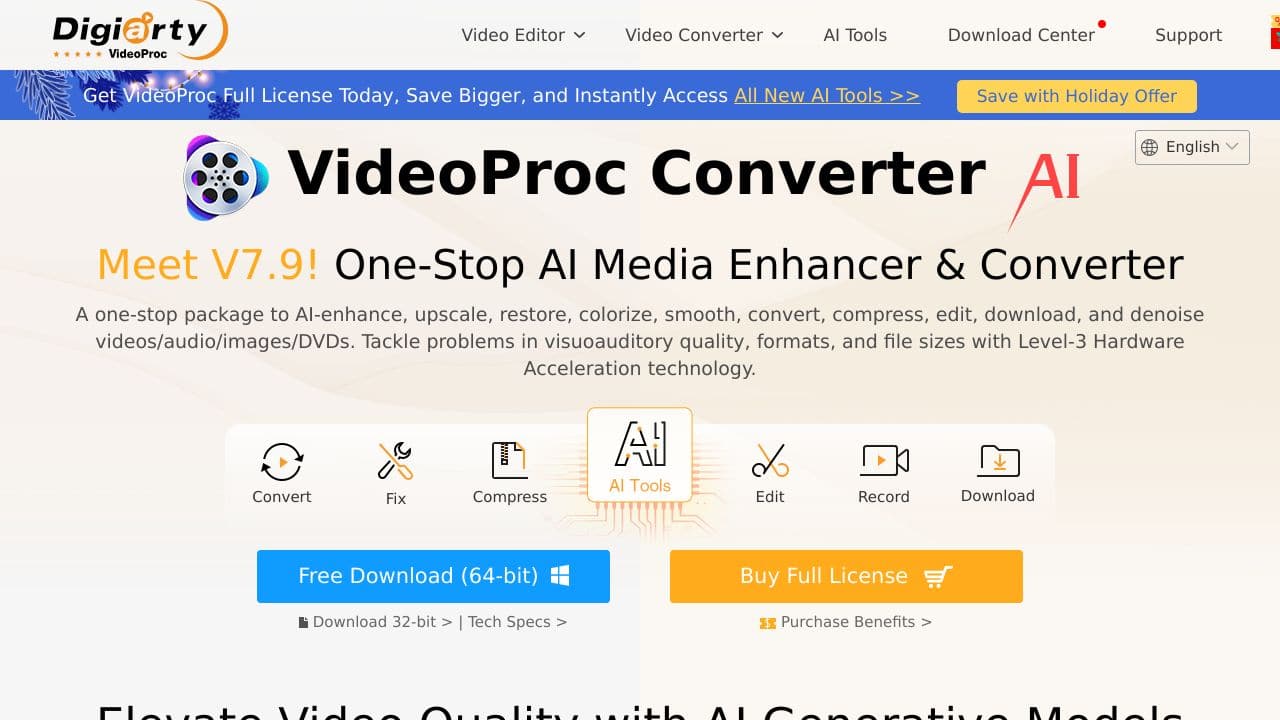
VideoProc Converter AI is an all-inclusive software designed to enhance, convert, and process videos and images, supporting a variety of media formats, including legacy, SD, and low-quality visuals as well as large, 4K, and HD files.
Key Features
This product boasts an array of functionalities that can significantly elevate your media processing experience.
AI Super Resolution
This feature utilizes advanced AI algorithms to upscale videos to 4K resolution and images to 8K/10K while preserving intricate detAIls, providing users with stunning visual clarity.
AI Frame Interpolation
By employing deep learning methods, this technology enhances low FPS videos into high FPS outputs, resulting in smoother motion and impressive slow-motion effects that enhance the viewing experience.
AI Video Stabilization
This capability effectively reduces camera shake, enhancing the stability of video footage and making it visually engaging, especially for action-packed scenes.
User-Friendly Interface
The software features a simple interface that allows users to navigate easily, making editing and enhancing videos a strAIghtforward process for users of all skill levels.
FAQ
What types of media files can be processed?
The software supports a diverse range of media file formats, accommodating everything from older video types to high-definition outputs, ensuring flexible usage across various devices.
Can beginners use this software?
Absolutely! The intuitive interface makes it accessible for newcomers while still delivering powerful features for advanced users, making it suitable for anyone looking to enhance their media files.
Is there support for screen recording?
Yes, the tool includes solid screen recording capabilities that are compatible with displays, webcams, and iPhones, allowing users to capture content effortlessly.
Can it convert video formats?
Definitely! The software allows easy conversions between different video formats, making it convenient for users to adapt their videos for various devices and platforms.
How VideoProc Converter AI – Video Remastering Suite AI Compares to Alternatives
When choosing AI video editing tools, key factors include the specific enhancement features offered, pricing structure, and target user base. VideoProc Converter AI stands out for its dedicated video remastering focus, but alternatives vary in specialization and cost models.
| Tool | Best For | Pricing |
|---|---|---|
| VideoProc Converter AI | Teams and businesses needing AI video enhancement, upscaling, and stabilization tools. | Paid only, no free tier. |
| Pykaso | Creating viral AI influencer content with automated social media optimization features. | Paid, focused on influencer marketing. |
| AirBrush AI Headshots | Enhancing professional headshots with AI retouching and background replacement. | Pricing not specified, headshot specific. |
| HeadshotGenerator.io | Generating AI headshots from uploaded photos with customizable styles. | Freemium model available. |
| Photoroom | AI photo editing with background removal and quick retouching for e-commerce. | Freemium, photo focused. |
Best For
- Marketing teams enhancing product demo videos with AI upscaling.
- Content creators remastering old footage for modern platforms.
- Businesses stabilizing and denoising corporate training videos.
- Video editors needing batch processing for multiple clips.
Not Ideal For
- Casual users wanting free AI photo editing tools.
- Solo creators focused only on AI headshot generation.
- Teams needing comprehensive social media content creation suites.
Getting Started
Begin by importing a short test video to experiment with the AI upscaling and denoising features. Adjust the enhancement settings incrementally to see real-time previews before processing the full file. This helps you understand the tool’s impact without committing to long render times immediately.
Key Limitations to Consider
- No free tier available, requiring upfront payment for all users.
- Primarily video focused, with limited AI image editing capabilities compared to dedicated photo tools.
- May have slower processing times for high resolution or lengthy videos.
- Lacks built-in social media optimization features like auto captioning.
- Requires desktop installation, no cloud based web interface.
Related Workflows and Tool Pairings
VideoProc Converter AI fits into video production workflows where raw footage needs enhancement before final editing. After using it for upscaling and noise reduction, you would typically move the improved video to a traditional video editor like DaVinci Resolve or Adobe Premiere for cutting, color grading, and effects. Complementary tool types include cloud storage services for sharing large video files, and audio editing software to clean up sound separately. For teams, project management platforms help track video enhancement tasks across multiple projects, ensuring consistent quality before publication.
Related tools to explore: 1PX.AI – AI Image Editing Bulk, ACDSee – AI Photo Management, AI Character Generator – AI Storyboard Character Creation, AI Face Swap – Seamless Face Swapper, AI Facefy – Face Swap Creator, AI Filter – Photo Style Transformer, Image Editing tools, Video Editing tools
Conclusion
In summary, VideoProc Converter AI is a multifaceted solution that integrates advanced AI technologies to enhance video and photo quality. It is ideal for content creators, video editors, and casual users seeking to elevate their media files but may not be necessary for those who require only basic editing functions.
Pricing
VideoProc Converter AI – Video Remastering Suite AI is apaid AI image editing tool. Visit the official website for current pricing plans and details.
Last verified: April 2026
Explore more: Browse all AI Image Editing tools | Browse all AI Video Editing tools
