










Quick Verdict
GoEnhance AI excels at transforming videos into animated styles like pixel art and flat anime with minimal effort. Its face swap feature for videos is a standout capability not found in many basic editors. The paid pricing means no free tier for testing, which could deter budget conscious users. Marketers creating animated social media content or founders needing quick video stylization should consider this tool.
GoEnhance AI – AI Video Image Enhancement
- Category: Image Editing, Video Editing, Video Enhancer
- Pricing: Paid
- Best for: Creators improving low quality video footage
Background Check on GoEnhance AI – AI Video Image Enhancement
We ran a background check on www.youtube.com to verify its safety, security posture, hosting infrastructure, and web history. Here are the results as of April 19, 2026.
✓ Cookies, Cross Origin Resource Sharing (CORS), Redirection, Strict Transport Security (HSTS), X-Content-Type-Options, X-Frame-Options
✗ Content Security Policy (CSP)
Source: Mozilla Observatory report
What is GoEnhance AI?
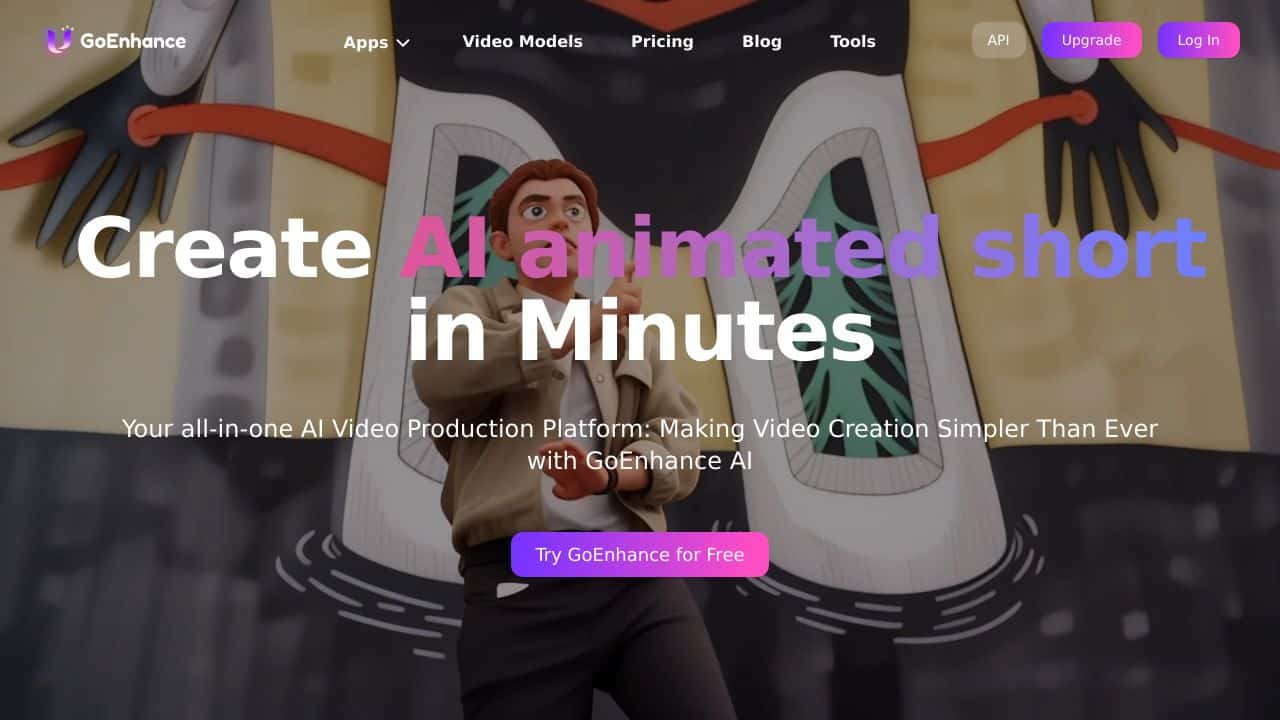
GoEnhance AI is your all-in-one AI video production platform designed to make video creation simpler than ever. Whether you’re a professional content creator or a hobbyist, this tool lets you transform videos into various animated styles, enhance and upscale images, and even create character animations with ease. Trusted by over 1.8 million creators, GoEnhance AI is improving the way we approach video and image editing.
GoEnhance AI Features
- Video to Animation: Convert your videos into pixel, flat anime, and other animated styles effortlessly.
- Video Face Swap: Swap faces in videos using advanced AI technology for smooth integration.
- AI Image Generator: Create stunning visuals from scratch with AI-powered image generation.
- AI Video Generator: Generate videos from just a few frames, saving you time and effort.
- Character Animation: Bring characters to life using a single image, simplifying the animation process.
- Lip Sync Video: Sync lip movements with audio for realistic character interactions.
- Enhance and Upscale Image: Improve image quality and resolution with AI-driven enhancements.
GoEnhance AI Usecases
- Content Creators: Produce engaging social media content with unique animated styles and enhanced visuals.
- Video Editors: Use advanced features like face swap and character animation for professional projects.
- Graphic Designers: Enhance and upscale images for high-quality digital and print media.
- Animation Enthusiasts: Create captivating character animations with minimal effort.
- Educators: Develop interactive educational content using animated videos and enhanced images.
- Researchers: Utilize image enhancement for detAIled analysis and presentations.
How GoEnhance AI – AI Video Image Enhancement Compares to Alternatives
When choosing video enhancement tools, key factors include output style variety, ease of use for non experts, and cost flexibility. GoEnhance AI competes in a niche focused on creative transformation rather than basic editing.
| Tool | Best For | Pricing |
|---|---|---|
| GoEnhance AI | Converting videos to pixel, anime, and other animated styles with face swap capabilities. | Paid only, no free tier. |
| Pykaso | Creating AI influencer content designed to go viral on social platforms. | Paid service, pricing not specified. |
| AirBrush AI Headshots | Enhancing professional headshots specifically for portraits and profile photos. | Pricing not specified publicly. |
| HeadshotGenerator.io | Generating AI headshots from existing photos with various style options. | Freemium model available. |
| Photoroom | General AI photo editing with background removal and basic enhancements. | Freemium with paid upgrades. |
Best For
- Content creators converting live action videos into animated styles for social media.
- Marketers needing quick video face swaps for promotional or parody content.
- Solopreneurs creating stylized video intros without animation expertise.
- Teams producing pixel art or flat anime video content regularly.
Not Ideal For
- Users needing basic video editing like trimming or color correction.
- Photographers looking for high end photo enhancement tools.
- Businesses requiring free tools for occasional video projects.
Getting Started
Start with a short, clear video clip under 30 seconds to test the animation styles. The face swap feature works best with front facing shots in good lighting. Export your first test at lower resolution to evaluate quality before processing longer videos.
Key Limitations to Consider
- Paid only pricing means no free trial to test features before committing.
- Focuses on stylistic transformation rather than basic video editing functions.
- Face swap accuracy may vary with complex angles or poor lighting conditions.
- Limited information available about video length or format restrictions.
Related Workflows and Tool Pairings
GoEnhance AI fits into creative video production workflows where standard footage needs artistic transformation. After shooting basic video with any camera, use this tool to apply pixel, anime, or other animated styles. The face swap feature can then modify specific elements within the stylized video. This pairs well with basic video editing tools for initial trimming and audio adjustment. For distribution, social media scheduling tools help manage the enhanced content. For projects needing additional graphic elements, simple design platforms can add text overlays or logos to the transformed videos.
Related tools to explore: 1PX.AI – AI Image Editing Bulk, ACDSee – AI Photo Management, AI Character Generator – AI Storyboard Character Creation, AI Face Swap – Seamless Face Swapper, AI Facefy – Face Swap Creator, AI Filter – Photo Style Transformer, Image Editing tools, Video Editing tools
Conclusion
GoEnhance AI is a strong option in the world of video and image editing. With its user-friendly interface, powerful AI features, and versatile applications, it caters to a wide range of users from different fields. Whether you’re looking to create stunning animations, enhance image quality, or simply explore the potential of AI in video production, GoEnhance AI has got you covered. Dive in and experience the future of content creation today!
Pricing
GoEnhance AI – AI Video Image Enhancement is apaid AI image editing tool. Visit the official website for current pricing plans and details.
Frequently Asked Questions
What is GoEnhance AI – AI Video Image Enhancement?
GoEnhance AI is your all-in-one AI video production platform designed to make video creation simpler than ever. Whether you’re a professional content creator or a hobbyist, this tool lets you transform videos into various animated styles,.
Is GoEnhance AI – AI Video Image Enhancement free?
No, GoEnhance AI – AI Video Image Enhancement is a paid tool. Visit the official website for current pricing and plan options.
What are the best GoEnhance AI – AI Video Image Enhancement alternatives?
There are many AI image editing tools available. Browse our AI Image Editing tools directory to compare features, pricing, and reviews for the best alternatives.
Last verified: April 2026
Explore more: Browse all AI Image Editing tools | Browse all AI Video Editing tools
