














Quick Verdict
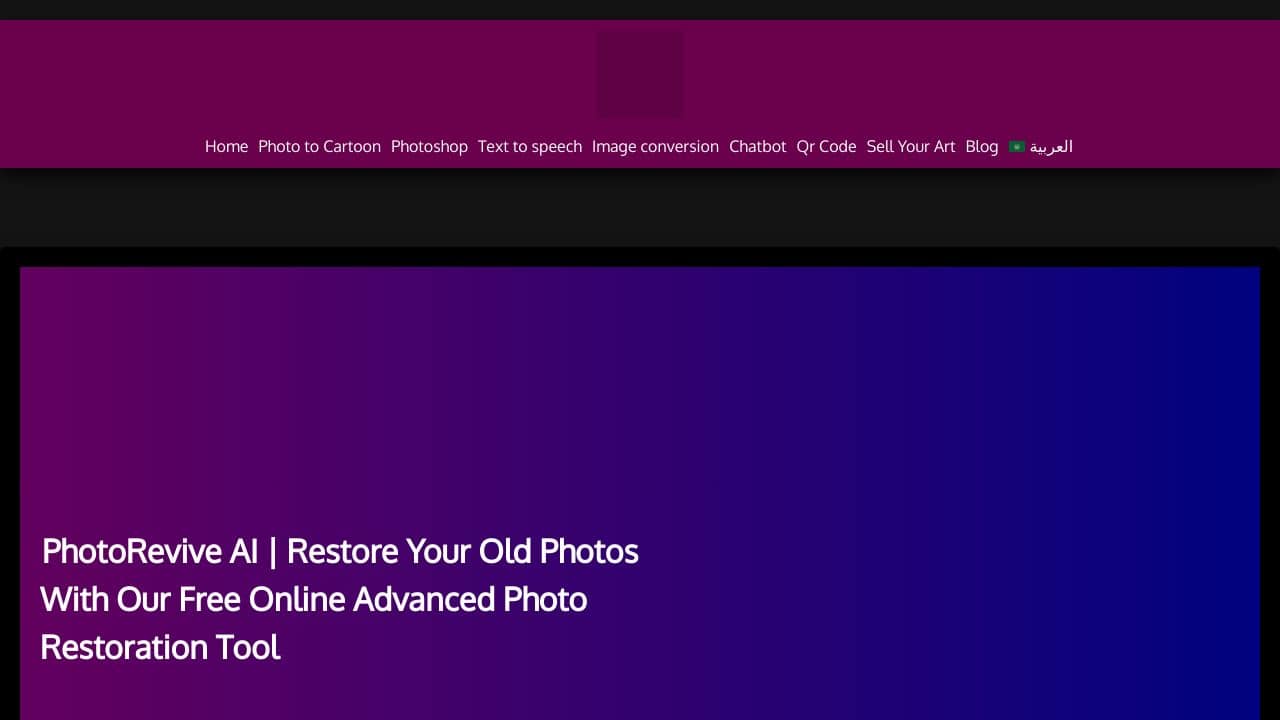
PhotoRevive AI delivers solid AI-powered photo restoration completely free, making it accessible for basic repair tasks like fixing scratches or improving faded images. Its main limitation is the lack of advanced editing features found in paid competitors, which restricts complex professional work. Teams and businesses needing straightforward, cost-effective image restoration for marketing materials or archival projects should consider this tool first.
PhotoRevive AI – AI Photo Restorer
- Category: Image Editing
- Pricing: Free
- Best for: Teams and businesses needing AI image editing capabilities
Background Check on PhotoRevive AI – AI Photo Restorer
We ran a background check on AIconvert.online to verify its safety, security posture, hosting infrastructure, and web history. Here are the results as of April 19, 2026.
- Server: Vercel
- Hosting: AMAZON-02 – Amazon.com, Inc., US (US)
- SSL Certificate: R13 (certificate age: 43 days)
- Domain Age: ~2 years (969 days)
Source: urlscan.io scan report
✓ Cross Origin Resource Sharing (CORS), Redirection, Strict Transport Security (HSTS)
✗ Content Security Policy (CSP), X-Content-Type-Options, X-Frame-Options
Source: Mozilla Observatory report
What is it?
This product is a modern platform designed for enhancing and restoring photographs using artificial intelligence.
PhotoRevive AI Features
Here are some key features that make this service stand out in the domAIn of photo restoration.
Advanced AI Algorithms
Utilizing sophisticated AI technology, the platform delivers exceptional precision and clarity, effectively bringing damaged or aged photos back to life.
User-Friendly Interface
The system is designed to be intuitive, enabling users to upload images without requiring any technical skills or lengthy registration processes.
Fast Results
This service ensures quick restoration, allowing users to see their images revitalized in just a few moments after uploading.
Completely Free of Charge
The platform is entirely free to use, with no hidden fees or restrictions on the quantity of photos customers can restore.
PhotoRevive AI FAQ
How does the restoration process work?
After uploading a photo, the advanced AI analyzes the image and applies restoration techniques to fix any imperfections, providing a rejuvenated result.
What types of damage can be repAIred?
The service is capable of addressing various issues including scratches, tears, and fading, ensuring your photos are returned to their original quality.
Is there a limit to the number of photos I can restore?
No, users can restore an unlimited number of photos without encountering any charges or restrictions.
Who is this service ideal for?
This product is perfect for photography lovers, historians, or anyone looking to preserve family memories by reviving old photographs.
How PhotoRevive AI – AI Photo Restorer Compares to Alternatives
When choosing an AI Image Editing tools tool, key factors include pricing, specific features like restoration versus generation, and suitability for team workflows. PhotoRevive AI stands out for its free restoration focus, but alternatives may offer more versatility or higher-quality outputs for different needs.
| Tool | Best For | Pricing |
|---|---|---|
| PhotoRevive AI – AI Photo Restorer | Teams and businesses needing free, basic AI photo restoration for simple repairs. | Free, no cost for all features. |
| Pykaso – Get Your AI Influencer Viral | Creating viral AI influencer content, not focused on photo restoration. | Paid, pricing not specified. |
| AirBrush AI Headshots – AI Headshot Enhancement Tool | Enhancing professional headshots with AI, not general photo restoration. | Pricing not specified. |
| HeadshotGenerator.io – AI Headshot Generator Kit | Generating AI headshots from scratch, not restoring existing photos. | Freemium, free with paid upgrades. |
| Photoroom – AI Photo Editing Platform | Versatile AI photo editing including background removal and enhancements. | Freemium, free with paid tiers. |
Best For
- Small businesses restoring old product photos for marketing materials.
- Teams archiving historical documents with faded or scratched images.
- Solopreneurs fixing basic photo damage in personal or client projects.
- Non-profits needing cost-free image restoration for fundraising campaigns.
Not Ideal For
- Professionals requiring advanced editing like color grading or layer support.
- Users needing AI-generated content such as headshots or influencer images.
- Large enterprises with high-volume, automated restoration workflows.
Getting Started
Start by uploading a clear, scanned version of your old photo to maximize AI accuracy. Use the tool’s preview feature to check restoration results before finalizing, and save outputs in high resolution for best quality. This ensures you get the most out of the free restoration without wasting time on blurry inputs.
Key Limitations to Consider
- Lacks advanced editing tools like manual retouching or layer-based adjustments.
- May not handle extremely damaged photos with missing parts effectively.
- Free model might have slower processing times during peak usage hours.
- No integration options with other software or team collaboration features.
- Limited to restoration only, no AI generation or creative editing capabilities.
Related Workflows and Tool Pairings
PhotoRevive AI fits into workflows where restoring old or damaged images is a key step, such as digitizing archives or preparing visuals for rebranding. After using it for basic repairs, pair it with a graphic design tool for layout and typography adjustments, or a cloud storage service to organize and share restored files. For more polished results, follow up with a color correction tool to fine-tune tones, ensuring the restored images blend seamlessly into modern marketing materials or presentations. This creates a streamlined process from restoration to final use.
Related tools to explore: 1PX.AI – AI Image Editing Bulk, ACDSee – AI Photo Management, AI Character Generator – AI Storyboard Character Creation, AI Face Swap – Seamless Face Swapper, AI Facefy – Face Swap Creator, AI Filter – Photo Style Transformer, Image Editing tools
Conclusion
In summary, this AI-driven photo restoration platform is an excellent option for anyone wishing to enhance their cherished images effortlessly. It’s well-suited for both casual users and enthusiasts, although those seeking professional-grade features may find it lacking in some aspects.
Pricing
PhotoRevive AI – AI Photo Restorer is afree AI image editing tool. No payment required to get started.
Last verified: April 2026
Explore more: Browse all AI Image Editing tools
