
















Quick Verdict
EditApp AI excels at automating complex image and video editing tasks through AI algorithms, particularly background removal, object detection, and color correction. Its freemium model makes it accessible for testing basic features, though advanced capabilities may require payment. Marketers and content creators who need to streamline repetitive editing workflows should consider this tool, especially if they work with both images and videos.
EditApp AI – AI Editing Workflow Tools
- Category: Image Editing, Video Editing
- Pricing: Freemium
- Best for: Content creators streamlining their editing process
Background Check on EditApp AI – AI Editing Workflow Tools
We ran a background check on editapp.AI to verify its safety, security posture, hosting infrastructure, and web history. Here are the results as of April 19, 2026.
What is EditApp AI?
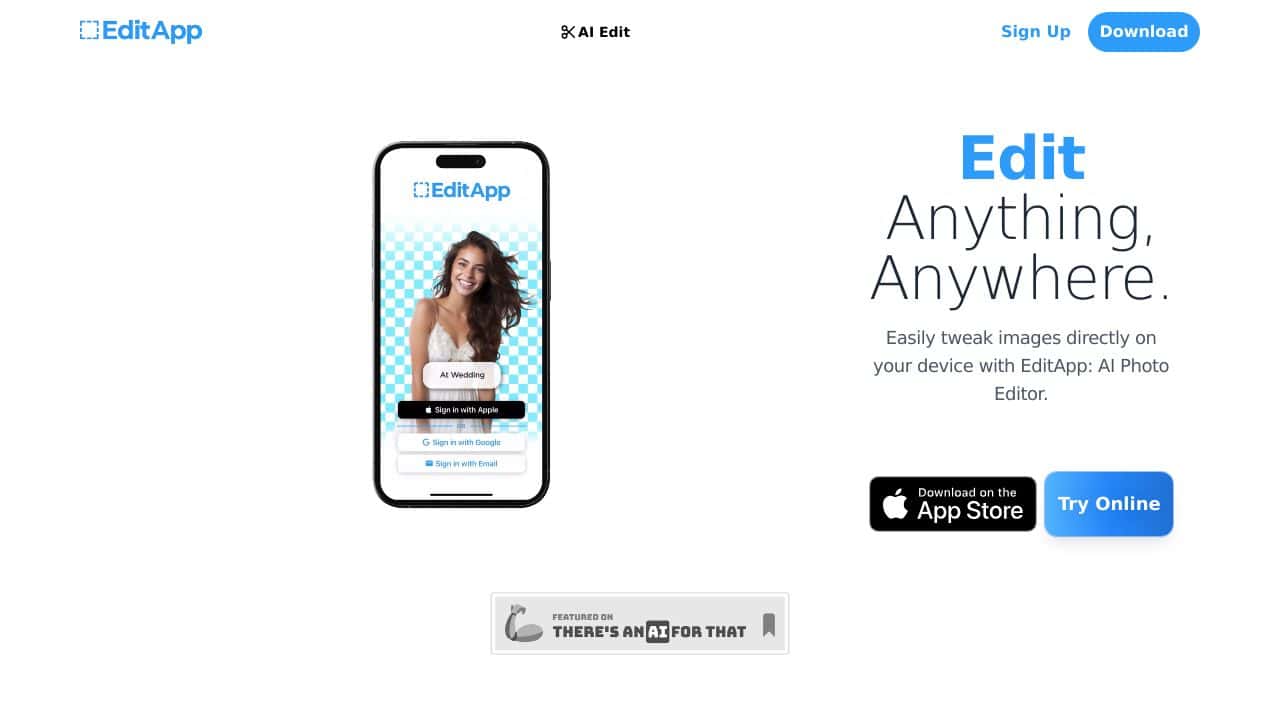
EditApp AI is a modern AI-powered tool designed to simplify and enhance the editing process for images, videos, and graphics. Whether you’re a content creator, marketer, or designer, this tool automates complex tasks, allowing you to focus on creativity. With features like background removal, detAIl fine-tuning, and collaborative editing, EditApp AI is your go-to solution for professional-grade content creation. Plus, it’s cloud-based, so you can access it from anywhere, anytime.
EditApp AI Features
- AI-Powered Editing: Automates complex tasks like background removal, object detection, and color correction using advanced AI algorithms.
- Versatile Toolset: Offers tools for image manipulation, video editing, and graphic design, catering to diverse creative needs.
- Collaborative Features: Enables multiple users to work on the same project in real-time, perfect for teams.
- Cloud-Based Platform: Access your projects from any device with an internet connection.
- Social Media Integration: Share your creations directly on platforms like Instagram, Facebook, and Twitter.
EditApp AI Usecases
- Content Creators: Automate repetitive editing tasks like resizing images or adding filters, saving hours of work.
- Marketing Professionals: Create eye-catching social media ads, banners, and promotional materials with ease.
- Graphic Designers: Use the tool’s advanced features to design logos, posters, and other visual assets.
- Video Editors: Streamline video editing by automating tasks like trimming, color grading, and adding transitions.
- Non-Profit Organizations: Create impactful promotional materials for campAIgns without needing a professional designer.
- Teachers: Design engaging educational content, such as infographics or presentations, to captivate students.
How EditApp AI – AI Editing Workflow Tools Compares to Alternatives
When evaluating AI editing tools, consider factors like the range of automated features, pricing flexibility, and whether the tool handles both images and videos. EditApp AI stands out by offering a versatile toolset across media types with a freemium approach, but alternatives may specialize in specific niches like headshots or viral content.
| Tool | Best For | Pricing |
|---|---|---|
| EditApp AI | Automating complex editing tasks like background removal and color correction for both images and videos. | Freemium model with basic features free. |
| Pykaso | Creating viral AI influencer content, focusing on social media engagement and trends. | Paid only, no free tier available. |
| AirBrush AI Headshots | Enhancing professional headshots with AI, ideal for LinkedIn or corporate profiles. | Pricing not specified, likely paid. |
| HeadshotGenerator.io | Generating AI headshots from scratch, useful for avatars or placeholder images. | Freemium, similar to EditApp AI. |
| Photoroom | AI photo editing on a dedicated platform, possibly more focused than EditApp AI. | Freemium, competitive with EditApp AI. |
Best For
- Marketers needing quick background removal for product images in e-commerce.
- Content creators automating color correction for social media videos.
- Solopreneurs handling both image and video edits without separate tools.
- Teams streamlining repetitive editing tasks with AI object detection.
Not Ideal For
- Users requiring advanced video editing beyond basic AI automation.
- Professionals needing high end retouching for photography portfolios.
- Businesses focused solely on generating AI headshots or influencer content.
Getting Started
Start by testing the free tier on a batch of images to see how well the AI handles background removal and color correction. Focus on one feature at a time, like object detection, to gauge accuracy before committing to paid plans. This helps you assess if the automation saves enough time to justify upgrading.
Key Limitations to Consider
- Freemium model may restrict access to advanced features, requiring payment for full functionality.
- AI algorithms might struggle with complex scenes, needing manual adjustments for precise edits.
- Limited information on video editing capabilities beyond basic tasks like color correction.
- Potential learning curve for users unfamiliar with AI powered editing workflows.
- Competitors may offer more specialized tools for niche needs like headshot generation.
Related Workflows and Tool Pairings
EditApp AI fits into content creation workflows by handling the tedious editing steps, allowing users to focus on strategy and distribution. For example, after using EditApp AI for background removal and color correction, pair it with a content scheduling tool to plan social media posts efficiently. It also complements graphic design software for final touches, and analytics platforms to track engagement from edited visuals. This integration streamlines production from raw media to published content, saving time for marketers and creators.
Related tools to explore: 1PX.AI – AI Image Editing Bulk, ACDSee – AI Photo Management, AI Character Generator – AI Storyboard Character Creation, AI Face Swap – Seamless Face Swapper, AI Facefy – Face Swap Creator, AI Filter – Photo Style Transformer, Image Editing tools, Video Editing tools
Conclusion
EditApp AI is a strong option for anyone involved in content creation. Its AI-powered features save time, enhance creativity, and make collaboration smooth. Whether you’re a seasoned professional or a beginner, this tool offers something for everyone. With its cloud-based accessibility and versatile toolset, EditApp AI is the ultimate solution for modern editing needs. Ready to enhances? Give it a try!
Pricing
EditApp AI – AI Editing Workflow Tools offers afreemium plan with optional paid upgrades. Get started for free and upgrade as needed.
Frequently Asked Questions
What is EditApp AI – AI Editing Workflow Tools?
EditApp AI is a modern AI-powered tool designed to simplify and enhance the editing process for images, videos, and graphics. Whether you’re a content creator, marketer, or designer, this tool automates complex tasks, allowing you to focus on.
Is EditApp AI – AI Editing Workflow Tools free?
EditApp AI – AI Editing Workflow Tools offers a free plan with limited features. Paid plans are available for additional capabilities.
What are the best EditApp AI – AI Editing Workflow Tools alternatives?
There are many AI image editing tools available. Browse our AI Image Editing tools directory to compare features, pricing, and reviews for the best alternatives.
Last verified: April 2026
Explore more: Browse all AI Image Editing tools | Browse all AI Video Editing tools
