















Quick Verdict
DataSnipper excels at automating document matching and data extraction within Excel, specifically aligning spreadsheet data with supporting documents to enhance verification accuracy. A key limitation is that pricing isn’t transparent, requiring direct contact. This tool is best for finance professionals, auditors, and analysts who regularly verify data across Excel files and PDFs or scanned documents, and need to reduce manual matching errors.
DataSnipper – AI Excel Data Analyzer
- Category: Finance, Spreadsheets, Workflows
- Pricing: Contact for Pricing
- Best for: Auditors and accountants automating data checks
Background Check on DataSnipper – AI Excel Data Analyzer
We ran a background check on www.datasnipper.com to verify its safety, security posture, hosting infrastructure, and web history. Here are the results as of April 20, 2026.
✓ Cross Origin Resource Sharing (CORS), Redirection, Referrer Policy, Strict Transport Security (HSTS), X-Content-Type-Options, X-Frame-Options
✗ Content Security Policy (CSP)
Source: Mozilla Observatory report
What is DataSnipper
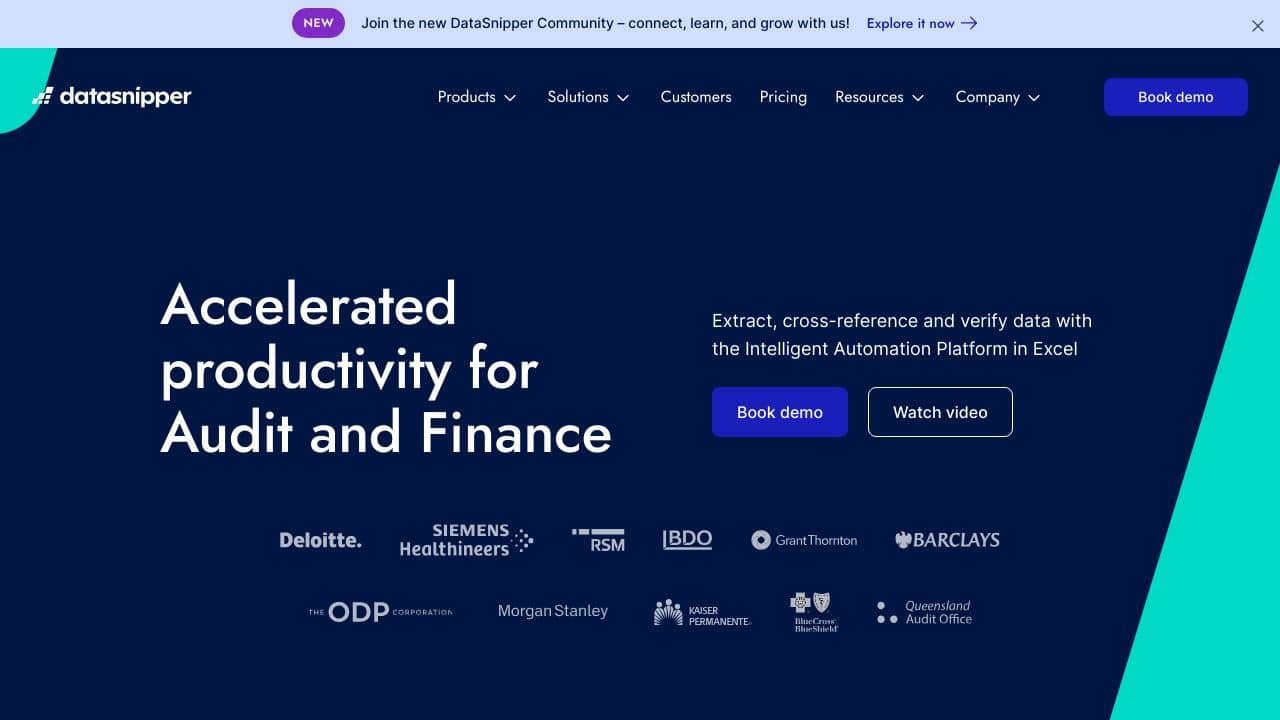
DataSnipper is an innovative Intelligent Automation Platform designed specifically for audit and finance professionals. By using advanced AI technologies, it streamlines data extraction, cross-referencing, and verification tasks directly within Microsoft Excel. With over 500,000 users globally, DataSnipper aims to enhance productivity and reduce errors, allowing teams to focus on high-value activities instead of tedious, repetitive tasks.
DataSnipper Features
- Document Matching: Automatically aligns Excel data with supporting documents, boosting accuracy and trust in data verification.
- Form Extraction: Instantly extracts data from consistently formatted documents, speeding up data processing.
- Table Snip: Simplifies the extraction of tabular data from PDFs into Excel, making data manipulation easier.
- Cloud Collaboration Suite: Integrates workflows within a unified platform for smooth team collaboration.
- AI Suite: Upcoming features focused on further automating and refining data handling processes.
DataSnipper Usecases
DataSnipper can be utilized in various scenarios, making it a versatile tool for different professionals:
- External Audit Teams: Enhance audit efficiency and accuracy by automating data verification processes.
- Internal Audit Departments: Streamline internal audit processes, reducing time spent on documentation.
- Tax Professionals: Manage large volumes of tax-related documentation and data with ease.
- Financial Controllers: Verify and manage financial data effectively, ensuring compliance and accuracy.
- Government Audit Agencies: Audit public sector financials efficiently, minimizing errors and maximizing productivity.
- Educational Institutions: Teach audit-related courses using real-world tools to enhance learning.
- Non-Profit Organizations: Efficiently manage financial records and reporting.
How DataSnipper – AI Excel Data Analyzer Compares to Alternatives
When choosing a Finance tools-focused AI tool, key factors include the specific data tasks automated, integration with existing workflows like Excel, and pricing transparency. DataSnipper stands out for its direct Excel integration and document matching capabilities, but alternatives may offer different strengths.
| Tool | Best For | Pricing |
|---|---|---|
| DataSnipper – AI Excel Data Analyzer | Automatically aligning Excel data with supporting documents for verification and extraction. | Contact for pricing, no public plans. |
| Sound Money Score | Providing cryptocurrency rankings and analysis for investment decisions. | Paid subscription, details likely tiered. |
| Payroll Robot | Automating payroll calculations, tax filings, and employee payment processing. | Paid, possibly per employee or monthly. |
| Sensible.so – AI Document Extraction Tool | Extracting structured data from various document types beyond just Excel. | Paid, with usage-based or subscription models. |
| Sage AI – AI Accounting Automation Platform | Comprehensive accounting automation including invoicing, reporting, and compliance. | Contact for pricing, enterprise-focused. |
Best For
- Auditors verifying financial data between Excel sheets and PDF invoices.
- Finance teams reconciling spreadsheet entries with scanned receipts or contracts.
- Analysts extracting key figures from forms into structured Excel templates.
- Compliance officers ensuring data accuracy in regulatory documentation.
Not Ideal For
- Users needing real-time cryptocurrency market analysis or rankings.
- Small businesses looking for a simple, transparently priced payroll solution.
- Teams requiring broad accounting automation beyond data matching and extraction.
Getting Started
Begin by preparing a clean Excel file with the data you need to verify, such as a list of transactions. Have your supporting documents, like PDF invoices, ready in a folder. Use DataSnipper’s document matching feature to align these automatically, then review the extracted data for accuracy before proceeding with analysis.
Key Limitations to Consider
- Pricing requires direct contact, which may delay budgeting or trial decisions.
- Primarily focuses on Excel and document matching, not broader financial analysis tools.
- May have limited functionality for non-document data sources or real-time data streams.
- Integration might be less seamless with non-Microsoft office suites or cloud platforms.
Related Workflows and Tool Pairings
DataSnipper fits into financial verification and reporting workflows by automating the tedious task of matching Excel data with documents like invoices or receipts. After using DataSnipper to align and extract data, you can pair it with complementary tool types for further processing. For example, data visualization tools can help create charts and dashboards from the verified data, while collaboration platforms enable team review and approval of the matched documents. Additionally, workflow automation tools can streamline the entire process from data extraction to final report generation, ensuring efficiency and reducing manual errors in financial audits or monthly closings.
Related tools to explore: AI Credit RepAIr – AI Credit RepAIr Automation, Allure Security Technology – AI Brand Fraud Detection, Alpha – AI Investment Management Platform, Alphastream – AI Real-time Data Extraction, Alphathena – AI Personalized Portfolio Management, AltIndex – AI Unconventional Data Investing, Finance tools, Spreadsheets tools
Conclusion
In summary, DataSnipper is a strong option for audit and finance teams, offering significant improvements in productivity and accuracy. Its smooth integration with Excel and powerful automation capabilities make it an invaluable tool for professionals looking to optimize their workflows and enhance data precision. With DataSnipper, you can work smarter, not harder, and reclaim valuable time for high-value activities.
- https://www.linkedin.com/company/datasnipper
- https://www.youtube.com/@datasnipper
- https://twitter.com/DataSnipper
Pricing
DataSnipper – AI Excel Data Analyzer uses custom pricing.Contact their sales team for a quote tailored to your needs.
Frequently Asked Questions
What is DataSnipper – AI Excel Data Analyzer?
DataSnipper is an innovative Intelligent Automation Platform designed specifically for audit and finance professionals. By using advanced AI technologies, it streamlines data extraction, cross-referencing, and verification tasks directly within.
Is DataSnipper – AI Excel Data Analyzer free?
DataSnipper – AI Excel Data Analyzer uses custom pricing. Contact their sales team directly for a personalized quote.
What are the best DataSnipper – AI Excel Data Analyzer alternatives?
There are many AI finance tools available. Browse our AI Finance tools directory to compare features, pricing, and reviews for the best alternatives.
Last verified: April 2026
Explore more: Browse all AI Finance tools | Browse all AI Spreadsheets tools
