













Quick Verdict
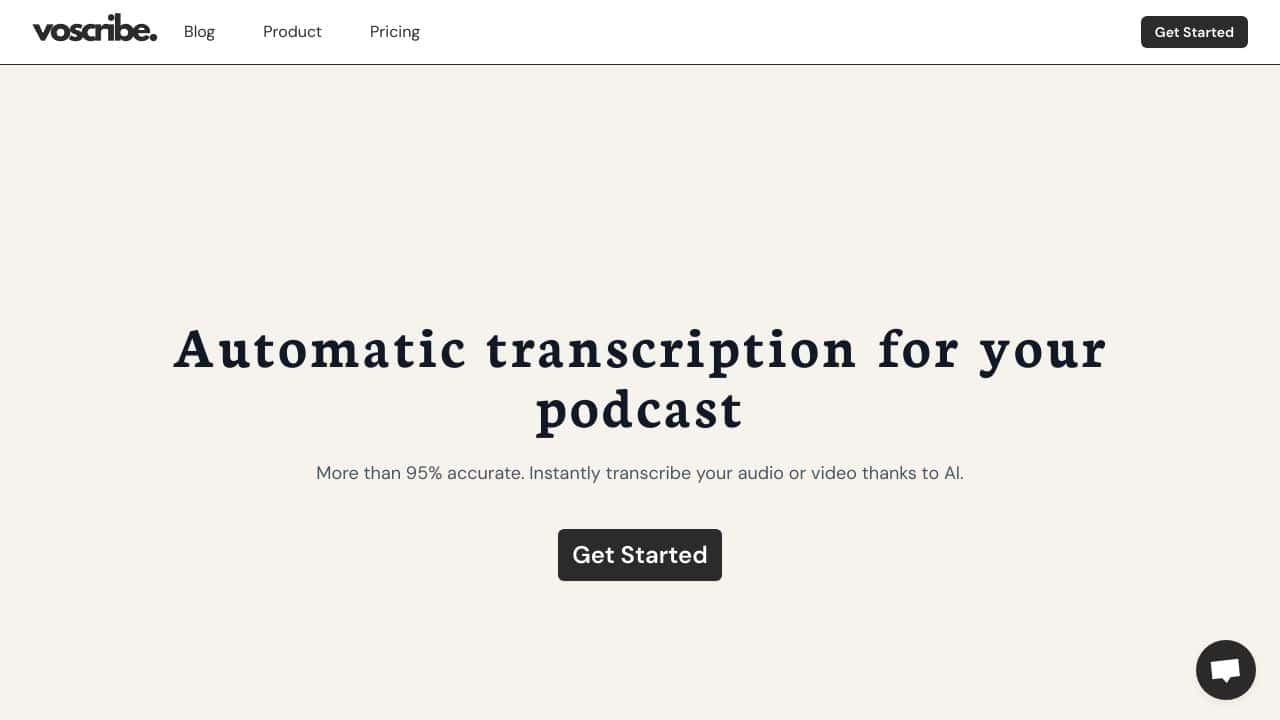
Voscribe delivers reliable AI-powered transcription for business audio and video content. It lacks a free tier, which may deter casual users. Teams and businesses needing consistent transcription output should consider this paid tool for its straightforward approach to converting spoken content into text.
Voscribe – Auto Transcription Tool
- Category: Transcriber
- Pricing: Paid
- Best for: Teams and businesses needing AI transcriber capabilities
Background Check on Voscribe – Auto Transcription Tool
We ran a background check on www.voscribe.com to verify its safety, security posture, hosting infrastructure, and web history. Here are the results as of April 20, 2026.
- Server: Vercel
- Hosting: AMAZON-02 – Amazon.com, Inc., US (US)
- SSL Certificate: R13 (certificate age: 5 days)
- Domain Age: ~6 years (2,314 days)
Source: urlscan.io scan report
✓ Cross Origin Resource Sharing (CORS), Redirection, Strict Transport Security (HSTS)
✗ Content Security Policy (CSP), X-Content-Type-Options, X-Frame-Options
Source: Mozilla Observatory report
What is it?
The Voscribe Transcription Tool is a sophisticated software solution crafted for professionals seeking dependable and high-quality transcription services. This application distinguishes itself by offering its features at no cost, making it a viable option for a broad spectrum of users.
Voscribe Features
This transcription tool presents several impactful features designed to enhance user experience.
Multilingual Support
Voscribe utilizes modern AI algorithms to transform audio content into written text with impressive precision. It accommodates over 20 languages, making it a flexible tool for users worldwide.
User-Friendly Interface
The platform features an intuitive interface that allows users to upload audio files effortlessly. It quickly transcribes the content, and users have the ability to make manual adjustments, ensuring the final transcript meets their needs.
Efficient Export Options
The tool can export transcripts in various formats, including SRT and TXT, which is especially beneficial for media professionals requiring subtitles. This capability enhances its utility across different sectors.
Voscribe FAQ
What kinds of professionals can benefit from Voscribe?
The primary users of Voscribe include professionals from journalism, academia, legal, and healthcare sectors who require effective transcription services for meetings, lectures, interviews, and court records.
How accurate is the transcription process?
Voscribe boasts remarkable accuracy through its AI-driven transcription process, significantly minimizing errors and ensuring reliable transcriptions.
Is there any community support for Voscribe users?
While there isn’t a specific community mentioned, the tool’s free access and efficiency likely foster a user base of professionals across various fields who depend on precise transcription services.
How Voscribe – Auto Transcription Tool Compares to Alternatives
When evaluating transcription tools, key factors include pricing structure, target use cases, and specialized features. For business users, reliability and integration capabilities often outweigh having a free option.
| Tool | Best For | Pricing |
|---|---|---|
| Voscribe – Auto Transcription Tool | Teams and businesses needing straightforward AI transcription for meetings and media. | Paid subscription required. |
| ByteCap – AI Video Caption Tool | Users focused specifically on adding captions to video content. | Paid service. |
| MeetGeek – AI Meeting Productivity Tool | Teams wanting free meeting transcription with productivity features. | Free tier available. |
| Deciphr Ai – AI Podcast Transformation Platform | Podcast creators needing transcription plus content repurposing tools. | Paid platform. |
Best For
- Business teams transcribing weekly team meetings for documentation.
- Marketing departments converting webinar recordings into blog posts.
- Legal firms needing accurate transcripts of client consultations.
- Educational institutions transcribing lecture videos for accessibility.
Not Ideal For
- Individual users wanting free transcription for personal videos.
- Medical practices needing specialized medical terminology handling.
- Casual podcasters seeking free transcription with editing features.
Getting Started
Begin by testing Voscribe with a clear audio recording of a team meeting. Upload the file directly through their interface and review the transcript for accuracy. This initial test will help you understand the tool’s formatting and identify any background noise issues.
Key Limitations to Consider
- No free tier available, requiring immediate financial commitment.
- Limited specialized features compared to niche competitors like medical scribes.
- May struggle with poor quality audio or heavy accents without manual correction.
- Lacks built-in editing tools for refining transcripts after generation.
Related Workflows and Tool Pairings
Voscribe serves as the transcription engine within content creation and documentation workflows. After generating transcripts, users typically move to text editors for refinement or content management systems for publication. This tool pairs well with video editing software for creating captioned content and project management platforms for organizing transcribed meeting notes. For optimal results, consider using audio enhancement tools before transcription to improve accuracy, then export finished transcripts to collaboration platforms for team review and action item tracking.
Related tools to explore: AI Phone – AI Call Efficiency Transcription, AI Transcription by Riverside – AI Multilingual Transcription Tool, AI.OpenSubtitles.com – Subtitle Generation Tool, AIrCaption – Audio to Caption Tool, Abridge – AI Medical Documentation Streamlining, Alphy – AI Transcription Assistant, Transcriber tools
Conclusion
In summary, Voscribe offers an ideal transcription solution for professionals seeking efficient, reliable, and user-friendly services at no cost. It is particularly fitting for those in journalism, academia, and legal fields who require accurate records. However, it may not suit individuals or businesses looking for advanced developer options or extensive community support.
Pricing
Voscribe – Auto Transcription Tool is apaid AI transcriber tool. Visit the official website for current pricing plans and details.
Last verified: April 2026
Explore more: Browse all AI Transcriber tools
