













Quick Verdict
Sonix delivers reliable automated transcription with strong AI capabilities for converting audio to text. Its limitation is the paid pricing model, which may deter budget-conscious users. Teams and businesses needing accurate transcriptions for meetings, interviews, or content creation should consider it. It’s particularly valuable for those who prioritize efficiency over free alternatives.
Sonix – Automated Transcription Solution
- Category: Transcriber, Translator
- Pricing: Paid
- Best for: Teams and businesses needing AI transcriber capabilities
Background Check on Sonix – Automated Transcription Solution
We ran a background check on sonix.AI to verify its safety, security posture, hosting infrastructure, and web history. Here are the results as of April 19, 2026.
✓ Cookies, Cross Origin Resource Sharing (CORS), Redirection, Referrer Policy, Strict Transport Security (HSTS), X-Content-Type-Options
✗ Content Security Policy (CSP), Subresource Integrity
Source: Mozilla Observatory report
What is it?
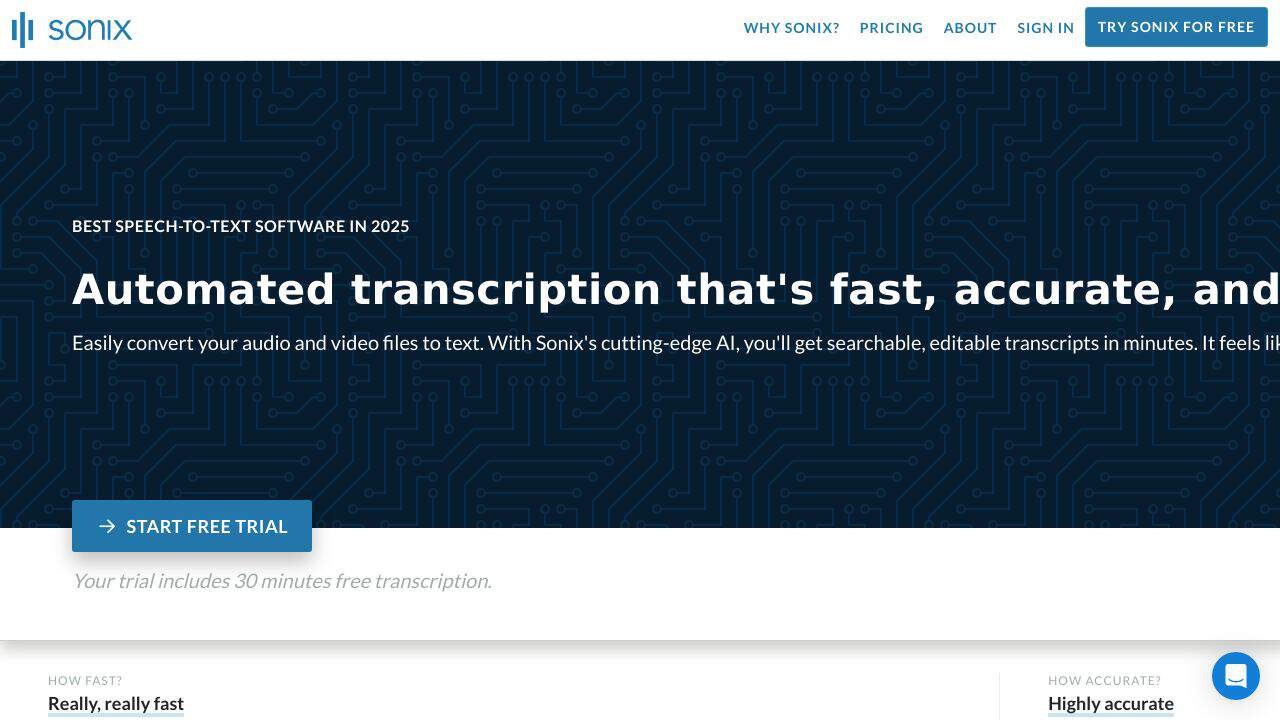
Sonix is a premier solution for automatic transcription, providing swift, precise, and cost-effective transcription services, all driven by advanced AI technology. It enables users to effortlessly change audio and video files into text, significantly saving time and exertion.
Sonix Features
Below are some notable features that make Sonix an exceptional choice for transcription.
Lightning-Fast Transcription
Sonix delivers remarkably fast transcription that surprises users with its speed, ensuring quick turnaround times for all your audio and video files.
Highly Accurate Results
This service boasts highly precise results, independently reviewed to be among the most accurate automated transcription services available, allowing you to trust the integrity of your transcriptions.
Multi-Language Support
With support for over 38 languages, dialects, and accents, Sonix’s innovative AI ensures accurate transcription, making it suitable for diverse user needs across the globe.
In-Browser Editing Tools
The included transcript editor allows for smooth polishing of transcripts, synchronizing them perfectly with uploaded media files, simplifying the editing process.
Speaker Labeling and Diarization
This feature AIds in identifying different speakers within your transcript, automatically organizing dialogue into distinct paragraphs for clarity.
File Synchronization and Export Options
Users can conveniently upload existing transcripts alongside media files, and Sonix supports flexible text exports in formats like Microsoft Word, TXT, and PDF for easy sharing.
Advanced Customization Features
With Sonix, you can create custom dictionaries to emphasize specific terminology during transcription, further enhancing the accuracy tAIlored to your content.
Sonix FAQ
How does Sonix ensure accuracy in transcriptions?
Sonix utilizes advanced AI algorithms to enhance precision in transcription, which has been validated by independent assessments, underscoring its reliability.
Can I use Sonix for different languages?
Absolutely! Sonix supports transcription in over 38 languages and dialects, catering to a wide range of global users.
Is collaborative editing possible?
Yes, Sonix allows users to add notes and comments directly within the transcript, streamlining collaboration and facilitating feedback among teams.
What file formats can I export from Sonix?
Sonix provides diverse export options, including SRT, VTT for subtitles, and document formats like PDF and Microsoft Word, making integration into various workflows convenient.
How Sonix – Automated Transcription Solution Compares to Alternatives
When evaluating transcription tools, key factors include accuracy, pricing, and specialized features like translation or industry-specific capabilities. Sonix stands out for general business use, but alternatives may better serve niche needs or budget constraints.
| Tool | Best For | Pricing |
|---|---|---|
| Sonix – Automated Transcription Solution | Teams and businesses needing reliable AI transcription with translation features. | Paid subscription model. |
| ByteCap – AI Video Caption Tool | Users focused on adding captions to videos, not general transcription tasks. | Paid service. |
| MeetGeek – AI Meeting Productivity Tool | Teams wanting free meeting transcription with productivity integrations. | Free option available. |
| Deciphr Ai – AI Podcast Transformation Platform | Podcasters needing transcription plus content repurposing features. | Paid platform. |
Best For
- Business teams transcribing meetings for documentation and action items.
- Content creators converting interviews or podcasts into written articles.
- Multilingual projects requiring transcription with translation capabilities.
- Organizations needing consistent, automated transcription for compliance records.
Not Ideal For
- Solo users on a tight budget who need free transcription tools.
- Medical professionals requiring specialized terminology like S10.AI offers.
- Casual users needing quick, one-off transcriptions without subscription commitments.
Getting Started
Upload a clear audio file under 30 minutes to test Sonix’s accuracy with your content. Review the transcription for any industry-specific terms, and use the editor to make quick corrections. This helps gauge if the tool fits your workflow before committing to larger projects.
Key Limitations to Consider
- Paid pricing may exclude individual users or small teams with limited budgets.
- Accuracy can vary with poor audio quality or heavy accents, requiring manual edits.
- Lacks specialized features for niche fields like medical or legal transcription.
- No free tier available, unlike some competitors such as MeetGeek.
Related Workflows and Tool Pairings
Sonix integrates into workflows where audio content needs conversion to text for further use. For example, after transcribing a meeting, you might use project management tools to assign tasks based on the transcript, or content creation platforms to repurpose interviews into blog posts. Complementary tool types include video editing software for adding captions to transcribed videos, and collaboration platforms for sharing and annotating transcripts with team members. This creates a seamless process from recording to actionable outcomes.
Related tools to explore: AI Phone – AI Call Efficiency Transcription, AI Transcription by Riverside – AI Multilingual Transcription Tool, AI.OpenSubtitles.com – Subtitle Generation Tool, AIrCaption – Audio to Caption Tool, Abridge – AI Medical Documentation Streamlining, Alphy – AI Transcription Assistant, Transcriber tools, Translator tools
Conclusion
In summary, Sonix stands out as a leading automated transcription service, offering speed, accuracy, and affordability. This product is ideal for professionals and organizations that require efficient transcription across various languages and formats. However, those seeking a fully manual or intricate editing experience may find Sonix not entirely suited to their preferences.
Pricing
Sonix – Automated Transcription Solution is apaid AI transcriber tool. Visit the official website for current pricing plans and details.
Last verified: April 2026
Explore more: Browse all AI Transcriber tools | Browse all AI Translator tools
