










Quick Verdict
PREP excels at making PDFs accessible through AI automation, saving teams significant time on compliance tasks. One limitation is its paid-only pricing, which may deter individual users or small teams on tight budgets. Businesses with regular PDF accessibility requirements should consider it, especially those needing to meet WCAG or ADA standards efficiently.
PREP – AI PDF Accessibility Tool
- Category: Workflows
- Pricing: Paid
- Best for: Teams and businesses needing AI workflows capabilities
Background Check on PREP – AI PDF Accessibility Tool
We ran a background check on www.continualengine.com to verify its safety, security posture, hosting infrastructure, and web history. Here are the results as of April 19, 2026.
- Server: cloudflare
- Hosting: CLOUDFLARESPECTRUM Cloudflare London, LLC, US (US)
- SSL Certificate: E7 (certificate age: 26 days)
- Domain Age: ~6 years (2,273 days)
Source: urlscan.io scan report
✓ Cookies, Cross Origin Resource Sharing (CORS), Redirection
✗ Content Security Policy (CSP), Strict Transport Security (HSTS), Subresource Integrity, X-Content-Type-Options
Source: Mozilla Observatory report
What is it?
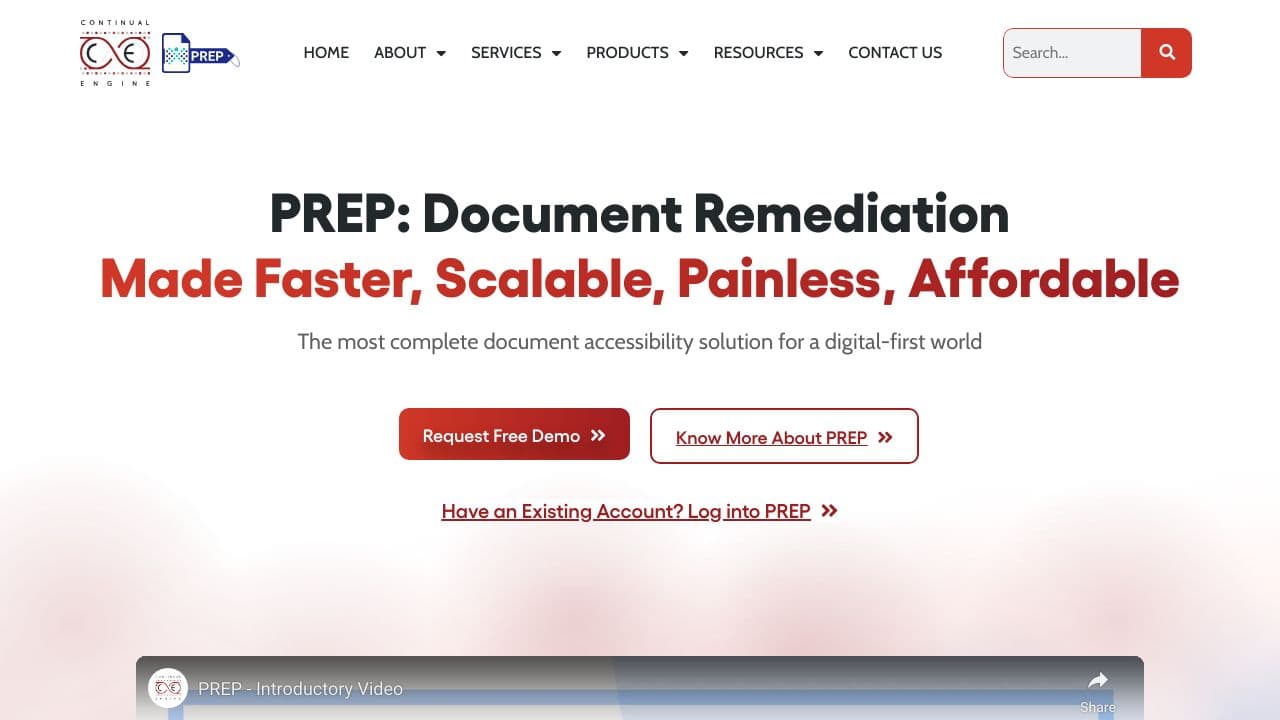
PREP is a sophisticated AI-driven PDF remediation software tAIlored for creating accessible PDF content. It serves the requirements of institutions and organizations from diverse sectors, providing a solution for document digitization while ensuring adherence to ADA (Americans with Disabilities Act) and WCAG (Web Content Accessibility Guidelines).
PREP Features
This tool boasts several impressive features that enhance document accessibility and compliance.
AI-Powered Tagging System
The innovative tagging system powered by artificial intelligence automates the accessibility process of documents. It swiftly identifies and tags essential elements like text, images, and tables, which ensures compliance with ADA and WCAG standards, significantly reducing traditional manual efforts.
Compliance with ADA and WCAG
PREP guarantees that all documents meet critical accessibility standards mandated by ADA and WCAG. This feature is vital for organizations AIming to provide inclusive content that caters to all users, particularly those with disabilities.
Support for Various Document Formats
The software is capable of managing multiple document types, allowing for smooth conversions between formats. This flexibility is particularly beneficial for organizations dealing with a vast array of documents and needing comprehensive accessibility solutions.
PREP FAQ
What types of documents can PREP remediate?
PREP can remediate a wide range of document types, including PDFs, Word files, and more. Its solid capabilities make it suitable for any organization that requires various formats to be accessible.
How does PREP ensure ADA and WCAG compliance?
The software utilizes a powerful AI tagging system that meticulously analyzes documents to ensure all elements comply with accessibility standards. This process allows organizations to confidently meet legal requirements.
Who can benefit most from using PREP?
Institutions and businesses across sectors such as education, healthcare, government, and corporate environments can greatly benefit from PREP. It is especially useful for those with extensive document digitization needs.
How PREP – AI PDF Accessibility Tool Compares to Alternatives
When evaluating AI workflow tools for document accessibility, key factors include pricing transparency, specific feature focus, and integration capabilities. PREP stands out for its dedicated AI approach to PDF accessibility, unlike broader tools that might handle multiple file types or different workflow needs.
| Tool | Best For | Pricing |
|---|---|---|
| PREP – AI PDF Accessibility Tool | Teams needing automated AI workflows specifically for making PDFs accessible and compliant. | Paid pricing only, no free tier available. |
| Ashdeck: Focus Timer & Site Blocker for Chrome | Individuals seeking productivity tools to block distractions and manage time in browsers. | Paid, focused on Chrome extension functionality. |
| Box | Organizations needing cloud storage with basic collaboration and file management features. | Freemium model with paid upgrades for storage. |
| WMaster ZipKing – File Compression Tool | Users looking to compress various file types to save storage space or email attachments. | Freemium, centered on file size reduction. |
Best For
- Legal or government teams requiring ADA compliant PDFs for public documents.
- Corporate communications departments publishing accessible annual reports or whitepapers.
- Educational institutions making course materials accessible for students with disabilities.
- Marketing agencies creating accessible digital brochures and client materials.
Not Ideal For
- Individual users needing occasional PDF edits without accessibility requirements.
- Teams primarily working with non-PDF formats like Word documents or images.
- Startups with minimal budget seeking free accessibility solutions.
Getting Started
Begin by uploading a complex PDF with multiple elements like images, tables, and text layers to test PREP’s AI capabilities thoroughly. Check the automated tagging for headings, lists, and alt text accuracy against WCAG guidelines. This initial test will show you how much manual correction the tool saves.
Key Limitations to Consider
- Only handles PDF files, not other document formats like Word or HTML.
- Paid pricing may be prohibitive for solo entrepreneurs or very small teams.
- AI accuracy might require manual review for highly complex or scanned PDFs.
- No mentioned integration with popular CMS or design platforms.
Related Workflows and Tool Pairings
PREP fits into document creation and compliance workflows where PDFs need to meet accessibility standards. It works well after content creation tools like document editors or design software produce final PDFs. Complementary tool types include PDF editors for fine-tuning, compliance checkers to verify WCAG standards, and project management platforms to track accessibility tasks. For teams, pairing PREP with collaboration tools helps streamline review processes, ensuring accessible documents move smoothly from creation to publication. This integration is crucial for regulated industries or organizations with strict accessibility mandates.
Related tools to explore: 2Slash – Universal AI Assistant, AI Assist – Product Management AI, AI Cloud Insights Lifetime Deal – AWS Cloud Management Tool, AI Consulting Tools – Business Analysis Assistant, AIHelperBot – Data Analysis Assistant, AIMLAPI – Unified AI Solutions, Workflows tools
Conclusion
In summary, PREP offers a comprehensive solution for organizations seeking to enhance document accessibility through its AI-based remediation software. It is ideally suited for institutions with substantial document management requirements; however, smaller entities or those with limited document conversion needs may find it less applicable.
Pricing
PREP – AI PDF Accessibility Tool is apaid AI workflows tool. Visit the official website for current pricing plans and details.
Last verified: April 2026
Explore more: Browse all AI Workflows tools
