


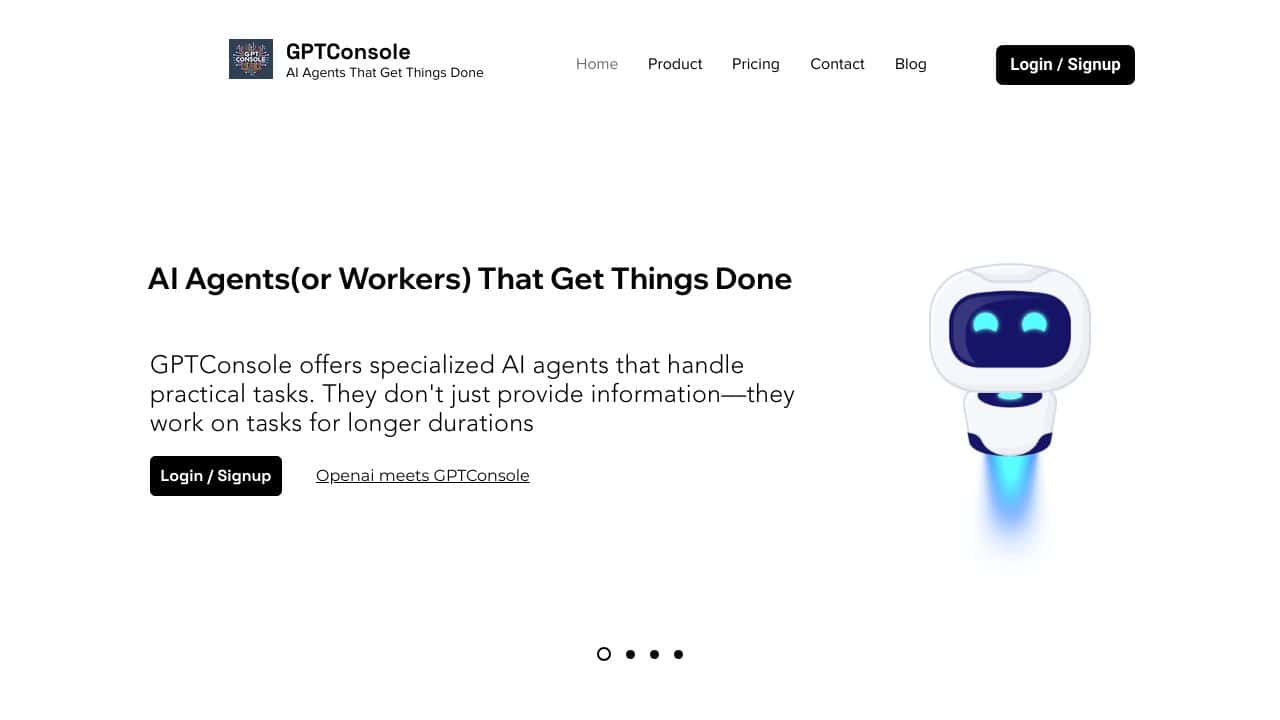








Quick Verdict
GPTConsole delivers a capable AI agent toolkit directly in your command line interface, making automation accessible without complex setups. Its free pricing removes financial barriers for experimentation. However, as a CLI-focused tool, it lacks the visual interfaces some teams prefer for collaboration. Teams and businesses needing to integrate AI agents into development workflows should consider it, especially if they value command-line efficiency.
GPTConsole – Intelligent CLI Toolkit
- Category: AI Agents, Code Assistant
- Pricing: Free
- Best for: Teams and businesses needing AI ai agents capabilities
Background Check on GPTConsole – Intelligent CLI Toolkit
We ran a background check on www.gptconsole.AI to verify its safety, security posture, hosting infrastructure, and web history. Here are the results as of April 19, 2026.
✓ Cross Origin Resource Sharing (CORS), Redirection, Strict Transport Security (HSTS), X-Content-Type-Options
✗ Content Security Policy (CSP), Cookies, Subresource Integrity, X-Frame-Options
Source: Mozilla Observatory report
What is it?
GPTConsole is an innovative AI-driven tool designed to enhance the developer’s workflow by integrating artificial intelligence within the command line interface (CLI). It transforms traditional CLI usage into a more intelligent experience.
Features of GPTConsole
This product offers a variety of amazing features focused on streamlining development tasks.
Built-in AI Agents
The standout characteristic of GPTConsole is its AI agents, which are smoothly integrated into the interface. Agents like Bird assist with Twitter management while Pixie excels at crafting landing pages, providing a significant boost to productivity.
Streamlined App Development
Customizing applications has typically been an arduous process for developers using ReactJS. However, Pixie simplifies this by generating a complete ReactJS application tAIlored to individual developer needs, thereby saving valuable time and effort.
User-Friendly Interface
Getting started with GPTConsole is quick and easy. After creating an account and installing the software through npm or yarn, users can access a strAIghtforward interface by typing ‘gpt-console’ into their terminal, enabling immediate and insightful interaction.
GPTConsole FAQ
How do I get started with GPTConsole?
To begin using GPTConsole, you need to register for an account and install the software via npm or yarn. Once installed, you can interact with the platform by entering commands in the terminal.
What are the key benefits of using GPTConsole?
GPTConsole significantly accelerates development processes through its integrated AI, which simplifies debugging, app creation, and managing repetitive tasks efficiently.
Can I customize the AI agents?
While the AI agents come with predefined functionalities, you can harness their capabilities to meet your specific requirements, especially during the development of customized applications.
Is GPTConsole suitable for beginners in programming?
Yes, GPTConsole is designed with a user-friendly approach, making it ideal for beginners. Its intuitive interface and helpful AI guidance provide a supportive environment for those new to programming.
How GPTConsole – Intelligent CLI Toolkit Compares to Alternatives
When evaluating AI agent tools, key factors include integration method (CLI vs. GUI), pricing transparency, and target use cases. GPTConsole stands out for its command-line approach, which differs significantly from web-based or visual alternatives.
| Tool | Best For | Pricing |
|---|---|---|
| GPTConsole – Intelligent CLI Toolkit | Teams wanting AI agent capabilities directly in their command line interface for development workflows. | Free with no tier restrictions. |
| YourGPT – AI Platform for Business Automation | Businesses needing comprehensive automation with a paid, full-featured platform and support. | Paid, with structured subscription plans. |
| Box | Users seeking cloud storage with basic AI features via a freemium model. | Freemium, with paid upgrades for more features. |
| Heex Technologies | Enterprises requiring custom AI solutions with direct vendor negotiation. | Contact for pricing, typically enterprise-level. |
Best For
- Development teams integrating AI agents into CLI-based build and deployment pipelines.
- Technical founders prototyping AI automation without upfront software costs.
- Businesses needing to script repetitive tasks with AI assistance in terminal environments.
- Marketers with coding skills who want to automate data processing via command line.
Not Ideal For
- Non-technical users who prefer graphical interfaces over command line operations.
- Large enterprises needing dedicated support and service level agreements.
- Teams requiring real-time collaborative AI tools with visual dashboards.
Getting Started
Begin by exploring the basic CLI commands in GPTConsole’s documentation to understand its AI agent functions. Set up a simple automation script, like file processing or data fetching, to test integration with your existing tools. This hands-on approach helps you quickly assess its fit for your workflow.
Key Limitations to Consider
- Limited to command-line interface, lacking visual tools for team collaboration.
- Free model may have usage caps or reduced support compared to paid alternatives.
- Requires technical comfort with CLI, which can steepen the learning curve.
- Focus on AI agents might not cover broader automation needs outside coding tasks.
- No clear upgrade path if your needs outgrow the free offering.
Related Workflows and Tool Pairings
GPTConsole fits into development and automation workflows where AI agents handle repetitive coding or data tasks. For example, it can generate code snippets, process logs, or automate deployments within a CI/CD pipeline. To complement it, use version control systems like Git for tracking changes, and cloud platforms for deploying AI-enhanced applications. Project management tools help coordinate tasks that GPTConsole automates, ensuring smooth integration from development to production. This creates an efficient cycle where AI assists at the command line, while other tools manage collaboration and scaling.
Related tools to explore: 11x – AI 24/7 Sales Outreach, AIzon – AI Pharma Manufacturing Analytics, APEX – AI Security Compliance Platform, AUI – AI Data Insight Tool, ActiveLoop.AI – AI Professional Headshot Generator, Adept – AI Workflow Automation Platform, AI Agents tools, Code Assistant tools
Conclusion
In summary, GPTConsole stands out as a transformative tool that caters to both seasoned and novice developers by incorporating intelligent features that significantly enhance development efficiency. However, those who prefer a purely traditional CLI experience may find it less suitable.
Pricing
GPTConsole – Intelligent CLI Toolkit is afree AI ai agents tool. No payment required to get started.
Last verified: April 2026
Explore more: Browse all AI AI Agents tools | Browse all AI Code Assistant tools
