


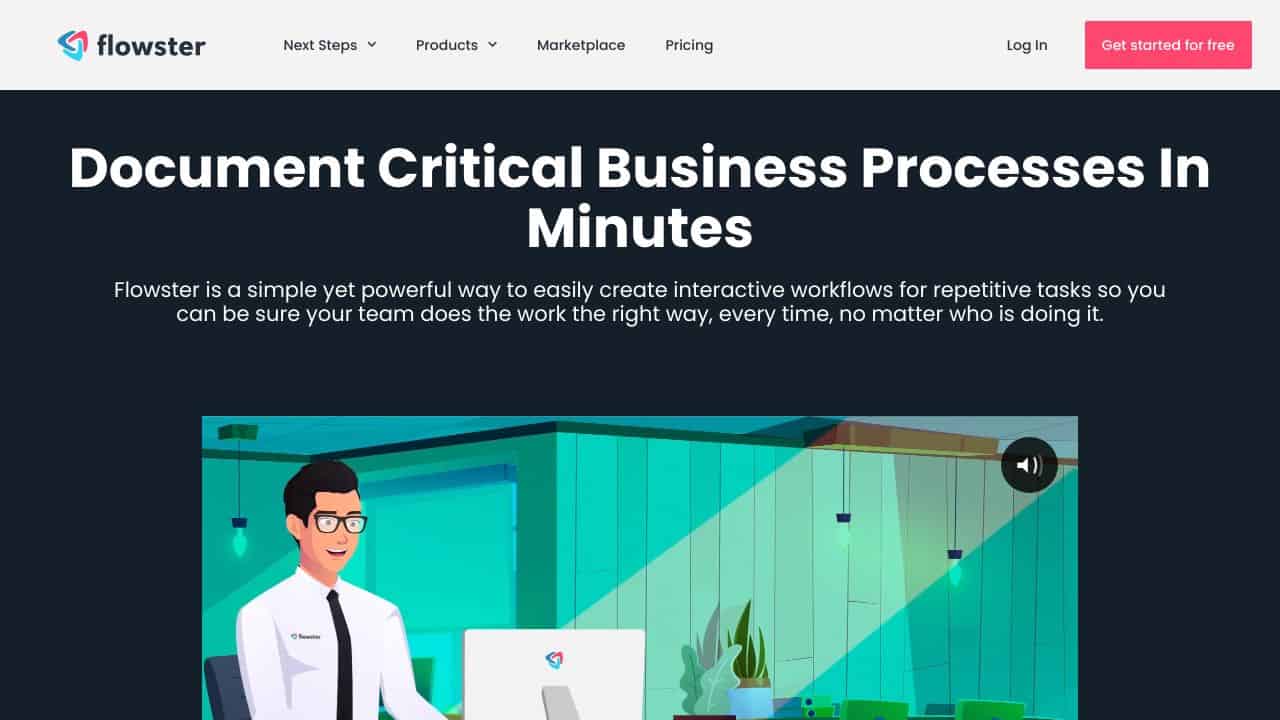









Quick Verdict
Flowster excels at using AI to generate standardized operating procedure templates, saving significant time in workflow documentation. Its paid-only pricing may deter budget-conscious users or those wanting to test before committing. This tool is best for established businesses or consultants who need to systematize processes and can justify the investment in workflow automation.
Flowster Review – AI SOPs For Business
- Category: Workflows
- Pricing: Paid
- Best for: Businesses wanting to automate their procedures
Background Check on Flowster Review – AI SOPs For Business
We ran a background check on flowster.app to verify its safety, security posture, hosting infrastructure, and web history. Here are the results as of April 19, 2026.
✓ Strict Transport Security (HSTS), Cross Origin Resource Sharing (CORS), Redirection
✗ Content Security Policy (CSP), Subresource Integrity, X-Content-Type-Options, X-Frame-Options
Source: Mozilla Observatory report
## What is it?
What is it?
Flowster is a full-featured workflow and process management platform that AIms to help teams use automation for tasks they do often and improve their operations. This online tool lets businesses create, handle, and carry out detAIled Standard Operating Procedures (SOPs) through an easy-to-use interface making it useful for digital marketers and agencies.

Flowster Features
Core Capabilities:
- AI-Powered Workflow Creation: Advanced machine learning algorithms to generate templates
- Collaborative Workflows: Track status in real-time and coordinate teams
- Conditional Logic: Flexible workflows with if/then rules
- Template Library: Large collection of ready-made templates
- Rich Media Integration: Lets you use text, images, videos, and files you can download
- Chrome Extension: Helps you capture process documentation
- Calendar Management: Gives you full control over workflow and task scheduling
How Flowster Can Help Your Business?
Practical Applications:
- Digital Agencies: Makes client onboarding and project management smoother
- Marketing Teams: Puts campAIgn workflows and content creation on autopilot
- E-commerce Businesses: Takes care of inventory and order processing
- HR Departments: Creates a standard way to onboard and trAIn employees
Implementation Benefits:
- Cuts down the time to trAIn new team members
- Makes sure processes are carried out the same way every time
- Lets you see project progress as it happens
- Puts recurring tasks on autopilot
Flowster FAQ
What are the pricing plans available?
- Startup: $28/month for 2 users
- Growth: $129/month for 5 users
- Enterprise: $299/month for 10 users
- Custom pricing available for larger teams
Can I integrate Flowster with other tools?
You can link Flowster with more than 1,000 apps through Zapier. This includes Slack Trello, and many common business tools.
Is there a template library available?
Flowster offers the biggest collection of ready-made templates for digital marketing. They often add new templates across different industries.
How does the conditional logic feature work?
Users can build workflows that change on the fly with if/then rules. This shows team members the tasks they need to see based on certAIn factors.
How Flowster Review – AI SOPs For Business Compares to Alternatives
When evaluating workflow tools, key factors include AI capabilities for automation, collaboration features, and pricing flexibility. Flowster stands out specifically for AI-powered SOP generation, while alternatives may focus on different workflow aspects like time management or file handling.
| Tool | Best For | Pricing |
|---|---|---|
| Flowster | AI-generated standard operating procedure templates and workflow automation for business processes | Paid only, no free tier available |
| Ashdeck | Chrome-based focus timer and website blocking to manage distraction during work sessions | Paid, focused on productivity enhancement |
| Box | Cloud storage and file sharing with workflow integration for team collaboration | Freemium model with paid upgrades |
| Heex Technologies | Specialized workflow solutions requiring custom pricing and enterprise-level features | Contact for pricing, likely enterprise-focused |
| WMaster ZipKing | File compression and management workflows to reduce storage and transfer sizes | Freemium with basic free features |
Best For
- Business consultants creating standardized processes for multiple client organizations
- Operations managers documenting SOPs for team training and compliance
- SaaS companies automating customer onboarding and support workflows
- Agencies systematizing creative or service delivery processes for consistency
Not Ideal For
- Solo entrepreneurs needing simple, free workflow tools for basic task management
- Teams requiring real-time collaborative editing without AI template generation
- Users who need extensive integrations with specific project management platforms
Getting Started
Begin by identifying one repetitive business process that lacks documentation, such as client onboarding or content approval. Use Flowster’s AI to generate a template for this process first, then customize it with your specific steps and stakeholders. This focused approach helps you quickly see the tool’s value before scaling to other workflows.
Key Limitations to Consider
- Paid-only pricing with no free trial mentioned, making initial evaluation difficult
- Limited information about integration capabilities with other business software platforms
- AI template generation may require significant customization for industry-specific workflows
- Collaborative features appear basic compared to dedicated project management tools
- No clear mobile accessibility for on-the-go workflow management and updates
Related Workflows and Tool Pairings
Flowster fits into business process optimization workflows by providing the documentation foundation. After creating AI-generated SOP templates in Flowster, teams typically implement them using project management tools for task assignment and tracking. These documented workflows then connect to training platforms for employee onboarding, ensuring consistent process execution. Complementary tool types include time tracking software to measure SOP efficiency gains, and communication platforms that integrate workflow notifications. The AI-generated templates serve as the blueprint that other tools execute, making Flowster particularly valuable in compliance-heavy or scaling businesses where process standardization is critical.
Related tools to explore: 2Slash – Universal AI Assistant, AI Assist – Product Management AI, AI Cloud Insights Lifetime Deal – AWS Cloud Management Tool, AI Consulting Tools – Business Analysis Assistant, AIHelperBot – Data Analysis Assistant, AIMLAPI – Unified AI Solutions, Workflows tools
Conclusion
Flowster offers a strong answer to automate business processes. It mixes easy-to-use workflow management with high-end features like AI that creates templates and logic that adapts. Its full set of features and big library of templates make it a key tool for companies that want to boost their productivity and make their operations the same across the board.
Want to change how you manage your workflow? Find more modern AI tools at AIToolsMarketer.
Pricing
Flowster Review – AI SOPs For Business is apaid AI workflows tool. Visit the official website for current pricing plans and details.
Last verified: April 2026
Explore more: Browse all AI Workflows tools
