











Quick Verdict
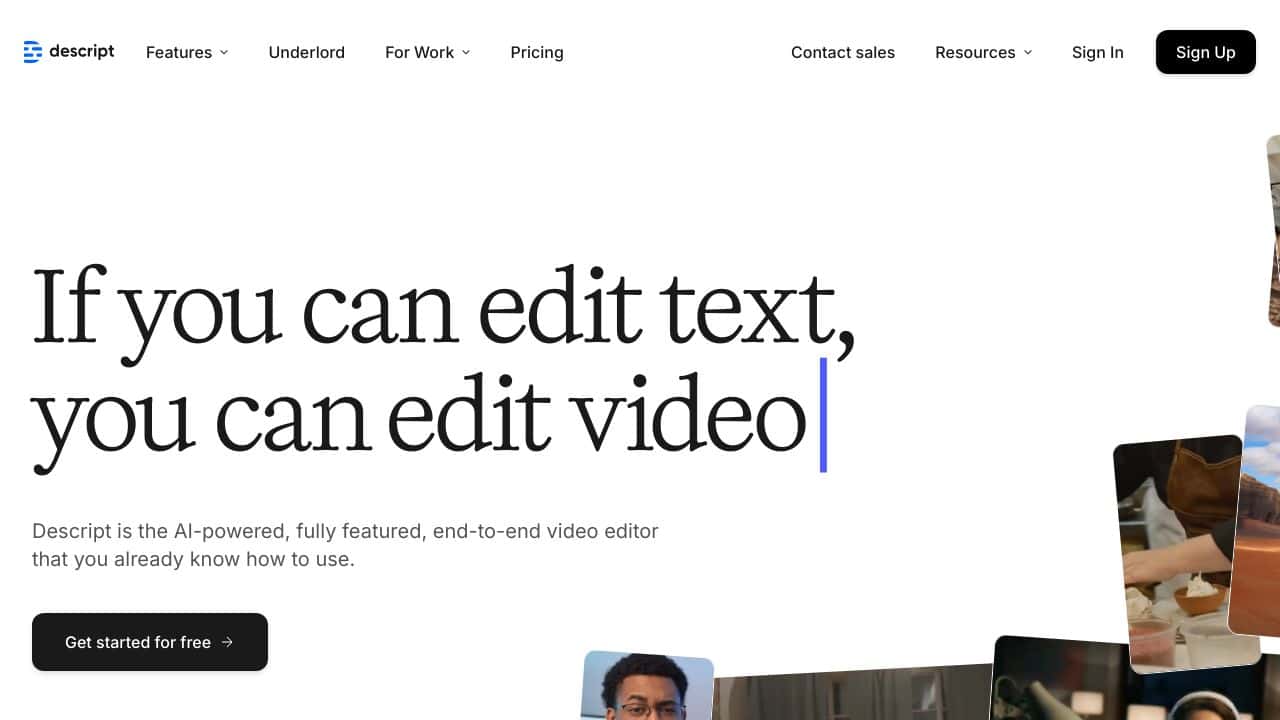
Descript excels at AI-powered audio and video editing with its unique text-based editing interface that lets you edit media by editing transcripts. One limitation is its paid-only pricing, which may deter casual users or those on tight budgets. Teams and businesses needing efficient AI audio editing capabilities should consider Descript, especially for podcast production, video content creation, and collaborative media projects.
Descript – AI Media Editing Tool
- Category: Audio Editing, Video Editing
- Pricing: Paid
- Best for: Teams and businesses needing AI audio editing capabilities
Background Check on Descript – AI Media Editing Tool
We ran a background check on descript.com to verify its safety, security posture, hosting infrastructure, and web history. Here are the results as of April 19, 2026.
✓ Cross Origin Resource Sharing (CORS), Redirection, Strict Transport Security (HSTS)
✗ Content Security Policy (CSP), Cookies, Subresource Integrity, X-Content-Type-Options
Source: Mozilla Observatory report
What is it?
This product improves the realm of video and podcast creation by merging traditional document editing features with sophisticated multimedia editing capabilities.
Product Features
Here’s a brief overview of the standout features that enhance user experience and productivity.
AI Video Editing
Editing videos and multitrack audio becomes as simple as modifying a text document or presentation slide, allowing you to swiftly produce high-quality content without the steep learning curve.
Accurate Transcription
The transcription function offers remarkable speed and accuracy, along with solid correction tools that ensure your text is flawless and ready for use in your projects.
smooth Screen Recording
Capture, modify, and distribute your screen or webcam footage effortlessly, making it convenient to create engaging instructional content or presentations.
Integration with Multiple Platforms
This product allows for easy one-click imports from various applications and platforms for editing, coupled with one-click publishing to a multitude of hosting services, enhancing your workflow.
Product FAQ
How does the transcription feature work?
The transcription tool converts spoken audio into text with impressive precision, making it simple to transcribe interviews, podcasts, or any spoken content quickly.
Is it suitable for team collaboration?
Absolutely! The platform facilitates effortless teamwork by allowing multiple users to record, edit, and collaborate on projects in a manner comparable to document editing.
Can I use it for podcast production?
Yes, this product is specially designed for podcast creators, offering tools that streamline the entire podcasting process from recording to editing and publishing.
What kind of user benefits can I expect?
Users can expect a simplified editing experience that promotes creativity while eliminating the usual complexities of software, making it ideal for both skilled multimedia creators and novices.
How Descript – AI Media Editing Tool Compares to Alternatives
When choosing AI Audio Editing tools, key factors include core functionality, pricing structure, and target use cases. Descript stands out for its text-based editing approach, but alternatives may offer different strengths like music generation or voice creation.
| Tool | Best For | Pricing |
|---|---|---|
| Descript | Teams and businesses needing AI audio and video editing with text-based workflow | Paid plans only, no free tier |
| Staccato | Users who need AI music generation alongside basic editing capabilities | Freemium model with free basic features |
| Krisp | Remote teams needing AI noise cancellation for meetings and calls | Freemium with limited free minutes |
| Deepgram | Businesses requiring AI speech translation and transcription services | Freemium with pay-as-you-go options |
| Uberduck | Creators who want AI voice creation and synthesis for projects | Free tier available with limitations |
Best For
- Podcast producers who need efficient transcript-based editing workflows
- Video content teams editing dialogue and narration with text precision
- Businesses creating training videos with automated transcription and editing
- Collaborative media projects where multiple editors work on same files
Not Ideal For
- Solo creators on zero budget who need completely free tools
- Musicians needing advanced music production and mixing capabilities
- Users who only need basic audio trimming without AI features
Getting Started
Begin by uploading a short audio or video file with clear speech. Let Descript generate the transcript automatically, then practice editing by deleting words from the transcript to see how it removes corresponding audio. This text-based approach is Descript’s core advantage over traditional timeline editing.
Key Limitations to Consider
- No free tier available, requiring immediate financial commitment for all users
- Primarily optimized for speech-based content rather than music or sound design
- Advanced video editing features may be limited compared to dedicated video software
- Learning curve for users accustomed to traditional timeline-based editing interfaces
- AI transcription accuracy can vary with poor audio quality or accents
Related Workflows and Tool Pairings
Descript fits naturally into content creation workflows where speech-based media needs efficient editing and refinement. After recording interviews, podcasts, or video narration in tools like digital audio recorders or cameras, Descript handles the transcription and rough editing phase. The edited content then flows into complementary tool types: audio mastering software for final polish and mixing, and video editing platforms for adding visuals, graphics, and effects. For distribution, the output integrates with podcast hosting services and video publishing platforms. This makes Descript particularly valuable in the middle stage of production, bridging raw recordings with final publication-ready media.
Related tools to explore: Audie – Text-to-Speech Audiobook Generator, Audio Enhancer – Audio Quality Optimizer, Audio-bot.com – Text-to-Speech Generator, AudioShake – AI Visual Workflow Automation, Audyo – Text to Audio Converter, AutoPod – Smart Podcast Editor, Audio Editing tools, Video Editing tools
Conclusion
In summary, this product effectively combines the essence of document editing with advanced multimedia tools, making it a suitable choice for various users, from experienced creators to those new to the field. However, those who prefer traditional editing software may find this platform’s unique approach not aligning with their preferences.
Pricing
Descript – AI Media Editing Tool is apaid AI audio editing tool. Visit the official website for current pricing plans and details.
Last verified: April 2026
Explore more: Browse all AI Audio Editing tools | Browse all AI Video Editing tools
