












Quick Verdict
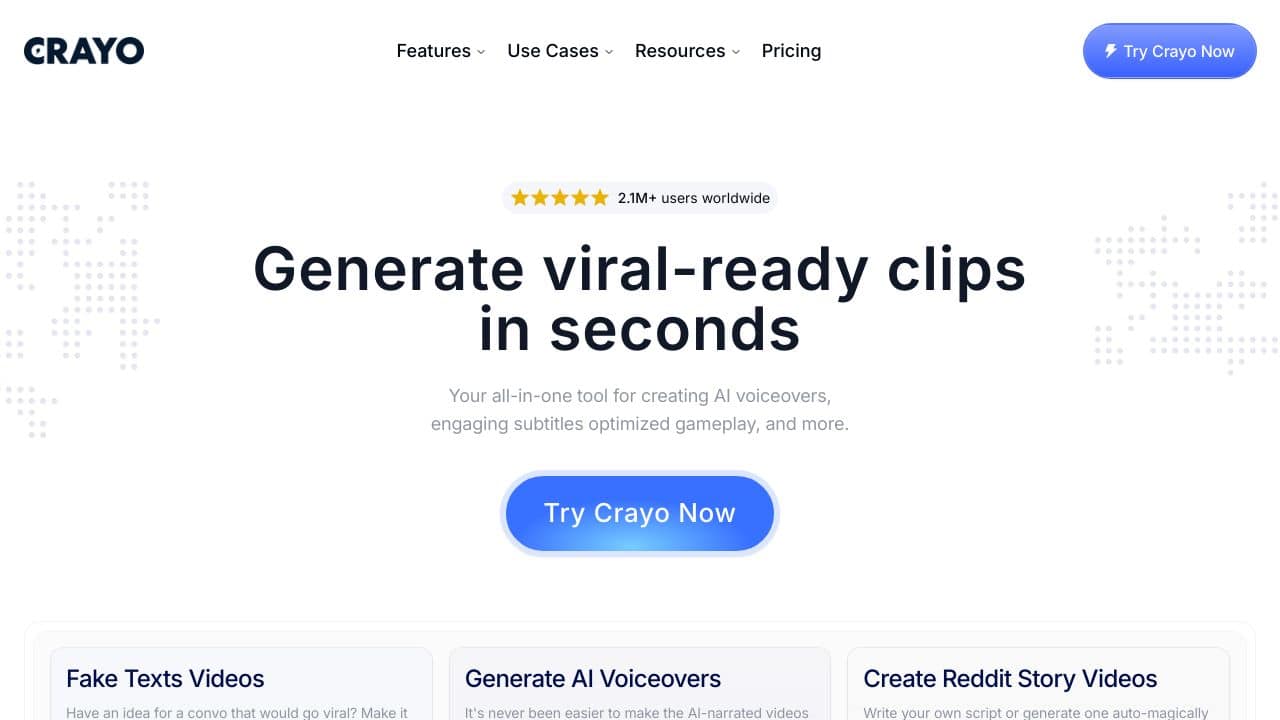
Crayo AI delivers solid AI video generation with voice capabilities, making it efficient for creating professional video content quickly. One limitation is its paid-only pricing model, which lacks a free tier for testing. Teams and businesses needing reliable AI video generation should consider it, especially those prioritizing voice integration in their video workflows.
Crayo AI – Video Creator AI
- Category: Video Generators, Voice
- Pricing: Paid
- Best for: Teams and businesses needing AI video generators capabilities
Background Check on Crayo AI – Video Creator AI
We ran a background check on crayo.AI to verify its safety, security posture, hosting infrastructure, and web history. Here are the results as of April 18, 2026.
✓ Cross Origin Resource Sharing (CORS), Redirection, Strict Transport Security (HSTS), X-Frame-Options
✗ Content Security Policy (CSP), Subresource Integrity, X-Content-Type-Options
Source: Mozilla Observatory report
What is it?
This product is an innovative AI-based solution AImed at simplifying and improving the video creation journey. It gives users the ability to generate short videos effortlessly and efficiently. By reducing the time and technical knowledge required for producing captivating content, it becomes a transformative resource for content creators, marketers, and social media fans alike. The streamlined approach allows users to transition from scripting to downloading a complete video in mere minutes, making professional-quality video creation accessible to everyone.
Product Features
The features of this product are designed to enhance the video creation experience. They combine ease of use with powerful capabilities.
Feature 1: Scriptwriting Assistance
This feature provides users with guidance in crafting their video scripts, forming the essential groundwork for content development. It helps ensure that messages are clear and engaging, setting the stage for the entire video production process.
Feature 2: Voiceover Selection
Users can choose from a variety of narrators to give voice to their scripts. This enhances the storytelling aspect of the video, allowing for diverse tones and styles that resonate with specific audiences.
Feature 3: Background Music Options
Integrating suitable background music plays a crucial role in enhancing the overall mood of the video. Users can select from an array of music tracks to complement their content, creating a more immersive viewing experience.
Feature 4: Customizable Templates
To simplify the creative process, the product offers an assortment of templates that users can utilize as a starting point. This makes it easier for users to personalize their videos while mAIntAIning a professional look.
Product FAQ
How long does it take to create a video?
With this platform, users can produce a polished video in just two to three minutes, thanks to the efficient integration of scripts, voiceovers, and music.
Can I upload my own content?
Yes, the platform supports the uploading of user-generated content, providing added flexibility and customization to suit individual branding needs.
Is it suitable for beginners?
Absolutely! The strAIghtforward design and guided features make it an ideal choice for novices, while still offering depth for more experienced users.
What types of videos can I create?
Users can create a variety of videos, including marketing promotions, educational materials, product demos, and more, making it versatile for numerous applications.
How Crayo AI – Video Creator AI Compares to Alternatives
When choosing an AI video generator, key factors include pricing flexibility, specific features like voice integration, and target audience needs. Crayo AI stands out with its focus on voice capabilities, but alternatives offer different pricing models and specialized functions.
| Tool | Best For | Pricing |
|---|---|---|
| Crayo AI – Video Creator AI | Teams and businesses needing AI video generation with integrated voice capabilities for professional content. | Paid only, no free tier available. |
| Pippit AI: AI Video & Image Maker | Users who want combined video and image creation tools in one AI platform. | Paid, with structured subscription plans. |
| Tagshop AI – AI UGC Ads Generator | Marketers focused on generating user-generated content style ads quickly. | Freemium model, free tier with upgrades. |
| Wan 2.1 AI – AI Video Generation | Individuals or small teams seeking affordable AI video tools with basic features. | Freemium, free access with paid options. |
| VisionStory – AI Video Generation Tool | Creators needing storytelling-focused video generation with narrative tools. | Freemium, free version with limitations. |
Best For
- Marketing teams creating promotional videos with AI-generated voiceovers.
- Businesses producing training or explainer videos quickly and consistently.
- Content agencies needing scalable video generation for client projects.
- Solopreneurs who prioritize voice integration in their video content.
Not Ideal For
- Individuals on a tight budget who require a free tool for testing.
- Users needing advanced video editing features beyond AI generation.
- Projects focused solely on image creation without video components.
Getting Started
Begin by outlining your video script and voice requirements, as Crayo AI’s strength is in voice-integrated generation. Test with a short project to evaluate output quality before committing to larger campaigns. Ensure your team is trained on the tool’s specific features to maximize efficiency.
Key Limitations to Consider
- Paid-only pricing limits accessibility for users wanting to test before buying.
- Voice capabilities may not support all languages or accents comprehensively.
- Lacks a freemium model compared to competitors like Tagshop AI or Wan 2.1 AI.
- May not include advanced editing tools found in standalone video software.
- Focused on AI generation, so manual customization options could be limited.
Related Workflows and Tool Pairings
Crayo AI fits into video production workflows by handling the initial generation phase, where AI creates videos with voiceovers from text inputs. It pairs well with scriptwriting tools to refine content before generation, and with social media schedulers to distribute finished videos efficiently. For post-production, basic video editors can be used to make tweaks, while analytics platforms help track video performance. This integration streamlines content creation from ideation to publication, saving time for teams focused on scalable output.
Related tools to explore: AI Anime Generator – Anime Art Creator, AI Hug – Virtual Hug Creator, AI Hugging – AI Hugging Creator, AIJoel – Multi-Modal Generator, AISaver – Video Downloader & Face Swap, AIcut – Faceless Video Creator, Video Generators tools, Voice tools
Conclusion
In summary, this advanced AI tool is designed for those who wish to create high-quality video content with minimal hassle. It suits individuals and organizations looking to enhance their online presence without the need for extensive production resources. However, it may be less appropriate for users seeking highly complex video editing capabilities or those with very specific technical requirements.
Pricing
Crayo AI – Video Creator AI is apaid AI video generators tool. Visit the official website for current pricing plans and details.
Last verified: April 2026
Explore more: Browse all AI Video Generators tools | Browse all AI Voice tools
