







Quick Verdict
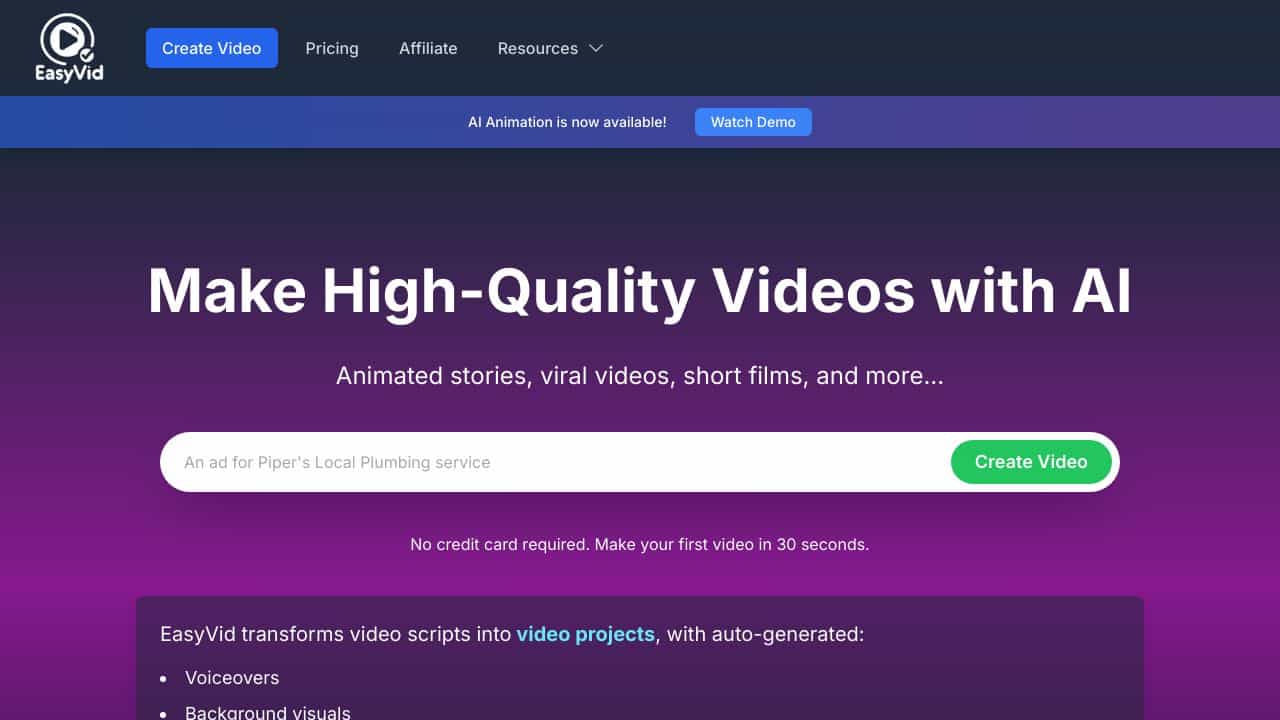
EasyVid delivers straightforward text-to-video creation for teams and businesses that need to produce video content quickly. It focuses on core AI video generation without the complexity of some alternatives. The main limitation is its paid-only pricing, which means no free tier for testing. Marketing teams, content creators at small to medium businesses, and agencies needing consistent video output should consider this tool.
EasyVid – Text-to-Video Creator
- Category: Text To Video, Video Generators
- Pricing: Paid
- Best for: Teams and businesses needing AI text to video capabilities
Background Check on EasyVid – Text-to-Video Creator
We ran a background check on easyvid.xyz to verify its safety, security posture, hosting infrastructure, and web history. Here are the results as of April 19, 2026.
✓ Cross Origin Resource Sharing (CORS), Redirection, Strict Transport Security (HSTS), Subresource Integrity
✗ Content Security Policy (CSP), X-Content-Type-Options, X-Frame-Options
Source: Mozilla Observatory report
What is it?
This product is an innovative AI-driven video creator that simplifies the task of making videos by converting uncomplicated text inputs into fully produced videos.
Features
Discover the remarkable capabilities of this video generator that can transform your ideas into engaging visual content with ease.
Text-to-Video Conversion
With this feature, users can effortlessly create completed videos by simply inserting a text prompt or script, accompanied by relevant background visuals that resonate with the content.
Multi-Lingual Support
The service supports the creation of videos in 28 languages, thereby catering to a diverse global audience and enhancing accessibility for non-English speakers.
Customizable Voice Styles and Aspect Ratios
It allows users to personalize their videos by selecting from various voice styles and output formats, accommodating different preferences with options like 9:16 portrAIt, square, and 16:9 landscape.
Comprehensive Output
This feature enhances the viewing experience by automatically incorporating subtitles, realistic voiceovers, and royalty-free music into the videos, ensuring a professional finish.
Pay-per-Second Model
Users can enjoy the flexibility of a pay-per-second pricing model, eliminating the need for subscriptions; additionally, there’s a bonus of 40 seconds offered for free to help users get started.
FAQ
How does the text-to-video feature work?
The text-to-video function operates by analyzing the input text and generating relevant visuals along with voiceovers, creating a cohesive video experience from simple prompts.
What languages are available for video creation?
Users can create videos in a diverse range of 28 different languages, making it a versatile tool for international users.
Can I personalize the voiceover in my videos?
Yes, the platform offers various customizable voice styles, allowing you to select the tone and style that best fits your video’s theme.
Is there a free trial available?
Absolutely! New users can enjoy 40 seconds of free usage to explore the video creation capabilities without any commitment.
How EasyVid – Text-to-Video Creator Compares to Alternatives
When choosing a text-to-video tool, consider your budget, specific use cases like ads or personalized content, and whether you need freemium options for testing. This comparison highlights key alternatives to help you decide based on your team’s needs.
| Tool | Best For | Pricing |
|---|---|---|
| EasyVid – Text-to-Video Creator | Teams and businesses needing straightforward AI text-to-video capabilities for consistent content. | Paid only, no free tier. |
| Tagshop AI – AI UGC Ads Generator | Creating user-generated style ad content quickly with AI assistance. | Freemium model available. |
| Gan.ai – AI Video Personalization Platform | Businesses that require personalized video messages at scale for marketing. | Freemium model available. |
| WOXO – Idea to Videos – AI Trending Video Creation | Content creators who want to turn ideas into trending social media videos fast. | Freemium model available. |
Best For
- Marketing teams producing weekly video content for social media campaigns.
- Small businesses creating product explainer videos without video editing skills.
- Agencies that need to generate client video content efficiently and consistently.
- Content managers who want to repurpose blog posts into video format quickly.
Not Ideal For
- Solo creators on a tight budget who need a free tool to start.
- Users requiring advanced video personalization features for one-to-one marketing.
- Teams that need extensive video editing capabilities beyond AI generation.
Getting Started
Begin by writing a clear, concise script of 150-300 words for your first video, as the AI works best with well-structured text. Use the tool’s default templates to understand its style before customizing. Export a test video to check quality before committing to a paid plan.
Key Limitations to Consider
- No free tier available, which limits testing before purchase.
- May lack advanced editing features compared to full video production suites.
- Limited to text-to-video generation without integrated audio or image tools.
- Could have fewer template options than some freemium competitors.
Related Workflows and Tool Pairings
EasyVid fits into content creation workflows by turning written material into video assets quickly. Start by drafting scripts in a word processor or content management system, then use EasyVid to generate videos. Pair it with graphic design tools for custom thumbnails and social media schedulers to automate posting. For audio enhancement, consider separate audio editing software to add voiceovers or music. This tool streamlines the video production phase, allowing teams to focus on strategy and distribution rather than technical video editing.
Related tools to explore: AItubo – Generate game assets with AI, Akool – AI Video Avatar Creation, Animatediff Web Online – Text-to-Video Generator, Argil – AI High-quality Video Creation, Augie – Text-to-Video Creator, DeepbrAIn AI Studios – Avatar Video Creator, Text To Video tools, Video Generators tools
Conclusion
In summary, this AI video generator is designed for anyone looking to easily create captivating videos without extensive technical knowledge. It is particularly suited for content creators, educators, and business professionals who need efficient video solutions. However, it may not be as suitable for users looking for detAIled manual editing tools or advanced video effects.
Pricing
EasyVid – Text-to-Video Creator is apaid AI text to video tool. Visit the official website for current pricing plans and details.
Last verified: April 2026
Explore more: Browse all AI Text To Video tools | Browse all AI Video Generators tools
