










Quick Verdict
Bit.AI excels as a collaborative document platform that integrates AI project management capabilities, making it strong for teams that need structured workflows and real-time document collaboration. Its paid-only pricing model means no free tier for testing or small-scale use. This tool is best suited for established teams and businesses willing to invest in a comprehensive project management and documentation solution.
Bit.AI – Collaborative Document Platform
- Category: Project Management, Workflows
- Pricing: Paid
- Best for: Teams and businesses needing AI project management capabilities
Background Check on Bit.AI – Collaborative Document Platform
We ran a background check on bit.AI to verify its safety, security posture, hosting infrastructure, and web history. Here are the results as of April 18, 2026.
✓ Cross Origin Resource Sharing (CORS), X-Content-Type-Options, X-Frame-Options
✗ Content Security Policy (CSP), Redirection, Referrer Policy, Strict Transport Security (HSTS)
Source: Mozilla Observatory report
What is it?
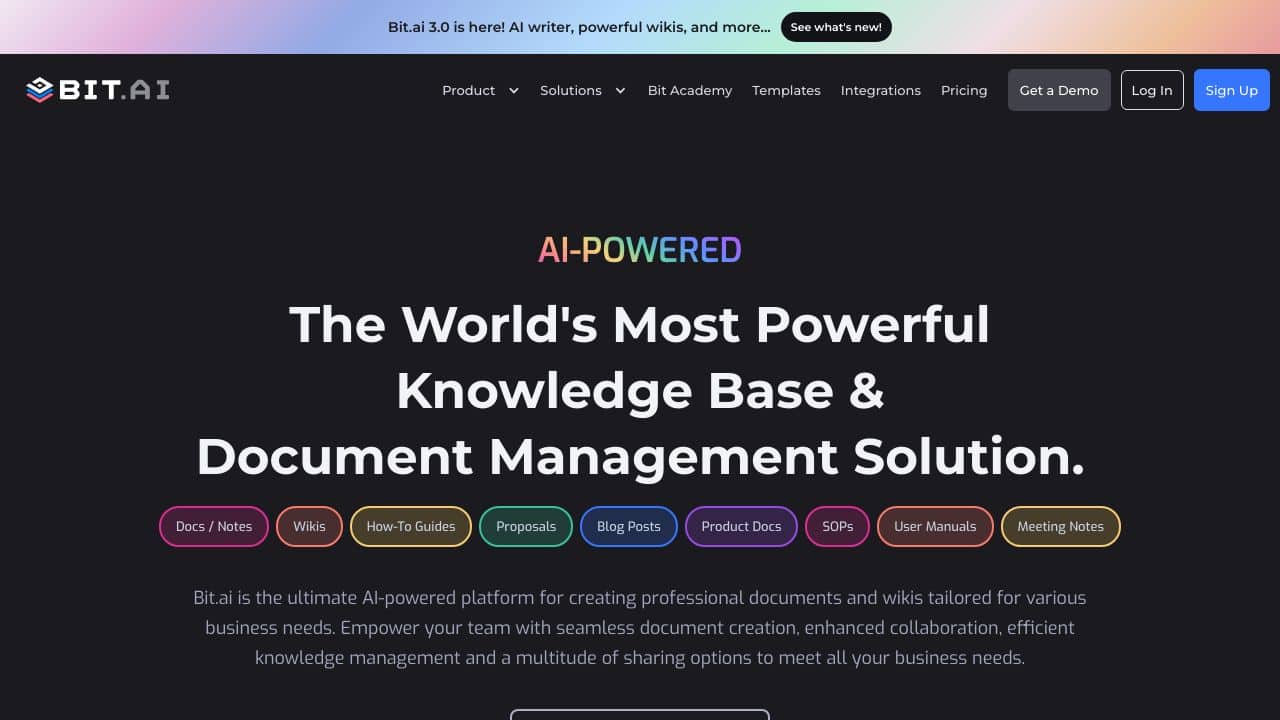
Bit.AI is an advanced document collaboration platform tAIlored for individual users, small groups, and large organizations. It helps users to create, collaborate, and manage various document types, such as notes, wikis, project outlines, client deliverables, technical manuals, trAIning content, and much more, all from a centralized location.
Bit.AI Features
This platform boasts a range of impressive features that enhance collaborative efforts.
Feature 1: Workflow Solution
Bit.AI allows users to design workflows that cater to their specific business needs. This feature includes multiple workspaces for personal use, entire organizations, teams, departments, cross-functional groups, and clients, enabling a streamlined approach to content sharing and management.
Feature 2: Content Management
The platform smoothly integrates team content from various sources into one organized area. It includes a content library, content oversight capabilities, smart search functionality, and options for cloud uploads, making it easy to navigate and utilize information.
Feature 3: Document Editor
Bit.AI offers an intuitive document editor that features auto formatting, a variety of document templates, themes, automated tables, and support for over 100 file formats. Users can personalize documents by adding their logos and organization names while utilizing advanced features like code blocks and visual embeds.
Feature 4: End-to-End Sharing
This feature enables real-time collaboration, wiki interlinking, automated tables of contents, inline comments, document imports, file previews, and live document sharing. These capabilities ensure that all collaborators can contribute effectively and stay aligned.
Bit.AI FAQ
What types of documents can I create with Bit.AI?
With Bit.AI, you can create several document types, encompassing notes, wikis, trAIning guides, client deliverables, and more. Its flexibility allows for a broad range of content integration, providing users with enhanced functionality.
Is it suitable for large organizations?
Yes, Bit.AI is highly effective for larger companies as it serves as a central knowledge hub, facilitating efficient communication and collaboration across various departments, teams, and client interactions.
How does collaboration work on the platform?
The platform supports collaborative efforts through features like real-time comments, shared workspaces, @mentions for notifications, and customizable permissions. This creates an interactive environment where all participants can engage and contribute effectively.
Is my data safe on Bit.AI?
Bit.AI prioritizes data security with measures such as TLS and AES 256 encryption, ensuring that customer content remAIns confidential during transmission and while stored. The platform adheres to the principle of ‘least privilege’ for employee access, incorporating industry-standard programming techniques.
How Bit.AI – Collaborative Document Platform Compares to Alternatives
When evaluating collaborative Project Management tools, key factors include pricing structure, AI integration depth, and suitability for team workflows. Bit.AI stands out for its document-centric approach, but alternatives may offer different balances of cost and features.
| Tool | Best For | Pricing |
|---|---|---|
| Bit.AI | Teams needing integrated AI project management with collaborative document creation and workflow automation. | Paid plans only, no free tier. |
| TaskJect | Users focused primarily on task and project tracking with straightforward management features. | Paid service, cost varies by plan. |
| Rickle | Teams wanting a copilot-style AI assistant for project guidance and management support. | Freemium model with paid upgrades. |
| PromptDrive.ai | Users managing AI prompts and needing organization tools for prompt libraries. | Free tool available. |
| Tulsk.io | Small teams or individuals seeking basic AI project management without cost barriers. | Free tool with no payment required. |
Best For
- Business teams creating and managing project documentation collaboratively.
- Organizations needing AI-enhanced workflow automation for project tasks.
- Remote teams requiring real-time document editing and version control.
- Companies investing in integrated project management and knowledge bases.
Not Ideal For
- Solo users or very small teams with minimal budget for tools.
- Projects requiring extensive free trials or freemium access before committing.
- Users who only need basic task tracking without document collaboration.
Getting Started
Begin by creating a central project document in Bit.AI to outline your workflow. Use the AI features to auto-generate task lists or summaries based on your content. Invite team members early to test the collaborative editing and commenting functions.
Key Limitations to Consider
- No free tier available, which limits testing before financial commitment.
- May have a steeper learning curve for teams unfamiliar with document-centric project management.
- AI capabilities might be less specialized than standalone AI project tools.
- Potential overkill for users who only need simple task management without documents.
Related Workflows and Tool Pairings
Bit.AI fits into workflows where project planning and documentation are central. Teams can use it to draft project briefs, track progress through integrated task lists, and maintain living documents that evolve with the project. This tool pairs well with communication platforms like team chat apps for real-time discussions about document changes. It also complements file storage services for archiving final versions, and time-tracking tools to log hours against specific tasks mentioned in documents. By centralizing documents and project management, Bit.AI reduces context switching between separate apps.
Related tools to explore: 2Slash – Universal AI Assistant, 4mAnalytics – AI Utility Mapping Tool, AI Assist – Product Management AI, AI Storyboard Generator – AI Easy Storyboard Creation, AIrtable AI – AI Workflow Data Management, AdCreative – Ad Creation Automation, Project Management tools, Workflows tools
Conclusion
In summary, Bit.AI is an excellent solution for individuals, small teams, and large organizations seeking a solid collaborative document platform. It is particularly suitable for those who require efficient workflow management and secure content sharing, though it may not be ideal for users seeking standalone document editing without collaboration features.
Pricing
Bit.AI – Collaborative Document Platform is apaid AI project management tool. Visit the official website for current pricing plans and details.
Last verified: April 2026
Explore more: Browse all AI Project Management tools | Browse all AI Workflows tools
