
Key takeaways
- A beginner's YouTube editor should let you finish a first video in an afternoon, export without a watermark, and handle captions and Shorts.
- Clipchamp and CapCut are the simplest to learn, and Clipchamp's free plan includes unlimited 1080p exports.
- Descript and VEED take over tedious cleanup: Descript by editing the transcript, VEED by cutting filler words and silences automatically.
- Invideo Editor's AI agent builds a first cut from a long recording and can branch a 9:16 Shorts version from the same edit.
In this post9 sections
YouTube video editors for beginners are editing tools that let new creators cut, caption, and export videos for YouTube without learning professional software first. The best ones keep the interface simple, handle the repetitive work automatically, and produce a clean result that is ready to upload.
Starting a channel usually means learning editing at the same time as learning everything else. A new creator has to plan videos, record them, edit them, and publish on a schedule, and a complicated editor can eat up the time meant for all of that. This list covers six editors that make the editing part easier, from AI tools that build a first cut to template-based apps and transcript-driven editors.
How We Picked These
Four things guided the selection. Ease of learning mattered most, since a beginner should be able to finish a first video in an afternoon. Free or low-cost options counted next, because new channels rarely have a budget. Export quality was important too: a tool that adds a watermark or limits resolution holds a channel back. Help with captions, audio, and Shorts rounded it out, since these come up in almost every video.
Comparison Table
| Tool | Best for | Standout feature |
|---|---|---|
| Invideo Editor | Getting a first cut from a long recording | AI agent assembles a draft from footage and a brief |
| CapCut | Quick edits and Shorts, often from a phone | Auto captions and one-click background removal |
| Clipchamp | The simplest possible browser editor | Unlimited 1080p exports on the free plan |
| Filmora | Beginners who want effects without complexity | AI smart cutout and auto-reframe |
| Descript | Talking-head videos and tutorials | Editing video by editing the transcript |
| VEED | Cleaning up recordings automatically | Filler-word and silence removal with auto-subtitles |
Invideo Editor
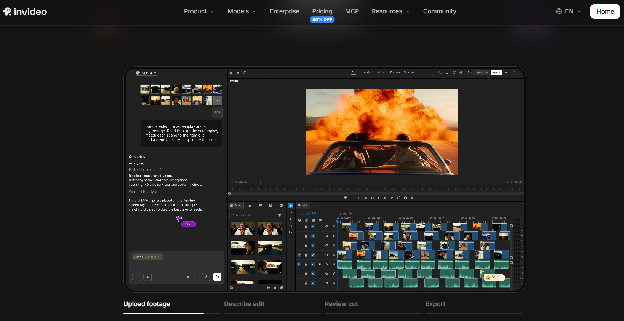
A beginner’s biggest time sink is usually the first cut, sorting through takes and putting them in order. As a youtube video editor, Invideo Editor handles that step for you. You upload a recording, describe what you want, and an AI agent assembles a first version that you can then refine on a full timeline in the browser.
Key features:
- An AI agent that builds a first cut from raw footage, removing filler, silences, and flubbed takes
- Trimming by deleting a sentence from the transcript, so you can edit by reading instead of scrubbing
- Automatic captions that stay synced as you edit, with preset styles or your own fonts
- A 9:16 version branched from a long video, with the reframe tracking the subject, for Shorts
- Chapter markers that export as timestamps formatted for YouTube
- Music, voiceover, and AI voiceover options in the same editor
- Exports up to 4K, with a manual timeline you can use to adjust anything the agent does
Best for: beginners with long recordings who want a fast first draft and Shorts from the same project.
Pricing: The manual timeline is free to use. AI features run on credits through paid plans, starting at $20/month on Starter, $60/month on Plus, and Max goes up to $150/month for higher usage.
CapCut
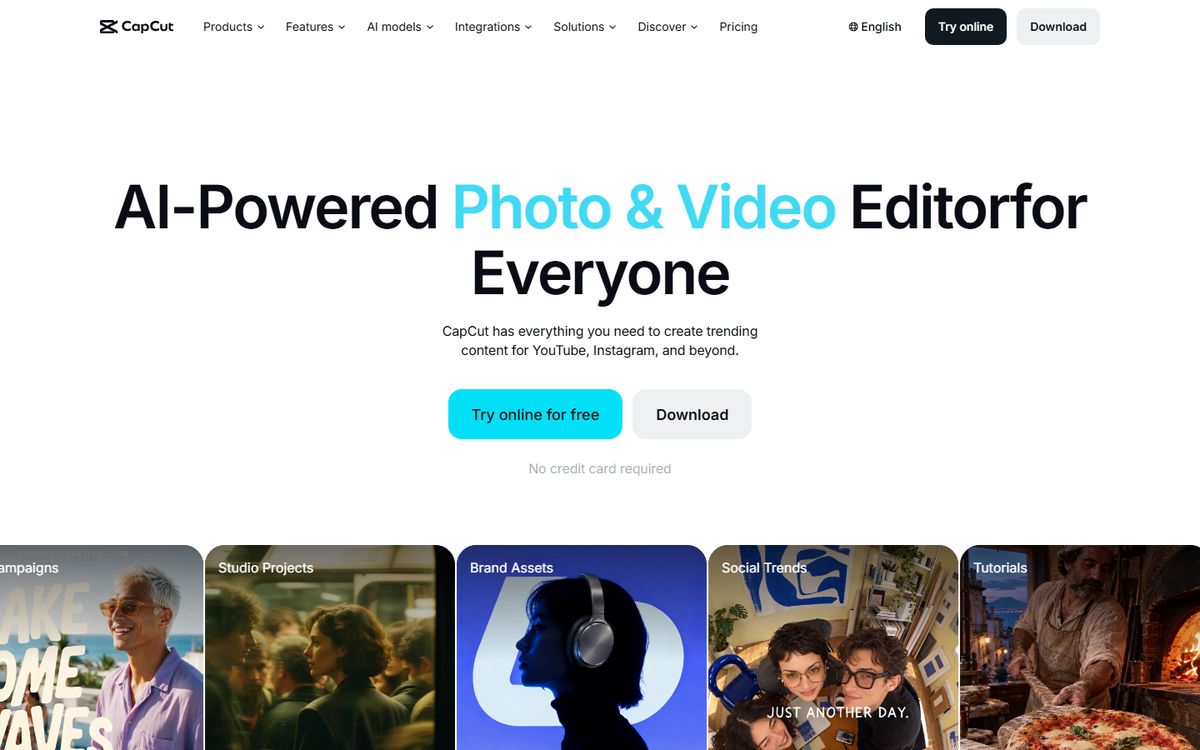
CapCut is built for speed, with templates and one-click tools doing much of the technical work. It started as a short-form video app, which makes it a natural fit for YouTube Shorts and quick edits.
Key features:
- Auto captions generated without manual typing
- One-click background removal without a green screen
- Template-driven AI effects for guided edits
- Auto-reframe for different aspect ratios
- Mobile-first editing, so a video can be made entirely from a phone
- A large library of trending templates and sounds
Best for: beginners making Shorts or short videos, often from a phone.
Pricing: Free to start, with the AI toolkit beginning around $10/month and scaling up to around $25/month on the Teams plan.
Clipchamp
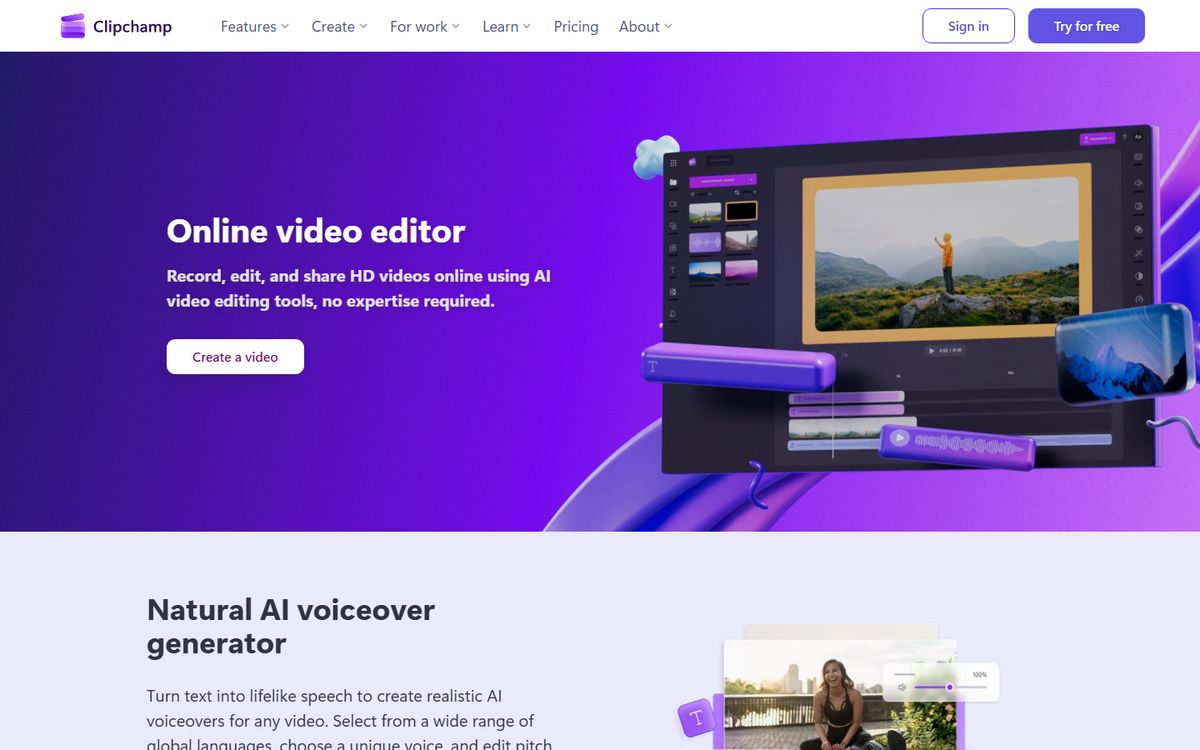
Clipchamp is Microsoft’s browser-based editor, and its simplicity is the point. The interface resembles other basic Microsoft apps, which makes it easy to pick up with no experience.
Key features:
- Unlimited exports at 1080p on the free plan
- More than 100 built-in templates to start from
- Auto-captions generated without manual typing
- A royalty-free stock library, even on the free tier
- A clean, uncluttered interface
- Browser-based, so there is nothing to install
Best for: beginners who want a straightforward editor and do not need advanced effects.
Pricing: The free plan includes unlimited 1080p exports and basic templates. Premium runs $11.99/month for a bigger stock library, premium filters, and cloud backup.
Filmora
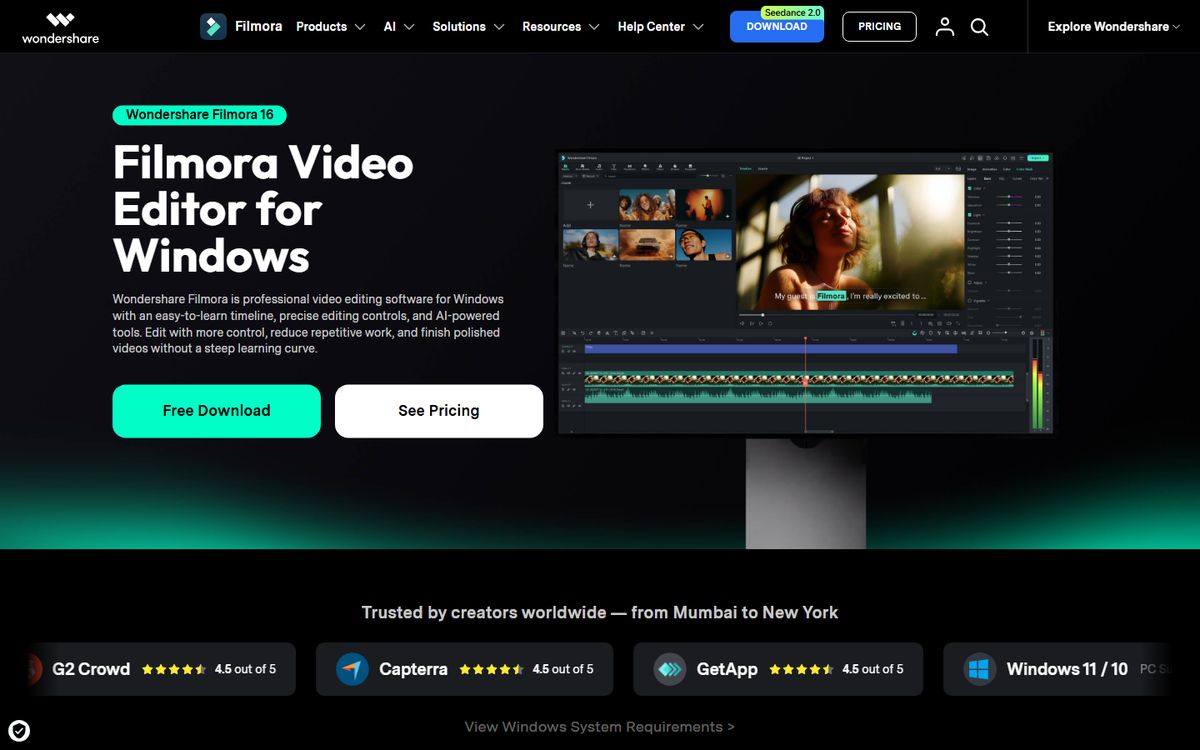
Filmora sits between a fully automated tool and a professional editor. It offers an approachable timeline with AI effects that do not require advanced skills, which gives beginners room to grow.
Key features:
- AI smart cutout for background removal without a green screen
- Auto-reframe to reformat one edit for different platforms
- Auto scene detection to split footage without manual scrubbing
- Text-based editing for scripted content
- AI-generated captions
- Motion tracking for adding effects that follow a subject
Best for: beginners who want more creative control than a template tool without the complexity of professional software.
Pricing: Starts free with a watermarked export. The annual plan runs around $5.83/month billed yearly, with a perpetual license and AI add-ons priced separately.
Descript
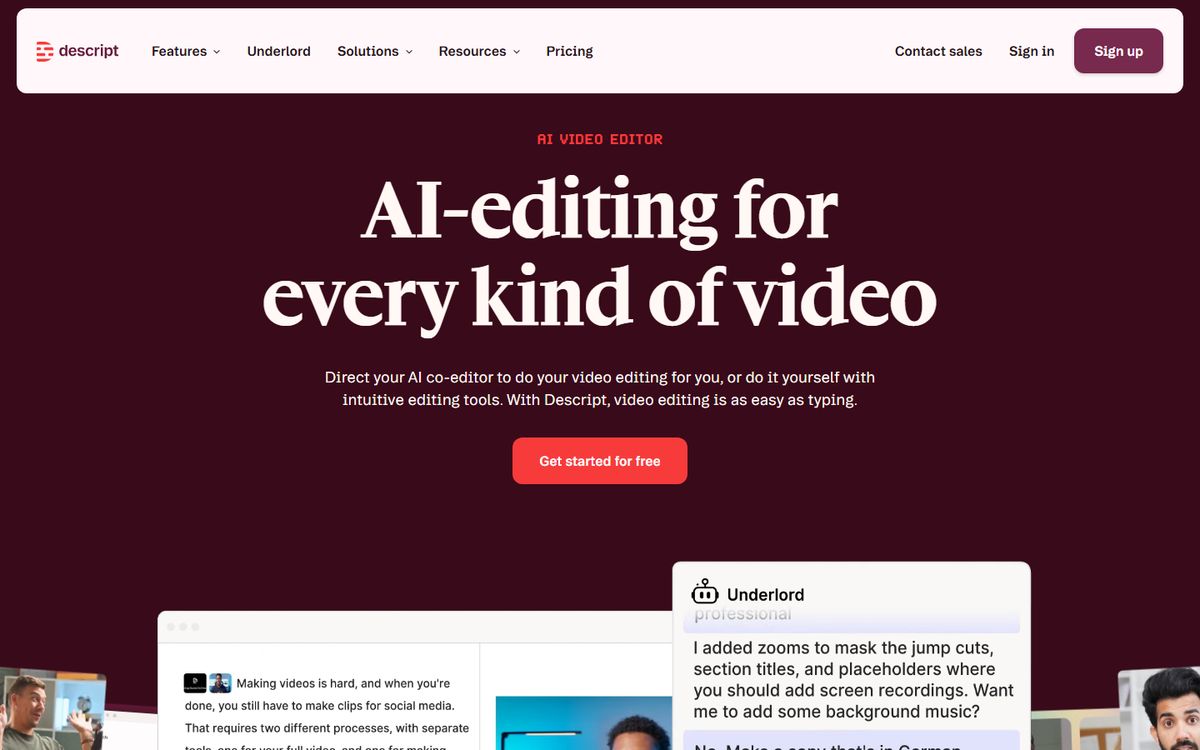
Descript replaces much of the timeline with a transcript. It transcribes your recording, and deleting a sentence from the text removes the matching moment from the video, which makes it especially easy for beginners who talk to camera.
Key features:
- Transcript-based editing, where cutting text cuts video
- Studio Sound for cleaning up audio
- An AI voice tool for patching a flubbed line without re-recording
- Automatic filler-word and silence removal
- Multi-track editing for layering extra footage or audio
- Built-in screen recording for tutorial-style videos
Best for: beginners making talking-head videos, tutorials, or podcasts who are comfortable editing text.
Pricing: Free on a plan limited to about 60 media minutes a month. Paid plans start at $16/month on Hobbyist.
VEED
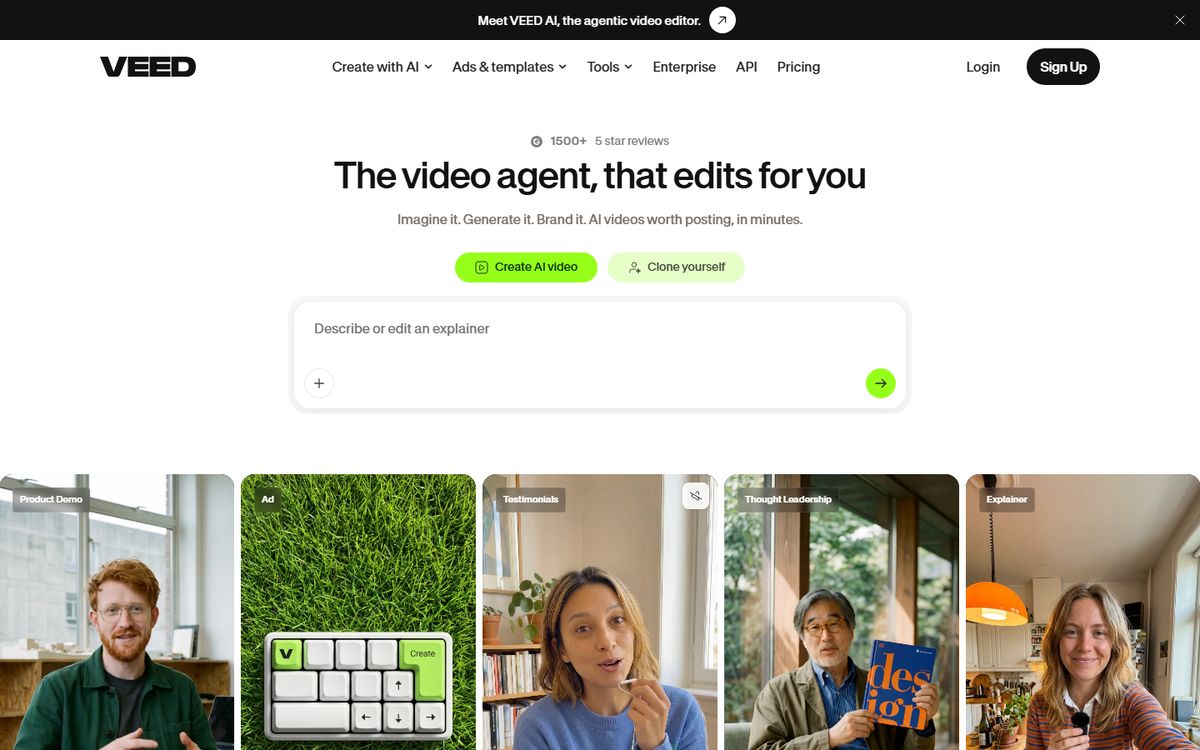
VEED is a browser-based editor that automates the cleanup work beginners tend to find tedious, such as cutting dead air and adding captions.
Key features:
- Magic Cut for automatic filler-word and silence removal
- Auto-subtitles in 125+ languages
- AI avatar generation for presenter-style videos
- Automated video translation and dubbing
- Built-in screen recording
- Brand kit templates for consistent styling
Best for: beginners recording themselves who want a polished result without manually cutting silences or typing captions.
Pricing: Starts free on a limited plan. Paid plans begin around $9/month on Lite and scale up to $24/month on Pro.
Which One Should You Use
Have long recordings and want a first draft fast → Invideo Editor.
Making Shorts or quick videos from your phone → CapCut.
Want the simplest possible editor with free 1080p exports → Clipchamp.
Want more creative control without a steep learning curve → Filmora.
Talk to camera and prefer editing text → Descript.
Want filler words and silences removed automatically → VEED.
Frequently asked questions
What is the easiest video editor for a beginner on YouTube?
Clipchamp and CapCut are among the simplest, both built around templates and one-click tools. Descript is also easy if you talk to camera, since you edit by deleting text.
Which free YouTube video editor has no watermark?
Clipchamp's free plan exports at 1080p without limits, and Invideo's site lists free 1080p exports without a watermark for its manual timeline. Filmora's free plan adds a watermark.
Do I need to pay for a YouTube video editor?
Not to get started. Most tools here have usable free plans. Paid plans mainly add AI features, larger libraries, or higher export limits.
Can I make YouTube Shorts from my long videos?
Yes. CapCut, Filmora, and Invideo Editor can all reformat video for vertical viewing. Invideo Editor can branch a 9:16 version from a long edit and track the subject through the crop.
Can an AI editor do my first edit for me?
It can do the first draft. Invideo Editor, for example, assembles a cut from raw footage and a brief, and you then adjust pacing, captions, and sound on the timeline.