
Key takeaways
- Pick a video editor by the slowest step in your workflow: the first cut, captions, reformatting for other platforms, or finishing color and audio.
- Invideo Editor and Descript both shorten the first draft, one with an AI agent that assembles a cut from raw footage, the other by editing the transcript.
- DaVinci Resolve gives the most capability for free, with professional color grading and Fairlight audio, in exchange for a steeper learning curve.
- CapCut and Filmora suit short-form and newer creators who want auto captions, background removal and auto-reframe without complexity.
In this post8 sections
Video editing tools for content creators are the programs that turn raw recordings into finished videos for platforms like YouTube, TikTok, Instagram, and podcasts. A content creator usually handles everything, from planning and recording to editing and publishing, so the right tool is the one that removes the slowest steps without getting in the way of the creative work.
That makes the choice more personal than it looks. A YouTuber cutting long videos needs something different from a short-form creator posting daily, and a podcaster adding video has different priorities again. Some creators want deep manual control, while others want a tool that does the first pass for them. This list covers five tools that suit different creators, with real features and pricing for each.
How We Picked These
Four things guided the selection. Editing speed mattered most, since creators often work against a posting schedule. Features that help with captions, audio, and different formats came next, because most videos need to reach several platforms. Learning curve counted too, since time spent learning software is time not spent creating. Cost rounded it out, as many creators work solo and watch their budgets closely.
Comparison Table
| Tool | Best for | Standout feature |
|---|---|---|
| Invideo Editor | Turning long recordings into a first cut | AI agent assembles a draft from footage and a brief |
| Descript | Talking-head and podcast video | Editing video by editing the transcript |
| DaVinci Resolve | Creators who want pro-level color and audio | Professional color grading and Fairlight audio |
| CapCut | Short-form video made quickly | Auto captions and one-click background removal |
| Filmora | Beginners who want effects without complexity | AI smart cutout and auto-reframe |
Invideo Editor
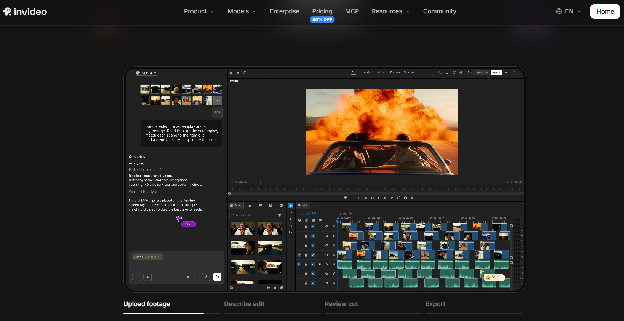
Many creators sit on long recordings and lose the most time at the start of an edit, sorting through takes and building a first cut. Invideo Editor is built for that moment. It runs in the browser with a full multitrack timeline, and an AI agent can review raw footage, pick the usable takes, and assemble a draft for you to refine.
Key features:
- An AI agent that assembles a first cut from raw footage, removing filler, silences, and flubbed takes
- Footage logging that tags takes by dialogue and camera angle, so any moment can be found without scrubbing
- Trimming by deleting a sentence from the transcript, plus automatic captions that stay synced as you edit
- A 9:16 version branched from a long-form edit, with the reframe tracking the subject, for Shorts and Reels
- Chapter markers that export as timestamps formatted for YouTube
- Beat-synced cutting, where marking the first few beats lets the agent carry the pattern through the track
- Color grading, a built-in audio workstation, and exports up to 4K
Best for: creators with long, unpolished recordings who want a fast first draft, plus short cuts from the same project.
Pricing: The manual timeline is free to use. AI features run on credits through paid plans, starting at $20/month on Starter, $60/month on Plus, and Max goes up to $150/month for higher usage.
Descript
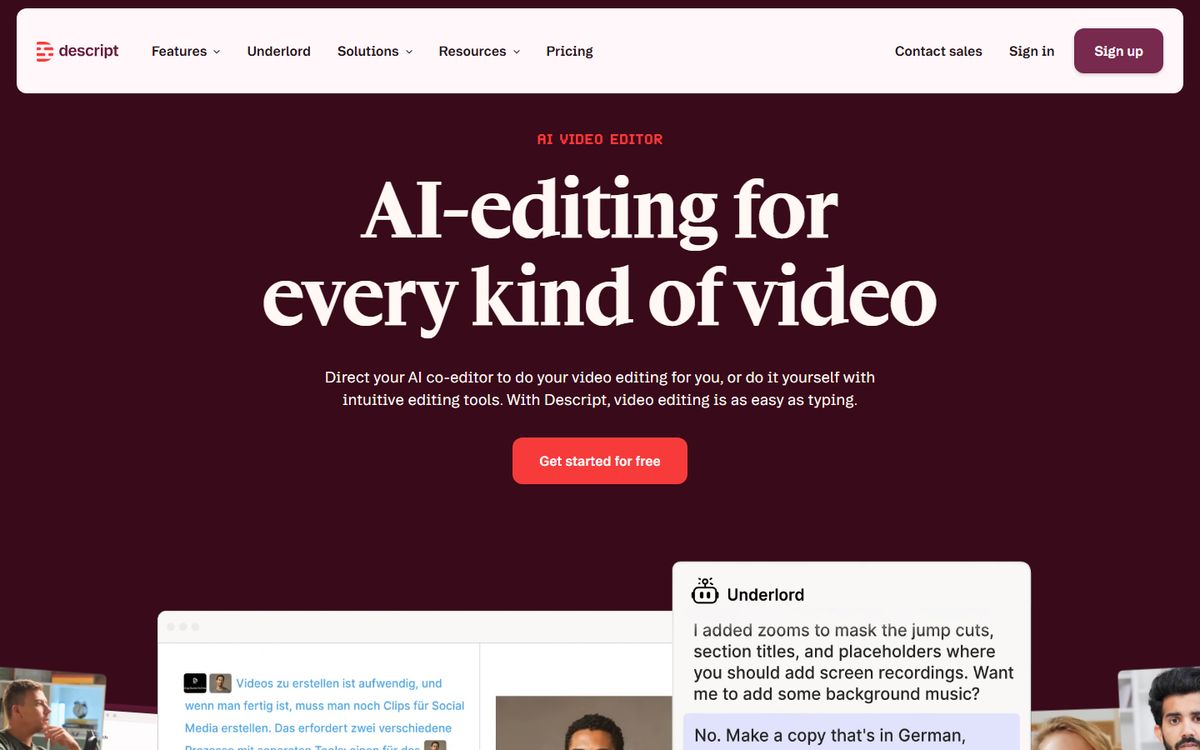
Descript edits video by editing text. It transcribes your recording, and deleting a sentence from the transcript removes the matching moment from the video. For creators who speak to camera or record podcasts, that is a much gentler way to tighten a video than working on a timeline.
Key features:
- Transcript-based editing, where cutting text cuts video
- Studio Sound for cleaning up audio
- An AI voice tool for patching a flubbed line without re-recording
- Automatic filler-word and silence removal
- Multi-track editing for layering extra footage or audio
- Built-in screen recording for tutorial-style videos
Best for: creators making talking-head videos, tutorials, or podcasts who would rather edit words than clips.
Pricing: Free on a plan limited to about 60 media minutes a month. Paid plans start at $16/month on Hobbyist.
DaVinci Resolve
DaVinci Resolve combines editing, color grading, motion graphics, and audio in one application, and its free version is unusually capable. Creators who care about how their videos look and sound often end up here.
Key features:
- Professional color grading tools used in film and broadcast finishing
- Fusion for motion graphics and visual effects in the same project
- Fairlight audio tools for mixing and sound design
- A dedicated editing page for fast, efficient cutting
- Multi-user collaboration on shared projects
- 4K editing in the free version, with 8K and more advanced tools in Studio
Best for: creators who want cinematic color and strong audio without a subscription, and are willing to learn a deeper tool.
Pricing: A free version is available. DaVinci Resolve Studio is a one-time purchase of $295.
CapCut
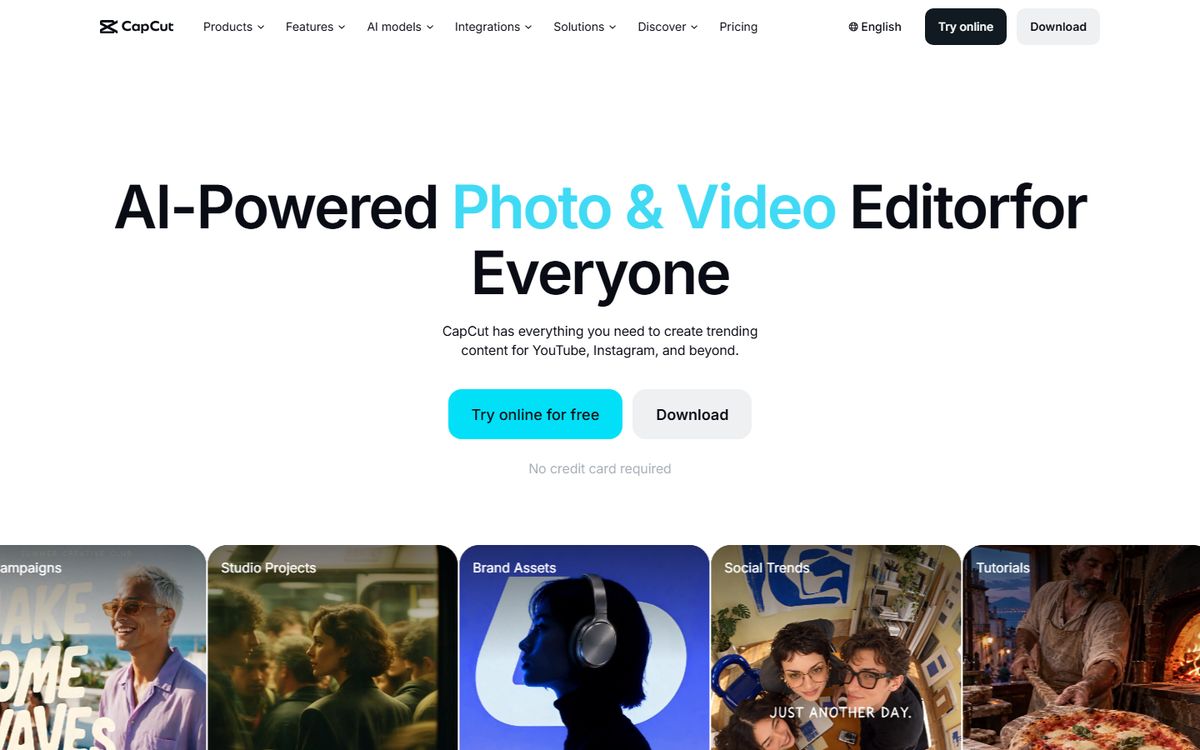
CapCut is built for speed on short vertical video, with templates and one-click tools doing much of the technical work. For creators who post often, it removes a lot of friction.
Key features:
- Auto captions generated without manual typing
- One-click background removal without a green screen
- Template-driven AI effects for guided edits
- Auto-reframe for different aspect ratios
- Mobile-first editing, so a video can be made entirely from a phone
- A large library of trending templates and sounds
Best for: short-form creators who post frequently and often edit from a phone.
Pricing: Free to start, with the AI toolkit beginning around $10/month and scaling up to around $25/month on the Teams plan.
Filmora
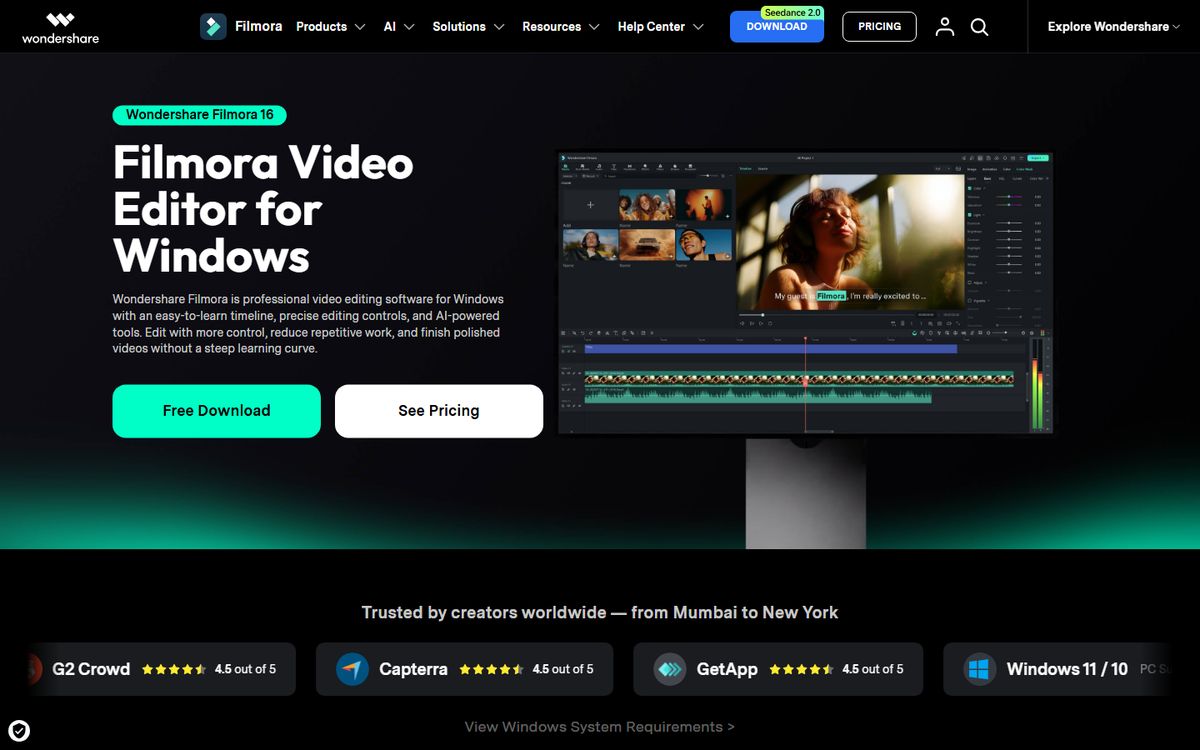
Filmora sits between a fully automated tool and a professional editor, offering an approachable timeline paired with AI effects that do not require advanced skills.
Key features:
- AI smart cutout for background removal without a green screen
- Auto-reframe to reformat one edit for different platforms
- Auto scene detection to split footage without manual scrubbing
- Text-based editing for scripted content
- AI-generated captions
- Motion tracking for adding effects that follow a subject
Best for: beginners who want more creative control than a template tool, without the complexity of professional software.
Pricing: Starts free with a watermarked export. The annual plan runs around $5.83/month billed yearly, with a perpetual license and AI add-ons priced separately.
Which One Should You Use
Sitting on long recordings and want a first draft fast → Invideo Editor.
Making talking-head or podcast video and prefer editing text → Descript.
Want pro-level color and audio without paying → DaVinci Resolve.
Posting short vertical video quickly, often from a phone → CapCut.
Want more control than a template tool without a steep learning curve → Filmora.
Frequently asked questions
What is the best free video editor for content creators?
DaVinci Resolve offers the most capability for free, while CapCut and Descript are quicker to learn. Invideo Editor's manual timeline is also free, with AI agent features on paid plans.
Which tool is best for YouTube videos?
It depends on your style. Descript suits talking-head videos, DaVinci Resolve suits polished color and audio, and Invideo Editor suits long recordings that need a fast first cut and Shorts made from the same project.
Which is best for short-form content?
CapCut is built for fast vertical video, and Filmora and Invideo Editor both reframe one edit for different formats.
Do content creators need a professional editor?
Not usually. For most creator work, simpler or AI-assisted tools are enough. A professional editor becomes worthwhile when finishing quality is a central part of what you offer.
Can AI editing tools do the whole edit?
They are best at the first draft. Invideo Editor, for example, assembles a cut from raw footage and a brief, and you then refine pacing, captions, and sound yourself.