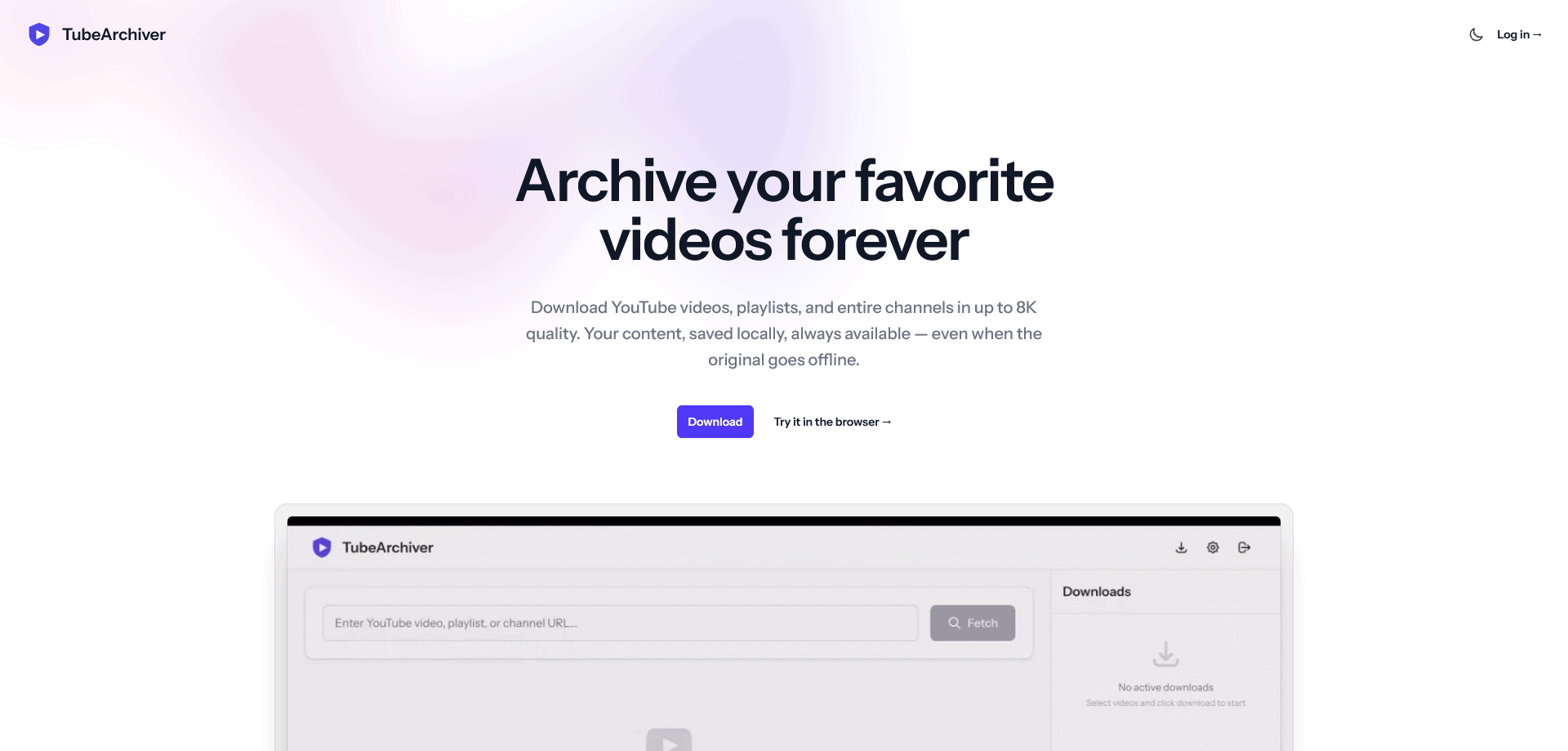









TubeArchiver is a desktop application for Windows and macOS that makes downloading and archiving YouTube videos effortless. Whether you want to save a single video, an entire playlist, or a full channel, TubeArchiver handles it all with a clean, intuitive interface that requires zero technical knowledge. Unlike command-line tools or self-hosted solutions, TubeArchiver is a simple download-and-run app. Videos are automatically organized into folders by channel name, and built-in duplicate detection ensures you never download the same video twice. With support for up to 8K video quality, subtitle downloads, and concurrent downloading, TubeArchiver is the most capable and user-friendly YouTube archiving tool available. Your videos stay on your machine – no cloud storage, no data collection, complete privacy.
Product Highlights
- Download individual videos, entire playlists, and full channels with one click
- Up to 8K (4320p) video quality with audio extraction and subtitle support
- Automatic folder organization by channel with built-in duplicate detection
- Pause, resume, cancel, and retry downloads with real-time progress tracking
- Up to 5 concurrent downloads for fast bulk archiving
- Privacy-first – all videos stay on your local machine, nothing is stored in the cloud
TubeArchiver Features
Effortless Downloading
Paste a YouTube link, and TubeArchiver takes care of the rest. It supports individual videos, entire playlists, and full channels. Choose your preferred quality from 360p to 8K, and the app downloads everything while showing real-time progress with speed, file size, and estimated time remaining.
Smart Organization
Every download is automatically sorted into folders by channel name, so your video library stays clean and browsable without any manual effort. Built-in duplicate detection lets you safely re-import a playlist or channel at any time without downloading videos you already have.
Full Download Control
TubeArchiver gives you complete control over your downloads. Pause and resume at any time, retry failed downloads, or cancel ones you no longer need. On the Pro plan, you can run up to 5 downloads simultaneously, and the app automatically checks your available disk space before starting.
Subtitle and Cookie Support
Download subtitles in SRT format that are automatically recognized by media players. Use browser cookie integration to access age-restricted and private videos that require authentication – no workarounds needed.
Privacy by Design
TubeArchiver stores everything locally on your machine. We do not collect, store, or have access to any of the videos you download. The only data we handle is your account information for authentication and license management.
Conclusion
TubeArchiver was built for anyone who has ever lost access to a YouTube video they relied on. Creators delete content, channels disappear, and videos get taken down without warning. With TubeArchiver, you can preserve the content that matters to you before it is gone. The app is available as a free download with a generous free tier, so you can try it risk-free. For power users, the Start and Pro plans unlock higher quality, faster speeds, and more daily downloads – with lifetime license options so you pay once and use it forever. Whether you are a content creator building a reference library, an educator saving instructional videos, or simply someone who wants to keep their favorite content safe, TubeArchiver is the simplest way to archive YouTube videos on your own terms.
FAQs
Q: Is TubeArchiver free to use?
A: Yes. The free plan includes 10 video downloads per day at up to 720p quality. Paid plans (Start and Pro) unlock higher quality, more daily downloads, and concurrent downloading.
Q: What platforms does TubeArchiver support?
A: TubeArchiver is available on Windows and macOS as a native desktop application.
Q: Do I need any technical knowledge to use TubeArchiver?
A: Not at all. Download the app, install it, paste a YouTube link, and click download. No command line, no configuration, no setup required.
Q: Is there a lifetime license option?
A: Yes. The Start plan is available at €49 lifetime, and the Pro plan at €99 lifetime. Lifetime licenses include all future updates and never expire.
Q: Where are my downloaded videos stored?
A: All videos are stored locally on your computer in a folder you choose. Nothing is uploaded to the cloud. You have complete control over your files.