













Quick Verdict
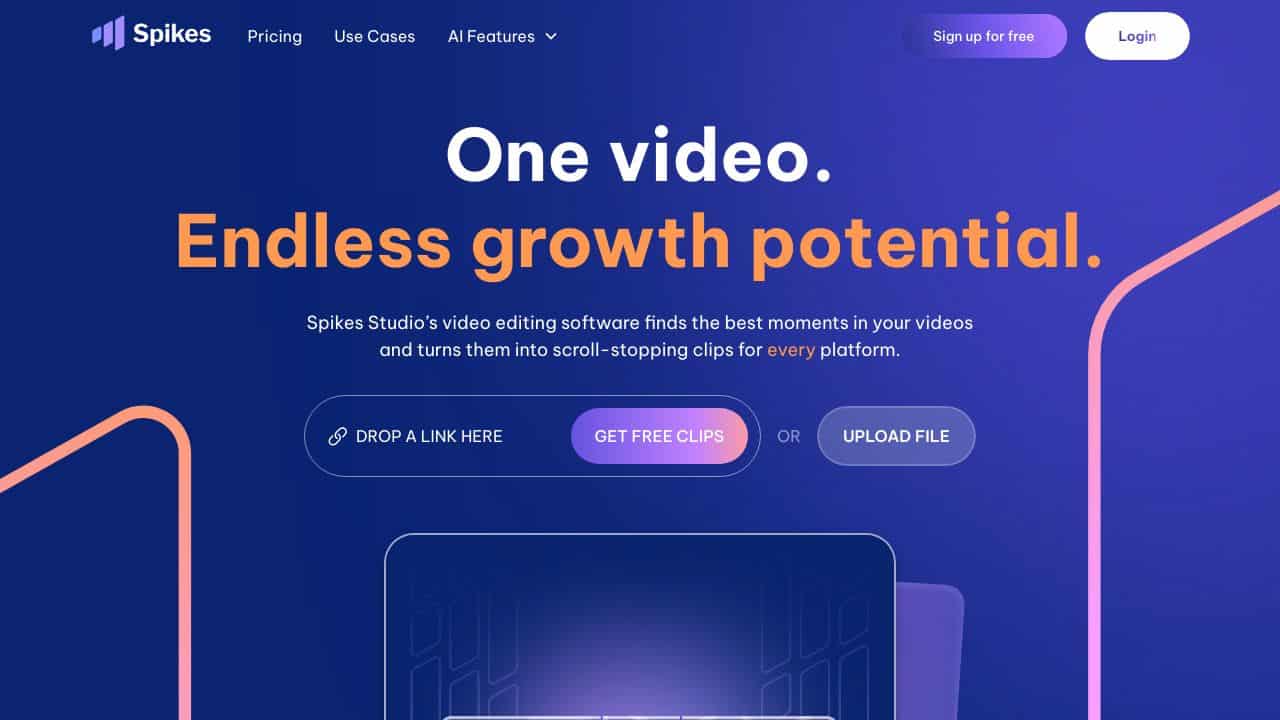
Spikes Studio excels at automatically identifying and extracting the most engaging moments from long-form video content, saving marketers hours of manual editing. Its freemium model makes it accessible for testing, though advanced features may require paid tiers. This tool is ideal for content creators and social media managers who need to repurpose existing video content into bite-sized clips for multiple platforms.
Spikes Studio – Social clips generation with AI
- Category: Social Media, Video Editing, Video Generators
- Pricing: Freemium
- Best for: Content creators needing viral social clips
Background Check on Spikes Studio – Social clips generation with AI
We ran a background check on www.spikes.studio to verify its safety, security posture, hosting infrastructure, and web history. Here are the results as of April 19, 2026.
✓ Cookies, Cross Origin Resource Sharing (CORS), Redirection, Strict Transport Security (HSTS)
✗ Content Security Policy (CSP), Subresource Integrity, X-Content-Type-Options, X-Frame-Options
Source: Mozilla Observatory report
What is it?
Spikes Studio is an AI clip generator platform that AIms to improves content creation for major social media platforms like YouTube, Twitch, TikTok, and Instagram Reels.
This new tool helps streamers and content creators turn long videos into short catchy clips without manual effort.

Spikes Studio Features
- Smart Content Detection: Finds the most interesting and shareable moments from your long videos
- Works on Many Platforms: Makes clips that look great on YouTube Shorts, TikTok, Instagram Reels, and Twitch
- Editing on Autopilot: Turns big streams and videos into short engaging clips
- Custom Output Format: Creates clips in different aspect ratios and formats fit for various social platforms
- Time-Saving Automation: Cuts down hours of manual editing to minutes of automated processing
How Spikes Studio Can Help Your Marketing?
Spikes Studio gives content creators and marketers a breakthrough answer to content repurposing. Here’s a real-world example:
A gaming streamer who goes live for 4-hour sessions on Twitch can use Spikes Studio to:
- Upload their complete stream recording
- Allow the AI to spot exciting moments, like game wins or funny reactions
- make multiple short clips
- Share these clips across different social platforms
- Boost reach and engagement without hands-on editing
Spikes Studio FAQ
Which platforms does Spikes Studio work with?
Spikes Studio helps create content for YouTube, Twitch, TikTok, and Instagram Reels making it useful for sharing content across different platforms.
How does the AI spot interesting moments?
The AI looks at video content to find key moments, reactions, and captivating parts using smart algorithms and machine learning.
Can Spikes Studio handle non-gaming content?
Yes, while gamers love it, you can use the platform for any kind of video content that needs to be turned into shorter clips.
How much time can you save with Spikes Studio?
Content creators can cut down on several hours for each video by automating the process of generating clips instead of editing .
How Spikes Studio – Social clips generation with AI Compares to Alternatives
When choosing Social Media tools clip generation tools, key factors include automation capabilities, platform compatibility, and pricing flexibility. Spikes Studio stands out with its smart content detection, but alternatives may offer different strengths like platform-specific optimization or lifetime deals.
| Tool | Best For | Pricing |
|---|---|---|
| Spikes Studio | Automatically finding shareable moments in long videos for multi-platform social clips | Freemium model with free tier available |
| LinkedGrow | Specialized LinkedIn content creation and optimization with AI assistance | Paid subscription model only |
| BrandMov | Branded video content creation with templates and customization options | Lifetime deal pricing available |
| Social 360 Suite | Comprehensive social media management across multiple platforms and content types | Lifetime deal for full suite access |
Best For
- Podcasters converting long interviews into viral social media clips
- YouTube creators repurposing tutorials into TikTok and Instagram Reels
- Marketing teams needing consistent clip output from webinar recordings
- Solopreneurs with limited editing time who want automated clip creation
Not Ideal For
- Users needing advanced video editing features like color grading or effects
- Teams requiring real-time collaboration on video projects
- Businesses focused exclusively on platform-specific optimization like LinkedIn only
Getting Started
Upload a 10-15 minute video you’ve already created, like a webinar recording or interview. Let Spikes Studio automatically detect the most engaging moments, then review the suggested clips before customizing them for different platforms. This gives you immediate value while learning the interface.
Key Limitations to Consider
- Limited control over exactly which moments are selected by the AI detection algorithm
- May not support all video formats or extremely long videos in free tier
- Platform-specific optimizations might require manual adjustments after clip generation
- Advanced editing features like text overlays or branding may need paid upgrade
Related Workflows and Tool Pairings
Spikes Studio fits perfectly into a content repurposing workflow where long-form video gets transformed into social media assets. Start with your primary video creation tool, whether it’s a webinar platform, screen recorder, or camera setup. After creating your main content, use Spikes Studio to automatically extract the most engaging clips. These clips then feed into your social media scheduling tool for distribution across platforms. For maximum impact, pair Spikes Studio with a video hosting platform for your long-form content and a social media analytics tool to track clip performance. This creates a complete cycle from creation to distribution to optimization.
Related tools to explore: AI Image to Caption Generator – AI Photo Caption Generator, AI Logo Maker – Logo Design Creator, AI Meme Maker – Meme Creation Tool, AI Social Media Post Generator – AI Timely Content Publishing, AI Sticker Generator – AI Sticker Creator, AI SuitUp – AI Professional Headshot Creation, Social Media tools, Video Editing tools
Conclusion
Spikes Studio has a big impact on content automation and social media optimization.
By using AI technology to generate clips, it helps content creators stay active on multiple platforms while cutting down their work.
This tool proves useful for creators who want to ramp up their content production and grow their social media presence .
Pricing
Spikes Studio – Social clips generation with AI offers afreemium plan with optional paid upgrades. Get started for free and upgrade as needed.
Last verified: April 2026
Explore more: Browse all AI Social Media tools | Browse all AI Video Editing tools
