












Quick Verdict
OpenGPT excels as an AI application builder for teams and businesses needing robust low-code/no-code development capabilities. Its paid model suggests enterprise-level features and support, but the lack of a free tier may deter smaller teams or individual developers. Consider this tool if you’re part of a business team that requires dedicated AI code assistance without the constraints of freemium limitations.
OpenGPT – AI Application Builder
- Category: Code Assistant, Low-Code/No-Code
- Pricing: Paid
- Best for: Teams and businesses needing AI code assistant capabilities
Background Check on OpenGPT – AI Application Builder
We ran a background check on open-gptapp.lemonsqueezy.com to verify its safety, security posture, hosting infrastructure, and web history. Here are the results as of April 19, 2026.
- Server: cloudflare
- Hosting: CLOUDFLARENET – Cloudflare, Inc., US
- SSL Certificate: WE1 (certificate age: 38 days)
- Domain Age: ~5 years (2,165 days)
Source: urlscan.io scan report
✓ Content Security Policy (CSP), Cookies, Cross Origin Resource Sharing (CORS), Redirection, Subresource Integrity
✗ Strict Transport Security (HSTS), X-Content-Type-Options, X-Frame-Options
Source: Mozilla Observatory report
What is it?
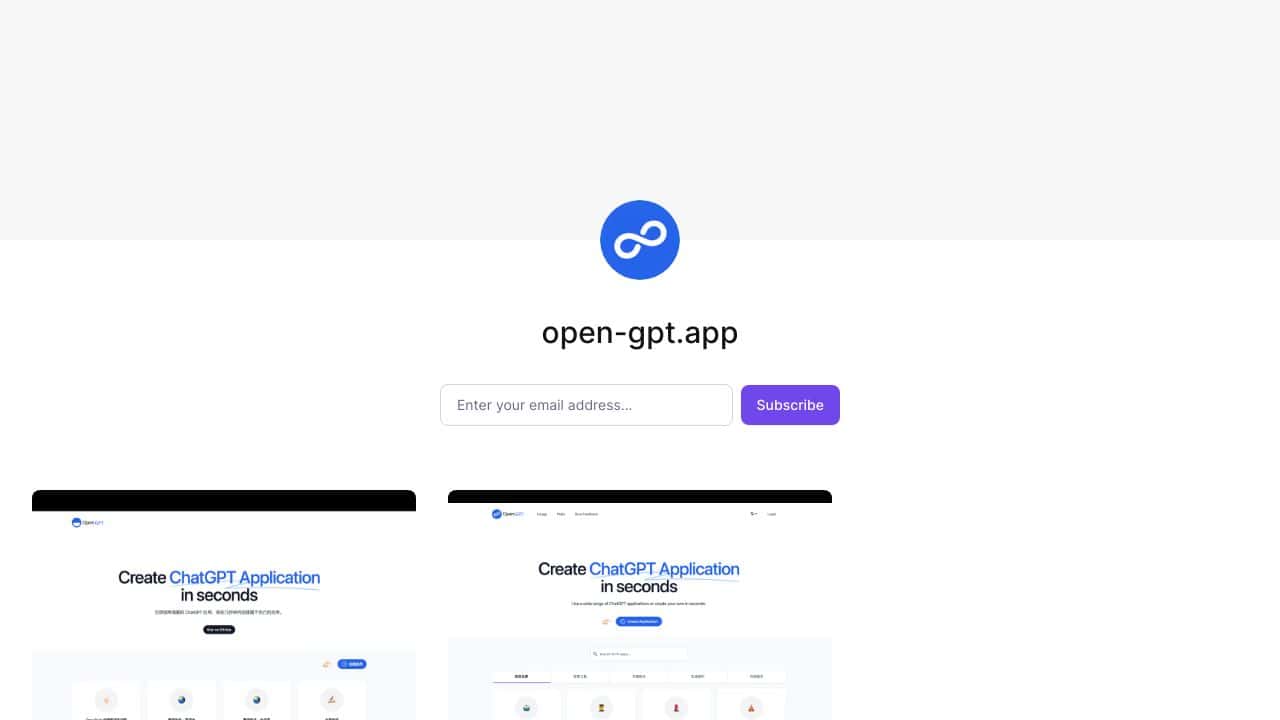
OpenGPT is a dynamic platform that provides users with access to numerous applications fueled by OpenAI’s GPT technology.
OpenGPT Features
This platform encompasses a variety of features tAIlored to meet diverse needs, enhancing the user experience significantly.
Diverse Applications
OpenGPT boasts a vast compilation of applications, each meticulously designed for distinct purposes. From generating specific content like Pokémon entries to assisting with professional resumes and startup brAInstorming, the platform accommodates a broad range of interests.
Multilingual Support
The applications available on OpenGPT extend beyond English, allowing users to access tools in multiple languages and enhancing its global applicability.
User-Centric Design
Designed with the end-user in focus, OpenGPT incorporates features such as a comprehensive FAQ section and dedicated emAIl support to facilitate user inquiries.
Application Creation
A noteworthy aspect of OpenGPT is its easy-to-use application creation tool, enabling users to build their own ChatGPT applications effortlessly. This feature nurtures a vibrant community of both developers and users, contributing to the platform’s ongoing expansion.
OpenGPT FAQ
How can I delete created applications?
Users can find detAIled instructions within the FAQ section on how to efficiently delete their created applications to manage their usage effectively.
What determines usage on the platform?
Usage on OpenGPT is governed by specific metrics outlined in the FAQ, providing transparency on how activities are monitored and reported.
Are there benefits for application creators?
OpenGPT is planning a supportive initiative for application creators, where they can potentially gAIn from the pAId usage of their applications, with specifics still being crafted.
What are the limits of OpenGPT?
It’s important to note that OpenGPT does not facilitate tasks like image generation or voice recognition, and that there are character limits for text inputs that vary based on user subscription type.
How OpenGPT – AI Application Builder Compares to Alternatives
When evaluating AI Code Assistant toolss, key factors include pricing structure, target audience, and specific development capabilities. OpenGPT positions itself for business teams, while alternatives vary in their focus and accessibility.
| Tool | Best For | Pricing |
|---|---|---|
| OpenGPT – AI Application Builder | Teams and businesses needing dedicated AI code assistant capabilities with low-code/no-code features. | Paid only, no free tier available. |
| Ninja AI | Users who want to test basic AI coding features before committing to a paid plan. | Freemium model with limited free features. |
| CICube – AI CI Process Tool | Developers focused on integrating AI into continuous integration workflows. | Free trial available, then paid. |
| Pezzo – AI Development Collaboration Tool | Teams that prioritize collaboration features in their AI development process. | Completely free to use. |
| Kusho – AI API Testing Tool | Developers who need specialized AI API testing and validation capabilities. | Contact for custom pricing. |
Best For
- Business teams building AI applications with low-code/no-code requirements.
- Enterprises needing dedicated AI coding support without freemium limitations.
- Development teams that require consistent, paid-level AI assistance.
- Organizations prioritizing enterprise features over free accessibility.
Not Ideal For
- Individual developers or hobbyists working on personal projects.
- Teams that require a free tool for initial testing or prototyping.
- Users who only need basic AI coding help occasionally.
Getting Started
Before purchasing, clearly define your team’s specific AI application needs and low-code requirements. Review OpenGPT’s documentation for integration capabilities with your existing development stack. This ensures you maximize the paid investment from day one.
Key Limitations to Consider
- No free tier available, which limits accessibility for smaller teams or testing.
- May lack the specialized features of tools focused solely on API testing or CI processes.
- Paid model might not justify cost for teams with minimal AI development needs.
- Could be overkill for individual developers or simple prototyping projects.
Related Workflows and Tool Pairings
OpenGPT fits into AI application development workflows by providing low-code/no-code assistance during the building phase. It pairs well with version control systems to manage code changes and collaboration platforms for team coordination. For testing, complement it with dedicated API testing tools to validate AI functionalities. In deployment, integrate with CI/CD pipelines to automate the release process, ensuring the AI applications built with OpenGPT are robust and production-ready. This tool streamlines the development stage, allowing teams to focus on innovation rather than coding complexities.
Related tools to explore: AI Excel Bot – Formula Generator Tool, AI Magicx – AI Design Coding Enhancement, AI2sql – AI SQL Query Generator, AIJoel – Multi-Modal Generator, AITerm – Command Interpreter AI, Adsby – Keyword Generator Tool, Code Assistant tools, Low-Code/No-Code tools
Conclusion
In summary, OpenGPT stands out as a comprehensive solution for a vast array of text-based applications. Its intuitive design and broad functionality make it an excellent choice for individual users seeking innovative tools and for developers interested in building custom applications.
Pricing
OpenGPT – AI Application Builder is apaid AI code assistant tool. Visit the official website for current pricing plans and details.
Last verified: April 2026
Explore more: Browse all AI Code Assistant tools | Browse all AI Low-Code/No-Code tools
