














Quick Verdict
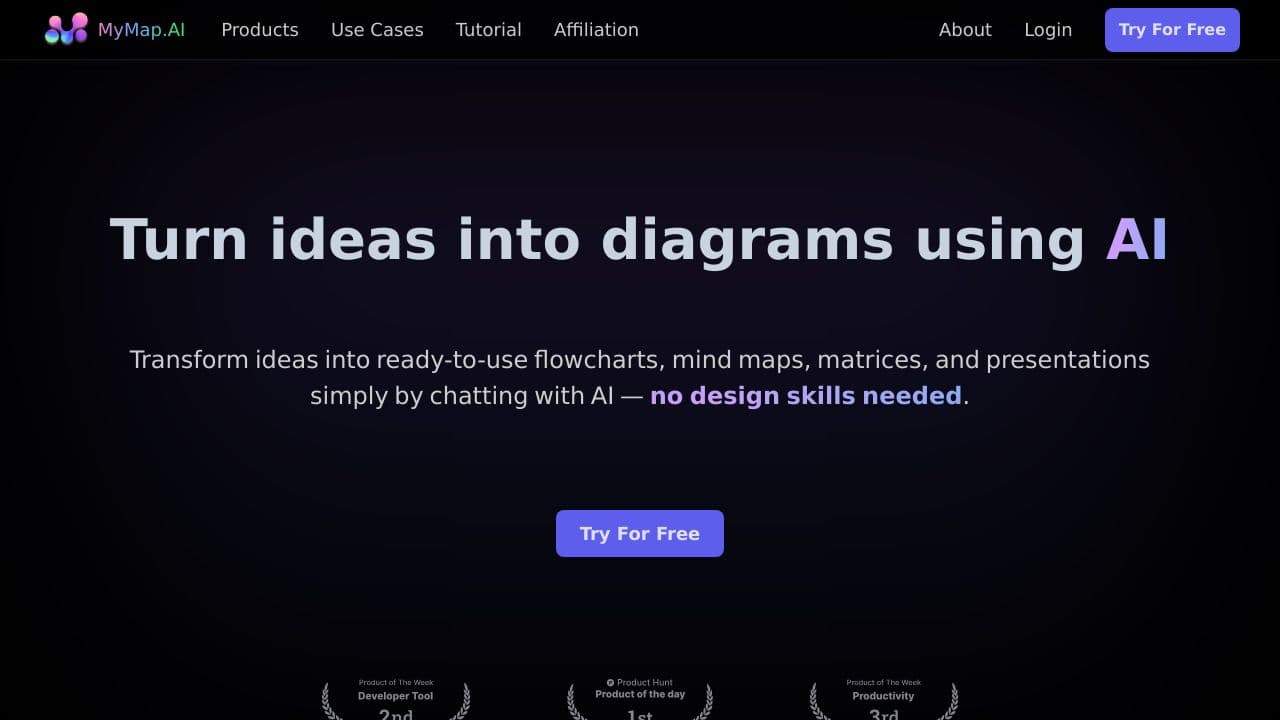
MyMap AI excels at creating diagrams instantly through conversational AI, eliminating the need for manual drawing tools. It supports multiple format uploads, making it versatile for users who already have content to visualize. However, as a free trial tool, its long-term pricing and advanced features are unclear. This tool is best for students, teachers, and professionals who need quick, AI-generated diagrams without technical design skills.
MyMap AI – AI Instant Diagram Creation
- Category: Presentations, Students, Teachers
- Pricing: Free Trial
- Best for: Teams needing quick visual workflow diagrams
Background Check on MyMap AI – AI Instant Diagram Creation
We ran a background check on twitter.com to verify its safety, security posture, hosting infrastructure, and web history. Here are the results as of April 19, 2026.
✓ Cookies, Cross Origin Resource Sharing (CORS), Redirection, Strict Transport Security (HSTS), X-Content-Type-Options, X-Frame-Options
✗ Content Security Policy (CSP), Subresource Integrity
Source: Mozilla Observatory report
What is MyMap AI?
MyMap AIis an innovative tool that transforms your ideas into professional diagrams, mind maps, and presentations – all through a simple chat interface. Think of it as your personal AI assistant for visual storytelling. With over1 million users, it’s designed to boost productivity by 10x, making it a go-to tool for students, professionals, and content creators alike. No design skills? No problem. Just chat, and watch your ideas come to life.
MyMap AI Features
- AI-Native:Create diagrams by chatting with AI – no manual tools required.
- Multiple Format Upload: Upload files or enter topics, and the AI generates diagrams using your input.
- Web Search Integration: Use live Google or Bing search results to create context-rich diagrams.
- Internet Access: Paste URLs, and the AI extracts relevant info for your maps.
- Real-Time Collaboration: Work with teammates on the same map simultaneously.
- Share & Export: Save maps as images, PDFs, or share via public links.
MyMap AI Use Cases
- Students & Researchers: Turn lecture notes or research papers into visual mind maps and flowcharts. For example, input your biology notes, and MyMap AI creates a flowchart of the human circulatory system.
- Professionals: Start your day by chatting about project goals, and instantly get visual project maps and process flowcharts. Imagine discussing a marketing campAIgn and seeing it visualized in real-time.
- Content Creators: Describe your ideas, and MyMap AI generates storyboards, outlines, and content calendars. For instance, input your podcast script, and it creates a visual timeline of your episodes.
- Educators: Use MyMap AI to create engaging visual AIds for teaching complex topics. Think of turning a history lesson into an interactive timeline.
How MyMap AI – AI Instant Diagram Creation Compares to Alternatives
When choosing an AI diagram or presentation tool, key factors include ease of use, AI capabilities, and cost structure. MyMap AI stands out for its chat-based diagram creation, but alternatives may offer different strengths like presentation building or customer lifecycle management.
| Tool | Best For | Pricing |
|---|---|---|
| MyMap AI – AI Instant Diagram Creation | Creating diagrams instantly by chatting with AI, no manual tools required. | Free trial available, full pricing not specified. |
| DiveDeck.AI – AI Chat Deck Builder | Building presentation decks through AI chat interactions for quick slides. | Free trial, details on paid plans unclear. |
| Zoho Show – AI Presentation Creation Tool | AI-assisted presentation creation within the Zoho ecosystem for businesses. | Contact for pricing, likely enterprise-focused. |
| Wondershare Presentory – AI Presentation Creator Tool | Creating polished presentations with AI features for professional settings. | Free trial, may have tiered pricing. |
| Journey.io – AI Customer Lifecycle Platform | Managing customer journeys with AI, not just diagrams or presentations. | Freemium model, scales with usage. |
Best For
- Students needing quick diagrams for assignments or study notes.
- Teachers creating visual aids for lessons without design software.
- Marketers brainstorming campaign flows through conversational AI.
- Solopreneurs visualizing business processes with uploaded files.
Not Ideal For
- Teams requiring advanced collaboration features or version control.
- Users needing high-end, customizable design tools for professional graphics.
- Enterprises with strict data security requirements for sensitive diagrams.
Getting Started
Start by uploading a file, such as a text document or image, to give the AI context for your diagram. Then, use simple chat commands like ‘create a flowchart for this process’ to generate visuals quickly. Experiment with different upload formats to see how the AI interprets various inputs.
Key Limitations to Consider
- Limited information on pricing beyond the free trial, which may restrict budget planning.
- AI chat may struggle with complex, multi-layered diagrams requiring precise manual adjustments.
- No clear details on export options or integration with other presentation software.
- Potential lack of advanced features like real-time collaboration or template libraries.
Related Workflows and Tool Pairings
MyMap AI fits into workflows where quick visualization is needed to clarify ideas or processes. For example, a marketer might use it to diagram a customer journey after brainstorming in a note-taking app, then import the diagram into a presentation tool for stakeholder reviews. Complementary tool types include project management software for tracking diagram-based tasks, and cloud storage services for organizing and sharing generated diagrams. This tool streamlines the early stages of visual creation, allowing users to focus on content rather than design mechanics.
Related tools to explore: AI PortrAIt Gen – PortrAIt Creator Tool, Alayna – AI Education Assistant, Audio-bot.com – Text-to-Speech Generator, Audyo – Text to Audio Converter, Columns – AI Data Visualization Tool, DRLambda – AI Slide Builder, Presentations tools, Students tools
Conclusion
MyMap AIis a strong option for anyone who needs to visualize ideas quickly and effectively. Its AI-driven approach makes it incredibly user-friendly, while features like real-time collaboration and web search integration set it apart from traditional tools. Whether you’re a student, professional, or content creator, MyMap AI simplifies the process of turning thoughts into visuals, saving you time and effort. Ready to transform your ideas? Give MyMap AI a try – it’s like having a design expert in your pocket.
Pricing
MyMap AI – AI Instant Diagram Creation offers afree trial so you can test it before committing. Visit the official website for full pricing details.
Frequently Asked Questions
What is MyMap AI – AI Instant Diagram Creation?
MyMap AI is an innovative tool that transforms your ideas into professional diagrams, mind maps, and presentations – all through a simple chat interface. Think of it as your personal AI assistant for visual storytelling. With over 1 million users,.
Is MyMap AI – AI Instant Diagram Creation free?
MyMap AI – AI Instant Diagram Creation offers a free trial period. After the trial, a paid subscription is required for continued access.
What are the best MyMap AI – AI Instant Diagram Creation alternatives?
There are many AI presentations tools available. Browse our AI Presentations tools directory to compare features, pricing, and reviews for the best alternatives.
Last verified: April 2026
Explore more: Browse all AI Presentations tools | Browse all AI Students tools
