


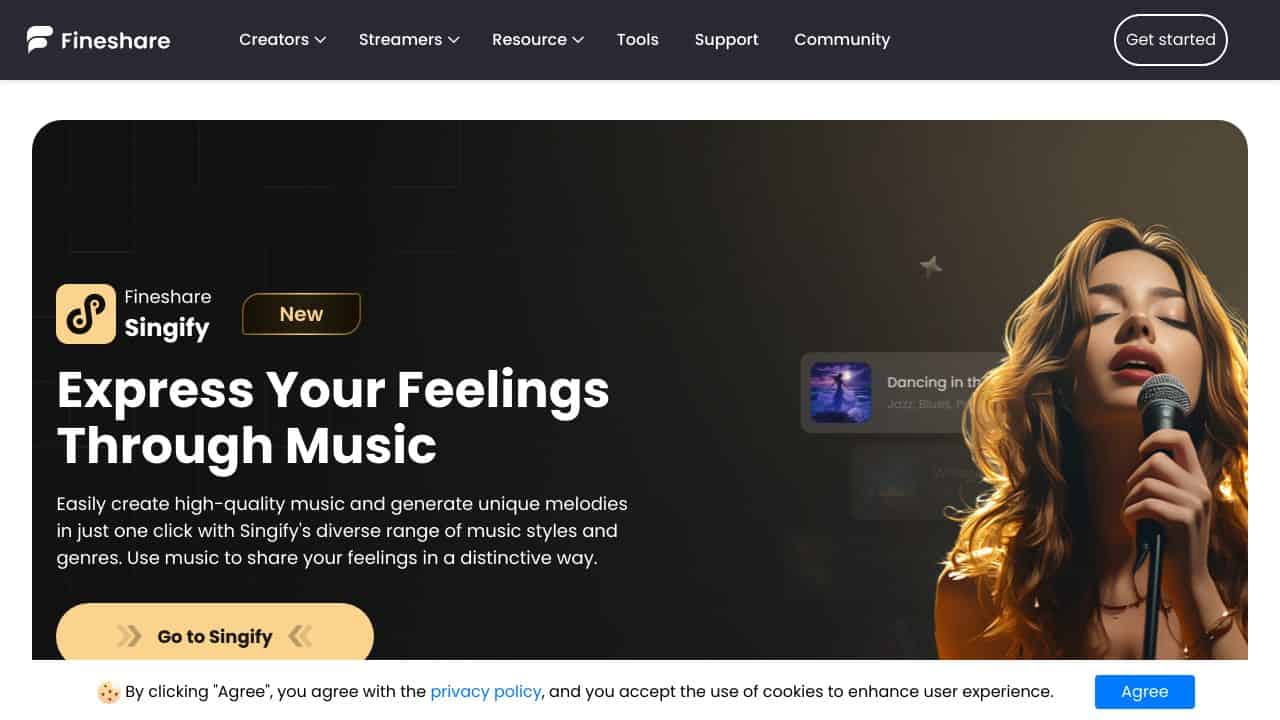













Quick Verdict
FineVoice Speech to Text delivers reliable AI transcription for business audio content with solid accuracy. One limitation is its paid-only model, which lacks a free tier for testing. Teams needing consistent transcription for meetings, interviews, or presentations should consider it. It’s positioned as a straightforward tool without the medical or podcast-specific features of some competitors.
FineVoice Speech to Text – AI Transcription Generator
- Category: Transcriber
- Pricing: Paid
- Best for: Teams and businesses needing AI transcriber capabilities
Background Check on FineVoice Speech to Text – AI Transcription Generator
We ran a background check on fineshare.com to verify its safety, security posture, hosting infrastructure, and web history. Here are the results as of April 19, 2026.
✓ Cross Origin Resource Sharing (CORS), Redirection, Strict Transport Security (HSTS)
✗ Content Security Policy (CSP), Subresource Integrity, X-Content-Type-Options, X-Frame-Options
Source: Mozilla Observatory report
What is it?
FineVoice Speech to Text is an AI-driven transcription solution AImed at transforming audio recordings into written text with ease. This service excels by supporting transcription in more than 40 languages and dialects, making it a vital resource for international business operations and various other uses.
Features
This tool boasts a range of impressive functionalities that enhance the transcription experience, making it both efficient and user-friendly.
AI-Powered Audio Transcription
This feature enables the precise conversion of audio files into text, ensuring high levels of accuracy in the final output.
Support for Over 40 Languages
FineVoice includes extensive language and accent support, making it versatile for users around the globe.
Automatic Language Identification
The software is capable of recognizing the language spoken in the audio file, which simplifies the user’s task and enhances accuracy.
Punctuation Correction
This function enhances the clarity of the transcript by automatically correcting punctuation errors, leading to a polished final document.
FAQ
What types of users can benefit from FineVoice Speech to Text?
This tool is perfect for a diverse audience, including business professionals, content creators, students, and researchers who need to transcribe audio content into text.
How does the audio transcription process work?
Users simply upload their audio file, and within minutes, the software generates the text transcript, using advanced AI technology to ensure quality.
Is the tool easy to navigate for beginners?
Absolutely! The user interface is designed to be intuitive, making it accessible for individuals with varying levels of technological expertise.
Can it handle multiple dialects?
Yes, FineVoice Speech to Text is equipped to manage diverse dialects and languages, making it an excellent tool for global business applications.
How FineVoice Speech to Text – AI Transcription Generator Compares to Alternatives
When choosing a transcription tool, consider accuracy, pricing structure, and specialized features for your content type. FineVoice competes in a crowded space where some tools offer free tiers or niche capabilities. Evaluate whether you need general business transcription or specialized functions like medical charting or podcast editing.
| Tool | Best For | Pricing |
|---|---|---|
| FineVoice Speech to Text – AI Transcription Generator | Teams and businesses needing reliable AI transcription for general business audio like meetings and interviews. | Paid subscription with no free tier. |
| ByteCap – AI Video Caption Tool | Users who need synchronized captions for video content rather than general audio transcription. | Paid service focused on video. |
| MeetGeek – AI Meeting Productivity Tool | Teams wanting free meeting transcription with additional productivity features like summaries. | Free tier available, good for startups. |
| Deciphr Ai – AI Podcast Transformation Platform | Podcasters needing transcription plus editing, show notes, and content repurposing tools. | Paid, niche for podcast workflows. |
Best For
- Business teams transcribing internal meetings for documentation and reference.
- Companies conducting customer interviews that need accurate text records.
- Organizations creating transcripts for training videos or presentations.
- Remote teams needing consistent transcription across multiple speakers.
Not Ideal For
- Solo creators or startups needing a free tool for occasional use.
- Medical practices requiring HIPAA-compliant transcription for patient records.
- Podcasters who want integrated editing and content repurposing features.
Getting Started
Begin by uploading a clear audio file from a recent meeting to test accuracy with your team’s voices. Check the formatting options for timestamps and speaker identification to match your documentation needs. Use the output in a real workflow, like creating meeting minutes, to evaluate its fit before committing long-term.
Key Limitations to Consider
- No free tier available for testing or low-volume users, requiring immediate payment.
- Lacks specialized features for medical or legal transcription compared to niche tools.
- Does not include video captioning or synchronization like some competitors.
- May not integrate deeply with podcast editing or content repurposing platforms.
- Pricing could be a barrier for solopreneurs or very small teams with tight budgets.
Related Workflows and Tool Pairings
FineVoice fits into business documentation workflows where audio needs to become searchable, shareable text. After transcription, pair it with project management tools to assign action items from meeting transcripts. Use it alongside content creation platforms to repurpose interviews into blog posts or social media snippets. For quality assurance, combine it with editing software to refine transcripts before distribution. This tool works best in environments where recorded discussions, like strategy sessions or client calls, require accurate written records for compliance or collaboration.
Related tools to explore: AI Phone – AI Call Efficiency Transcription, AI Transcription by Riverside – AI Multilingual Transcription Tool, AI.OpenSubtitles.com – Subtitle Generation Tool, AIrCaption – Audio to Caption Tool, Abridge – AI Medical Documentation Streamlining, Alphy – AI Transcription Assistant, Transcriber tools
Conclusion
FineVoice Speech to Text is an exceptional solution for anyone looking to simplify the transcription of audio content. It is particularly suited for professionals and students needing efficient and accurate transcriptions, but may not be ideal for users seeking advanced editing features post-transcription.
Pricing
FineVoice Speech to Text – AI Transcription Generator is apaid AI transcriber tool. Visit the official website for current pricing plans and details.
Last verified: April 2026
Explore more: Browse all AI Transcriber tools
