











Quick Verdict
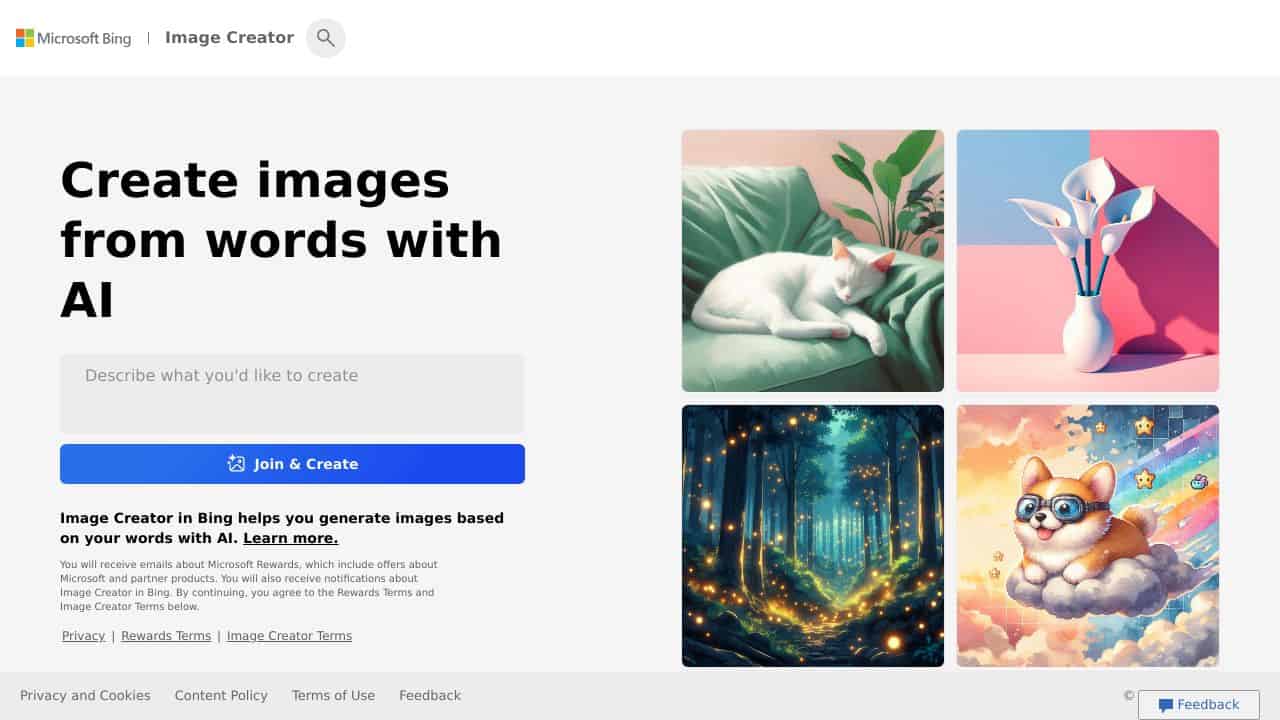
Bing AI Image Creator excels at turning detailed text descriptions into visual content with multiple style options, all for free. Its main limitation is that it lacks the specialized features of paid competitors, like tattoo generation or unlimited asset libraries. Marketers and content creators who need quick, cost-effective image generation for blogs, social media, or presentations should consider this tool, especially if they prioritize detailed text prompts over niche capabilities.
Bing AI Image Creator – Generate Stunning AI Images
- Category: Image Generators, Text To Image
- Pricing: Free
- Best for: Creators needing quick AI art
Background Check on Bing AI Image Creator – Generate Stunning AI Images
We ran a background check on www.bing.com to verify its safety, security posture, hosting infrastructure, and web history. Here are the results as of April 18, 2026.
✓ Cross Origin Resource Sharing (CORS), Redirection, Strict Transport Security (HSTS), X-Frame-Options
✗ Content Security Policy (CSP), Cookies, X-Content-Type-Options
Source: Mozilla Observatory report
What is it?
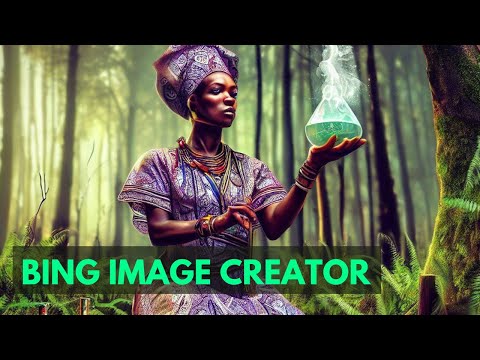
Bing Image Creator is a notable AI-powered image generation platform that uses DALL-E 3 technology. This modern tool turns written descriptions into high-quality visual content allowing users to make eye-catching images by typing simple text prompts. As a part of Microsoft’s AI toolkit, it works with Bing and Microsoft Edge to offer an interactive and captivating content creation experience.
Bing Image Creator Features
Core Capabilities:
- Advanced Text-to-Image Generation: Turn detAIled descriptions into visual content
- Multiple Style Options: Make images in different artistic styles, from lifelike to abstract
- High-Resolution Output: Produce professional-grade images fit for various uses
- Integration Options: Easy link with Microsoft Edge and Copilot
- Customization Tools: Adjust created images using Microsoft Designer
- Multi-Format Support: Make images suited for various platforms and uses
How Bing Image Creator Can Help Your Business?
Practical Applications:
- Marketing Content: Make unique visuals for social media and ads
- Product Visualization: Build product mockups and concept designs
- Brand Assets: Create matching visual content for marketing materials
- Web Design: Produce custom images for websites and online platforms
Implementation Benefits:
- Cut design costs a lot
- Make endless unique visuals
- Keep brand look the same
- Grow content production
Bing Image Creator FAQ
How many images can I create for free?
Users get 25 free boosts each week to make images faster. After using up these boosts, they can still make images at the normal speed.
What types of images can I create?
The tool lets you make many different kinds of images. These range from ones that look like photos to artistic ones. You can use these for business or creative projects.
Do I need special software to use it?
You don’t need any special software. You can use it on any web browser. If you use Microsoft Edge, you’ll have access to some extra features.
How detAIled should my prompts be?
Your prompts should be as detAIled as possible to get better results. Make sure to include specific information about the style, colors, layout, and background of the image you want.
How Bing AI Image Creator – Generate Stunning AI Images Compares to Alternatives
When choosing an image generator, key factors include pricing, specialization, and output quality. Free tools like Bing AI Image Creator offer broad accessibility, while freemium or paid alternatives may provide niche features or higher volume allowances.
| Tool | Best For | Pricing |
|---|---|---|
| Bing AI Image Creator | Advanced text-to-image generation with detailed prompts and multiple style options, all free. | Completely free with no usage limits. |
| TattooRed – AI Tattoo Generator | Specialized tattoo design generation with custom styles and placements for body art. | Freemium model with basic free tier. |
| Vheer – Online AI Image Generator | General online image creation with user-friendly interfaces and quick edits. | Freemium with paid upgrades. |
| MonsterONE – Unlimited Downloads of 530K+ Web Design Assets | Access to a vast library of pre-made web design assets beyond AI generation. | Paid subscription required. |
| Straico – Unified Workspace For AI | Integrated AI tools for various tasks, including image generation in a single platform. | Freemium with tiered plans. |
Best For
- Content marketers needing custom images for blog posts or articles.
- Solopreneurs creating social media graphics on a tight budget.
- Educators generating visual aids for presentations or materials.
- Hobbyists experimenting with AI art using detailed text prompts.
Not Ideal For
- Professionals requiring high-resolution, commercial-grade images for print.
- Users needing specialized outputs like tattoo designs or 3D models.
- Teams that require collaborative features or batch processing tools.
Getting Started
Start by writing a detailed, specific prompt that includes style keywords, such as ‘realistic’ or ‘cartoon’. Experiment with different descriptions to see how the tool interprets nuances. For best results, use clear, concise language and avoid overly abstract terms.
Key Limitations to Consider
- Outputs may lack the fine-tuned control of paid tools for commercial projects.
- No built-in editing features to modify generated images after creation.
- Limited to text-to-image without support for image-to-image transformations.
- Free access might mean slower processing times during peak usage.
Related Workflows and Tool Pairings
Bing AI Image Creator fits well into content creation workflows where visual assets are needed quickly and affordably. For example, a marketer might use it to generate blog post images, then pair it with graphic design tools for final touches like text overlays or resizing. Complementary tool types include image editors for post-processing, social media schedulers for distributing content, and SEO analyzers to optimize image metadata. This integration helps streamline from ideation to publication, making it a handy first step in visual content pipelines.
Related tools to explore: AI Anime Generator – Anime Art Creator, AI Art Shop – AI PAInting Marketplace, AI Background Generator – AI Custom Backgrounds, AI Headshot Masters – Professional Headshot Generator, AI HentAI Generator – HentAI Art Creator, AI Omnigen – Visual Consistency Generator, Image Generators tools, Text To Image tools
Conclusion
Bing Image Creator has a major impact on AI-powered design blending advanced DALL-E 3 technology with easy-to-use features. Its connection to Microsoft’s system and strong generation abilities make it a key tool for companies and artists who want to boost their visual content creation.
Want to shake up your visual content creation? Check out more modern AI tools at AIToolsMarketer.
Pricing
Bing AI Image Creator – Generate Stunning AI Images is afree AI image generators tool. No payment required to get started.
Last verified: April 2026
Explore more: Browse all AI Image Generators tools | Browse all AI Text To Image tools
