











Quick Verdict
Adobe Firefly excels at generating high-quality images from text prompts and offers powerful generative fill capabilities within Photoshop. Its main limitation is the paid pricing model, which may deter casual users or those on tight budgets. Professional designers and marketers who already use Adobe Creative Cloud should strongly consider it for seamless integration. Solopreneurs needing quick visual content can also benefit from its straightforward text-to-image workflow.
Adobe Firefly – Creative AI Models
- Category: Design Generators
- Pricing: Paid
- Best for: Image generation from text, generative fill in photoshop
Background Check on Adobe Firefly – Creative AI Models
We ran a background check on www.adobe.com to verify its safety, security posture, hosting infrastructure, and web history. Here are the results as of April 18, 2026.
What is it?
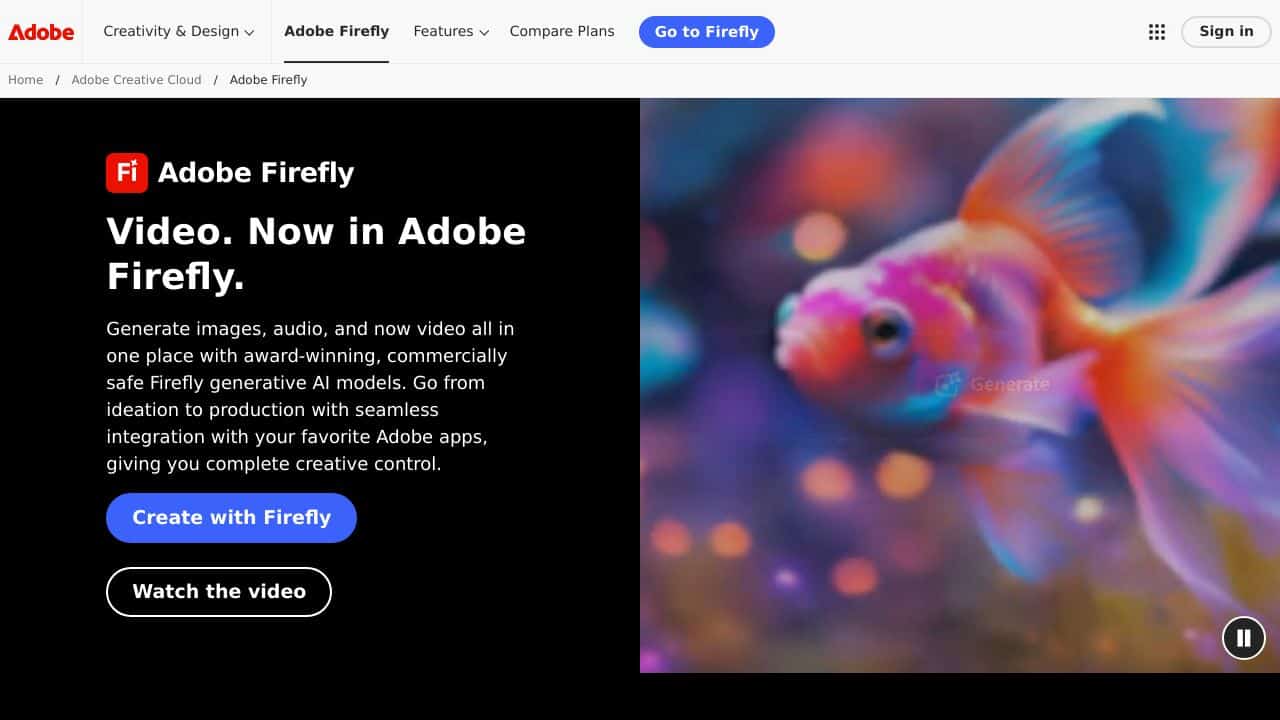
Adobe Firefly is a solid AI creative suite that works with Adobe’s creative apps.
It AIms to boost creative processes by offering AI-powered tools to generate images, create text effects, and transform designs within the Adobe ecosystem.

Adobe Firefly Features
- Creative AI Tools:
- Image Generation from Text
- Generative Fill in Photoshop
- Text Effects creation
- Vector Recolor options
- Integration Capabilities:
- Smooth workflow with Adobe Creative Cloud
- Works across platforms
- Web-based interface
- Works on mobile devices
- Professional Features:
- Commercial license assistance
- Safe content creation for brands
- Controls for custom styles
- high-quality security for businesses
How Adobe Firefly Can Help Your Marketing
For companies and creative experts:
- Brand Asset Creation:
- Make custom visuals for marketing
- Build brand images that match
- make content for social media
- Content Production:
- Design materials to promote
- Create mockups of products
- Make many design options
- Creative Workflow:
- Make design processes quicker
- Try out different styles
- Keep brands looking the same
Adobe Firefly FAQ
Does Creative Cloud include Adobe Firefly?
Firefly comes with Creative Cloud subscriptions and as a standalone web app.
Can I use Firefly-generated content to make money?
Yes, Adobe gives you a license to use Firefly-made content for business.
How does keep content safe?
The system learns from licensed content and Adobe Stock images to produce safe, business-ready results.
Which Adobe programs work with Firefly?
Firefly works with Photoshop, Illustrator, and other Creative Cloud programs.
How Adobe Firefly – Creative AI Models Compares to Alternatives
When choosing a design generation tool, key factors include output quality, integration with existing workflows, and pricing structure. Adobe Firefly stands out for its professional-grade results and deep Photoshop integration, while alternatives often focus on specific niches or offer free tiers.
| Tool | Best For | Pricing |
|---|---|---|
| Adobe Firefly – Creative AI Models | Professional image generation and seamless Photoshop integration for designers and marketers. | Paid, requires Adobe Creative Cloud subscription. |
| BeYourCover – AI Book Cover Generator | Authors and publishers needing quick, customized book cover designs. | Freemium model with basic free options. |
| Wallpapers.fyi – AI Wallpaper Generation Platform | Creating personalized wallpapers for devices or digital backgrounds. | Free platform with no subscription required. |
| ThumbnailAi – AI Thumbnail Rating Platform | Content creators optimizing YouTube or social media thumbnail performance. | Free tool focused on analytics and ratings. |
Best For
- Graphic designers needing quick visual concepts from text descriptions.
- Marketing teams creating campaign assets with consistent brand styling.
- Photoshop users who want to expand images using generative fill.
- Solopreneurs producing visual content for websites or social media.
Not Ideal For
- Users seeking completely free AI image generation tools.
- Teams needing specialized outputs like book covers or thumbnails.
- Beginners who don’t already use Adobe Creative Cloud apps.
Getting Started
Start by experimenting with specific, descriptive text prompts to see how Firefly interprets different styles and subjects. If you use Photoshop, try the generative fill feature on a simple image to understand its capabilities. Review Adobe’s prompt guidelines to learn which keywords yield the best results for your needs.
Key Limitations to Consider
- Requires a paid Adobe Creative Cloud subscription, which adds ongoing costs.
- Text-to-image generation may produce inconsistent results with abstract prompts.
- Limited to Adobe ecosystem integration, lacking direct export to some third-party tools.
- Output resolution and customization options may not match dedicated standalone generators.
Related Workflows and Tool Pairings
Adobe Firefly fits naturally into creative workflows that begin with concept development and move through refinement to final asset delivery. Designers can use it to quickly generate mood boards or mockups from text briefs, then polish them in Photoshop with generative fill. It pairs well with project management tools for tracking creative requests and digital asset management systems for organizing final outputs. For broader campaigns, combine it with copywriting AI tools to align visual and textual content, or social media schedulers to distribute the created assets efficiently.
Related tools to explore: 3DFY – AI 3D Model Creator, AI Background Generator – AI Custom Backgrounds, AI Character Generator – AI Storyboard Character Creation, AI Home Design – AI Virtual Staging Renovations, AI Interior Design – Smart Space Designer, AI Logo Generator – AI Logo Creator, Design Generators tools
Conclusion
Adobe Firefly has a major impact on AI-powered creative tools. It blends with the Adobe ecosystem while upholding professional standards. Its mix of generative abilities, commercial licensing, and professional features makes it a key tool for modern creative work. The platform’s emphasis on brand safety and enterprise-ready features sets it up as a top choice for businesses and creative pros.
Pricing
Adobe Firefly – Creative AI Models is apaid AI design generators tool. Visit the official website for current pricing plans and details.
Last verified: April 2026
Explore more: Browse all AI Design Generators tools
