
Most automation tools are sold on their connector count. n8n is worth attention for a less visible reason: how it counts what you pay for.
The billing model is the product
n8n bills per execution, where an execution is a single run of an entire workflow no matter how many steps it contains or how much data passes through. Competitors in this space typically bill per task, meaning every individual step consumes allowance.
That distinction sounds like an accounting detail and it is not. A workflow that enriches a lead, checks it against your CRM, scores it, routes it, posts a notification and logs the result is roughly six steps. Under task billing, a thousand leads a month costs six thousand tasks. Under n8n, it costs a thousand executions. The more useful your automations get, the wider that gap opens, and the incentive changes with it: you stop artificially shortening workflows to protect a quota.
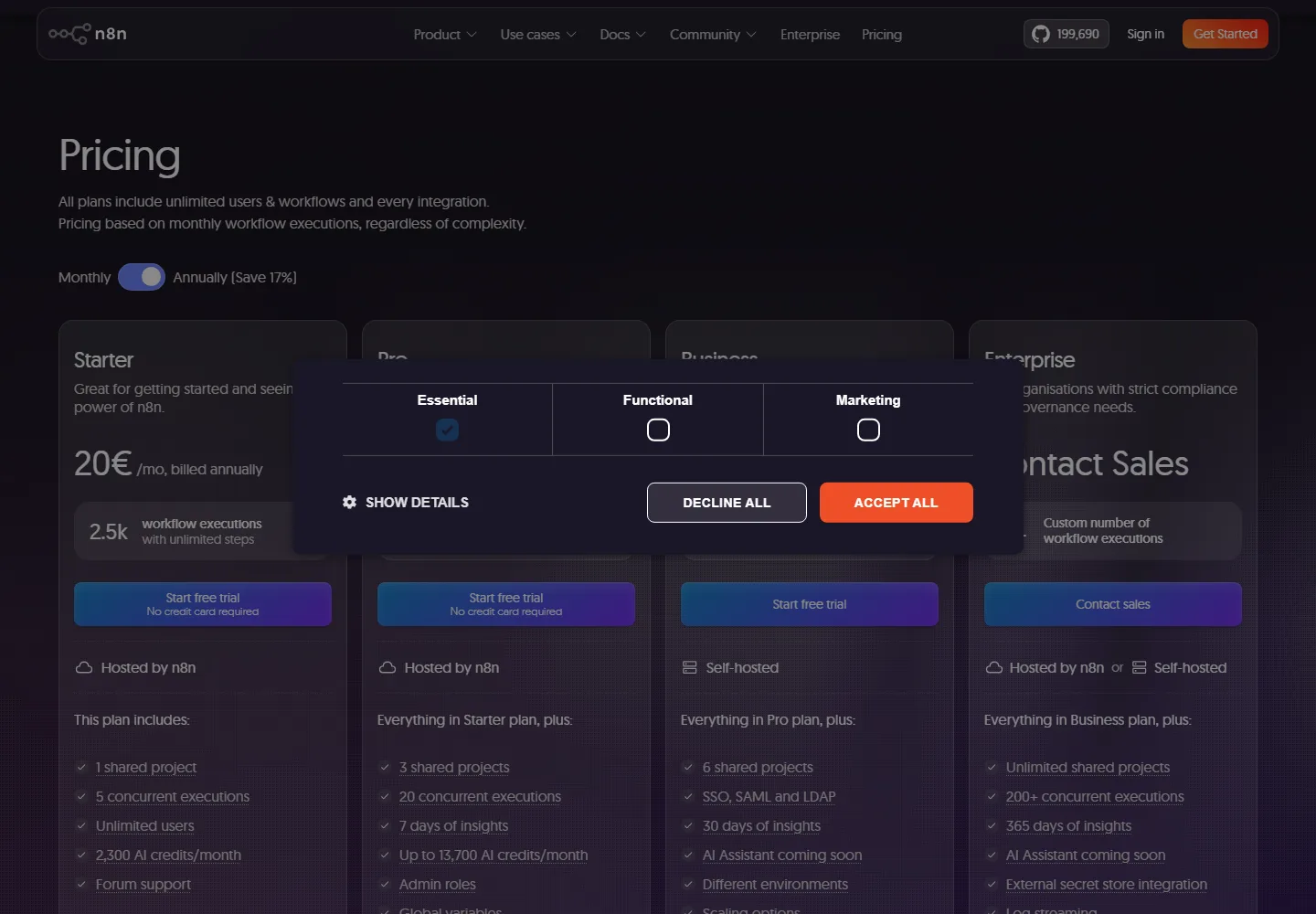
The published cloud tiers are 20 euros per month for Starter with 2,500 executions, 50 euros for Pro with 10,000, and 667 euros for Business with 40,000 and self hosting. Every one of those includes unlimited users, which quietly removes the per seat tax that dominates the rest of the category. Shared projects, not seats, are the scaling constraint.
Where the honest friction is
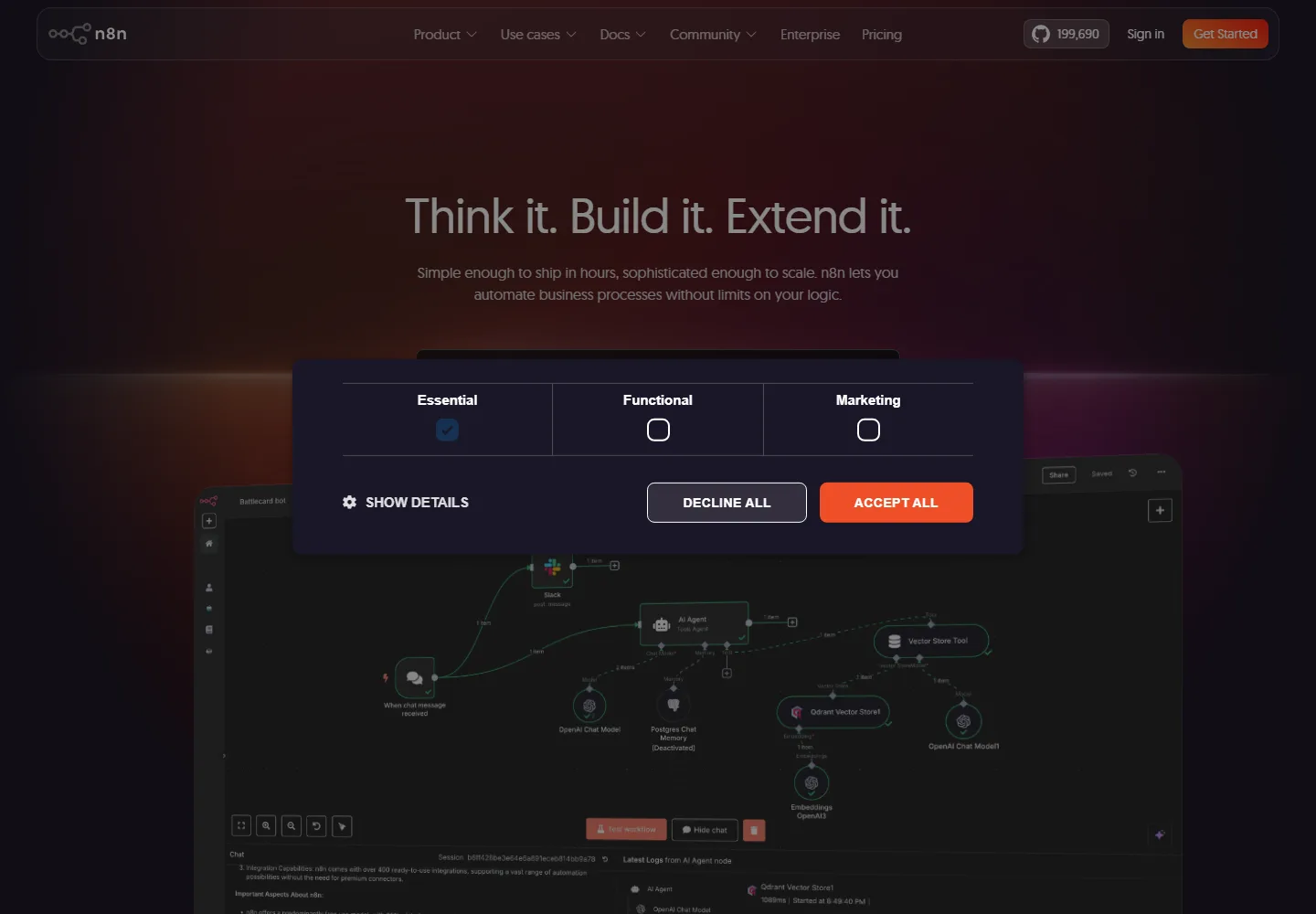
The interface is a visual canvas and the marketing implies that is enough. It is not, quite. Anything beyond the prebuilt nodes puts you in front of an HTTP request node, an API’s authentication scheme and a JSON payload you need to reshape. A technically confident marketer will get there. A marketer who has never read API documentation will stall, and no amount of drag and drop hides that.
The second friction is the tier gap. Pro at 50 euros and Business at 667 euros is a thirteenfold jump with nothing between them. Teams that outgrow 10,000 executions but do not need 40,000 have an awkward conversation ahead, and self hosting becomes the obvious escape valve.
Self hosting is a real option and a real cost
The Community Edition is free and self hosted, which genuinely does put the software cost at zero. What it does not do is put the total cost at zero. You are taking on a server, version upgrades, backups, monitoring and the person who fixes it when a workflow silently stops at three in the morning. For an organization that already runs infrastructure, that is close to free. For a marketing team without engineering support, the cloud subscription is usually cheaper once you price the hours honestly.
Self hosting is also the answer when data residency is the constraint, though note that n8n’s cloud already stores data in the EU, which resolves a common objection before you reach for infrastructure.
The limits that are not executions
Execution count is the headline number and it is not the only meter. AI steps draw on a separate credit balance, 2,300 a month on Starter and up to 13,700 on Pro. That matters because the pitch for this tool is increasingly about putting AI agents inside workflows, and “unlimited steps” does not extend to the AI ones. Model your agent-heavy workflows against the credit line, not the execution line.
Concurrency is the second. Starter allows 5 production executions at once, Pro 20, Enterprise 200 or more. The good news is what happens at the ceiling: n8n queues the overflow in FIFO order rather than dropping it, and the limit applies only to production executions started by a webhook or trigger. Manual runs, sub-workflow calls and error workflows are exempt, which means testing does not eat your budget. The bad news is that a marketing site pushing a burst of form submissions on Starter will see them process in sequence, and a five-wide pipe is narrow if your traffic is spiky.
The third is insights retention, and it is the one most likely to bite during an incident. Starter and Pro keep 7 days, Business 30, Enterprise 365. Diagnosing a workflow that misbehaved a fortnight ago is not possible on the plans most teams start with.
The self-hosting detail nobody mentions until it hurts
If you self-host, execution data will fill your disk unless you manage it. n8n enables pruning by default and deletes finished executions older than 336 hours, which is 14 days, so the default is sensible rather than a trap. The sharp edge is underneath it: on the default SQLite database, pruned data does not return its disk space. The space is marked reusable for future executions, so the file never shrinks and a monitoring alert on disk usage will look alarming while nothing is actually wrong. Setting DB_SQLITE_VACUUM_ON_STARTUP, or running a manual VACUUM, is the fix.
That is a small thing in isolation. It is representative of the category of work self-hosting hands you, which is the honest cost this review keeps returning to: not the software, but the operational attention it quietly assumes.
Read the license before you build a business on it
n8n is distributed under the Sustainable Use License rather than a standard open source license. It permits internal business use and non commercial personal use freely. It restricts hosting the software as a service for your customers, white labelling it and reselling it.
For most marketing teams that distinction never comes up. For agencies it can matter a great deal. Building and running automations for clients on your own instance is internal use. Giving clients logins to an n8n you host as part of your product offering is the restricted case. If your agency model sits near that line, settle it with n8n before you build the practice on top of it, not after.
How to evaluate it
Pick the workflow you currently run by hand that costs the most attention, and build only that one. Count the steps. Price the same workflow against your current tool’s task allowance at your real monthly volume. That single comparison usually settles the decision faster than any feature list, and it also tells you honestly whether anyone on your team can build the thing at all.