















Quick Verdict
Polycam excels at creating detailed 3D models using LiDAR scanning on Pro iOS devices, delivering ultra-precise results ideal for professional applications. The free trial makes it accessible for testing, but its reliance on specific hardware limits broader adoption. Architects, interior designers, and 3D artists working with physical spaces should consider this tool for its scanning accuracy.
Polycam – AI 3d Model Spaces
- Category: 3D
- Pricing: Free Trial
- Best for: Creators building 3D models from photos
Background Check on Polycam – AI 3d Model Spaces
We ran a background check on poly.cam to verify its safety, security posture, hosting infrastructure, and web history. Here are the results as of April 19, 2026.
- Server: Google Frontend
- Hosting: FASTLY – Fastly, Inc., US (US)
- SSL Certificate: WR3 (certificate age: 20 days)
- Domain Age: ~5 years (1,887 days)
Source: urlscan.io scan report
✓ Cross Origin Resource Sharing (CORS), Redirection, Strict Transport Security (HSTS), X-Frame-Options
✗ Content Security Policy (CSP), Subresource Integrity, X-Content-Type-Options
Source: Mozilla Observatory report
What is Polycam?
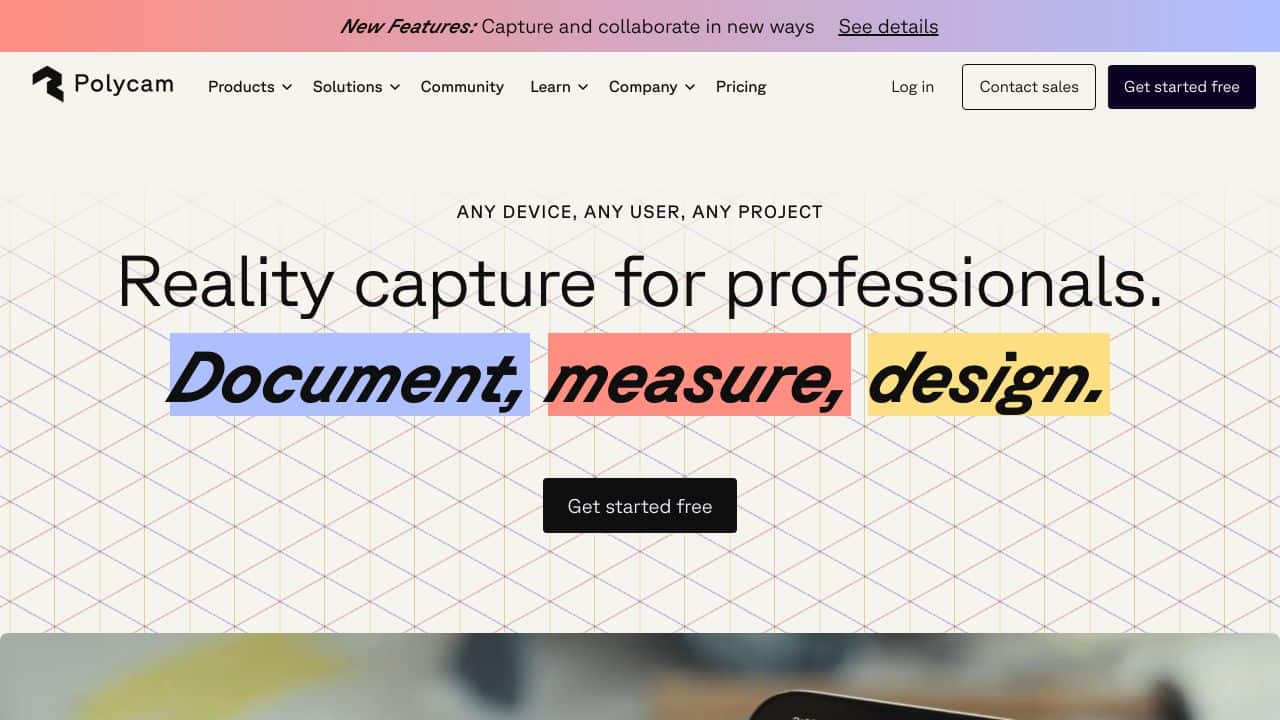
Polycam is a modern 3D scanning app that uses LiDAR and photogrammetry to create stunning 3D models of spaces and objects. Whether you’re using an iPhone, iPad, Android device, or the web, Polycam makes it easy to digitize the world around you. With features like 360 photos, AR exploration, and a free 3D model library, it’s a versatile tool for professionals and hobbyists alike. Think of it as your pocket-sized 3D scanner that turns reality into digital art.
Polycam Features
- LiDAR Scanning: Use the LiDAR sensor on Pro iOS devices to create ultra-precise 3D scans. Perfect for architects and designers.
- Photogrammetry: Turn regular photos into detAIled 3D models with Photo Mode. Great for capturing textures and complex shapes.
- 360 Photos: Instantly capture panoramic images and skybox backgrounds for immersive 3D projects.
- Free 3D Models: Explore a massive library of free 3D models shared by a global community.
- Augmented Reality (AR): View and interact with your 3D models in AR, bringing them to life in your real-world environment.
- Drone Mapping: Upload drone imagery to create 3D scans of large areas like buildings or city blocks.
- Collaboration: Share your scans and collaborate with teams or clients effortlessly.
Polycam Use Cases
- Architects & Designers: Create detAIled 3D models of buildings and interiors for planning and presentations.
- VFX Artists: Generate accurate 3D assets for movies, games, and animations.
- Real Estate Agents: Offer virtual tours and enhanced property listings with lifelike 3D models.
- Educators: Use 3D scans for teaching design, engineering, and technology concepts.
- Hobbyists: Recreate artifacts, scan your favorite objects, or just explore the world in 3D.
- Event Planners: Visualize and plan event layouts with accurate 3D representations of venues.
How Polycam – AI 3d Model Spaces Compares to Alternatives
When choosing 3D tools modeling tools, key factors include scanning precision, hardware requirements, and workflow integration. Polycam stands out for LiDAR-based capture, while alternatives may focus on different creation methods or broader accessibility.
| Tool | Best For | Pricing |
|---|---|---|
| Polycam | LiDAR scanning on Pro iOS devices to create ultra-precise 3D models of physical spaces. | Free trial available for testing. |
| PrometheanAI | Digital art creation with AI assistance, focusing on artistic 3D environments and assets. | Freemium model with basic free tier. |
| InteriorAI | Interior design visualization using AI to generate room layouts and decor ideas. | Free trial before paid plans. |
| Assemblio | Generating CAD instructions automatically for manufacturing or assembly processes. | Contact for custom pricing. |
Best For
- Architects needing precise 3D scans of existing buildings for renovation projects.
- Interior designers capturing room dimensions with LiDAR for accurate space planning.
- Product designers creating detailed 3D models of physical prototypes for iteration.
- Real estate professionals showcasing properties through immersive 3D walkthroughs.
Not Ideal For
- Users without Pro iOS devices lacking LiDAR hardware compatibility.
- Teams needing collaborative 3D scene creation from scratch without physical reference.
- Budget constrained projects requiring extensive free features beyond basic scanning.
Getting Started
Begin by testing the photogrammetry feature with regular photos to understand model creation basics. Once comfortable, use a Pro iOS device with LiDAR for higher precision scans. Focus on well lit, static objects for your first few attempts to minimize errors.
Key Limitations to Consider
- Requires Pro iOS devices with LiDAR sensors, excluding Android and older iPhone users.
- Free trial may restrict export options or model resolution for commercial use.
- Photogrammetry from regular photos produces less detail than LiDAR scanning.
- Primarily suited for scanning existing objects, not creating 3D models from imagination.
Related Workflows and Tool Pairings
Polycam fits into workflows where physical spaces or objects need digitization for further processing. After creating a 3D scan, users typically import models into CAD software for architectural modifications or into rendering tools for realistic visualizations. Complementary tool types include 3D modeling suites for editing scanned geometry and VR/AR platforms for immersive presentations. For example, an architect might scan a building with Polycam, refine the model in CAD software, then use rendering tools to create client presentations. This bridges the gap between real world capture and digital design iteration.
Related tools to explore: 3D AI Studio – AI 3D Model Generator, 3DFY – AI 3D Model Creator, ARCHITEChTURES – Generative Building Design, Alpha3D – AI 2d To 3d Assets, Architecture Helper – Architectural Style Generator, Assemblio – AI CAD Instruction Generator, 3D tools
Conclusion
Polycam is a strong option in the world of 3D scanning. Its combination of LiDAR and photogrammetry makes it incredibly versatile, while features like AR integration and a community-driven model library add layers of creativity and collaboration. Whether you’re a professional looking to streamline your workflow or a hobbyist exploring the possibilities of 3D, Polycam delivers precision, ease of use, and endless potential. Ready to digitize your world? Polycam is your go-to tool.
Pricing
Polycam – AI 3d Model Spaces offers afree trial so you can test it before committing. Visit the official website for full pricing details.
Frequently Asked Questions
What is Polycam – AI 3d Model Spaces?
Polycam is a modern 3D scanning app that uses LiDAR and photogrammetry to create stunning 3D models of spaces and objects. Whether you’re using an iPhone, iPad, Android device, or the web, Polycam makes it easy to digitize the world around.
Is Polycam – AI 3d Model Spaces free?
Polycam – AI 3d Model Spaces offers a free trial period. After the trial, a paid subscription is required for continued access.
What are the best Polycam – AI 3d Model Spaces alternatives?
There are many AI 3d tools available. Browse our AI 3D tools directory to compare features, pricing, and reviews for the best alternatives.
Last verified: April 2026
Explore more: Browse all AI 3D tools
