












Quick Verdict
Opus Clip excels at repurposing long-form video content into shorter, engaging clips using AI editing capabilities. One limitation is its paid-only pricing, which may deter individual creators on tight budgets. Teams and businesses needing efficient video editing workflows should consider this tool for its specialized repurposing features. It’s particularly valuable for organizations with consistent video content production needs.
Opus Clip – Video Repurposing Tool
- Category: Video Editing, Video Enhancer, Video Generators
- Pricing: Paid
- Best for: Teams and businesses needing AI video editing capabilities
Background Check on Opus Clip – Video Repurposing Tool
We ran a background check on www.opus.pro to verify its safety, security posture, hosting infrastructure, and web history. Here are the results as of April 19, 2026.
- Server: cloudflare
- Hosting: CLOUDFLARESPECTRUM Cloudflare London, LLC, US (US)
- SSL Certificate: WE1 (certificate age: 6 days)
- Domain Age: ~4 years (1,525 days)
Source: urlscan.io scan report
✓ Cookies, Cross Origin Resource Sharing (CORS), Redirection
✗ Content Security Policy (CSP), Strict Transport Security (HSTS), Subresource Integrity, X-Content-Type-Options
Source: Mozilla Observatory report
What is it?
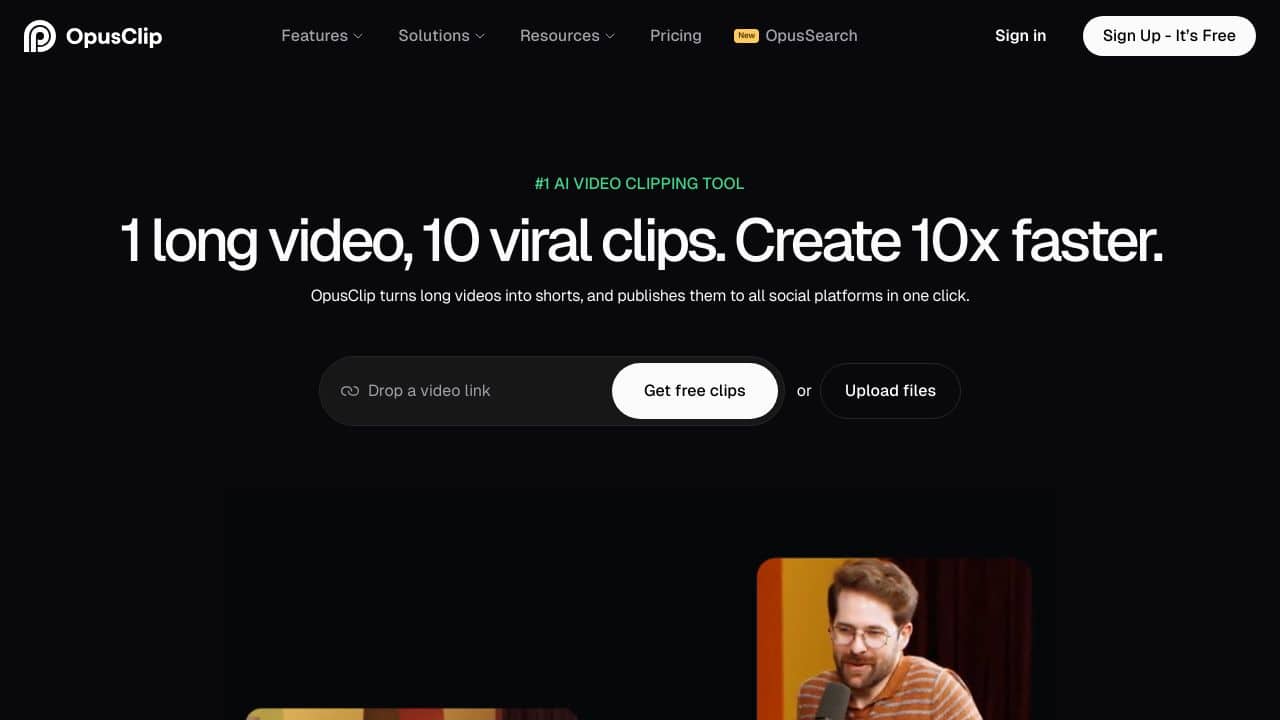
Opus Clip is an AI-powered video solution designed to convert lengthy talking videos into engaging short clips with a single click. Promoted with the slogan “1 long video, 10 viral clips,” this product AIms to enhance content creation efficiency by tenfold.
Features of Opus Clip
This innovative tool is equipped with a range of impressive features to streamline video editing and improve audience engagement.
AI Curation (ClipGenius™)
The innovative AI of Opus Clip analyzes videos to identify the most engaging moments, smoothly rearranging them into cohesive, shareable short clips.
AI Virality Score™
This unique feature assigns a virality score to each generated clip, based on an analysis of numerous viral videos, allowing users to assess the potential impact of their content.
AI Co-Pilot
With this function, users can specify precise time frames or search for particular sections using keywords, providing enhanced control over the final output.
Active Speaker Detection
The advanced AI technology ensures that the speaker’s face is consistently positioned at the center of the video frame, thereby increasing viewer engagement.
AI Keyword Highlighter & Emoji Generator
This feature evaluates video captions and content to emphasize crucial keywords and include relevant emojis, significantly boosting watch time and view counts.
Opus Clip FAQ
How can Opus Clip help with content repurposing?
Opus Clip is ideal for creators wishing to maximize their outreach by transforming long-form content into shareable, bite-sized clips.
What are the engagement benefits of using Opus Clip?
Research indicates that videos produced with Opus Clip see enhanced engagement levels, leading to a notable increase in views and watch time.
Can Opus Clip assist in monetization efforts?
This tool is specifically designed to enable creators to upload high-quality shorts regularly, thereby facilitating growth and monetization opportunities.
What do users think about Opus Clip?
Testimonials from creators highlight the tool’s effectiveness and efficiency. Many have experienced substantial growth in their YouTube subscribers, while others have tripled their output of short-form clips thanks to this platform.
How Opus Clip – Video Repurposing Tool Compares to Alternatives
When choosing Video Editing tools, consider whether you need repurposing capabilities, AI automation, or specific features like captioning. Pricing models and team collaboration features also matter significantly for business users. This comparison helps you evaluate Opus Clip against alternatives in the AI video editing space.
| Tool | Best For | Pricing |
|---|---|---|
| Opus Clip | Teams and businesses needing AI video repurposing and editing capabilities for long-form content. | Paid subscription model. |
| Pykaso | Creating viral AI influencer content with automated editing and social media optimization. | Paid service with tiered plans. |
| FraimeBot | Generating AI-powered memes quickly for social media engagement and content creation. | Free platform available. |
| ByteCap | Adding AI-generated captions to videos for accessibility and social media optimization. | Paid tool with caption focus. |
Best For
- Marketing teams repurposing webinar recordings into social media clips.
- Businesses converting long product demos into short promotional videos.
- Content creators turning podcast episodes into visual snippets for platforms.
- Corporate trainers editing training videos into bite-sized learning modules.
Not Ideal For
- Individual hobbyists needing free video editing software.
- Users requiring advanced color grading or visual effects capabilities.
- Projects needing real-time collaboration with extensive revision tracking.
Getting Started
Begin by uploading a clear, well-lit long-form video with good audio quality to maximize AI detection accuracy. Review the AI-generated clip suggestions carefully before exporting, as manual adjustments may improve results. Start with a single project to understand the tool’s repurposing logic before scaling to batch processing.
Key Limitations to Consider
- Requires paid subscription without free tier for testing basic features.
- AI editing may miss nuanced context when repurposing complex content.
- Limited control over specific editing parameters compared to manual software.
- Output quality depends heavily on input video and audio source quality.
- May not integrate seamlessly with all existing video production workflows.
Related Workflows and Tool Pairings
Opus Clip fits into video content production workflows by handling the repurposing stage after initial content creation. Users typically create long-form videos using recording tools, then use Opus Clip to extract engaging shorter clips for different platforms. This tool pairs well with video recording software for capturing source material and social media scheduling platforms for distributing the repurposed clips. For optimal results, combine it with audio enhancement tools to improve source quality and analytics platforms to track clip performance across channels. The workflow becomes efficient when Opus Clip processes batches of content between creation and distribution phases.
Related tools to explore: 2short.AI – Shorts Clip Generator, AI Face Swap – Seamless Face Swapper, AI Facefy – Face Swap Creator, AI Storyboard Generator – AI Easy Storyboard Creation, AISaver – Video Downloader & Face Swap, AIvideocreator.com – Video Template Generator, Video Editing tools, Video Enhancer tools
Conclusion
Opus Clip emerges as a capable tool for those seeking to effortlessly convert lengthy videos into trending shorts. With its advanced AI-driven functionalities and user-friendly design, it is more than just a video editing tool; it serves as an invaluable resource for enhancing content creation, engagement, and monetization. This product is particularly suited for content creators wanting to maximize their reach, though it may not be ideal for those seeking traditional long-form video production methods.
Pricing
Opus Clip – Video Repurposing Tool is apaid AI video editing tool. Visit the official website for current pricing plans and details.
Last verified: April 2026
Explore more: Browse all AI Video Editing tools | Browse all AI Video Enhancer tools
