















Quick Verdict
MyShell excels at providing free collaborative AI development with low-code/no-code capabilities, making it accessible for teams without upfront costs. One limitation is that as a free tool, it may lack the advanced enterprise features of paid competitors. Teams and businesses needing straightforward AI development without coding expertise should consider it, especially those with tight budgets who want to prototype quickly.
MyShell – Collaborative AI Development
- Category: Low-Code/No-Code, Startup Tools
- Pricing: Free
- Best for: Teams and businesses needing AI low-code/no-code capabilities
Background Check on MyShell – Collaborative AI Development
We ran a background check on myshell.AI to verify its safety, security posture, hosting infrastructure, and web history. Here are the results as of April 19, 2026.
- Server: cloudflare
- Hosting: CLOUDFLARENET – Cloudflare, Inc., US
- SSL Certificate: E8 (certificate age: 51 days)
- Domain Age: ~3 years (1,137 days)
Source: urlscan.io scan report
✓ Cookies, Cross Origin Resource Sharing (CORS), Redirection, Strict Transport Security (HSTS), X-Frame-Options
✗ Content Security Policy (CSP), Subresource Integrity, X-Content-Type-Options
Source: Mozilla Observatory report
What is it?
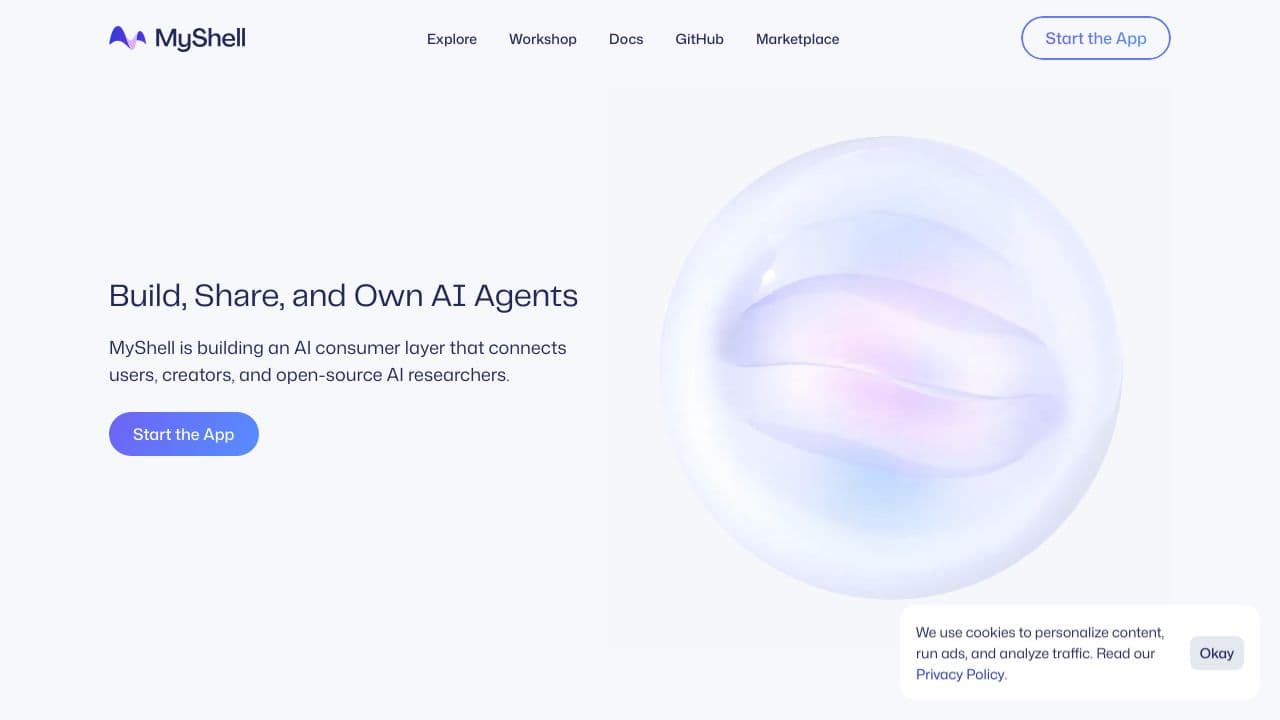
MyShell is an innovative open ecosystem tAIlored for creators to team up and build AI applications. With its solid platform and extensive toolkit for creators, MyShell makes AI app development approachable for everyone, regardless of their technical skills.
Features of MyShell
This platform is packed with useful features that enhance the user experience and facilitate app creation.
Diverse Conversational AI Bots
The platform hosts a variety of bots that cater to entertAInment, education, and productivity. Users can choose from an extensive collection, ensuring that there is something suitable for everyone.
Customization and Creation
MyShell offers powerful tools to customize and create bots utilizing advanced AI technologies like GPT-3.5. This feature allows users to tAIlor bots based on specific needs, functions, and languages.
Extensive Bot Library
With over 1000 bots in various languages and functionalities available, users can easily find a bot that meets their needs. This extensive library ensures that there’s a solution for a wide range of scenarios.
User-Friendly Interface
The chatting interface is designed to be intuitive and is optimized for use on both mobile and desktop platforms, making interactions smooth and enjoyable.
MyShell FAQ
How does MyShell enhance AI application development?
MyShell provides a comprehensive toolkit that simplifies the creation and deployment of AI-driven applications, allowing creators to focus on their ideas rather than technical barriers.
What types of bots can I create with MyShell?
Users can create a range of bots for various applications, including educational tutors, productivity assistants, and entertAInment options, all tAIlored to their preferences.
Can I integrate external APIs with MyShell?
Yes, MyShell supports integration with external APIs and databases, significantly expanding the functionality of the bots and allowing for more complex interactions.
What is the purpose of the Workshop Section?
The Workshop Section is designed for users to explore, filter, and develop bots using advanced AI models, catering to the diverse interests of the MyShell community.
How MyShell – Collaborative AI Development Compares to Alternatives
When evaluating Low-Code/No-Code tools AI tools, key factors include pricing transparency, collaboration features, and the balance between simplicity and advanced capabilities. MyShell stands out with its free pricing model and team-focused approach, but alternatives may offer more specialized functions or enterprise-grade support.
| Tool | Best For | Pricing |
|---|---|---|
| MyShell | Teams needing free, collaborative AI development with low-code/no-code capabilities for prototyping. | Free, no upfront costs. |
| scope.money | Sales teams requiring AI-driven insights and analytics for revenue optimization. | Freemium model with paid tiers. |
| Pega Systems | Large enterprises needing comprehensive AI workflow automation with extensive support. | Contact for pricing, enterprise-focused. |
| Octoparse AI | Businesses automating complex data extraction and workflow processes with AI. | Freemium model, scalable options. |
Best For
- Small to medium teams prototyping AI applications without coding skills.
- Startups on tight budgets needing collaborative AI tool development.
- Businesses seeking free low-code solutions for internal AI projects.
- Educational groups or non-profits exploring AI development affordably.
Not Ideal For
- Large enterprises requiring advanced AI customization and dedicated support.
- Users needing deep integrations with existing enterprise software systems.
- Solo developers preferring full-code environments over low-code limitations.
Getting Started
Begin by inviting team members to collaborate immediately, as MyShell’s free model supports shared projects from the start. Focus on building a simple AI prototype using the low-code interface to test core features without investment. Explore the template library if available to accelerate development and understand best practices.
Key Limitations to Consider
- Free pricing may limit advanced features like high-volume API calls or premium support.
- Low-code/no-code approach can restrict deep customization for complex AI models.
- Collaboration tools might lack granular permissions compared to enterprise platforms.
- As a free tool, it may have slower update cycles for new AI capabilities.
- Integration options with external systems could be basic or limited in scope.
Related Workflows and Tool Pairings
MyShell fits into workflows where teams collaboratively develop AI prototypes or applications without deep technical expertise. It pairs well with data preparation tools for cleaning and structuring input data before AI development. Communication platforms like Slack or Teams integrate to streamline team coordination during projects. After prototyping, deployment tools can help transition models to production environments, though MyShell may handle initial hosting. For analysis, business intelligence tools can connect to interpret AI outputs, creating a full cycle from ideation to insight.
Related tools to explore: AI App Generator – AI Low-code App Development, AI Enhanced UI Kits – AI-Powered UI Kits, AI-Flow – Model Integration Hub, AI2page.com – One-Page Site Generator, AIcado – No-Code AI Integrator, ActiveBatch – AI No-code Automation Scheduling, Low-Code/No-Code tools, Startup Tools tools
Conclusion
MyShell is transforming the landscape of AI app creation by providing an inclusive platform that fosters innovation and collaboration. It is ideal for solo developers as well as teams looking for solid support in building AI applications. However, individuals seeking highly specialized solutions or with extensive technical requirements might find other platforms more suitable.
Pricing
MyShell – Collaborative AI Development is afree AI low-code/no-code tool. No payment required to get started.
Last verified: April 2026
Explore more: Browse all AI Low-Code/No-Code tools | Browse all AI Startup Tools tools
