













Quick Verdict
mymind excels at AI-powered organization of digital clutter, automatically categorizing and visualizing saved content with associative search by color and other attributes. Its freemium model makes it accessible, but it lacks the structured learning features of dedicated education platforms. Marketers, researchers, and visual thinkers who need to organize diverse digital materials quickly will find it most valuable.
mymind – AI Digital Clutter Organization
- Category: Education, Personal Assistant, Research
- Pricing: Freemium
- Best for: Professionals overwhelmed by digital information
Background Check on mymind – AI Digital Clutter Organization
We ran a background check on www.youtube.com to verify its safety, security posture, hosting infrastructure, and web history. Here are the results as of April 19, 2026.
✓ Cookies, Cross Origin Resource Sharing (CORS), Redirection, Strict Transport Security (HSTS), X-Content-Type-Options, X-Frame-Options
✗ Content Security Policy (CSP)
Source: Mozilla Observatory report
What is mymind
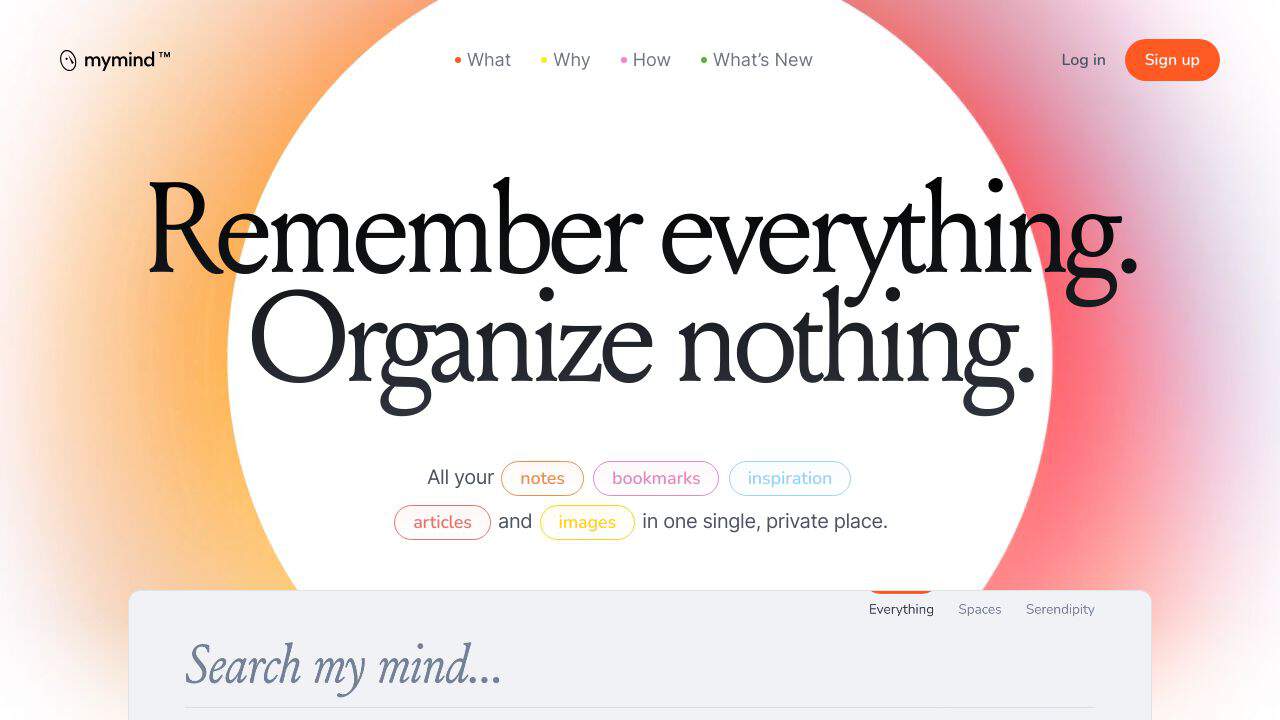
mymindis your personal AI-powered digital brAIn. It’s a private, intuitive space where you can store everything from notes and bookmarks to images and articles – without the hassle of organizing or tagging. Think of it as apersonal search engine that works the way your mind does. No folders, no labels, just smooth saving and instant retrieval. It’s designed to declutter your digital life and give you back the mental space to focus on what truly matters.
mymind Features
- AI-Powered Organization: Save anything with a click, and mymind’s AI automatically categorizes and visualizes it for you.
- Associative Search:Find what you need by color, keyword, brand, or date – whatever comes to mind first.
- Smart Bookmarking: URLs are saved intelligently, whether they’re articles, recipes, or products, in a visually appealing way.
- Focus Mode: Take quick notes and expand on them later without distractions.
- Ad-Free Reading: Save articles and read them without clutter, ads, or pop-ups.
- Instant Collections: Create Smart Spaces that auto-sort your saved items based on your preferences.
- Cross-Device Syncing: Access your mind from anywhere, on any device.
- Privacy First: Your data is encrypted and never shared, making it a truly private oasis.
mymind Usecases
- For Designers: Create instant moodboards by saving and organizing visual inspiration effortlessly.
- For Writers: Store quotes, ideas, and research in one place, and write without distractions.
- For Researchers: Keep all your references and notes in a single, searchable hub.
- For Marketers: Save campAIgn ideas, competitor analyses, and creative assets for quick access.
- For Students: Organize study materials, lecture notes, and research papers without the chaos.
- For Chefs: Store recipes, plating ideas, and ingredient lists in a visually intuitive way.
- For Everyone:A place to remember everything – from personal goals to random thoughts.
How mymind – AI Digital Clutter Organization Compares to Alternatives
When choosing digital organization tools, consider whether you need structured Education toolsal features or flexible personal knowledge management. mymind focuses on associative, visual organization rather than formal course creation or compliance training.
| Tool | Best For | Pricing |
|---|---|---|
| mymind | AI-powered visual organization of digital clutter with associative search by color and attributes | Freemium model with basic free tier |
| PathwiseAI | Generating tailored cover letters using AI for job applications | Freemium with premium features |
| Utobo | Creating, teaching, and selling complete online courses with built-in tools | Paid subscription required |
| Acadle | Learning management for employee training and customer education programs | Paid enterprise pricing |
| Digest AI | Philippine legal research assistance with AI-powered document analysis | Freemium model available |
Best For
- Visual researchers who organize content by color and associative connections
- Marketers collecting inspiration and references across multiple projects
- Solopreneurs managing diverse digital assets without formal folder structures
- Content creators needing quick save and recall of visual references
Not Ideal For
- Teams requiring collaborative editing and shared workspace features
- Educators building structured courses with assessments and progress tracking
- Enterprises needing compliance training and detailed reporting analytics
Getting Started
Install the browser extension first to save content with one click. Start by saving 20-30 diverse items, then experiment with associative searches using colors, keywords, and visual patterns. The AI learns from your usage patterns, so consistency improves categorization over time.
Key Limitations to Consider
- No collaborative features for team sharing or multi-user workspaces
- Limited structured educational tools like quizzes, assignments, or progress tracking
- Freemium tier may restrict storage or advanced search capabilities
- Primarily visual organization may not suit text-heavy research workflows
- No integration with formal learning management systems or enterprise platforms
Related Workflows and Tool Pairings
mymind serves as a personal knowledge base within larger content creation and research workflows. It pairs well with content creation tools for gathering visual references and inspiration before design work. For researchers, it complements note-taking applications by providing visual organization of supplemental materials. In marketing workflows, it integrates with social media monitoring tools to save and categorize competitor content and campaign examples. The tool works best as a front-end collector that feeds into more structured platforms for final output creation.
Related tools to explore: 100DaysOfAI – DAIly AI Lessons, 3DFY – AI 3D Model Creator, AI Detector – AI Generated Content Detection, AI Experiments – AI Experiment Platform, AI LMS by Coursebox – AI Education Course Creator, AI Quiz Generator – AI Interactive Course Creator, Education tools, Personal Assistant tools
Conclusion
mymindis more than just a tool – it’s a strong option for anyone drowning in digital clutter. By combiningAI-powered organization, visual memory, and a privacy-first approach, it simplifies how you save, find, and use information. Whether you’re a designer, writer, student, or just someone who wants to remember more and organize less, mymind is your ultimate digital companion. It’s time to reclAIm your mental space and let mymind do the heavy lifting.
Pricing
mymind – AI Digital Clutter Organization offers afreemium plan with optional paid upgrades. Get started for free and upgrade as needed.
Frequently Asked Questions
What is mymind – AI Digital Clutter Organization?
mymind is your personal AI-powered digital brAIn. It’s a private, intuitive space where you can store everything from notes and bookmarks to images and articles – without the hassle of organizing or tagging. Think of it as a personal search engine.
Is mymind – AI Digital Clutter Organization free?
mymind – AI Digital Clutter Organization offers a free plan with limited features. Paid plans are available for additional capabilities.
What are the best mymind – AI Digital Clutter Organization alternatives?
There are many AI education tools available. Browse our AI Education tools directory to compare features, pricing, and reviews for the best alternatives.
Last verified: April 2026
Explore more: Browse all AI Education tools | Browse all AI Personal Assistant tools
