










Quick Verdict
Cody excels at creating a customizable AI knowledge base by uploading PowerPoints, PDFs, or crawling websites, making it easy to get precise answers in seconds. One limitation is its focus on knowledge management rather than broader CRM or voice agent capabilities. Marketers and founders should consider it if they need to centralize company information for quick access. It’s particularly useful for teams wanting to reduce repetitive questions about internal processes.
Cody – AI Business Knowledge Management
- Category: AI Chatbots, Customer Support, Human Resources
- Pricing: Free Trial
- Best for: Businesses wanting an AI assistant for their company data
Background Check on Cody – AI Business Knowledge Management
We ran a background check on facebook.com to verify its safety, security posture, hosting infrastructure, and web history. Here are the results as of April 18, 2026.
What is Cody?
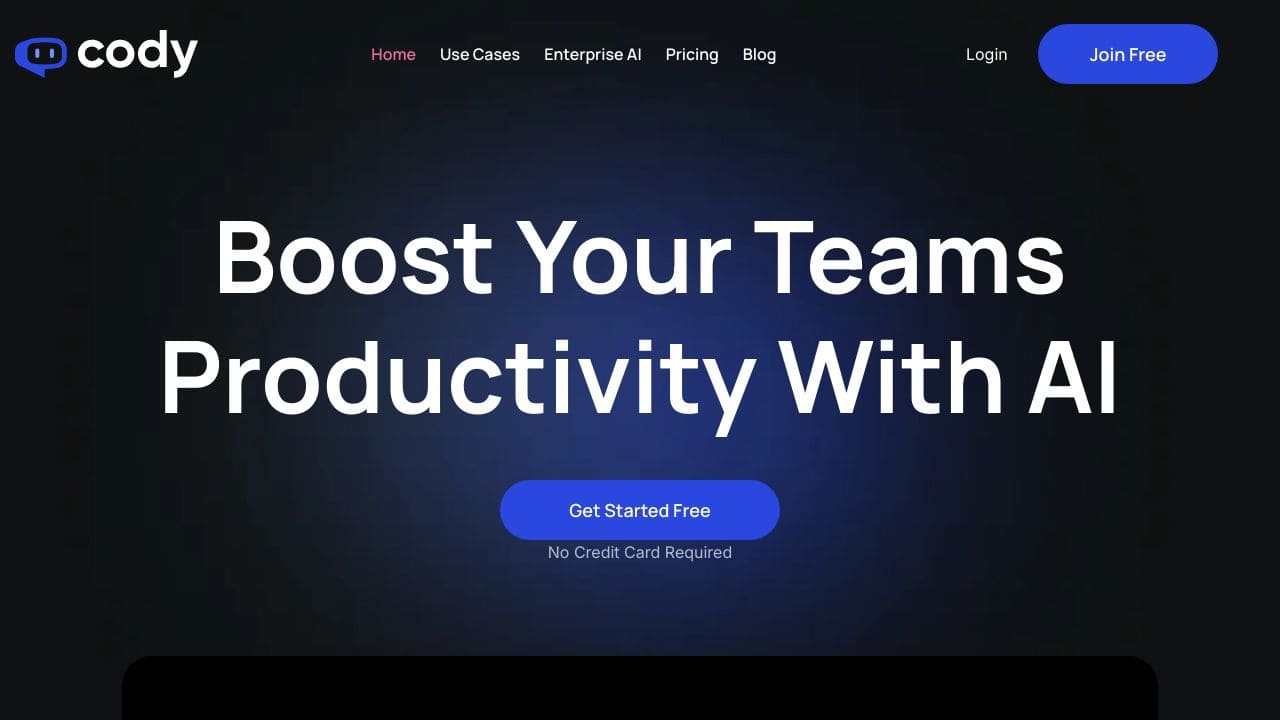
Cody is an intelligent AI assistant designed to boost your team’s productivity by acting as a virtual employee. Unlike generic AI tools, Cody can be trAIned on your business’s specific knowledge base, processes, and client interactions. It provides instant answers to business questions, troubleshoots issues, and even helps brAInstorm ideas. With over 100,000 businesses trusting Cody, it’s a strong option for companies looking to work smarter, not harder.
Cody Features
- Customizable Knowledge Base: Upload PowerPoints, PDFs, or crawl websites to build a tAIlored knowledge base.
- Instant Answers: Get precise answers in seconds without sifting through endless documents.
- Multilingual Support: Works smoothly in multiple languages for global teams.
- Source Verification: Cody provides sources for every answer, ensuring transparency.
- Advanced Security: AWS encryption and SOC II compliance keep your data safe.
- Integration: Works with tools like Slack, Discord, Zapier, and more.
- Prompt Manager & Focus Mode: TAIlor Cody’s responses and improve specificity with Scratchpad.
- Conversation Logs: Monitor interactions and filter by bot or date range for easy access.
Cody Use Cases
- Marketing AI Assistant: Generate creative marketing strategies and campAIgn ideas.
- HR Chatbot: Answer employee questions instantly, saving HR teams countless hours.
- IT Support Chatbot: Troubleshoot technical issues and guide users through challenges.
- Business Consultant: Provide strategic insights tAIlored to your business context.
- Creative AI Assistant: BrAInstorm unique concepts and ideas for creative projects.
- Sales Bot Assistant: Enhance sales strategies with AI-driven insights.
- Customer Support Chatbot: Offer instant support by interacting with your documentation.
- Translator Assistant: Provide accurate translations in multiple languages.
How Cody – AI Business Knowledge Management Compares to Alternatives
When choosing an AI chatbot tool, key factors include pricing structure, customization options, and whether it integrates with existing workflows. Cody stands out for its knowledge base focus, while alternatives may offer different strengths like CRM integration or access to multiple AI models.
| Tool | Best For | Pricing |
|---|---|---|
| Cody – AI Business Knowledge Management | Teams needing to build a customized knowledge base from uploaded documents like PowerPoints and PDFs. | Free trial available, full pricing not specified. |
| Hawil AI | Businesses wanting an AI-native CRM with voice agents alongside chat functionality. | Paid service, no free tier mentioned. |
| Amallo | Users who want to chat with various top AI models through a single interface. | Paid service, pricing details not provided. |
| Evolbot | Creating personalized AI assistants with a platform that offers a freemium model. | Freemium available, paid upgrades likely. |
Best For
- Marketing teams needing instant answers from uploaded campaign PowerPoints.
- HR departments centralizing policy documents into a searchable knowledge base.
- Founders who want to reduce repetitive internal questions about company processes.
- Customer support teams building a quick-reference database from PDF manuals.
Not Ideal For
- Businesses requiring voice agent capabilities for phone-based customer service.
- Teams needing deep CRM integration for sales pipeline management.
- Users who want access to multiple AI models beyond a single knowledge base.
Getting Started
Start by uploading 2-3 key PowerPoint presentations or PDFs that your team references frequently. Use the instant answer feature to test common questions, then gradually add more documents as you see gaps. This builds a useful knowledge base quickly without overwhelming setup.
Key Limitations to Consider
- No mentioned CRM integration, limiting use for sales-focused teams.
- Focuses on document uploads rather than real-time data connections.
- Free trial may not indicate long-term affordability for small teams.
- Lacks voice agent features compared to some competitors in the category.
Related Workflows and Tool Pairings
Cody fits into workflows where teams need quick access to internal knowledge without searching through multiple documents. It works well alongside project management tools to document processes, and pairs with communication platforms to provide instant answers during meetings. For broader implementation, consider combining it with CRM systems for customer data, though Cody itself doesn’t offer this integration. It’s particularly effective when used with document storage solutions to keep the knowledge base updated as new materials are created.
Related tools to explore: 123GPT.AI – Intelligent Support Chatbots, AI Charfriend – NSFW Chatbot Platform, AI LMS by Coursebox – AI Education Course Creator, AI Yacht Chat – Yachting Industry Assistant, AI.LS – Enhanced Chatbot Interface, AI21 Studio – AI Professional Headshot Creation, AI Chatbots tools, Customer Support tools
Conclusion
Codyis more than just an AI assistant – it’s a productivity powerhouse tAIlored to your business. With features like a customizable knowledge base, multilingual support, and solid security, Cody helps teams to work faster and smarter. Whether you’re in marketing, HR, IT, or sales, Cody adapts to your needs, providing instant answers, creative ideas, and smooth troubleshooting. Ready to transform your workflow?Get started with Cody today and experience the future of AI-driven productivity.
Pricing
Cody – AI Business Knowledge Management offers afree trial so you can test it before committing. Visit the official website for full pricing details.
Frequently Asked Questions
What is Cody – AI Business Knowledge Management?
Cody is an intelligent AI assistant designed to boost your team’s productivity by acting as a virtual employee. Unlike generic AI tools, Cody can be trAIned on your business’s specific knowledge base, processes, and client interactions..
Is Cody – AI Business Knowledge Management free?
Cody – AI Business Knowledge Management offers a free trial period. After the trial, a paid subscription is required for continued access.
What are the best Cody – AI Business Knowledge Management alternatives?
There are many AI ai chatbots tools available. Browse our AI AI Chatbots tools directory to compare features, pricing, and reviews for the best alternatives.
Last verified: April 2026
Explore more: Browse all AI AI Chatbots tools | Browse all AI Customer Support tools
