















Quick Verdict
TaskJect excels at providing essential project management features like task tracking and team collaboration in a simple, intuitive interface that avoids overwhelming complexity. Its paid-only pricing means no free tier for testing or small budgets. Small to medium teams needing straightforward project oversight without advanced AI features should consider it, especially those prioritizing clarity over cutting-edge automation.
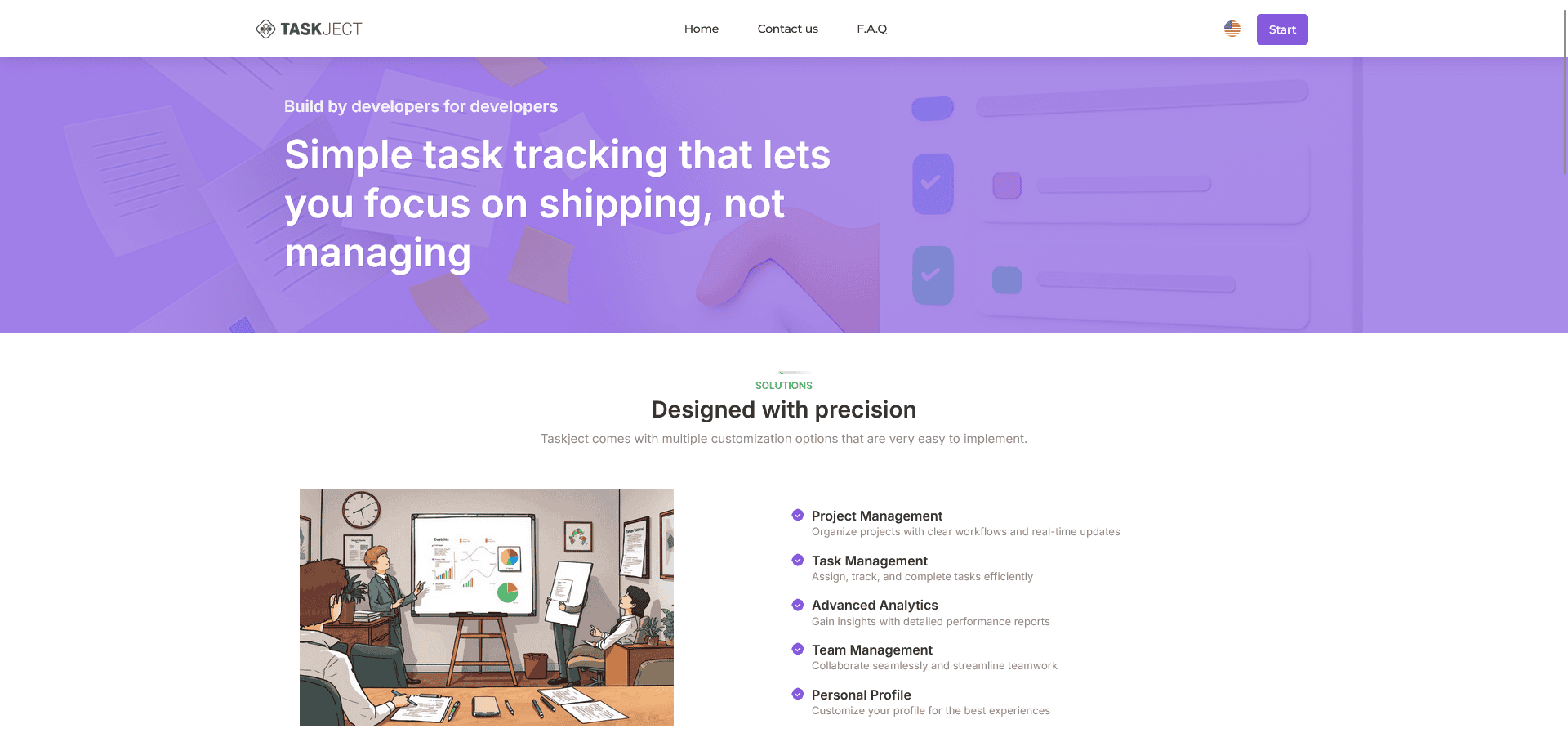
TaskJect is a project management tool designed for small and growing teams that need clarity without complexity. It combines essential features like task management, team collaboration, and performance analytics into a simple, intuitive interface.
Unlike overloaded platforms such as ClickUp, TaskJect focuses on what actually matters. We help teams to stay organized, move faster, and make better decisions. Whether you’re managing daily tasks or coordinating full-scale projects, TaskJect gives you the structure and visibility you need without unnecessary friction.
Product Highlights
- Project Management
Organize projects with clear workflows and real-time updates - Task Management
Assign, track, and complete tasks efficiently - Advanced Analytics
Gain insights with detailed performance reports - Team Management
Collaborate seamlessly and streamline teamwork - Personal Profile
Customize your profile for the best experiences

How TaskJect: Task & Project Management Tool Compares to Alternatives
When choosing Project Management tools, key factors include pricing structure, feature depth, and target team size. TaskJect competes in a space with both AI-enhanced alternatives and simpler free options, making cost and functionality critical comparison points.
| Tool | Best For | Pricing |
|---|---|---|
| TaskJect | Small growing teams wanting essential project management without complexity or AI features. | Paid only, no free tier. |
| Rickle | Teams seeking AI copilot assistance for project planning and automation. | Freemium model with free basic tier. |
| PromptDrive.ai | Users focused specifically on managing and optimizing AI prompts. | Completely free to use. |
| Tulsk.io | Teams wanting AI-driven project management with automated task suggestions. | Free tool available. |
Best For
- Small teams of 5-20 members managing multiple projects simultaneously.
- Founders or managers needing clear task assignment and progress tracking.
- Growing businesses that value performance analytics without data overload.
- Teams transitioning from basic tools like spreadsheets to structured workflows.
Not Ideal For
- Solo entrepreneurs or freelancers needing a free or very low cost solution.
- Large enterprises requiring advanced AI automation or complex integrations.
- Teams focused solely on AI prompt management or niche technical workflows.
Getting Started
Begin by creating one pilot project with your core team to map out workflows using TaskJect’s task management features. Use the advanced analytics early to set baseline performance metrics, which helps justify the paid subscription. This hands-on approach ensures you leverage its simplicity without missing key setup steps.
Key Limitations to Consider
- No free tier or trial period, requiring immediate financial commitment.
- Lacks AI features like automated task suggestions or predictive analytics.
- May not scale well for very large teams or complex enterprise needs.
- Limited to core project management without niche tools like prompt management.
Background Check on TaskJect: Task & Project Management Tool
We ran a background check on taskject.com to verify its safety, security posture, hosting infrastructure, and web history. Here are the results as of April 20, 2026.
✓ Cross Origin Resource Sharing (CORS), Redirection, X-Frame-Options
✗ Content Security Policy (CSP), Cookies, Strict Transport Security (HSTS), Subresource Integrity
Source: Mozilla Observatory report
Conclusion
If you want to keep everything under control and actually manage projects without wasting time on complex setups, TaskJect is built for you. Many tools promise flexibility but end up overwhelming teams with features they don’t need. TaskJect takes a different approach: it gives you just the right amount of structure to stay organized, while remaining simple and fast to use.
Related Workflows and Tool Pairings
TaskJect fits into project management workflows by centralizing task assignment, team collaboration, and performance tracking. It pairs well with communication tools like Slack or Microsoft Teams for real-time updates, ensuring seamless coordination. For document sharing and storage, cloud-based platforms like Google Drive or Dropbox complement its file attachment features. Additionally, time tracking software can integrate with its analytics to provide deeper insights into productivity, creating a cohesive system for small teams to manage projects from planning to completion without switching between multiple complex apps.
Related tools to explore: 2Slash – Universal AI Assistant, 4mAnalytics – AI Utility Mapping Tool, AI Assist – Product Management AI, AI Storyboard Generator – AI Easy Storyboard Creation, AIrtable AI – AI Workflow Data Management, AdCreative – Ad Creation Automation, Project Management tools
FAQs
- 1. Who is TaskJect best suited for?
TaskJect is ideal for small to medium-sized teams, startups, and product teams that need a simple but powerful way to manage projects and daily work. - 2. How is TaskJect different from other tools?
Unlike many project management platforms, TaskJect focuses on simplicity and usability while still offering essential features like analytics and flexible workflows. - 3. Is TaskJect suitable for non-technical teams?
- Yes, the interface is designed to be intuitive and easy to use for both technical and non-technical users. For technical teams we offer GitHub integration with more coming soon.
