














Quick Verdict
Snaptrude delivers specialized AI-powered 3D design capabilities that excel in generating architectural and real estate visualizations. The tool’s strength lies in its focus on professional-grade 3D content creation rather than general AI tasks. A significant limitation is the lack of transparent pricing, requiring potential users to contact sales directly. Teams and businesses needing AI-enhanced 3D modeling for real estate, architecture, or product visualization should consider this tool.
Snaptrude
- Category: 3D, AI Content Creation, AI Content Creation, Design Generators, Real Estate, Specialized AI, Visual AI Tools, Visual AI Tools
- Pricing: Contact for Pricing
- Best for: Teams and businesses needing AI 3d capabilities
What is Snaptrude?
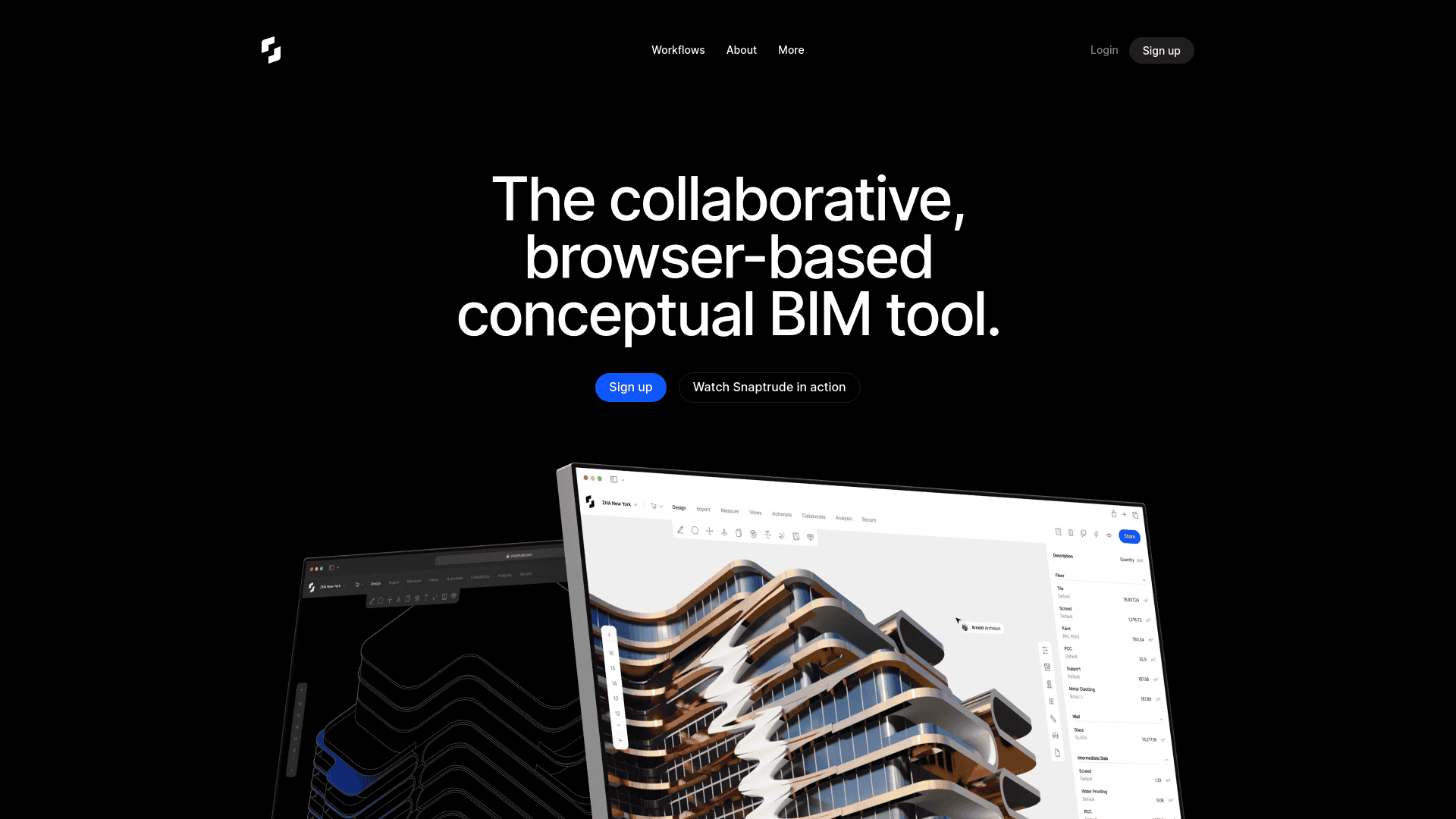
Snaptrude is a notable platform designed to improves the way architects and interior designers approach building design. By combining smart, parametric modeling with easy in-browser collaboration and strong interoperability with Revit, Snaptrude offers a smooth experience for professionals looking to sketch and model better buildings faster. Tailored for architects, interior designers, and other design professionals, Snaptrude simplifies complex tasks and enhances design AI Productivity & Automation > Workflow AI Tools > Workflows through intelligent automation and real-time collaboration.
Key Features:
Parametric Modeling and Multi Split: Automate BIM properties with features like Smart Storeys and Sketch to BIM, reducing repetitive setup tasks.
Real-Time Collaboration: Collaborate with stakeholders in real-time from any browser or device. Share models and document communication smoothly.
AI Content Creation > Visual AI Tools > 3D Rendering: Engage clients with high-definition AI Content Creation > Visual AI Tools > 3D renders of your models directly within the browser, simply by sharing a link.
Smart Labels and Spaces: Automatically assign properties such as height, appearance, and furniture placements to spaces, streamlining the design process.
Pros
Time Efficiency: Significantly speeds up the design process with intelligent automation and parametric modeling.
User-Friendly: Muscle memory shortcuts and intuitive design make it easy for users transitioning from other tools like SketchUp.
Collaborative: Facilitates real-time collaboration and feedback, ensuring all team members are on the same page.
Interoperability: Strong compatibility with Revit and other tools like AutoCAD, SketchUp, and Rhino, ensuring no data loss during imports and exports.
Cons
Initial Learning Curve: Requires some time to familiarize with advanced features and parametric design concepts.
Browser Dependency: Performance may vary depending on browser capabilities and internet connection stability.
Who is Using Snaptrude?
Architects: using Snaptrude for efficient conceptual and detailed building design.
Interior Designers: Using the tool to enhance interior layouts and spatial planning.
Developers: Employing Snaptrude for project visualization and stakeholder AI Content Creation > Visual AI Tools > Presentations.
Contractors: Utilizing the tool for accurate BoQs and site data analysis.
Uncommon Use Cases: Adopted by urban planners for cityscape modeling; used by Education & Learning AI > Educational institutions for teaching advanced design methodologies.
Pricing:
Free Tier: Experience Snaptrude with a 14-day free trial.
Disclaimer: Please note that pricing information may not be up to date. For the most accurate and current pricing details, refer to the official Snaptrude website.
What Makes Snaptrude Unique?
Snaptrude stands out with its browser-based, collaborative BIM capabilities, making it a strong option for architectural and interior design applications. Its ability to integrate smoothly with Revit and automate complex design tasks sets it apart from traditional BIM tools, offering unmatched efficiency and flexibility.
How We Rated It:
Accuracy and Reliability: 4.7/5
Ease of Use: 4.5/5
Functionality and Features: 4.8/5
Performance and Speed: 4.6/5
Customization and Flexibility: 4.7/5
Data Privacy and Security: 4.5/5
Support and Resources: 4.6/5
Cost-Efficiency: 4.4/5
Integration Capabilities: 4.8/5
Overall Score: 4.6/5
Summary:
Snaptrude excels in providing a solid, collaborative platform for building design, making it an essential tool for architects and interior designers. Its unique browser-based BIM capabilities, coupled with intelligent automation and real-time collaboration, offer an unmatched advantage in the design process.
How Snaptrude Compares to Alternatives
When evaluating 3D tools AI tools, key factors include specialization in architectural visualization, integration with existing design workflows, and transparent pricing models. Snaptrude competes in a niche where tools either offer broad AI capabilities or focus on specific 3D applications like homebuilding analytics or document extraction.
| Tool | Best For | Pricing |
|---|---|---|
| Snaptrude | Teams needing AI-powered 3D modeling for architectural visualization and real estate projects. | Contact for pricing, no public plans. |
| Blaze | Businesses seeking automated marketing AI rather than 3D design capabilities. | Paid plans available. |
| Box | Users needing cloud storage with basic collaboration, not specialized 3D AI. | Freemium model with upgrades. |
| Open House.ai | Homebuilders and developers requiring analytics for construction projects. | Contact for pricing, similar to Snaptrude. |
Best For
- Architecture firms creating 3D visualizations for client presentations.
- Real estate developers generating property models for marketing materials.
- Interior design teams prototyping room layouts with AI assistance.
- Product designers needing 3D mockups for physical goods.
Not Ideal For
- Solo creators needing free or low-cost 3D modeling tools.
- Teams requiring transparent, self-service pricing without sales contact.
- Users seeking general AI content creation beyond 3D visualization.
Getting Started
Begin by clearly defining your 3D project requirements before contacting Snaptrude for pricing. Prepare examples of existing designs or sketches to help their team understand your needs. This will streamline the onboarding process and ensure you get accurate cost estimates.
Key Limitations to Consider
- No public pricing information requires contacting sales for every quote.
- Focuses specifically on 3D visualization rather than broader AI content creation.
- May have limited integration with non-architectural design software.
- Requires professional 3D design knowledge to maximize AI features.
- Lacks freemium or trial options for testing before commitment.
Pricing
Snaptrude uses custom pricing. Contact their sales team for a quote tailored to your needs.
Related Workflows and Tool Pairings
Snaptrude fits into professional design workflows where 3D visualization is a critical component. Architects typically use it after initial sketches to create detailed models for client presentations. Real estate teams integrate Snaptrude models into marketing campaigns to showcase properties before construction. This tool pairs well with project management platforms that track design revisions and client feedback. It also complements rendering software that adds lighting and textures to 3D models. For complete workflows, teams often connect Snaptrude with CRM systems to manage client interactions around visual presentations.
Related tools to explore: Blaze – AI That Does Marketing for You, Box, AI Home Design – AI Virtual Staging Renovations, AI HomeDesign – Smart Realty Designer, AI Virtual Staging – AI Real Estate Staging, AIPEX Virtual Concierge – Smart Hospitality Assistant, 3D tools, AI Content Creation tools
Frequently Asked Questions
What is Snaptrude?
Snaptrude is a notable platform designed to improves the way architects and interior designers approach building design. By combining smart, parametric modeling with easy in-browser collaboration and strong interoperability with Revit, Snaptrude.
Is Snaptrude free?
Snaptrude uses custom pricing. Contact their sales team directly for a personalized quote.
What are the best Snaptrude alternatives?
There are many AI 3d tools available. Browse our AI 3D tools directory to compare features, pricing, and reviews for the best alternatives.
Last verified: April 2026
Explore more: Browse all AI 3D tools | Browse all AI AI Content Creation tools
