














Quick Verdict
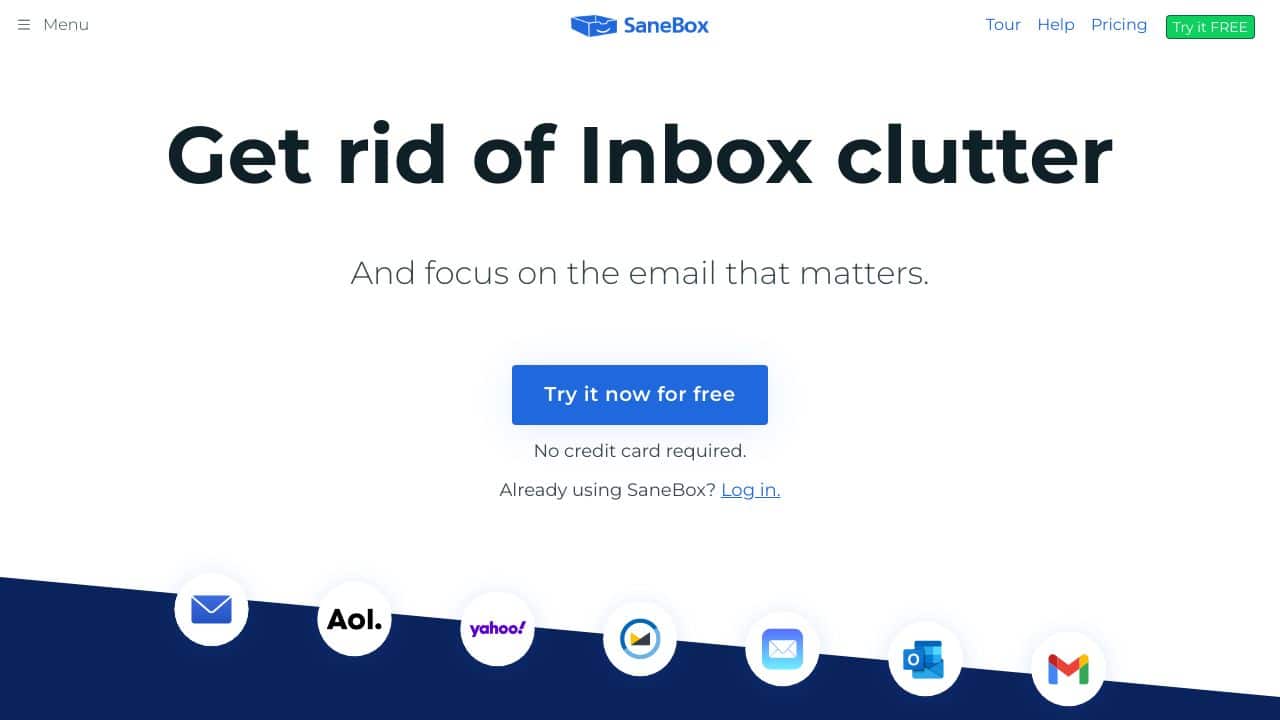
SaneBox excels at automatically organizing your inbox using AI to categorize emails into folders like SaneLater and SaneNews. One limitation is its paid-only model, which may deter budget-conscious users. Teams and businesses needing reliable email prioritization without manual rules should consider this tool for reducing inbox clutter.
SaneBox – AI EmAIl Organizer
- Category: Email Assistant
- Pricing: Paid
- Best for: Teams and businesses needing AI email assistant capabilities
Background Check on SaneBox – AI EmAIl Organizer
We ran a background check on www.sanebox.com to verify its safety, security posture, hosting infrastructure, and web history. Here are the results as of April 19, 2026.
- Server: cloudflare
- Hosting: CLOUDFLARENET – Cloudflare, Inc., US
- SSL Certificate: WE1 (certificate age: 14 days)
- Domain Age: ~13 years (4,772 days)
Source: urlscan.io scan report
✓ Cookies, Cross Origin Resource Sharing (CORS), Redirection, Referrer Policy, Strict Transport Security (HSTS), X-Content-Type-Options
✗ Content Security Policy (CSP), Subresource Integrity
Source: Mozilla Observatory report
What is it?
SaneBox is a modern AI-driven emAIl management tool that alleviates users from the hassle of organizing their emAIls. It features impressive sorting, snoozing, and categorization options designed to save the average individual approximately 2.5 hours each week. The entire service operates without the need for installation or can be used directly with your preferred emAIl client.
SaneBox Features
Here are some standout features of SaneBox that enhance your emAIl experience and productivity.
DoNotDisturb
This exclusive feature allows users to temporarily silence emAIl alerts for a custom period. It includes personalized rules to ensure that emAIls from important clients are still received during the notification block. Furthermore, you can schedule emAIl alerts for specific hours, allowing for focused work time.
SaneBlackHole
Are you fed up with receiving emAIls from certAIn senders? Just drag these emAIls into the SaneBlackHole folder, and all future correspondence from them will be automatically routed there, eliminating unwanted interruptions.
SaneReminders
To help you never overlook a crucial emAIl or task, the SaneReminders feature allows you to set notifications for yourself. These reminders will appear within your emAIl client, ensuring you stay on track. They can also be synchronized with your Google Calendar for smooth planning.
SaneSnooze
Not every emAIl demands immediate attention, and that’s where SaneSnooze comes into play. This feature organizes emAIls into designated folders based on your chosen timeframe, whether that be a day, a week, or a month, allowing you to address them at your convenience.
EmAIl Deep Clean
It can be surprisingly easy to reach your emAIl storage limit, especially with large attachments. This remarkable feature analyzes your emAIls over a set period, identifies unnecessary ones, and helps you delete messages from senders who are no longer relevant.
SaneAttachments
With SaneAttachments, you can separate your emAIl attachments from regular conversations. This feature automatically stores files in a cloud service such as Dropbox or Google Drive, streamlining your emAIl management process.
SaneDigest
While filtering your inbox is beneficial, forgetting to review filtered emAIls can be frustrating. SaneDigest provides a user-friendly overview of unopened emAIls, enhancing your ability to stay organized and on top of your correspondence.
SaneBox FAQ
How does SaneBox integrate with my emAIl client?
Integrating SaneBox with your preferred emAIl client is simple and can be accomplished in just a few clicks. It works smoothly with various platforms, ensuring a smooth user experience.
Can I customize the features within SaneBox?
Yes, SaneBox allows users to customize settings according to their unique preferences. You can adjust notification times, categorization rules, and other features to tAIlor it to your needs.
Is SaneBox suitable for older users who are not tech-savvy?
Absolutely! SaneBox simplifies emAIl management, making it user-friendly for older individuals who may struggle with modern technology. The intuitive interface helps to reduce stress and improve productivity.
What types of emAIl accounts can I connect to SaneBox?
SaneBox can be easily integrated with any emAIl client that supports IMAP or other popular services like GmAIl, Yahoo! MAIl, and Microsoft 365. This ensures broad compatibility for various users.
How SaneBox – AI EmAIl Organizer Compares to Alternatives
When evaluating AI Email Assistant toolss, key factors include automation depth, integration with existing email clients, and cost structure. SaneBox focuses on inbox organization, while alternatives may prioritize different aspects like engagement or voice features.
| Tool | Best For | Pricing |
|---|---|---|
| SaneBox | Teams and businesses needing AI-driven email categorization and prioritization. | Paid plans only, no free tier. |
| Chorde | Users who want to send voice recordings directly from Gmail or Outlook. | Paid service for voice features. |
| Swift Missive | Marketers seeking to boost email engagement with AI writing assistance. | Free tool for engagement enhancement. |
| CalBot | Executives needing an AI assistant for scheduling and meeting management. | Paid AI executive assistant. |
Best For
- Teams overwhelmed by high email volume needing automatic sorting.
- Business professionals who want important emails highlighted automatically.
- Users seeking to reduce time spent on manual email organization.
- Organizations needing consistent email prioritization across team members.
Not Ideal For
- Solo users on a tight budget who need free email tools.
- Teams primarily needing email list management or validation features.
- Users who want voice recording capabilities within their email client.
Getting Started
Start by connecting SaneBox to your primary email account and let it run for a week to learn your habits. Review the suggested folders like SaneLater to train the AI on what you consider important. Set up custom rules only after this initial learning period for best results.
Key Limitations to Consider
- No free tier available, requiring immediate financial commitment.
- Focuses on organization rather than email writing or engagement features.
- May require initial training period for optimal AI categorization accuracy.
- Limited integration with non-email productivity tools out of the box.
Related Workflows and Tool Pairings
SaneBox fits into email management workflows by handling the initial sorting and prioritization of incoming messages. After SaneBox organizes emails into categories, users can pair it with calendar management tools to schedule follow-ups from important messages. It also works well with task management systems where emails need to be converted into actionable items. For comprehensive email marketing, combine SaneBox with analytics platforms to track response patterns from organized folders. Project management tools complement SaneBox by allowing teams to share categorized email insights directly into task boards.
Related tools to explore: AI MAIl Assistant – EmAIl Productivity Tool, AIWillyRater – Adult Image Rater, AImReply – AI EmAIl Composer, AIrepli – Text Response Generator, AIzonix – Facebook and Instagram Chatbot, ActiveCampAIgn – AI EmAIl Marketing CRM, Email Assistant tools
Conclusion
In summary, SaneBox offers a
Pricing
SaneBox – AI EmAIl Organizer is apaid AI email assistant tool. Visit the official website for current pricing plans and details.
Last verified: April 2026
Explore more: Browse all AI Email Assistant tools
