


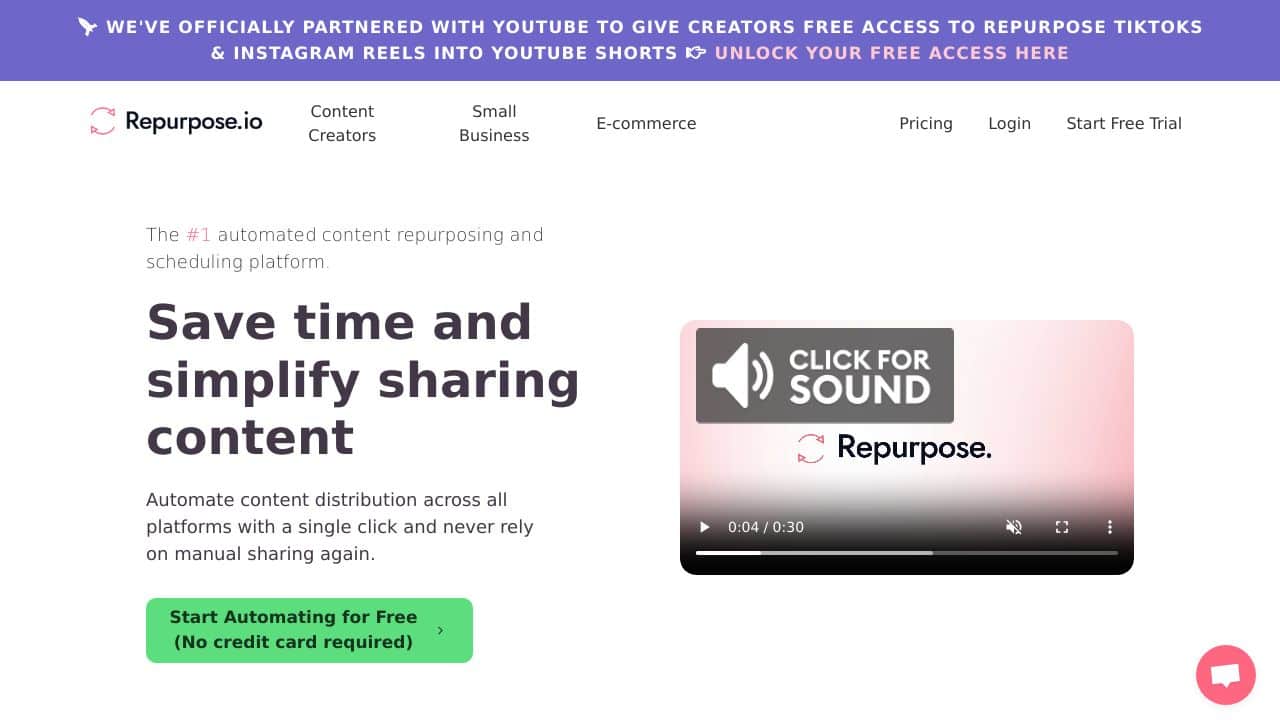









Quick Verdict
Repurpose.io excels at creating automated workflows for repurposing video content across multiple platforms, saving teams significant manual effort. Its limitation is the paid pricing model, which may deter individual creators or those with minimal content volume. This tool is best for marketing teams, agencies, and businesses that regularly produce video content and need to distribute it efficiently. Consider it if you value workflow automation over basic editing features.
Repurpose.io – Content Repurposing Hub
- Category: Video Editing, Workflows
- Pricing: Paid
- Best for: Teams and businesses needing AI video editing capabilities
Background Check on Repurpose.io – Content Repurposing Hub
We ran a background check on repurpose.io to verify its safety, security posture, hosting infrastructure, and web history. Here are the results as of April 19, 2026.
- Server: cloudflare
- Hosting: CLOUDFLARENET – Cloudflare, Inc., US
- SSL Certificate: WE1 (certificate age: 2 days)
- Domain Age: ~9 years (3,352 days)
Source: urlscan.io scan report
✓ Cookies, Cross Origin Resource Sharing (CORS), Redirection, X-Content-Type-Options, X-Frame-Options
✗ Content Security Policy (CSP), Strict Transport Security (HSTS), Subresource Integrity
Source: Mozilla Observatory report
What is it?
This product is an AI-driven platform designed for repurposing and distributing video and audio content. It AIms to assist content creators in enhancing their visibility and audience interaction by automatically transforming their content into various formats and sharing it across multiple channels.
Product Features
Here are some noteworthy features that make this platform stand out for creators. These functions streamline the content creation process and provide insightful analytics.
Automated Repurposing
This feature automatically alters content into different formats and disseminates it across various channels, saving creators significant time and effort.
Intuitive Platform
The interface is crafted to be user-friendly and strAIghtforward, allowing creators to swiftly transform and share their content without any hassle.
Powerful Analytics
With advanced analytical tools, the platform provides valuable insights, enabling content creators to monitor their performance effectively.
Integrations and APIs
This platform offers an impressive collection of integrations and APIs, facilitating creators in enhancing their reach and interaction across diverse networks.
Device and OS Compatibility
Designed to work smoothly across various devices and operating systems, it ensures easy accessibility and usage for all creators.
Smart Scheduling
This feature helps content creators to schedule the automatic repurposing and distribution of their work, ensuring timely posting without manual intervention.
Product FAQ
What types of content can be repurposed?
The platform supports a variety of content types, including video, audio, and text, effectively catering to different creator needs.
Is the platform easy to use for beginners?
Yes, the design is intuitive enough for beginners to navigate effortlessly, making it suitable for those new to content repurposing and distribution.
Can I track my content’s performance?
Absolutely! The platform’s powerful analytics feature allows you to evaluate how well your content is performing across different channels.
What integrations does the platform offer?
This platform features a wide range of integrations with popular social media and content platforms, maximizing your content’s outreach.
How Repurpose.io – Content Repurposing Hub Compares to Alternatives
When choosing Video Editing tools and repurposing tools, key factors include automation capabilities, platform integrations, and cost structure. Repurpose.io stands out for workflow automation, while competitors may focus on specific niches like viral content or captioning. Understanding your primary need helps select the right tool.
| Tool | Best For | Pricing |
|---|---|---|
| Repurpose.io | Teams needing automated workflows to repurpose video content across multiple platforms efficiently. | Paid subscription model. |
| Pykaso | Creators aiming to generate viral AI influencer content quickly for social media. | Paid service. |
| FraimeBot | Users wanting a free tool to create memes from video clips or images. | Free platform available. |
| ByteCap | Individuals or teams needing AI powered video captioning and subtitle generation. | Paid tool for captions. |
Best For
- Marketing teams distributing video content to YouTube, LinkedIn, and Instagram.
- Agencies managing multiple client video campaigns with consistent repurposing needs.
- Businesses with regular webinar or podcast recordings to convert into clips.
- Content creators aiming to automate social media posting from long form videos.
Not Ideal For
- Solo creators on a tight budget needing free editing tools.
- Users requiring advanced video effects or complex editing features.
- Teams that only produce text or image based content without video.
Getting Started
Begin by mapping out your current content distribution channels to identify repetitive tasks. Set up a simple workflow in Repurpose.io, such as auto posting YouTube videos to LinkedIn, to test automation before scaling. Use the platform’s templates to save time on initial configuration.
Key Limitations to Consider
- Requires a paid subscription, which may not suit budget constrained individuals.
- Focuses on repurposing workflows rather than deep video editing features.
- May have limited customization for niche platforms not in its integration list.
- Automation depends on stable source content formats and consistent uploads.
Related Workflows and Tool Pairings
Repurpose.io fits into a content production workflow by handling the distribution phase after video creation. It automates tasks like clipping, reformatting, and posting, freeing time for strategy and creation. Complementary tool types include video recording software for capturing original content, such as webinar platforms or screen recorders, and analytics tools to track performance across repurposed posts. For teams, project management tools can help coordinate content schedules before automation kicks in. This integration ensures a seamless flow from production to multi platform engagement without manual bottlenecks.
Related tools to explore: 2short.AI – Shorts Clip Generator, AI Face Swap – Seamless Face Swapper, AI Facefy – Face Swap Creator, AI Storyboard Generator – AI Easy Storyboard Creation, AISaver – Video Downloader & Face Swap, AIvideocreator.com – Video Template Generator, Video Editing tools, Workflows tools
Conclusion
In summary, this AI-driven platform provides a comprehensive solution for content creators looking to optimize their reach through automated repurposing and distribution. It caters well to both newcomers and experienced creators, although those who prefer a highly customized approach may find it less suitable.
Pricing
Repurpose.io – Content Repurposing Hub is apaid AI video editing tool. Visit the official website for current pricing plans and details.
Last verified: April 2026
Explore more: Browse all AI Video Editing tools | Browse all AI Workflows tools
