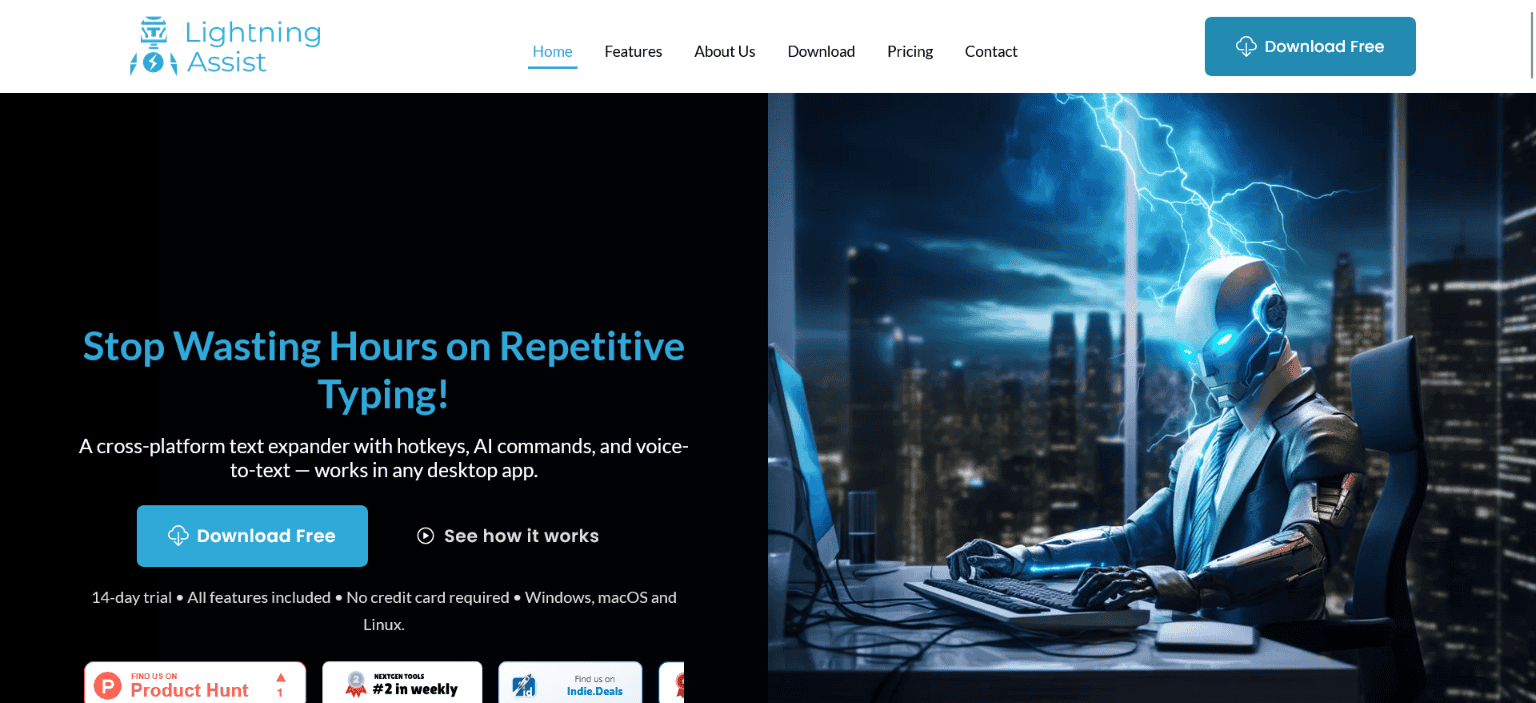






Lightning Assist is a cross-platform text expander and productivity tool that helps you stop wasting hours on repetitive typing. Whether you’re in email, docs, chat, or code, you get instant text expansion with shortcuts, AI-powered rewrite and translate, and push-to-talk speech-to-text—all from your desktop.
Create reusable “resources” (templates, snippets, signatures, support replies) and trigger them with hotkeys. Use AI to generate new resources or to improve, shorten, or translate any selected text in-place (AI Enhance, AI Command window). Company plans let you share resources and keep templates consistent across your organization. Speak instead of type with optional voice-to-text that works in any app. Lightning Assist runs natively on Windows, macOS, and Linux, with a 14-day free trial, no credit card required. It’s built for founders, support teams, writers, admins, and developers who want to work smarter and get hours back every day.
Product Highlights
• Instant text expansion – Shortcuts expand into full templates, snippets, and replies in any app.
• Company plans – Share resources and keep templates consistent across your organization.
• AI-powered commands & resource generation – Create resources with AI, or rewrite, translate, and improve selected text in-place (AI Enhance, AI Command window).
• Push-to-talk speech-to-text – Dictate in any desktop app; transcription is inserted right where you’re typing.
• Cross-platform – One product for Windows, macOS, and Linux with the same features everywhere.
• 14-day free trial – Full access, no credit card; then choose Free (limited resources) or Premium.
Lightning Assist Features
Text expansion & resources
You create “resources”—reusable blocks of text such as email templates, signatures, support replies, or code snippets. Each resource has a unique key and optional hotkey. When you trigger it (via hotkey or search), the text is pasted right where you’re typing. You can also define multiple “replacements” (variations) and pick the one you need at insertion time. Everything works in any app: Gmail, Outlook, Slack, Word, VS Code, terminal, and more.
Company plans
Company plans let you collaborate with your team: share resources, use company-wide libraries, and keep snippets and templates consistent across the organization. A Company Admin can invite and manage users; everyone gets access to approved resources so teams can scale the same workflows without re-creating content.
AI Enhance, AI Command window & resource generation with AI
Use AI to create new resources from a description (e.g. “professional follow-up email”) or to edit existing ones. In any app, select text and trigger “AI Enhance” or open the AI Command window with clipboard content for tasks like translate, formalize, shorten, or rewrite—then paste the result back. Rich text from Gmail or Word is preserved where possible. AI usage is metered via an optional AI Credits system.
Speech-to-text (push-to-talk)
Lightning Assist includes optional desktop speech-to-text. You hold a key to record, release to transcribe. The transcribed text is inserted right where you’re typing in the active app. It uses a robust speech model for accuracy and works in any desktop application—email, docs, chat, code editors—so you can speak instead of type when it’s faster.
Security and flexibility
Your data is stored and processed with attention to security; the app is designed so you keep control of your content. Customizable hotkeys, resource examples, and a 14-day trial let you try the full experience before subscribing.
Conclusion
Lightning Assist is built for anyone who types a lot and wants to reclaim time: support agents answering the same questions, founders sending similar emails, writers reusing phrases, and developers reusing code or docs. By combining instant text expansion, Company sharing, AI-powered resource generation and edits (AI Enhance, AI Command), and optional speech-to-text in one cross-platform desktop app, it removes repetitive typing and context-switching without locking you into a single tool or OS.
You start with a 14-day free trial and no credit card. After that, you can stay on a free tier with a limited number of resources or upgrade to Premium for unlimited resources, AI features, and team collaboration. If you’re ready to stop wasting hours on repetitive typing and work smarter in any app, Lightning Assist is built for you.
FAQs
What is Lightning Assist?
Lightning Assist is a text expander for desktop (Windows, Mac, Linux). You create shortcuts and templates (“resources”) that expand into full text in any app—or generate them with AI. It offers AI Enhance and the AI Command window for rewrite/translate in-place, optional push-to-talk speech-to-text, and Company plans for shared resources. You type less and stay in flow.
How do I get started?
Download the app from lightning-assist.com, sign up, and you get a 14-day Premium trial with no credit card. Create a few resources (or generate them with AI), assign hotkeys, and start pasting. You can add AI and speech-to-text credits from settings when you’re ready.
Does it work in every app?
Yes. Text expansion, AI Enhance, AI Command, and speech-to-text are designed to work in any desktop application—email clients, word processors, browsers, chat apps, code editors, and terminals—by writing where you’re typing.
How does pricing work?
After the 14-day trial, you can use the Free tier (limited number of resources) or subscribe to Premium for unlimited resources, AI features, and team collaboration. AI usage is metered with optional AI Credits. See lightning-assist.com/pricing for current plans.
Can my team use it?
Yes. Premium and company plans support team collaboration: shared resources, company-wide libraries, and consistent snippets and templates across the team. Contact [email protected] for company setup.